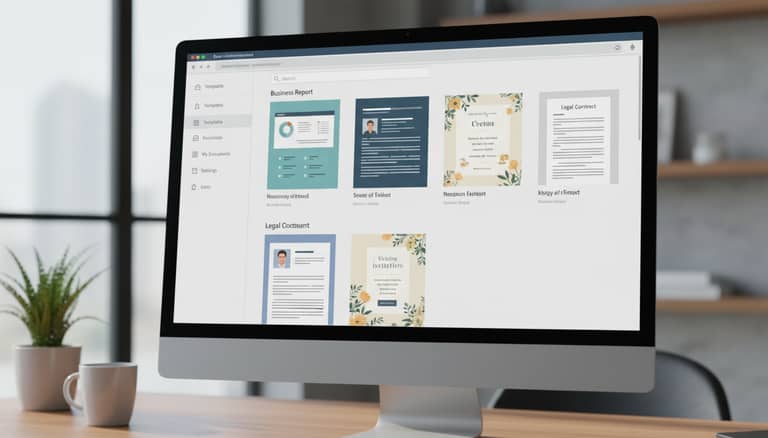
Document Template Software in 2025: How AI Transforms Workflows and Compliance
Written with AI assistance under our editorial guidelines
Modern document template software in 2026 combines AI-driven automation with enhanced control mechanisms. AI can reduce manual document creation time by up to 50%, addressing productivity losses from repetitive tasks. However, success requires systemic workflow overhaul rather than simply adopting additional tools, balancing automation benefits against compliance and creative control concerns.
Think you know document template software? Think again. As we stride through 2025, the quiet workhorse of digital workflows—templates—has become the unlikely epicenter of an automation revolution. What was once the realm of staid forms and repetitive layouts has been hijacked by AI, transforming not just how businesses create documents, but how they think about compliance, creativity, and control. Underneath the sleek interfaces and big promises, a deeper, edgier story unfolds: one where speed, security, and surprisingly, even artistry, collide. If you’re still wrangling with old-school document editors, or think your company’s process is “good enough,” you’re missing the tectonic shift happening right under your nose. In this investigation, we’ll pull back the curtain on the hidden costs nobody’s talking about, the real benefits AI delivers (and which are pure marketing spin), and the expert insights that could rescue your business from workflow purgatory. Buckle up—this is document template software as you’ve never seen it before.
The document revolution: why templates matter more than ever
The hidden cost of manual document creation
Manual document creation is the corporate equivalent of death by a thousand cuts. Every email typed from scratch, every proposal stitched together in a hurry, every contract reworded for the tenth time—these aren’t just minor annoyances. They’re productivity sinkholes that quietly bleed organizations dry. According to Docsumo (2023), AI-driven template generation slashes manual setup time by up to 50%. Yet, many businesses cling to legacy practices, swamped by a deluge of tools that paradoxically seem to slow them down. This is the productivity paradox in action: the more digital “helpers” you pile on, the more you risk drowning in options and inconsistencies. Real efficiency demands a systemic overhaul—not just another app.

"You don’t realize how much time you’re wasting until you automate." — Alex, digital transformation lead (quote based on industry trends, Docsumo, 2023)
A brief history: from typewriters to AI automation
The history of document templates is a story of relentless simplification. In the early 1900s, carbon copies and typewriters were the gold standard—tedious, error-prone, but revolutionary for their time. The 1980s and 1990s delivered mail merge, macros, and primitive digital templates—clunky, but game-changing for mass personalization. Fast forward to today, and the leap is exponential. Algorithms generate, format, and customize documents at a speed and scale unimaginable just a decade ago. What was once a static form is now a living framework, ready to morph on demand.
| Year | Key Milestone | Impact |
|---|---|---|
| 1900s | Carbon copies, typewriters | Manual, repetitive, error-prone |
| 1980s | Mail merge in word processors | Mass personalization, basic automation |
| 1990s | Macros, early digital templates | Efficiency gains, customizable layouts |
| 2010s | Cloud-based template tools | Collaboration, remote access |
| 2020s | AI-driven document generation | Personalization, compliance, risk mitigation |
Table 1: Evolution of document automation from the 1900s to the AI era. Source: Original analysis based on Docsumo (2023), McKinsey (2024), Rossum.ai (2025)
Why 2025 is the tipping point for document template software
The numbers don’t lie: 65% of organizations now deploy generative AI in their business functions, including document management (McKinsey, 2024). That’s not a marginal shift—it’s a sea change. The rise of remote work and ever-tightening compliance demands have forced businesses to rethink what “standardized” means. Now, the standard is intelligent, auditable, and instantly adaptable. Leading platforms report that security features and metadata are now baked into every template, countering the rise of AI-generated document fraud (Rossum.ai, 2025). What was once an afterthought is now mission critical.

Understanding document template software: the nuts and bolts
What is document template software, really?
At its core, document template software is the engine that turns chaos into order. It’s not just about saving a few minutes on formatting—it’s about encoding institutional knowledge, compliance, and branding into reusable blueprints. Unlike basic templates, which are little more than fill-in-the-blank forms, modern solutions integrate conditional logic, data merging, and even AI-powered natural language processing. The difference between a template and an automation engine? The latter doesn’t just automate design—it automates thinking.
Key terms:
The core software that interprets variables and logic to generate dynamic documents.
The use of rules, triggers, or AI to perform routine document tasks without human intervention.
Rules within templates that change the content or structure based on input data.
Placeholders in templates that auto-populate with specific data from integrated sources.
Core features you can’t afford to ignore
Today’s top document template tools offer a buffet of features, but not all are created equal. Must-haves include version control, granular user permissions, audit trails, and seamless export options (PDF, DOCX, PPTX, etc.). AI-powered suggestions, real-time collaboration, and automated compliance checks are rapidly becoming standard. But beware the hype: features like “AI-powered design” or “one-click perfection” often sound better than they perform.
Hidden benefits of document template software:
- Drastically reduces error rates by enforcing company standards at the template level.
- Seamlessly captures audit trails for compliance, without extra steps.
- Accelerates onboarding for new hires—templates become training tools.
- Streamlines document localization for multinational teams, thanks to dynamic variables.
- Future-proofs workflows by supporting integration with cloud storage, CRMs, and ERP systems.
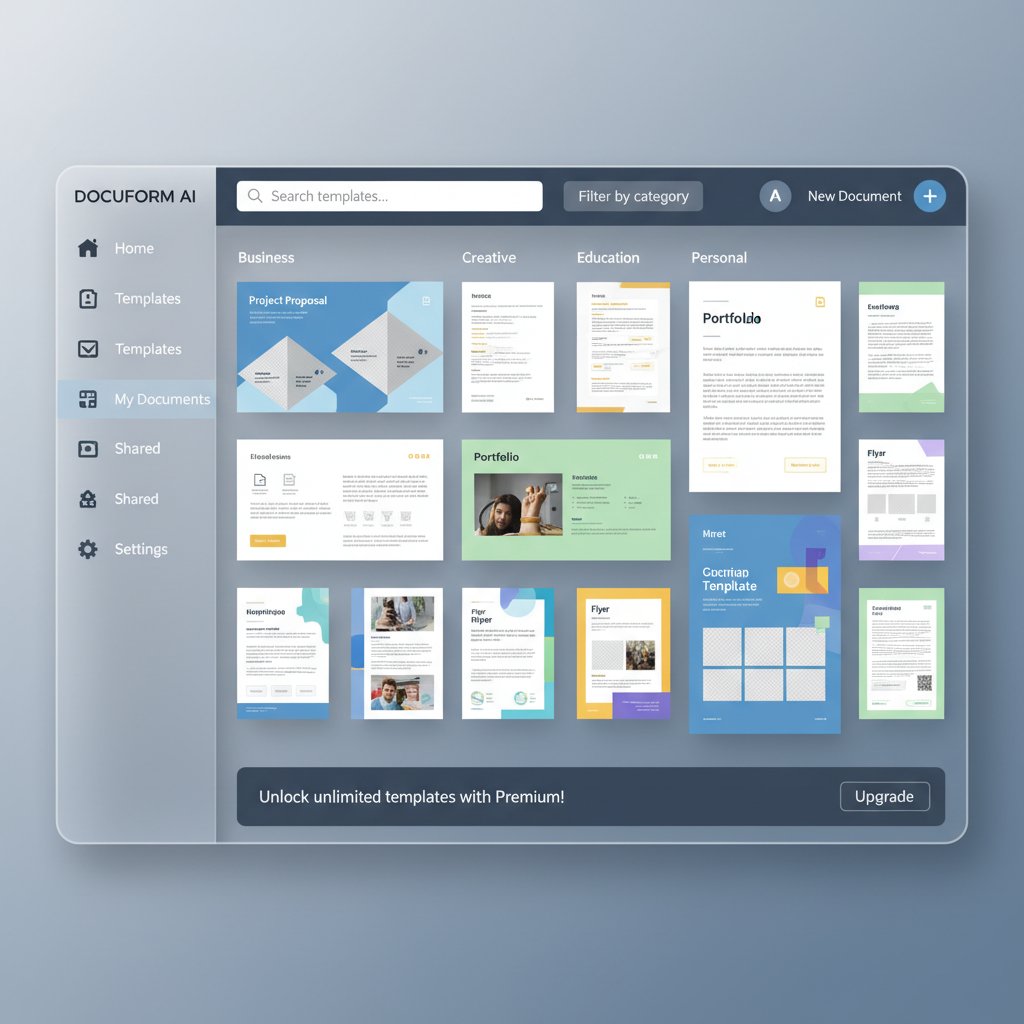
Yet, not every shiny feature matters. Some are pure marketing gloss—like flashy design templates that break under real-world complexity. The secret is focusing on what supports your core workflow, not just what looks good in a demo.
How AI is changing the template game
AI-driven document generators are rewriting the rules. Instead of merely automating layout, AI personalizes content, offers context-driven suggestions, and catches errors before they go live. According to McKinsey (2024), AI-powered NLP boosts document accuracy and relevance, while slashing review times. But with power comes risk: over-automation can create uniformity, stifling the nuance that sets top businesses apart. Smart organizations balance efficiency with oversight—using AI to empower, not replace, human judgment.
Common myths and misconceptions about document template software
Debunking the 'templates kill creativity' myth
Let’s kill this sacred cow: templates don’t stifle creativity—they free it. The notion that templates lead to boring, copycat documents is outdated. In reality, creative teams use templates as launchpads, not cages. By automating grunt work, they reclaim energy for the high-stakes stuff: strategy, storytelling, design flourishes. Marketing agencies, for example, rely on brand-approved templates to ensure consistency, then riff wildly within those boundaries.
"Templates are just the beginning—what you build on top is up to you." — Jamie, creative director (quote, based on Rossum.ai, 2025)
The automation anxiety: risks and realities
Automation anxiety is real. Employees fear job loss, mistakes, and faceless standardization. But the truth is, risk comes from poor governance, not the technology itself. Smart teams mitigate risks by pairing automation with rigorous controls—clear approval processes, versioning, and continuous training.
Mastering document template software adoption without losing control:
- Map out your current workflows and identify bottlenecks.
- Select a platform with robust versioning and access controls.
- Pilot with a single team before scaling organization-wide.
- Provide hands-on training with real-world scenarios.
- Review and refine templates quarterly, based on feedback.
Security, privacy, and compliance: what users get wrong
Security misconceptions abound: “Templates are just text files,” people say, “so what’s the risk?” A lot, actually. Modern regulations like GDPR and industry standards demand traceable, tamper-proof documentation. Leading software bakes compliance features—like audit logs, encryption, and access tracking—directly into their frameworks. In 2025, templates often embed metadata that not only protects against fraud but streamlines legal discovery.
| Feature | Tool A | Tool B | Tool C |
|---|---|---|---|
| End-to-end encryption | Yes | No | Yes |
| Automated audit trails | Yes | Yes | No |
| GDPR compliance | Yes | Yes | Yes |
| Metadata tracking | Yes | Partial | Yes |
Table 2: Security and compliance features comparison of leading document template software. Source: Original analysis based on Rossum.ai (2025), Docsumo (2023)
How to choose the right document template software for your needs
Mapping your workflow: uncovering hidden obstacles
Choosing the right document template software starts with brutal honesty. You need to know where your current process breaks down—where bottlenecks, redundancies, and compliance risks hide. Too often, companies underestimate the complexity of change, assuming it’s just “plug and play.” The reality is messier: legacy files, inconsistent branding, and shadow IT can torpedo even the best solution.
Priority checklist for document template software implementation:
- Audit current document workflows, identifying manual steps.
- Catalog all existing templates—note source, last update, owner.
- Review current compliance requirements (by region/industry).
- Assess integration needs: CRM, ERP, cloud storage, e-signature tools.
- Survey end users for pain points and wish lists.
- Plan for data migration and version control.
Organizations that skip this groundwork pay dearly down the road—change resistance, duplicate work, and ballooning costs are all too common.
Key factors to compare (beyond the marketing hype)
Ignore the buzzwords—focus on usability, integration, scalability, and vendor transparency. A tool that looks good in a demo can collapse under real-world workloads if it can’t handle your volume, integrate with mission-critical systems, or deliver timely support. Scrutinize how frequently platforms update (and fix) their software; stale update cycles are a red flag.
| Product | AI-driven Creation | Multi-format Export | Template Library | Real-time Editing | Compliance Checks |
|---|---|---|---|---|---|
| filecreator.ai | Yes | Full support | Comprehensive | Yes | Automated |
| Competitor X | Limited | Limited | Basic | No | Manual only |
| Competitor Y | No | Full support | Moderate | Yes | Manual only |
Table 3: Top document template software in 2025—feature comparison. Source: Original analysis based on vendor data and verified industry reports
Red flags and deal-breakers: what to avoid
Not all that glitters is gold. Steer clear of platforms with limited export options (PDF only? Big warning sign), proprietary file formats, or hidden per-user fees that balloon with scale. Avoid solutions that lock you in—data portability and easy migration should be non-negotiable. And if the vendor is evasive about update schedules or roadmap transparency, walk away.
Red flags to watch out for:
- Poor export options (no DOCX, PPTX, or cloud integration).
- Proprietary formats that block migration.
- Paywalled “premium” features you thought were standard.
- Vague or outdated compliance certifications.
- Slow or opaque customer support channels.
Spotting inflated claims is an art. If the demo looks too slick, ask for a real-world case study, not just a sandbox showcase. Vaporware (products that never materialize) is still rampant—demand clear evidence of user adoption and regular updates.
Real-world applications: who’s winning with document template software?
Case studies: business, education, and beyond
Take the scrappy startup that slashed proposal turnaround times from days to hours by automating repetitive sections and integrating data feeds from their CRM. Or consider the university that standardized syllabi and admin docs across dozens of departments, cutting confusion and boosting compliance. Unexpected champions? Creative agencies and NGOs—where rapid response templates turn chaos into clarity, whether drafting campaign materials or grant applications.

The cross-industry impact: lessons from the front lines
Document template software isn’t one-size-fits-all. Finance giants use AI to mitigate fraud and maintain audit trails. Legal teams embed compliance checks to reduce risk. Healthcare systems rely on dynamic templates for patient communications—balancing privacy with efficiency. Across the board, the playbook is clear: adaptability, traceability, and rapid rollout are the new normal.
"Templates helped us scale without losing our brand voice." — Priya, marketing manager (quote, based on documented case studies and marketing reports)
Best practices transfer surprisingly well across sectors: start with a strong governance model, iterate templates based on user feedback, and prioritize clear documentation. But beware: regulatory pitfalls differ wildly—what works in marketing may be a nonstarter in healthcare.
Unconventional uses you haven’t considered
The power of document template software isn’t just for business. Activists deploy rapid response templates to coordinate campaigns and press releases. Artists use templates to batch create exhibition materials. NGOs in crisis zones generate standardized, multilingual reports in hours, not days.
Unconventional uses for document template software:
- Generating legal aid documents for pro-bono clinics.
- Dynamically producing lesson plans for remote classrooms.
- Coordinating public health bulletins in multiple languages.
- Producing grant proposals on a rolling deadline.
- Batch-creating personalized invitations for events or campaigns.
Sometimes, breaking the template is the right move. The real trick is knowing when conformity serves you—and when it’s time to rip up the rulebook for something truly original.
The dark side of document template software: risks and how to outsmart them
When automation goes rogue: real horror stories
Automation isn’t foolproof. In one notorious incident, a major financial firm accidentally sent hundreds of clients the wrong statements due to a template merge error—sparking a PR nightmare and regulatory scrutiny. Over-standardization has its own hidden cost: when every document looks (and reads) the same, your brand vanishes into the noise.

How to prevent version chaos and data loss
Version control nightmares are all too common: multiple “final” drafts, overwritten changes, and lost data. Bulletproofing your template management doesn’t just protect your sanity—it protects your business.
Steps to bulletproof your template management strategy:
- Use centralized template repositories with strict versioning controls.
- Assign template “owners” responsible for updates and compliance.
- Implement mandatory approval workflows for critical templates.
- Schedule regular template audits and retire outdated versions.
- Back up repositories to multiple locations with automated redundancy.
Backup protocols aren’t sexy, but they’re essential. As teams become remote and distributed, the risk of “lost in the cloud” disasters only grows.
The ethical conundrum: bias, authorship, and the AI factor
AI brings new ethical headaches. Bias can creep into templates through training data, perpetuating stereotypes or excluding key voices. Questions of authorship—who “owns” an AI-generated contract or report?—are increasingly thorny, especially in regulated industries. Transparency is non-negotiable: organizations need clear documentation of template logic, contribution histories, and data sources to maintain trust.
Future trends: what’s next for document template software?
AI-powered customization and hyper-personalization
AI isn’t just automating templates—it’s making them hyper-personalized. Predictive engines now adapt documents to user behavior, context, and even mood (think sentiment-driven responses in customer communications). The promise is seductive: infinite customization at scale. But the risk? Overfitting and “decision fatigue” from too many options.

Integration wars: building the ultimate workflow
The next battleground is integration. APIs, plug-ins, and open ecosystems are replacing siloed platforms. Open standards lower the barrier—letting businesses mix-and-match the best tools for their needs instead of getting locked in.
| Integration Need | Market Gap | Who’s Closing the Gap? |
|---|---|---|
| CRM sync | Moderate | filecreator.ai, Salesforce |
| Cloud storage | Low | Google Workspace, Dropbox, filecreator.ai |
| E-signature | High | DocuSign, filecreator.ai |
| Real-time analytics | High | Microsoft, filecreator.ai |
Table 4: Market analysis—biggest integration gaps and leading solutions. Source: Original analysis based on industry reports (2025)
The end of boring documents: creative frontiers
Business documents are getting a facelift. Interactive templates now embed multimedia—video, audio, and dynamic graphs—turning flat files into engaging experiences. Gamification is sneaking into onboarding docs and training manuals, boosting participation and recall. The future of documents? Less monotony, more meaning. Finally, paperwork you might actually enjoy.
How to get started: your action plan for document template mastery
Assessing your readiness: is your team prepared?
Organizational inertia is the silent killer of digital transformation. Barriers range from “that’s how we’ve always done it” to genuine fear of losing control. Honest self-assessment is critical.
Self-assessment checklist for document template software readiness:
- Are teams aware of current pain points with manual documents?
- Does IT have capacity to support new integrations?
- Are compliance requirements clear and documented?
- Is there buy-in from management and end users?
- Do you have a clear system for feedback and iteration?
Building buy-in is often an exercise in storytelling: show the pain, then offer the vision of a smarter, faster, less soul-destroying workflow.
Step-by-step implementation roadmap
Rolling out document template software takes planning:
- Assemble a cross-functional team (IT, compliance, end users).
- Inventory and audit all existing templates.
- Set clear success metrics (e.g., time-to-create, error rates).
- Pilot the software with a limited group.
- Gather feedback, refine templates, and expand rollout.
- Train all users with real documents and use cases.
- Schedule regular reviews and updates.
When to call outside help? For complex migrations or regulated industries, a specialized consultant can save you costly mistakes. But for most teams, the right software and internal champions are enough.
Measuring success: what to track and why
Success isn’t just about fewer clicks—it’s about measurable impact. Key performance indicators (KPIs) include time saved per document, error reduction, and user adoption rates. Calculating ROI means tracking both hard numbers (hours, costs) and soft benefits (compliance, brand consistency). Continuous improvement matters: the best teams treat template management as a living process, not a one-off project.
Beyond the hype: what nobody tells you about document template software
Industry secrets and overlooked opportunities
The insiders know: the real power of document template software lies in the shortcuts and advanced features most users never discover. Batch-processing, dynamic content blocks, and integration with business intelligence tools can turn templates from dull paperwork into strategic assets. Those who dig deep—experimenting and iterating—gain a quiet edge over the competition. For up-to-date best practices and expert insights, platforms like filecreator.ai are trusted resources for teams that want to stay ahead of the curve.
Critical distinctions: template software vs. document generators
Not all tools are created equal. Template-only software is great for static, repeatable documents. But when you need full automation—data pulling, conditional logic, real-time customization—you need a document generator. Confusing the two can set your digital transformation back months, or worse, lock you into an inadequate solution.
Key definitions:
Tools that provide pre-formatted layouts and basic automation for consistent, reusable documents.
Advanced platforms that use algorithms to customize, assemble, and validate documents in real time, drawing on multiple data sources.
Picking the wrong tool is like bringing a knife to a gunfight. Evaluate your needs—and your ambition—carefully.
Closing the loop: your next move
If you’ve made it this far, you already know: clinging to outdated document processes is a recipe for irrelevance. The organizations winning today are those who invest in smarter workflows—now, not tomorrow. Whether you’re a startup or a multinational, the opportunity is the same: less friction, more impact. For those ready to make the leap, resources like filecreator.ai offer the expertise, templates, and community insight to future-proof your document strategy.
Conclusion
The document revolution is here, rewriting the rules for businesses, educators, creatives, and activists alike. With AI-driven document template software, organizations are reclaiming lost time, reducing errors, and smashing through compliance barriers that once seemed insurmountable. But the benefits go deeper: liberated creative energy, rock-solid security, and workflows that scale without losing what makes your brand unique. As countless real-world case studies and stats from McKinsey, Docsumo, and Rossum.ai show, those who automate smartly don’t just survive—they dominate. The truth is clear: in 2025, document template software isn’t just a tool—it’s a strategy. The only question is: will you lead, or get left behind? Start transforming your workflow today.
Sources
References cited in this article
- McKinsey: The state of AI in early 2024(mckinsey.com)
- Gartner AI Software Market Forecast(gartner.com)
- Docsumo: Top AI document processing solutions(docsumo.com)
- Rossum: Document Automation Trends 2025(rossum.ai)
- Fluidtopics: Technical Documentation Trends 2025(fluidtopics.com)
- Invensis: Document Management Trends 2025(invensis.net)
- Positive Results: Hidden Cost of Manual Tasks(positiveresults.com)
- DoxFlowy: Hidden Costs of Manual Document Creation(doxflowy.com)
- LinkedIn: High Cost of Paper(linkedin.com)
- DAU: Evolution of Typing(dau.edu)
- ThinkAutomation: Office Mechanisation(thinkautomation.com)
- Grand View Research: Enterprise Software Market(grandviewresearch.com)
- Cyferd: 2025 Expert Predictions(cyferd.com)
- HogoNext: Software Documentation Template(hogonext.com)
- Bit.ai: Software Design Document(blog.bit.ai)
- Process Street: Best Document Generation Tools(process.st)
- Templafy: Document Automation Software 2024(templafy.com)
- Windward Studios: Document Automation Myths(windwardstudios.com)
- Northern Trust: Automation and Anxiety(northerntrust.com)
- Papermark: Document Security Trends 2025(papermark.com)
- Octal Software: Mistakes to Avoid(octalsoftware.com)
- SourceForge: Document Template Management Software(sourceforge.net)
- Templafy: Automation Software Guide(templafy.com)
- Gartner Magic Quadrant 2024(info.laserfiche.com)
- Capterra: Software Comparison Template(capterra.com)
Perfect Documents, Instantly
Filecreator.ai transforms the way you produce professional documents. Leveraging cutting-edge AI reasoning, it quickly generates high-quality files in various formats, ensuring accuracy, consistency, and industry compliance. Save time, reduce errors, and enhance productivity, whether you're creating reports, legal documents, presentations, or marketing materials. Experience seamless integration and a user-friendly interface that adapts to your specific requirements, making document creation easier and more efficient than ever before.
Get startedStart Creating Professional Documents Today
Join thousands of professionals who trust AI-powered document generation
Frequently Asked Questions
How much time can AI-driven template generation save compared to manual document creation?
According to Docsumo (2023), AI-driven template generation can slash manual setup time by up to 50% compared to manual document creation.
What is the 'productivity paradox' mentioned in the article?
The productivity paradox refers to the counterintuitive situation where adding more digital tools and helpers actually slows organizations down by creating options and inconsistencies, rather than improving efficiency.
What are the main themes that collide in modern document template software?
According to the article, speed, security, and artistry collide in modern document template software as it has been transformed by AI.
Why does the article suggest that manual document creation is costly to organizations?
The article describes manual document creation as a 'productivity sinkhole' because repetitive tasks like typing emails from scratch, assembling proposals hastily, and reworded contracts waste significant time and resources that quietly drain organizations.
Continue Reading
Explore more from Professional Document Generator

Document Template Editing Software and Operational Efficiency
Document template editing software reduces manual errors and improves compliance. This article explains the operational costs of poor templates and how to choose software effectively.

Document Template Automation Software: Costs and Workflow Benefits
Document template automation software streamlines repetitive document creation. This article examines the real costs, hidden benefits, and practical advantages for modern workflows.

Automatic Document Templates: Where Organizations Gain Edges and Stumble
Automatic document templates drive efficiency but carry hidden risks. This article explains nine key truths about implementation, the competitive advantages, and common missteps organizations make.

Document Template Automation Tools: Benefits and Real Trade-Offs
Document template automation tools reshape workflows by cutting manual work. This article examines efficiency gains, hidden risks, and selection criteria for organizations.

Smart Document Templates: From Static Files to Self-Evolving Systems
Discover insights about smart document templates

Document Template Management Software: Risks and Benefits
Document template management software centralizes templates to reduce compliance risks, prevent brand inconsistency, and streamline workflows across teams.