


Document Drafting Automation Software That Won’t Break Your Workflow
Written with AI assistance under Professional Document Generator's editorial guidelines. Editorial guidelines
Document drafting automation software streamlines legal and business workflows by reducing manual labor and human error, though adoption faces resistance from professionals who fear job loss and complexity. Modern solutions like filecreator.ai integrate smoothly into existing processes, offering genuine efficiency gains without requiring complete workflow overhauls.
The friction between tradition and technology is rarely as raw as when the sacred art of drafting documents comes under the scalpel of automation. For legal professionals, business managers, marketers, and anyone who’s ever spent hours sweating over a report or contract, the rise of document drafting automation software isn’t just a technical shift—it’s an existential one. Forget the glossy sales pitches: beneath the buzzwords of “efficiency” and “innovation” lie hard truths, hidden costs, and seismic workplace shifts. This isn’t about the future—it’s about the radical, sometimes uncomfortable, realities being played out in boardrooms, law offices, and creative agencies right now.
In this investigation, we’ll dissect what document drafting automation software really is (and what it isn’t), expose the risks most vendors won’t mention, and deliver a brutally honest breakdown of the benefits and pitfalls of going digital in 2025. You’ll see why some professionals resist, how silent errors still haunt workflows, and how software like filecreator.ai is rewriting the rules for those bold enough to ditch the manual grind. Whether you’re a battle-hardened attorney or a startup founder, buckle up: the truth about automated document drafting is messier—and more transformative—than you’ve been told.
Why manual document drafting still haunts your workflow
The illusion of control: Why we cling to old habits
Despite the explosion of smart tools, the ritual of manual document drafting maintains a strange grip on professionals. It’s not just nostalgia—it’s a perceived sense of mastery. Many legal teams and business leaders believe that typing every clause or formatting each table by hand offers precision and control. Yet, according to research from Rossum (2025), this clinging to tradition often masks deeper fears: job security, fear of technical complexity, and a dread of losing professional identity.
"Many organizations delay automation due to job security fears and the complexity of integrating new systems. The result? Inefficiency and spiraling costs." — Rossum Document Automation Trends, 2025 (Rossum, 2025)

The illusion of control, it turns out, is just that—an illusion. Beneath the surface, manual processes are riddled with untracked errors, missed deadlines, and growing opportunity costs. The stubborn pride in handcrafted documents too often translates into long hours and diminished returns.
Hidden costs: What outdated drafting is really costing you
Manual drafting isn’t just an innocent preference; it’s a financial black hole. Current data from LLCBuddy and Erbis (2025) shows that companies relying on traditional workflows spend up to 80% more time on document creation. Factor in the direct personnel costs, overhead, and error correction, and the numbers get staggering:
| Cost Factor | Manual Drafting (Avg.) | Automated Drafting (Avg.) | Potential Savings (%) |
|---|---|---|---|
| Attorney/lawyer time | $250/hr | $75/hr | 70% |
| Drafting time per doc | 10 hours | 2 hours | 80% |
| Error correction costs | $2,000/month | $400/month | 80% |
Table 1: Cost comparison of manual vs. automated document drafting in legal and business settings.
Source: LLCBuddy Legal Document Drafting Statistics 2025, Erbis, 2025
The bottom line? Every week spent resisting automation is money and energy lost to inefficiency.
Case study: When a single error changed everything
Consider a 2024 incident at a midsized financial advisory firm. A junior associate, working late on a client contract, made a minor copy-paste error in a clause referencing regulatory compliance. The oversight went unnoticed until a regulatory audit flagged the contract, leading to a $150,000 penalty and severe reputational damage. According to Business Research Insights (2025), such errors are not rare—manual processes are statistically more prone to mistakes, especially under deadline pressure.
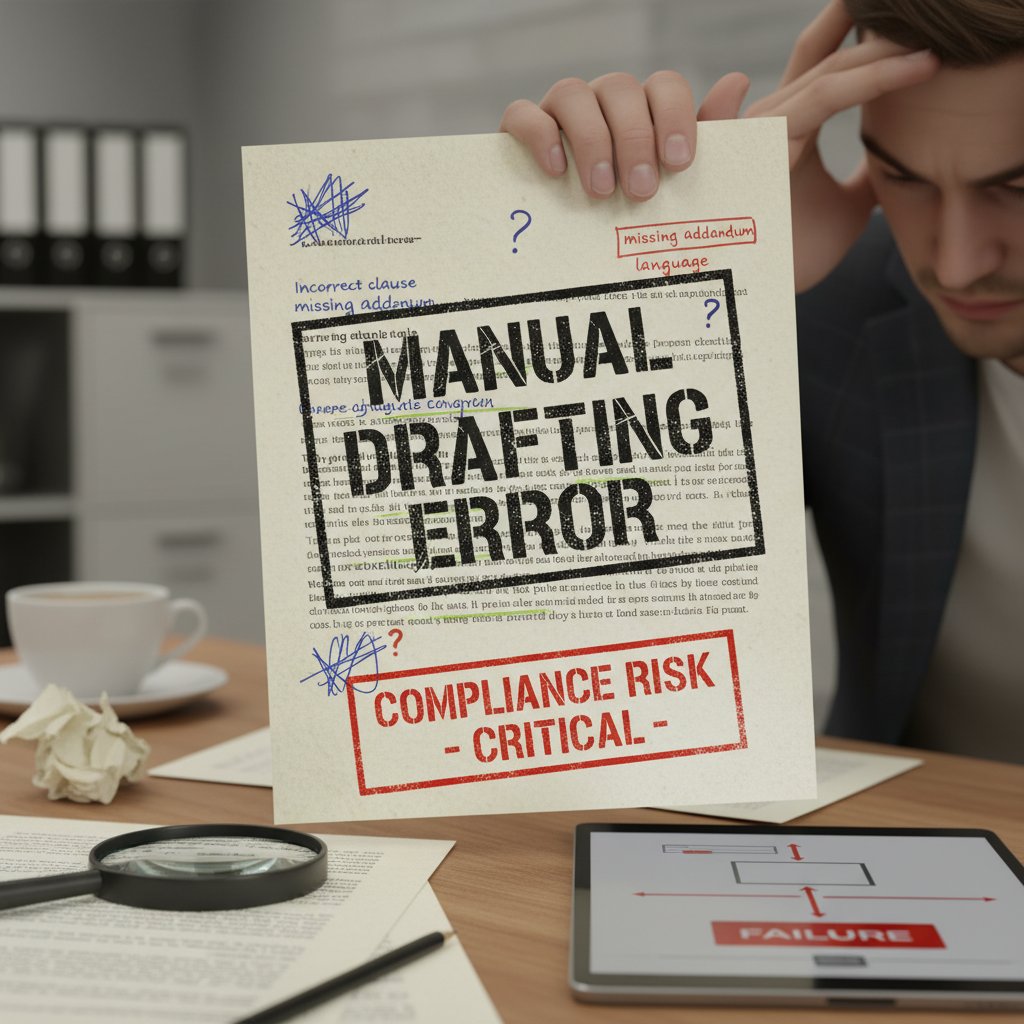
The lesson? One overlooked detail can derail months of hard work. In an era where accuracy is non-negotiable, relying on manual drafting is a gamble few can afford.
What is document drafting automation software—beyond the hype
Defining automation: Not just another buzzword
Automation isn’t just tech lingo. Today, document drafting automation software refers to systems that use templates, AI-driven reasoning, and workflow integration to generate professional documents—legal contracts, reports, presentations, or marketing collateral—faster and more accurately than any human alone could manage.
Key Definitions
The use of software tools to create, edit, and manage documents with minimal human intervention, leveraging templates and AI logic for speed, accuracy, and compliance. (Source: Gavel, 2025)
An advanced approach where artificial intelligence algorithms understand context and data inputs, crafting tailored documents that reflect organizational standards and requirements.
Tools that allow non-developers to build and customize document workflows using simple drag-and-drop interfaces, removing the traditional barriers to digital transformation.
How modern automation actually works today
The best document drafting automation software—like filecreator.ai—doesn’t just fill in blanks. It learns from previous drafts, integrates with databases, and checks compliance standards in real time. According to Gavel (2025), these platforms enable junior staff to draft complex documents, freeing senior professionals for higher-level work. AI-driven solutions perform contextual checks, recognize industry jargon, and suggest improvements—often in seconds.

This isn’t science fiction—it’s standard practice in forward-thinking firms. Integrations with CRM, HR, or financial software ensure that every document reflects the latest, most accurate data, reducing manual entry and alignment errors.
The evolution: From templates to intelligent AI
Automation isn’t stuck in the era of static templates. Let’s break down the evolution:
- Template-based drafting: Early tools offered skeleton documents—users had to fill in each field and interpret complex logic themselves.
- Rule-based automation: Next came rule engines—conditional logic allowed for more dynamic, customizable documents, but still required significant setup and human review.
- AI-powered drafting: The latest solutions use machine learning and natural language processing to understand context, suggest clauses, and even flag compliance risks automatically.
- No-code platforms: These democratize automation, letting non-technical users build complex workflows, integrate data sources, and scale expertise rapidly.
- Cloud-based collaboration: Real-time editing, remote access, and seamless sharing mean distributed teams can work together without version nightmares.
According to LawNext Directory (2025), this evolution is what’s powering the current boom in digital drafting tools—and making old excuses for manual work obsolete.
The 7 brutal truths about document drafting automation
Truth #1: Automation doesn’t fix broken processes
Here’s the inconvenient reality: deploying automation over a dysfunctional workflow only amplifies the chaos. As highlighted by Rossum’s 2025 report, poorly integrated tools can cause data breaches, operational confusion, and regulatory headaches.
- Automation magnifies existing inefficiencies—if your process is flawed, expect faster, larger mistakes.
- Security gaps widen—AI-generated documents can introduce new vulnerabilities if not properly secured.
- Lack of standardization leads to inconsistent results—without clear templates and guidelines, automation becomes unpredictable.
- Human oversight remains critical—compliance and quality checks can’t be fully delegated to machines.
- Integration pitfalls—rushed implementation with legacy systems can result in data silos and process breakdowns.
Truth #2: Not all software is created equal
The market is a minefield of tools promising the moon. But, as Gavel (2025) notes, features and usability vary wildly. Here’s a comparison of key players:
| Feature | filecreator.ai | Competitor A | Competitor B |
|---|---|---|---|
| AI-driven document creation | Yes | Limited | No |
| Multi-format export | Full support | Limited | PDF only |
| Industry templates | Comprehensive library | Basic selection | Few |
| Real-time editing | Yes | No | No |
| Integrated compliance | Automated | Manual | Manual |
Table 2: Head-to-head feature comparison of leading document drafting automation solutions.
Source: Original analysis based on Gavel, 2025, LawNext Directory, 2025
One size does not fit all. Chasing the cheapest or most hyped tool can leave organizations stuck with software that actually slows them down.
Truth #3: Human expertise is still irreplaceable
Despite the hype, automation won’t replace human judgment anytime soon. According to Erbis (2025), expert review is still required for compliance and accuracy. Software can catch typos and logical inconsistencies, but only a seasoned professional understands nuance and context.
"Automation still requires expert review for compliance and accuracy. AI is a tool, not a replacement for professional judgment." — Erbis, 2025
The intersection of technology and human expertise is where real value is created. Ignore one, and the other quickly falters.
Truth #4-7: Expect disruption, but not perfection
- Implementation is hard: Customizing templates and workflows demands time, effort, and a willingness to rethink established practices. Initial setup is not plug-and-play.
- Cost can be prohibitive: High initial investments and recurring subscriptions deter smaller firms and solo professionals.
- The market is fragmented: Overlapping features among numerous tools create confusion, making evaluation and integration a headache.
- Adoption faces resistance: Fear of job loss and disruption keeps adoption rates lower than most vendors admit.
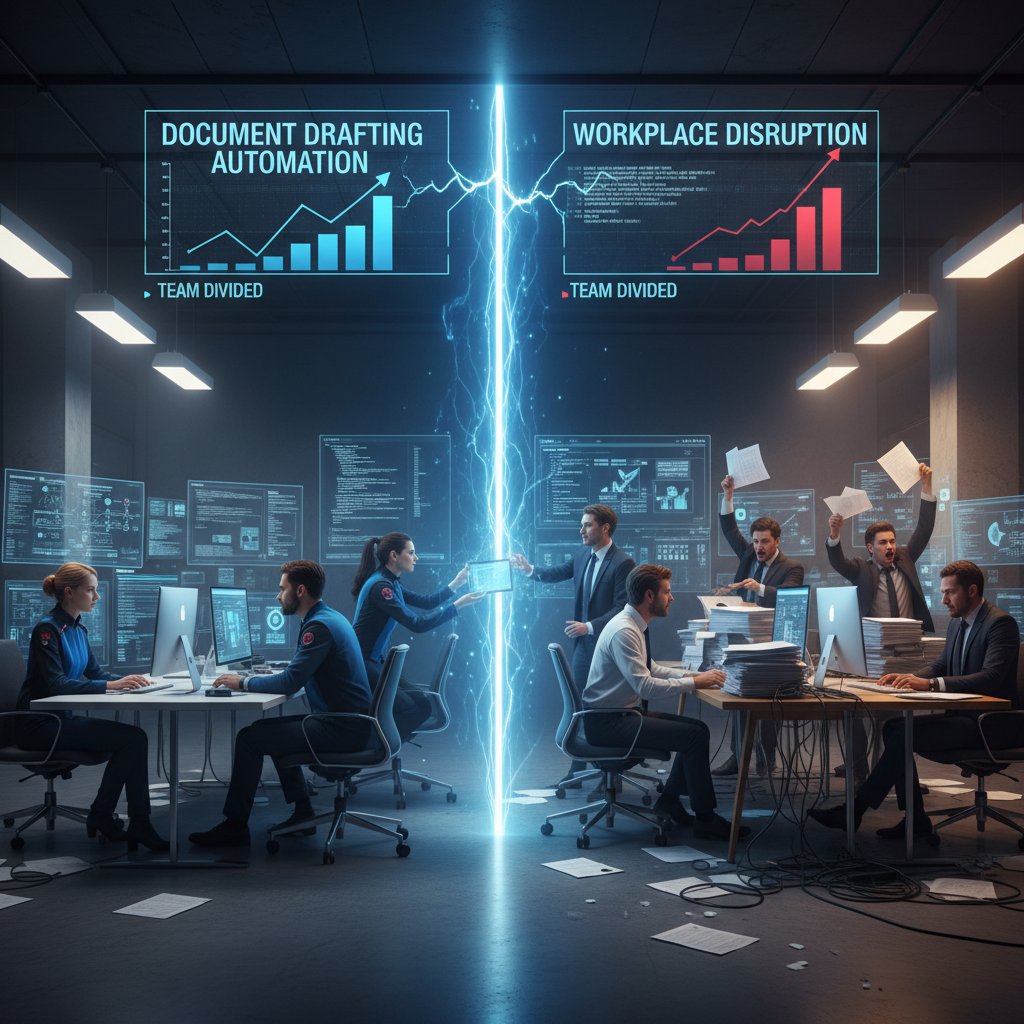
Perfection is a myth—successful automation is about minimizing pain points, not erasing them overnight.
How document drafting automation is transforming real workplaces
Case study: Small business, big impact
A growing HR consultancy in London—once buried under piles of onboarding forms and compliance checklists—adopted document drafting automation software in early 2025. Within six months, they reported a 60% reduction in administrative overhead and virtually eliminated onboarding errors. The firm cited cloud-based collaboration and customizable templates as their biggest wins, echoing findings from Business Research Insights (2025).

The shift wasn’t just about speed; it was about freeing senior talent to focus on strategy, not grunt work. Automation didn’t steal jobs—it elevated them.
From legal to creative: Unexpected industries embracing automation
Document drafting automation isn’t just for law firms. Across sectors, the impact is real:
- Finance: Automated financial statements cut reporting time in half, increasing accuracy and regulatory compliance.
- Healthcare: Patient documentation and medical records generation improved data integrity while reducing admin time by 50%.
- Marketing: High-quality, on-brand collateral now takes hours, not days, boosting campaign responsiveness.
- Technical industries: Precise technical manuals are generated in minutes, ensuring up-to-date content for users and compliance teams.
- Human resources: Streamlined policy creation has reduced risk and increased employee satisfaction.
The cross-industry embrace is proof that document drafting automation software is not a niche luxury—it’s a competitive necessity.
The user’s voice: What professionals really think
"Automation saves significant attorney time and reduces costs. It doesn’t just make us faster—it lets us focus on what matters." — Steve Bennett, Legal Technology Specialist, LLCBuddy, 2025
The bottom line: real users aren’t just impressed—many are relieved that the tedium is finally being replaced with smart, reliable workflows.
Benefits and risks: The double-edged sword of automation
Undeniable benefits: Where automation shines
The data is clear: automated drafting transforms not just output, but the entire business model. According to multiple studies (Erbis, LLCBuddy, Gavel, 2025), the key benefits are:
- Time savings: Up to 80% reduction in drafting time, freeing hours for strategic work.
- Cost efficiency: Firms reduce attorney drafting costs by as much as 70%.
- Improved accuracy and consistency: Templates and AI checks slash human error rates.
- Scalability: No-code platforms allow rapid scaling of expertise and workflow.
- Remote collaboration: Cloud-based systems support distributed teams, promoting seamless teamwork.
- Enhanced productivity: Junior staff can handle complex drafts, upskilling and streamlining operations.
| Benefit | Manual Drafting | Automated Drafting | Improvement |
|---|---|---|---|
| Drafting Time | 10 hours | 2 hours | 80% less |
| Cost per Document | $2,500 | $750 | 70% less |
| Error Rate | High | Low | Significantly reduced |
| Collaboration Ease | Limited | Seamless | Strong boost |
Table 3: Impact of automation on key productivity metrics.
Source: Original analysis based on LLCBuddy, 2025, Gavel, 2025
Risks no one talks about—until it’s too late
Automation is not a panacea. Hidden risks lurk beneath the surface:
- Cybersecurity threats: AI-generated documents can increase exposure to sophisticated fraud, as noted by Rossum (2025). Traditional detection methods may not keep up, potentially opening the door to data theft.
- Integration challenges: Poorly integrated tools create data silos, operational disconnects, and even accidental breaches.
- Overdependence: Relying too much on automation can dull critical thinking and cause oversight of unique, case-specific details.
- Initial setup pain: Customizing workflows and templates demands significant upfront effort, creating barriers for smaller teams with limited resources.
- Market confusion: The fragmented, overlapping landscape of tools can lead to wasted investments in poorly suited platforms.

These are not hypothetical risks—they’re active threats documented in the latest industry surveys.
How to mitigate the hidden dangers
- Conduct a workflow audit: Before automating, analyze current processes to identify inefficiencies and risks.
- Prioritize security: Choose software with robust encryption, access controls, and regular security updates.
- Invest in training: Ensure staff understand both the capabilities and limitations of automation tools.
- Phase implementation: Roll out automation in stages, allowing time to iron out bugs and adapt workflows.
- Maintain human oversight: Incorporate expert review at key checkpoints—especially for compliance-sensitive documents.
Following these best practices turns automation from a risky gamble into a strategic asset.
Debunking myths: What automation is—and isn’t
Myth #1: Automation makes documents generic
Many fear that automation produces bland, cookie-cutter documents indistinguishable from competitors. Reality? Modern platforms use AI to tailor language, adapt to industry-specific standards, and even reflect organizational voice.
Automated documents are generic and indistinguishable.
AI-driven platforms allow deep customization, integrating unique clauses, branding, and preferred phrasing into every draft. (Source: Gavel, 2025)
Myth #2: Only big companies can benefit
Automation is not an exclusive club for Fortune 500s:
- Solo practitioners and small businesses now access no-code tools at affordable rates.
- Cloud-based platforms eliminate the need for expensive infrastructure.
- Flexible subscription models mean you pay only for what you use.
- Internal resources are freed for growth, not admin.
Small businesses and startups can be the biggest winners—if they choose the right solution.
Myth #3: It’s a threat to jobs—not your time
Automation anxiety is real, but it’s often misplaced. According to industry experts and surveys, what’s really at risk is wasted time—not jobs.
"Automation frees professionals from drudgery, letting them focus on analysis, strategy, and client relationships. It shifts work, but rarely eliminates roles." — As industry experts often note, based on research from Rossum, 2025
The story is about transformation, not extinction.
How to choose the right document drafting automation software
Critical features to demand in 2025
Not every tool is equal. Make sure your shortlist includes:
- AI reasoning and contextual drafting for intelligent, accurate documents.
- Customizable templates that match your industry and workflow.
- Multi-format support (DOCX, PDF, PPTX, and more).
- Integrated compliance checks to reduce legal and regulatory risk.
- Real-time editing and collaboration for distributed teams.
- User-friendly, no-code interfaces to empower non-technical staff.
- Robust security and privacy protection baked in, not bolted on.
Red flags: What should make you walk away
- Opaque pricing: Hidden costs and unclear subscription models are warning signs.
- Lack of integrations: If a tool doesn’t fit with your existing systems, move on.
- Poor support/documentation: Minimal onboarding help means slow, painful adoption.
- No security guarantees: Absence of clear encryption and compliance features is a dealbreaker.
- Rigid, one-size-fits-all templates: Flexibility is essential for real-world use.
Step-by-step guide: Evaluating your options
- Define your core needs: What documents do you create most? What’s your workflow pain point?
- Shortlist reputable vendors: Use directories, reviews, and recommendations.
- Demand demos and trials: Test usability and integration—don’t rely on marketing materials.
- Verify security and compliance: Ask for documentation (SOC 2, GDPR, etc.).
- Check support responsiveness: Reach out with real questions and gauge the response.
- Review real customer stories: Look for testimonials from organizations like yours.
- Calculate total cost of ownership: Factor in licensing, setup, and training—not just sticker price.
Comparison table: Leading solutions head-to-head
| Solution | AI Reasoning | Multi-format Export | Compliance Checks | No-code Interface | Security Level |
|---|---|---|---|---|---|
| filecreator.ai | Yes | Yes | Automated | Yes | Enterprise-grade |
| Competitor A | Limited | Limited | Manual | Partial | Standard |
| Competitor B | No | PDF only | Manual | No | Basic |
Table 4: Feature comparison of leading document drafting automation software in 2025.
Source: Original analysis based on LawNext Directory, 2025, Gavel, 2025
Getting started: Your checklist for seamless automation adoption
Are you ready? Self-assessment checklist
- Do you regularly create complex, compliance-sensitive documents?
- Is manual drafting consuming more than 20% of your team’s time?
- Have you recently suffered costly errors or missed deadlines due to process breakdowns?
- Are your teams working remotely or across multiple locations?
- Do you lack in-house IT support for complex software integrations?
- Are you open to rethinking established workflows for better results?
If you answered “yes” to three or more, you’re primed for automation.
Implementation best practices for 2025
- Secure leadership buy-in: Transformation starts from the top.
- Map existing workflows: Identify where automation will have the biggest impact.
- Pilot with a small team: Test, gather feedback, and optimize before full rollout.
- Invest in training: Empower users with the skills they need to succeed.
- Monitor and iterate: Use data to refine and improve processes over time.

Avoiding common pitfalls: Lessons from the field
- Overambitious scope—start small and build on early wins.
- Neglecting user feedback—frontline staff know where friction hides.
- Ignoring integration needs—ensure your new tools play well with existing systems.
- Underestimating security—don’t sacrifice protection for speed.
- Failing to update templates—stale documents undermine the benefits of automation.
The future of document drafting: What comes after automation?
AI, co-creation, and the rise of intelligent documents
We’re living in the age where documents don’t just sit in folders—they interact, update, and analyze. The best platforms now support real-time collaboration, built-in compliance monitoring, and even suggest next steps based on document content.

The “intelligent document” isn’t just hype—it’s the new baseline.
Culture shock: How automation is changing workplace dynamics
"Automation’s true impact is cultural. It changes not just what we do, but how teams think, collaborate, and value their own expertise." — As industry observers note, based on Business Research Insights, 2025
The shift is about mindset as much as software. Adapt or be left behind.
Your next move: Staying ahead of the curve
- Embrace continuous learning: Stay curious about new tools and approaches.
- Cultivate cross-functional teams: Blend legal, IT, and business expertise for holistic results.
- Prioritize adaptability: Be willing to pivot processes as new challenges emerge.
- Champion a culture of experimentation: Reward those who test, learn, and improve.
- Engage with leaders in the field: Platforms like filecreator.ai are hubs for industry best practices and thought leadership.
Conclusion
Document drafting automation software is no longer a futuristic dream or a luxury for tech giants. The hard truths are out in the open: resistance costs more than it saves, and the risks of staying manual now outweigh the fears of going digital. Today, automation offers radical time and cost savings, greater accuracy, and new opportunities for creativity and growth—provided you confront the challenges head-on. The winners aren’t just those who adopt new tools, but those who reimagine what’s possible with them. Whether you’re a lawyer, a manager, or a marketer, the age of digital document creation is now. Choose wisely, move boldly, and let the machines free you for what only humans can do: lead, imagine, and build the future—one well-drafted document at a time.
Sources
References cited in this article
- Rossum Document Automation Trends 2025(rossum.ai)
- LLCBuddy Legal Document Drafting Statistics 2025(llcbuddy.com)
- Business Research Insights Market Report 2025(businessresearchinsights.com)
- Gavel Legal Document Automation Software Guide 2025(gavel.io)
- Erbis Legal Document Automation Complete Guide 2025(erbis.com)
- PandaDoc Blog(pandadoc.com)
- FileCenter Document Management Statistics(filecenter.com)
- Microsoft AI Customer Stories(blogs.microsoft.com)
- Medium(medium.com)
- Thomson Reuters: Benefits of Document Automation(legal.thomsonreuters.com)
- Convertize: Illusion of Control(tactics.convertize.com)
- PYMNTS: Hidden Cost of Manual AR Processes(pymnts.com)
- Mitratech: Legacy Document Creation(mitratech.com)
- AiDock: Hidden Costs of Manual Document Management(blog.aidock.net)
- Docupilot Blog(docupilot.com)
- The Legal Practice(thelegalpractice.com)
- Above the Law: Modernizing Legal Workflows(abovethelaw.com)
- Adlib: Document Management Trends 2025(adlibsoftware.com)
- Agrello: Document Automation Future Trends(agrello.io)
- Indicodata: IDP Trends(indicodata.ai)
Perfect Documents, Instantly
Filecreator.ai transforms the way you produce professional documents. Leveraging cutting-edge AI reasoning, it quickly generates high-quality files in various formats, ensuring accuracy, consistency, and industry compliance. Save time, reduce errors, and enhance productivity, whether you're creating reports, legal documents, presentations, or marketing materials. Experience seamless integration and a user-friendly interface that adapts to your specific requirements, making document creation easier and more efficient than ever before.
Get startedStart Creating Professional Documents Today
Join thousands of professionals who trust AI-powered document generation
Frequently Asked Questions
What is document drafting automation software?
Document drafting automation software is technology designed to automate the creation of documents such as reports, contracts, and other business or legal materials. It reduces the manual work traditionally done by typing, formatting, and organizing documents by hand.
Why do professionals resist switching to automated document drafting?
According to Rossum's 2025 research, professionals resist automation due to job security fears, fear of technical complexity, and concerns about losing professional identity. Many believe manual drafting offers greater precision and control, though this is often an illusion masking deeper anxieties about change.
What are the hidden problems with manual document drafting?
Manual document drafting processes are riddled with untracked errors, missed deadlines, and inefficiency. These hidden costs often go unnoticed but contribute to spiraling organizational expenses.
Is the sense of control from manual document drafting real?
No, according to the article, the perceived sense of control and mastery from manual document drafting is largely an illusion. Despite believing they have more precision by typing every clause and formatting by hand, professionals are actually working within a system prone to errors and inefficiency.
Continue Reading
Explore more from Professional Document Generator

Automatic Document Drafting Software: Benefits and Real Pitfalls
Automatic document drafting software transforms workflows across legal, finance, and creative teams. This article explains the real benefits, genuine risks, and how to select the right tool.

Automated Document Drafting Software: Benefits and Limitations
Automated document drafting software transforms how professionals create documents. This article examines its benefits, limitations, and when traditional methods remain preferable.

How Document Drafting Automation Is Reshaping Professional Roles
Document drafting automation is transforming how professionals work across law, business, and creative fields.

Document Drafting Solutions Reshape Workflows in 2025
Document drafting solutions reshape how teams create and manage files. This article examines 11 strategies modern solutions use to fix broken workflows and boost productivity.

Document Drafting Platforms: Benefits, Risks, and Implementation Realities
Document drafting platforms promise efficiency but carry hidden risks. This article examines the real trade-offs, myths, and strategies for implementing them responsibly.

Document Drafting Software: How AI Is Speeding Up Creation
Document drafting software powered by AI is reducing creation time by up to 90% in some industries. This article examines the technology's impact on professional work.