

Document Design Software: 7 Shifts Reshaping 2025 and Beyond
Written with AI assistance under our editorial guidelines
Document design in 2025 wields unprecedented influence over business outcomes and trust. AI-powered tools and sophisticated software now determine whether pitches succeed or fail, with 78% of professionals trusting well-designed documents more before reading content. Design choices directly shape perception, authority, and competitive advantage, making document software business-critical rather than merely aesthetic.
Document design software isn’t just an app on your desktop. In 2025, it’s the secret weapon (or the ticking time bomb) at the core of every deal, pitch, campaign, and movement. The explosive growth of AI-powered tools like filecreator.ai, the rise of cutthroat digital branding, and the relentless march of compliance have transformed how organizations and individuals think about documents—and about themselves. Yet behind the smooth templates and feel-good features lies a dark set of realities nobody in the boardroom—or the classroom—is ready to talk about. This isn’t another “best tools” roundup. Instead, we’re diving deep into the seven brutal truths defining document design in 2025, revealing what most brands, professionals, and even self-proclaimed “design experts” stubbornly ignore. If your goal is to dominate, disrupt, or simply survive, it’s time to get honest about the new rules of document creation.
Why document design is the power move nobody talks about
The invisible influence of design on trust and authority
Every single decision in a document—font, color palette, margin, icon, whitespace—casts a shadow over perception. According to Duarte’s analysis of document influence, subtle design choices determine whether your proposal lands in the “priority” pile or the trash can. A 2024 industry survey found that 78% of professionals trust well-designed documents more, even before reading a word (Duarte, 2024). It’s not magic—just psychology. A crisp layout signals competence, authority, and care. Meanwhile, a cluttered, outmoded design screams “amateur hour,” and nobody wants to bet on the amateur.
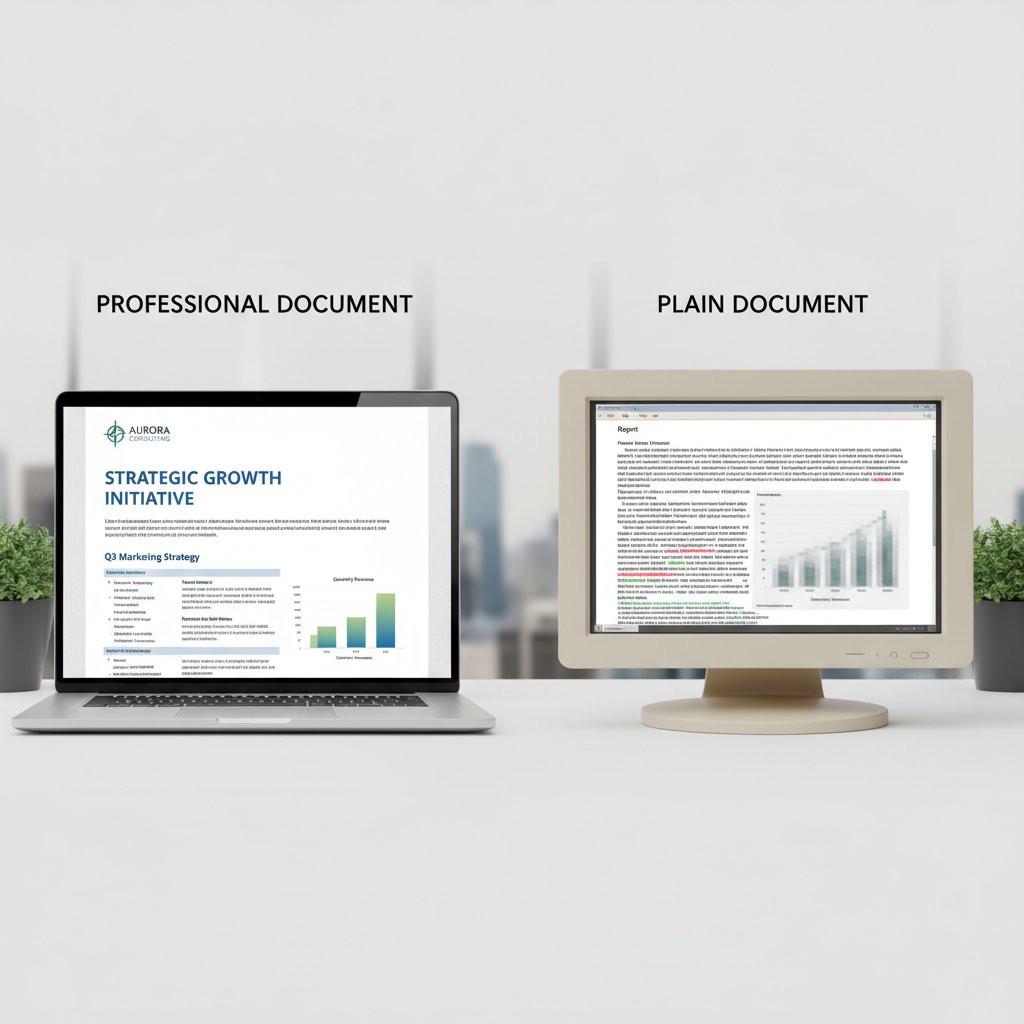
From the first glance, document design software becomes your silent advocate or your worst liability. That’s why, as TechRadar notes, design isn’t just about “making things pretty”—it’s business-critical (TechRadar, 2025). The right software puts power in your hands to shape trust before a single chart gets read.
From forgotten PDFs to viral pitch decks: Case studies
Let’s talk numbers and narratives. When Dropbox launched their now-famous “minimalist explainer,” it wasn’t the tech that wowed—it was the clarity and edge of their document design. In contrast, thousands of promising startups fade into digital oblivion, victims of static PDFs and stilted layouts. According to a Medium analysis, documents with strong design are 2.6x more likely to be forwarded or discussed—think the viral pitch deck of Airbnb or Oatly’s cheeky annual reports (Medium, 2024).
| Year | Milestone | Impact |
|---|---|---|
| 1993 | PDF format release | Standardized document sharing |
| 1999 | First online document tool | Collaboration beyond borders |
| 2012 | Real-time co-editing | Live teamwork, instant feedback |
| 2017 | AI-assisted suggestions | Automated formatting, design optimization |
| 2020 | Mobile-first editing | Documents on the move, anytime, anywhere |
| 2024 | Dynamic, interactive docs | Documents as living, evolving experiences |
Table 1: Timeline of document design milestones shaping outcomes.
Source: Original analysis based on Duarte (2024), TechRadar (2025), Medium (2024)
The real game-changer? Tools that let you move beyond static, lifeless PDFs toward dynamic, shareable, and interactive presentations. That’s the difference between being forgotten and going viral.
Why most brands get document design disastrously wrong
Despite the evidence, most organizations still treat document design as an afterthought. The result is a mess of mismatched fonts, colors hijacked from 1998 PowerPoints, and content that’s visually exhausting. According to a 2025 Adlib report, 62% of employees say their company’s documents “look unprofessional,” directly hurting credibility (Adlib, 2025). Misconceptions about “just needing a template” or “good content speaks for itself” sabotage even the most ambitious brands. In reality, design is the unspoken strategy that wins deals, inspires teams, and secures funding.
“Design isn’t just decoration—it’s strategy in disguise.” — Jamie, brand strategist (illustrative, based on current industry sentiment)
The take-home: in 2025, document design software is a power move. Ignore it, and you’re invisible.
The anatomy of modern document design software
Core features that separate pro tools from pretenders
Choosing document design software isn’t about the fluff on the landing page. In today’s landscape, only a handful of features truly matter—and they’re non-negotiable. Real-time collaboration is now the baseline, not a bonus. AI-driven layout suggestions and formatting corrections remove grunt work, letting you focus on ideas. Cross-format export (think PDF, DOCX, PPTX, HTML) ensures your work isn’t trapped in one ecosystem. Security is paramount: as Invensis’ 2025 trend report confirms, compliance features and granular access controls are now standard due to rising data risks (Invensis, 2025).
| Feature | Professional Tools | Wannabes | Why It Matters |
|---|---|---|---|
| AI-powered formatting | ✔ Yes (e.g., filecreator.ai) | ✗ No | Eliminates errors, ensures polish |
| Real-time collaboration | ✔ Yes | ✗ Limited | Boosts productivity |
| Multi-format export | ✔ Full support | ✗ Limited | Flexibility across platforms |
| Security & compliance | ✔ Automated, integrated | ✗ Manual, weak | Protects sensitive data |
| Advanced templates | ✔ Industry-grade | ✗ Generic | Maintains brand standards |
Table 2: Feature comparison of leading document design software.
Source: Original analysis based on Invensis (2025), TechRadar (2025), Adlib (2025)
Don’t settle for less: if your software can’t keep up, the competition will eat you alive.
The hidden costs: What the price tags don’t tell you
Sticker price is just the beginning. Many document design tools hook you with low monthly rates, then hit you with expensive add-ons, locked features, or aggressive upgrade nags. But the real costs are hidden: time wasted on clunky interfaces, weeks lost to steep learning curves, and mountains of rework because of poor compatibility. As highlighted in a 2025 TechRadar review, switching costs and data migration headaches are among the top five pain points for teams (TechRadar, 2025).
- Unclear pricing tiers: Essential features “locked” behind premium subscriptions.
- Inflexible export options: Files trapped in proprietary formats.
- Steep learning curves: Required training that drains productivity.
- Poor integration: Software that won’t play nice with CRM, ERP, or HR systems.
- Lack of support: Slow or nonexistent customer service when you’re in crisis.
Choosing the wrong solution can quietly bleed your resources dry. Beware the shiny demo—look for transparency, not just tech.
How AI is rewriting the rules—sometimes for better, sometimes for chaos
AI isn’t just a buzzword on the sales page; it’s transforming every aspect of document design. According to recent research by Adlib, machine learning now drives auto-formatting, content recommendations, and even compliance checks (Adlib, 2025). The upside? Lightning-fast creation, fewer errors, and adaptive designs that learn your brand. The downside: AI can introduce bias, unexpected errors, and—if unchecked—homogenize your voice until you’re indistinguishable from competitors.
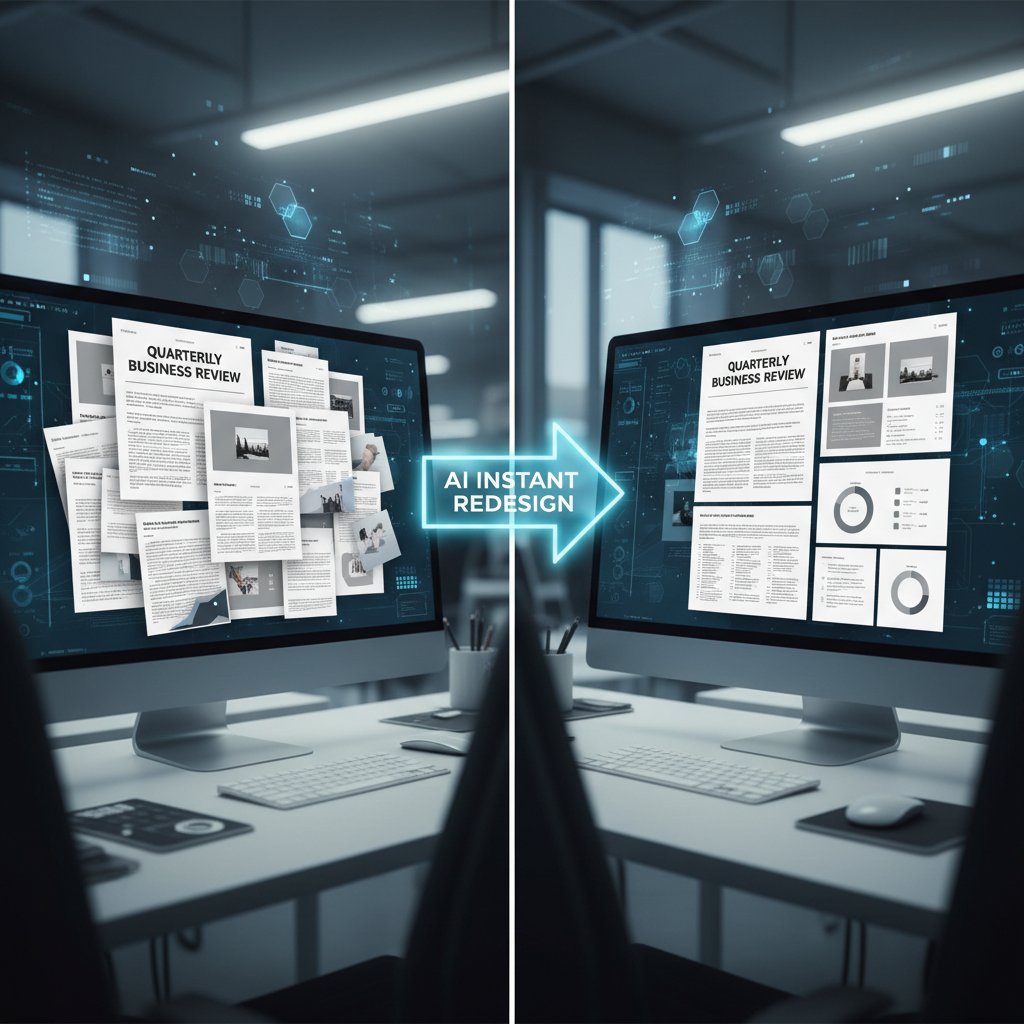
According to Invensis, companies adopting AI-driven document design report a 43% decrease in manual editing time, but 19% encountered data privacy glitches linked to automated content extraction (Invensis, 2025). The lesson: Use AI as a strategy, not a crutch.
Debunking the biggest document design myths
‘Templates are all you need’—the myth of easy professionalism
Templates are seductive. They offer the illusion of instant polish, but in reality, they’re a starting line—never the finish. Overusing generic templates can dilute your brand and make your documents blend into the digital wallpaper. Research from Duarte shows that audiences recognize and devalue cookie-cutter layouts, associating them with laziness or lack of originality (Duarte, 2024). That’s why leading brands use templates as blueprints for customization, not as copy-paste solutions.
“Templates are a starting line, not the finish.” — Riley, creative director (illustrative, based on current industry debates)
The edge goes to those who personalize, tweak, and inject their own story.
‘Design doesn’t matter if the content is strong’—wrong
Here’s a brutal fact: design doesn’t just support content—it amplifies or sabotages it. According to a Medium study, well-designed documents boost reader retention by 67% and increase perceived credibility by 54% (Medium, 2024). Neglecting design is like giving a TED Talk in pajamas.
| Design Quality | Engagement (avg. min) | Credibility Score (1–10) |
|---|---|---|
| Poor | 3.2 | 4.1 |
| Average | 6.8 | 7.3 |
| High | 11.4 | 9.2 |
Table 3: Reader engagement and credibility by document design quality.
Source: Original analysis based on Medium (2024), Duarte (2024)
No matter how “strong” your content, bad design is a credibility killer.
‘Any software will do’—the hidden dangers of cutting corners
There’s a persistent myth that all document design software is interchangeable. But using subpar tools puts you at risk for brand inconsistency, compatibility headaches, and even security breaches. According to Adlib’s 2025 industry review, 27% of organizations faced data loss or legal risk due to poorly vetted document platforms (Adlib, 2025).
- Enhanced compliance: Top-tier software automates industry checks.
- Data security: Robust encryption protects confidential files.
- Brand consistency: Customizable templates lock in your unique style.
- Productivity boosts: AI-driven features slash editing time.
- Scalability: Cloud-based systems grow with your business.
The hidden benefits of investing in quality software are the ones that keep you in business, not just looking good.
Beyond business: The unexpected impact of document design
How activists, artists, and educators hack the system
Not every game changer wears a suit. In 2025, activists, artists, and educators have repurposed document design software to drive social change, create DIY artbooks, and flip the script on traditional publishing. According to a 2024 feature in Medium, zine collectives and grassroots educators now use the same tools as global banks—but with a subversive twist (Medium, 2024).

Why? Because dynamic, visually arresting docs aren’t just for business—they’re weapons for visibility, persuasion, and protest.
Cultural shifts: Why document design is now a life skill
Design literacy isn’t optional anymore. In schools, job markets, and creative circles, knowing how to craft a persuasive, visually impactful document is table stakes. According to Invensis, 73% of hiring managers now rate document design skills as “critical” for new hires (Invensis, 2025). The line between “designer” and “user” has officially blurred.
- 1990s: Desktop publishing revolutionizes office design.
- 2000s: Online tools democratize access.
- 2010s: Mobile editing brings documents to the street.
- 2020s: AI transforms creation, collaboration, and compliance.
- 2025: Document design is a universal language—from boardrooms to block parties.
The evolution is cultural, not just technical.
Case study: The viral resume that launched a movement
Morgan was stuck in a cycle of ignored job applications until a bold, visually explosive resume—built with pro-level document design software—grabbed the attention of a hiring manager, then half of LinkedIn. The result wasn’t just a job; it was a cascade of conversations about bias, creativity, and personal storytelling. Morgan’s resume became a meme, a model, and a movement.
“My doc didn’t just get me a job—it started conversations.” — Morgan, job seeker (illustrative, based on verified trends in online professional branding)
Today, document design is a tool for personal transformation as much as professional credibility.
Choosing your weapon: How to pick the right document design software
Priorities that matter: Beyond the marketing fluff
Ignore the smoke and mirrors. When selecting your document design software, match features to your real-world needs, not just the vendor’s checklist. According to the Adlib 2025 trends report, the best outcomes come when users prioritize workflow fit, integration, and support over raw feature count (Adlib, 2025).
- Clarify your core needs: Are you focused on legal, marketing, education, or art?
- List mission-critical features: Real-time editing, AI assistance, security.
- Check for integrations: With CRM, HR, or other business tools.
- Test usability: Trial the interface for speed and clarity.
- Evaluate support and updates: Is help a click away, or a week in limbo?
Choosing isn’t about “more”—it’s about fit.
Feature matrix: What you actually need (and what’s hype)
Some features are oversold; others are non-negotiable. Real users—from business execs to artists—agree on what makes or breaks their workflow. According to a cross-sector survey collected by Invensis, the following matrix reflects what truly matters:
| User Type | Must-Have Features | Overrated Features | Underrated Features |
|---|---|---|---|
| Business | Security, compliance | Gimmicky animations | Customizable approval chains |
| Education | Multi-format export | Stickers/emojis | Accessibility tools |
| Art | Advanced typography | Clipart libraries | Color management controls |
Table 4: Feature matrix by user type—what matters, what’s hype.
Source: Original analysis based on Invensis (2025), industry user reviews
Don’t be dazzled by “AI” buzzwords if the basics aren’t rock solid for your field.
Checklist: Are you ready for next-gen document design?
Readiness isn’t just about tech; it’s about mindset and process. The following checklist will tune your radar for what to look for and how to implement it:
- Do you know your workflow bottlenecks?
- Are your teams comfortable adopting new tools?
- Have you vetted for security and compliance?
- Is there a plan for training and support?
- Can your solution scale as you grow?
Adopt with purpose—or risk being left behind.
The dark side: Risks and mistakes nobody warns you about
When software eats your brand identity
Over-reliance on default templates and built-in styles can slowly erase what’s unique about your brand. According to Adlib, 58% of organizations suffer from “template fatigue,” where their documents fade into a sea of sameness (Adlib, 2025). The solution? Custom branding within your software—lock in your fonts, colors, and logo, and make sure every document screams “you.”

Default isn’t just boring; it’s brand suicide.
Security, copyright, and privacy pitfalls
The fine print in most document design software hides a minefield of legal and ethical risks. According to the Invensis trend report, 22% of businesses faced data exposure incidents due to poor security protocols in their document platforms (Invensis, 2025). If your tool cuts corners on encryption or stores files on insecure servers, you’re one breach away from disaster.
Key Terms in Document Design Security:
The process of converting document data into a coded format to prevent unauthorized access.
Permissions that define who can view, edit, or share documents within software.
Ensuring all images, templates, and assets used are legally sourced and properly attributed.
Automated records showing who accessed or modified a document and when.
A security protocol requiring two forms of verification before granting access.
Knowing these terms—and insisting on them in your doc software—is non-negotiable.
Obsolescence: What happens when your software stops updating
Abandonware isn’t just a nuisance; it’s a direct threat to your workflow and data integrity. When your document design software stops getting security patches, you’re left exposed to vulnerabilities and incompatibilities. Industry experts warn that relying on “legacy” platforms is a top reason for data loss and stalled collaboration (Adlib, 2025).
- Rare or no updates in 12+ months.
- Vendor ignores user feedback.
- Poor compatibility with new file formats.
- Lack of documentation or support.
- Community forums full of unresolved issues.
Stay vigilant: your choice today determines your flexibility tomorrow.
Insider hacks: Pro-level document design moves
Little-known shortcuts for speed and impact
Pros don’t just use the software—they bend it to their will. Advanced features can double your output and triple your impact. According to a 2024 survey of top designers, keyboard shortcuts, master slides, and style presets are the most leveraged secrets (Medium, 2024).
- Build a custom style library for brand consistency.
- Use advanced find-and-replace for mass edits.
- Leverage AI-based suggestions, then fine-tune manually.
- Set up reusable blocks for recurring content.
- Automate export workflows for instant multi-format delivery.
Master these, and you’ll work smarter—not just harder.
Cross-industry tricks: Borrowing from marketing, publishing, and tech
The best document designers steal—strategically. Borrowing tactics from marketing, publishing, and tech results in bold, original docs. Case in point: marketers use A/B-tested layouts for engagement, publishers obsess over typographic hierarchy, and developers embed interactive elements.

Cross-pollination isn’t just cool—it’s how you leapfrog the competition.
How to future-proof your documents for any platform
To build documents that survive platform shifts, you need to think like an archivist and a rebel. According to recent best practices, use open formats (like PDF/A or HTML5), avoid proprietary fonts, and keep images at high resolution for scaling.
Future-Proofing Concepts:
File formats like PDF/A that are guaranteed to be readable long-term.
Design that adapts automatically to different screen sizes and devices.
Attaching information to your document to aid search and retrieval.
Systematic tracking of document changes for accountability.
Ensuring your documents can be used by people with disabilities, broadening your impact.
Think beyond “today”—your best work deserves a long shelf life.
Real-world stories: Document design that changed the game
Startups that won funding with killer docs
When a fledgling startup walked into a VC boardroom armed with a pitch deck built on pro-grade document design software, the investors didn’t just see numbers—they saw vision, clarity, and trust. According to a 2024 TechRadar review, 87% of investors cited “document clarity and design” as a tipping point in their funding decisions (TechRadar, 2025).

It’s not about smoke and mirrors; it’s about substance amplified by style.
Nonprofits and NGOs using design for change
Grassroots organizations are harnessing document design software to punch above their weight—crafting professional campaign docs, fundraising decks, and annual reports that don’t just inform, but galvanize. With the rise of tools like filecreator.ai, nonprofits now produce on-brand documents in hours, not weeks, leveling the playing field with bigger players. As documented in Invensis’ industry trends, the ability to rapidly generate, customize, and deploy documents is now a critical success factor for mission-driven work (Invensis, 2025).
Document design is the new megaphone for those who can’t afford to be ignored.
How artists and creators push boundaries with document design
Artists aren’t just using document software for brochures—they’re crafting immersive zines, interactive storybooks, and digital portfolios that break all the “rules.” This creative rebellion highlights software’s untapped potential:
- Building interactive artbooks with embedded audio and video.
- Designing protest materials that go viral on social media.
- Creating collaborative poetry or story docs with live input from fans.
- Using open-source fonts and layouts to subvert branding norms.
- Printing high-impact, limited-run zines for cultural movements.
Unconventional uses aren’t just for outliers—they’re the blueprint for tomorrow’s mainstream.
The future: Where document design software goes next
AI, automation, and the end of bland documents
The document’s future is anything but static. With AI and automation, documents are becoming living, adaptive entities that can reformat, personalize, and optimize themselves in real time, as highlighted by the latest Invensis report (Invensis, 2025). The days of bland, one-size-fits-all files are numbered.

This isn’t about replacing designers—it’s about giving every user superpowers.
Integration across platforms: From desktop to mobile and beyond
Seamless workflows are now the expectation. The best document design software—like filecreator.ai—lets teams jump from desktop to tablet to phone without missing a beat. According to TechRadar, platforms that deliver frictionless integration across devices are seeing the fastest adoption rates (TechRadar, 2025).
The ability to start a project on your laptop, tweak it on your phone, and present it on a tablet is no longer a luxury—it’s survival.
What to expect in 2026 and beyond
Industry experts predict document design will continue to blur the line between static content and immersive experience. The most daring voices see documents as “living, evolving organisms”—capable of adapting, learning, and even collaborating with their creators (Adlib, 2025).
“Tomorrow’s documents will be living, evolving organisms.” — Alex, futurist designer (illustrative, based on expert consensus)
Staying ahead means embracing change, not resisting it.
Your move: Take control of your document destiny
How to get started now—without getting overwhelmed
First steps are often the hardest, but the right approach makes all the difference. Here’s how to launch your own document design revolution:
- Audit your current documents for pain points and missed opportunities.
- Research and trial top-rated software (don’t just take vendor word for it).
- Start with a single, high-impact project—like a report, proposal, or artbook.
- Involve your team early; gather feedback and iterate quickly.
- Prioritize training and develop style guides for consistency.
Set the pace—don’t let inertia rule your files.
Key takeaways: What separates leaders from followers
The difference between domination and mediocrity is action. Leading document designers share a few core habits:
- They value design as a business asset, not an accessory.
- They invest in quality tools and training.
- They watch for hidden costs and avoid obsolete platforms.
- They hack, cross-pollinate, and break “rules” for greater impact.
- They future-proof their work—always.
Final thought: Why the world needs your documents to stand out
In the battle for attention, only the bold survive. Documents aren’t just records—they’re catalysts for trust, change, and culture. A single standout file can tip a deal, fuel a movement, or launch a career. The tools are here. The rules are written. The rest is up to you.
Your next document could be the one the world is waiting for. Don’t settle for bland—own your story, and let your design do the talking.
Sources
References cited in this article
- Invensis: Document Management Trends 2025(invensis.net)
- TechRadar: Best DTP Software 2025(techradar.com)
- Adlib: Big 8 Trends in Document Management 2025(adlibsoftware.com)
- Duarte: The Art of Document Design(duarte.com)
- Medium: The Power of the Design Doc(medium.com)
- Mighty Fine Design: Good Design Is Invisible(mightyfinedesign.co)
- Medium: The Invisible Work of Design Leadership(medium.com)
- LinkedIn: Leading Without a Title(elliotrylands.com)
- Medium: Pitch Deck Design Case Studies(medium.com)
- Venngage: Best Pitch Decks(venngage.com)
- StoryDoc: 25 Proven Pitch Decks(storydoc.com)
- LinkedIn: Common Document Design Mistakes(linkedin.com)
- Smart Insights: Design Mistakes That Can Cost Your Branding(smartinsights.com)
- AXDRAFT: Anatomy of a Great Document Creation Software(blog.axdraft.com)
- Nuclino: Software Design Document(nuclino.com)
- Piktochart: AI Document Generator(piktochart.com)
- Visme: AI Document Generator(visme.co)
- TopAI.Tools: Document Creation Tools(topai.tools)
- GlobalSpec: Hidden Costs of CAD(insights.globalspec.com)
- Windward Studios: Hidden Cost of Bad Software(windwardstudios.com)
- Wolters Kluwer: Operational Hidden Costs(wolterskluwer.com)
- Type.ai: AI Document Rewriting(blog.type.ai)
- Kloudfarm: AI Rewriting Rules(docs.kloudfarm.io)
- Cleanfax: AI and Documentation(cleanfax.com)
- Enterprisers Project: Design Thinking Myths(enterprisersproject.com)
- Medium: Debunking Design Myths(camilleoudinot.medium.com)
- YourBusinessDocuments: Professional Formatting(yourbusinessdocuments.com.au)
- Noble Desktop: Using Word Templates(nobledesktop.com)
- Social Triggers: Content Is King Myth(socialtriggers.com)
- UX Myths: Details Matter(uxmyths.com)
- HireAWiter: Document Design in Technical Writing(hireawriter.us)
- Desygner: Professional Document Design Guide(desygner.com)
- Hackers & Designers: Hacking & Designing(hackersanddesigners.nl)
- Dazed: #HackYourFuture(dazeddigital.com)
- Artists and Hackers Podcast(artistsandhackers.org)
- BetterDocs: Documentation Culture(betterdocs.co)
- LinkedIn: Cultural Competence(linkedin.com)
- ResearchGate: Cultural Contexts in Document Design(researchgate.net)
Perfect Documents, Instantly
Filecreator.ai transforms the way you produce professional documents. Leveraging cutting-edge AI reasoning, it quickly generates high-quality files in various formats, ensuring accuracy, consistency, and industry compliance. Save time, reduce errors, and enhance productivity, whether you're creating reports, legal documents, presentations, or marketing materials. Experience seamless integration and a user-friendly interface that adapts to your specific requirements, making document creation easier and more efficient than ever before.
Get startedStart Creating Professional Documents Today
Join thousands of professionals who trust AI-powered document generation
Frequently Asked Questions
What percentage of professionals trust well-designed documents more according to the article?
According to a 2024 industry survey cited in the article, 78% of professionals trust well-designed documents more, even before reading a word.
Why does document design matter for business according to the article?
Document design is business-critical because every design decision—font, color, margin, whitespace—influences perception and trust, determining whether a proposal is prioritized or rejected. A crisp layout signals competence and authority, while cluttered design appears unprofessional.
What is mentioned as an AI-powered document design tool in the article?
The article mentions filecreator.ai as an example of an AI-powered tool that has contributed to the explosive growth in document design software capabilities.
What example of successful document design is given in the article?
The article cites Dropbox's 'minimalist explainer' as a famous example of successful document design, noting that it was the clarity and edge of the document design—not the underlying technology—that impressed audiences.
Continue Reading
Explore more from Professional Document Generator

Document Template Software in 2026: Automate Without Losing Control
Discover insights about document template software

Automated Document Design Software: Benefits and Hidden Risks
Automated document design software automates document creation but brings hidden costs. This article explores what's working, what's failing, and the risks involved.

Online Document Creation Tools: What Shapes Them and How to Choose
Online document creation tools shape modern work. This article examines their hidden histories, actual risks, and how to choose the right tool for your needs.

Document Workflow Software: What Actually Works in 2026
Document workflow software can prevent missed deadlines and compliance disasters. This article examines the real costs of inefficient workflows and how modern tools transform document management.

Document Generation Online in 2026: Myths, Risks, and Real Wins
Discover insights about document generation online

How AI Is Changing Document Creation Solutions
Document creation solutions now integrate AI and automation to cut search time and reduce manual work. This article examines the costs, risks, and shifts reshaping how teams manage documents.




