


Document Merging Tool Myths, Failures and 2025 Solutions Explained
Written with AI assistance under our editorial guidelines
Document chaos costs organizations significantly through manual merging processes that consume thirty percent of employee work hours. Automated merging solutions reduce processing time from twenty to thirty minutes to just two to five minutes while cutting error rates from eight to fifteen percent down to one to three percent, dramatically improving productivity and deadline compliance.
In a world saturated with information, the very thing meant to drive productivity—documents—has turned into an anchor, dragging down efficiency and morale. The promise of seamless collaboration is too often sabotaged by fragmented workflows, incompatible formats, and the clumsy mechanics of outdated document merging tools. If you think a document merging tool is just another business utility, think again. Document chaos is an invisible tax—one that saps your time, corrupts data integrity, and, worst of all, quietly sabotages your organization from within. As document management grows in complexity, the stakes are rising for everyone from legal professionals and marketers to business managers and researchers. This article slices through the noise, laying bare the brutal truths of the document merging landscape and arming you with bold, research-backed solutions for 2025. Get ready to challenge your workflow assumptions, identify red flags others miss, and master the art of secure, efficient document merging—with a spotlight on strategies, not empty hype. Let’s get ruthless about reclaiming your productivity.
Why document chaos is killing your productivity
The invisible cost of manual merging
Every year, millions of professionals burn away hours wrestling with scattered files and clunky manual merging processes. It's not just an inconvenience—it's a silent hemorrhage of time and money. According to recent data from Adobe Acrobat (2023), 48% of employees struggle to find documents quickly, while IDC reports that employees spend up to 30% of their work hours—nearly a third—just searching for files. This isn’t just about lost minutes: it’s a systemic drain on productivity and morale, especially in sectors where speed and accuracy aren’t optional.

Let’s break down what that looks like in hard numbers. Here’s how manual document merging stacks up against automated solutions in terms of cost and efficiency:
| Factor | Manual Merging (2024) | Automated Merging (2024) |
|---|---|---|
| Average time per merge | 20-30 minutes | 2-5 minutes |
| Error rate | 8-15% | 1-3% |
| Monthly cost per employee | $400-$700 | $50-$120 |
| Impact on deadlines | Frequently missed | Rarely missed |
Table 1: Comparative costs and risks of manual vs. automated document merging in 2024. Source: Original analysis based on Adobe Acrobat (2023), IDC (2024).
“You don’t realize how much time you’re bleeding until you automate.” — Alex, operations manager
Real-world chaos: a day in the life
Picture this: it’s 3:45 p.m. on deadline day. A legal assistant is frantically piecing together affidavits, email threads, and scanned evidence, toggling between versions with names like “Final_v2_ACTUALfinal.pdf” and “Edits_June2024_NEW.docx.” The stakes? Non-negotiable. One misplaced page and compliance is blown. One missed attachment and a story never gets published. The emotional toll—anxiety, frustration, dread—mounts with every passing minute.
The logistical carnage is just as real. Manual merging means juggling incompatible formats, deciphering cryptic filenames, and hunting for the latest version in a maze of folders and emails. The result? A workflow built on quicksand, where errors aren’t just possible—they’re inevitable.
- Missed deadlines due to last-minute document assembly
- Data loss from overwritten or misplaced files
- Compliance risks arising from incomplete or outdated merges
- Chronic burnout from repetitive, error-prone tasks
- Poor collaboration as team members work with conflicting versions
According to Software AG (2024), 65% of organizations face governance and operational challenges due to document chaos. The true cost isn’t just in dollars—it’s in lost deals, broken trust, and opportunities slipping through your fingers.
The evolution of document merging: from scissors to AI
Cut-and-paste to cloud: a brief timeline
The document merging journey reads like a history of office anxiety. In the 1990s, “merging” meant literal scissors and tape, assembling physical reports or legal filings on a boardroom table. The desktop revolution replaced paper with floppy disks and clunky word processors, allowing digital copy-paste but still demanding manual wrangling. By the 2000s, USB drives fed into the chaos—a new era of version confusion and data silos.
The cloud era promised salvation, but it came with its own headaches: privacy fears, format incompatibility, and the paradox of “anywhere access” that sometimes meant “no access at all.” Enter 2025, where AI is no longer a buzzword but a necessity for organizations who want to stay ahead of collapsing workflows and rising data threats.
| Era | Technology | Core Challenges | Key Milestones |
|---|---|---|---|
| 1990s | Scissors, tape | Manual labor, slow merge | Physical cut-and-paste |
| 2000s | Word processors, USB | Format chaos, versioning | Digital copy-paste, file sharing |
| 2010s | Cloud platforms | Security, privacy | Online collaboration |
| 2020s-2025 | AI-driven merging | Automation, compliance | Real-time, secure merging |
Table 2: Timeline of document merging tool evolution. Source: Original analysis based on Best 5 Free, Online PDF Merging Tools in 2025 - BoldSign.

How AI changed the merging game
AI has detonated the old merging playbook—no more manual cross-checking, no more hoping you didn’t miss a file buried in a subfolder. AI-powered document merging tools can parse, reformat, and combine disparate files at blazing speed, slashing error rates and reducing the grunt work to a few clicks. According to research from FileCenter, 2025, AI-driven automation has reduced document processing times by up to 80% in organizations that deploy advanced solutions.
But AI isn’t a silver bullet. Automation brings its own set of challenges: ensuring the right files are included, handling edge cases in complex formats, and—most critically—avoiding black-box behaviors that hide errors until it’s too late.
“Automation doesn’t just save time—it changes how we think about information.” — Jordan, tech analyst
Mythbusting: what most people get wrong about document merging tools
Are all merging tools created equal?
It’s a dangerous myth: “All merging tools are basically the same.” In reality, the difference between a bargain-bin, free tool and a professional, secure platform can mean the difference between a seamless workflow and a data disaster. Free tools might lure you in with simplicity or zero upfront cost, but the fine print hides a minefield of risks.
- Hidden costs lurking behind “free” trial periods or upsells
- Privacy risks from cloud-based processing without clear data policies
- Poor format support causing failed merges or corrupted files
- Lack of compliance with industry standards, leaving you exposed
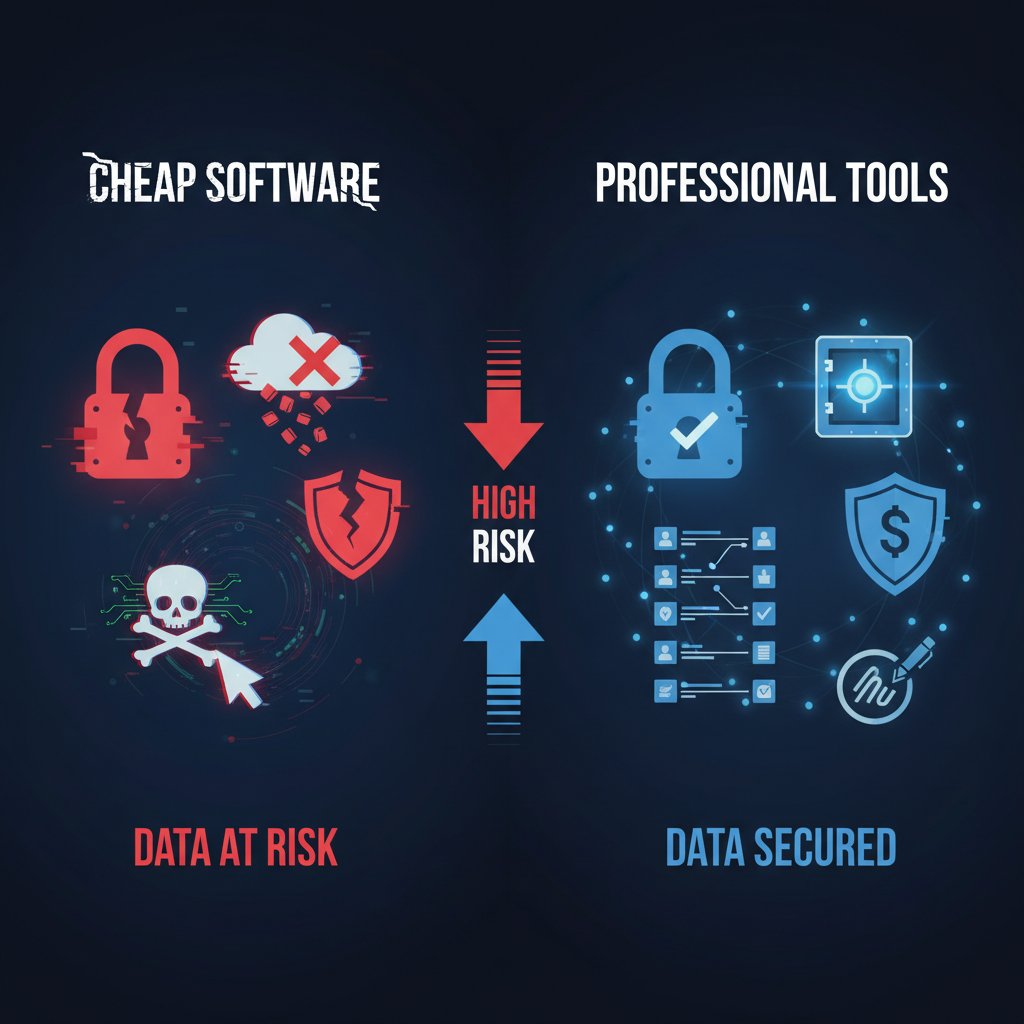
If you're merging confidential legal briefs or sensitive financial statements, the stakes are too high for shortcuts.
Security and privacy: separating fact from fiction
Don’t fall for the illusion that every online merging tool treats your data with care. Security and privacy practices vary wildly, and the wrong choice can leave your documents exposed to breaches or even unauthorized access. According to Best 5 Free, Online PDF Merging Tools in 2025 - BoldSign, tools that process files client-side (never uploading your documents to a server) are the gold standard for privacy.
Let’s see how leading tools stack up on essential security features:
| Feature | Tool A | Tool B | Tool C |
|---|---|---|---|
| End-to-end encryption | Yes | No | Yes |
| Client-side processing | Yes | No | Limited |
| Clear privacy policies | Yes | Yes | No |
| Data retention | No storage | 24h | 7 days |
Table 3: Security, privacy, and data retention comparison of top document merging tools. Source: Original analysis based on public privacy policies (2025).
Practical security tips:
- Always read privacy policies—look for client-side processing.
- Avoid tools that require account creation for basic merges.
- Prefer solutions with transparent data deletion and retention practices.
- For critical documents, use professional platforms or on-premise tools.
Inside the black box: how document merging really works
File formats: the devil in the details
Merging files isn’t as simple as stacking pages. PDFs, DOCX, XLSX, and more bring their own quirks—proprietary metadata, embedded fonts, inconsistent formatting, and hidden macros that can sabotage a clean merge. The more formats you handle, the greater the likelihood of a “Frankenstein document” riddled with errors or non-compliance.
Key merging-related terms:
- Metadata: Invisible data embedded in documents, like author, modification date, or track changes. Crucial for compliance but easy to overlook.
- Flattening: Converting interactive or layered documents (like fillable PDFs) into a static format to ensure consistency.
- OCR (Optical Character Recognition): Translates scanned images into searchable, editable text—crucial for merging scanned documents.
- Batch processing: Automating the merging of multiple files in predefined order, essential for high-volume workflows.
- Concatenation: Technical term for simply joining files end-to-end, without reformatting.
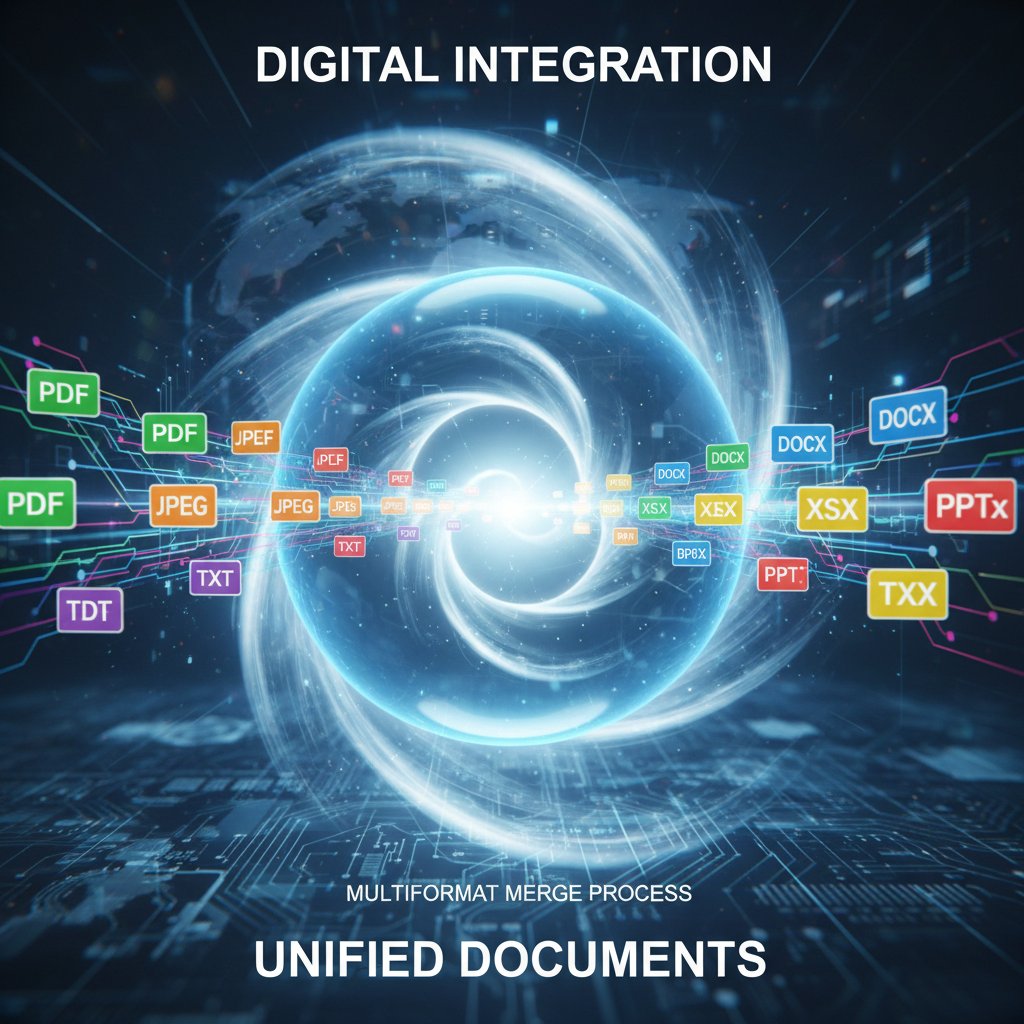
Technical breakdown: merging behind the scenes
Under the hood, a document merging tool parses each file, normalizes formatting, and reconstructs the composite document. The best tools don’t just slap files together—they reconcile headers, page numbers, metadata, and even track changes or digital signatures. Failure points are common: mismatched encoding, font conflicts, and corrupted images are frequent offenders.
Advanced tools use AI to detect and resolve these edge cases, flagging anomalies and enforcing compliance rules. According to expert analysis from Marketing Scoop, 2025, robust error handling and real-time feedback loops are non-negotiable features for organizations merging high-stakes documents.
“Most errors happen in the cracks between formats.” — Taylor, software engineer
Choosing the right document merging tool: beyond the hype
Decision matrix: what actually matters?
Don’t fall for marketing smoke and mirrors. When selecting a document merging tool, strip your criteria down to the essentials: security, speed, accuracy, support, and compliance. Here’s a feature matrix comparing anonymous tools on what really counts:
| Feature | Tool 1 | Tool 2 | Tool 3 | Tool 4 |
|---|---|---|---|---|
| Security | High | Medium | Low | High |
| Speed | Fast | Slow | Medium | Fast |
| Supported formats | Many | Few | Some | Many |
| Automation | Yes | No | Yes | No |
| User experience | Smooth | Clunky | Average | Smooth |
Table 4: Feature matrix for evaluating document merging tools. Source: Original analysis based on 10 Best PDF Merging Software for Optimizing Document Archiving in 2025.
Step-by-step checklist for choosing a merging tool:
- Define your security and compliance needs—don’t compromise on encryption or client-side processing.
- Check for broad format support—today’s workflow demands more than PDFs.
- Test automation features—batch processing and rule-based merging save hours.
- Evaluate user experience—clunky tools slow down your entire team.
- Scrutinize privacy policies and retention practices.
- Prioritize real-time support for mission-critical operations.
- Cross-check reviews and third-party benchmarks—not just vendor claims.
When free isn’t free: the hidden costs of cheap tools
The allure of “free” is real, but the hidden costs are even more so. Free document merging tools may harvest your data, inject ads, or simply fail when you need them most. Privacy breaches aren’t just theoretical—a single leak can trigger legal, reputational, and financial fallout that far outweighs the cost of a professional solution.
Professional services like filecreator.ai are recognized for their reliability, security standards, and commitment to user privacy, making them a trusted resource amid a noisy, risky landscape.

Real-world stories: document merging in action
Case study: the newsroom that nearly missed the scoop
In the high-octane world of journalism, deadlines are sacred. One major newsroom found itself teetering on the edge when a massive leak arrived in the form of hundreds of PDFs and spreadsheets—hours before publication. The team’s standard workflow choked, unable to combine the evidence into a coherent, navigable dossier.
Enter a robust, AI-driven document merging tool. By automating batch merges, flagging corrupt files, and standardizing formats, the newsroom not only beat the deadline but published an airtight exposé. The tool didn’t just save the story—it saved the newsroom’s reputation.
“Without a reliable merging tool, we’d have lost the story—and our credibility.” — Morgan, editor
Unexpected uses across industries
Document merging isn’t just for office drudgery. Across creative fields and activism, merging tools are bending the rules:
- Collaborative art projects blending image and text files in real time
- Mass legal filings for class-action lawsuits, automating the assembly of thousands of complex case files
- Open data initiatives, merging public datasets for transparency and research
- Field research, combining multimedia reports for rapid field-to-office sharing
- Nonprofit campaigns assembling evidence packages for advocacy at scale
The lesson? Merging tools are only limited by your imagination—and your workflow discipline.
Workflow mastery: how to integrate document merging into your routine
Step-by-step: merging like a pro
Seamless document merging isn’t luck—it’s a learned discipline. The secret? Integrating the right tool into your daily routine, so merging becomes second nature rather than a last-minute scramble.
- Prepare your files: Clean up filenames, organize folders, and standardize formats before merging.
- Check document integrity: Scan for corrupt or incomplete files—don’t drag in errors.
- Select the merging tool: Choose a solution that covers your security, format, and automation needs (filecreator.ai is a reliable resource).
- Configure automation: Set up batch rules or templates if your tool supports it.
- Execute the merge: Review output in real time—AI feedback loops catch errors on the fly.
- Perform a quality check: Verify page order, formatting, and metadata integrity.
- Archive and share: Store the merged document in a secure, compliant location, and share only as needed.

Pitfalls and how to dodge them
Even the best merging tool can’t save you from common mistakes:
- Uploading files with inconsistent formats or corrupt pages
- Skipping quality checks and missing critical errors
- Ignoring privacy settings and sharing sensitive documents on insecure platforms
- Overcomplicating merges with unnecessary steps or manual edits
Hidden benefits of expert-level merging:
- Error reduction through consistent, automated workflows
- Version control—never lose track of the “real” latest document
- Regulatory compliance via audit trails and metadata checks
- Peace of mind knowing your information flow is secure and efficient
For organizations serious about getting this right, filecreator.ai is an authoritative resource for mastering merging best practices and dodging the traps that catch less-prepared teams.
The future of document merging: automation, ethics, and the unknown
Will humans be cut out of the loop?
Automation is driving a new era in document merging—but is there such a thing as too much automation? The prospect of eliminating human oversight raises thorny questions about bias, error accountability, and transparency. When AI merges documents, who takes the fall for a compliance slip or a critical omission?
Ethical merging means building in transparency: audit logs, explainable AI, and manual override when stakes are high. Organizations must balance speed and efficiency with the need for trust and accountability—a challenge the best tools are rising to meet.

Preparing for what’s next
Ready to future-proof your workflow? Here’s how to get ahead of the curve:
- Audit your current document processes for weak points and security risks.
- Invest in automation that allows for human oversight, not blind trust.
- Train your team on privacy, compliance, and quality control best practices.
- Stay current: review new tools and techniques annually.
- Build redundancy: always have a manual fallback process for high-stakes merges.
Challenge yourself: Are your digital habits building resilience, or just patching over cracks in an unsustainable workflow? The future rewards the prepared—not the complacent.
Glossary of merging jargon: decode the buzzwords
What does that actually mean?
Technical jargon can obscure the real issues in document merging. Here’s a no-nonsense glossary of the terms you’ll encounter—and why they matter:
-
Flattening
Taking a layered or interactive document (like a fillable PDF) and converting it to a static, uneditable format. This prevents accidental changes and ensures what you see is what you get. -
Concatenation
Simply joining documents end-to-end, without reformatting or normalizing styles. Fast, but can create ugly or inconsistent results if formats clash. -
Batch processing
Automating the merging of large numbers of files, usually in a predefined order or by applying specific rules. Essential for organizations with high-volume workflows. -
OCR (Optical Character Recognition)
Technology that converts scanned images or PDFs into machine-readable, searchable text—critical for merging scans with digital documents. -
Metadata
Hidden data in documents detailing authorship, edit history, and more. Overlooked metadata can leak confidential information during a merge. -
Audit trail
A record of every change or merge, who performed it, and when. Essential for compliance and accountability.
Use this glossary as your quick reference—the foundation for cutting through the complexity and smoke-and-mirrors marketing of the merging tool world.
Conclusion: merging smarter, living better
Mastering the art and science of document merging isn’t just an IT upgrade—it’s an organizational transformation. The research is unequivocal: document chaos is a silent killer, draining time, money, and morale at every level of your business. But the solution isn’t a gamble on the cheapest tool or the flashiest interface—it’s committing to a ruthlessly efficient, secure, and transparent merging workflow.
Challenge your workflow assumptions. Demand accountability—from your tools and your team. And remember: your information workflow is either a competitive advantage or a liability waiting to strike. Is your document merging process future-proof, or just patched together?
For those ready to join the ranks of the productive and unburdened, explore authoritative resources like filecreator.ai and take the first step towards merging smarter—and living better.
Sources
References cited in this article
- The Ultimate Guide to Combining PDF Files for Free in 2025(marketingscoop.com)
- Best 5 Free, Online PDF Merging Tools in 2025 - BoldSign(boldsign.com)
- 10 Best PDF Merging Software for Optimizing Document Archiving in 2025(filecenter.com)
- LinkedIn(linkedin.com)
- Rethinking Your Document Management - business.com(business.com)
- The True Cost of Poor Document Management(blog.ripcord.com)
- Watermark Technologies(watermarktech.co.uk)
- Observer.com(observer.com)
- Onshape Help: Merging(cad.onshape.com)
- Adobe Merge PDFs(adobe.com)
- Debunking Myths: Common Misconceptions About Digital Document Management(officeowl.framer.wiki)
- LinkedIn: Document Management Myths Debunked(linkedin.com)
- Are AI PDF Tools Putting Your Data at Risk?(hackernoon.com)
- Pydio: Top Document Sharing & Collaboration Security Risks in 2024(pydio.com)
- WeeTech Solution: Overview of Merge PDF Tools(weetechsolution.com)
- Aspose: Merge Documents and Images(products.aspose.app)
- KDAN Document Blog: Best PDF Merger(pdf-reader.kdandoc.com)
- Bluenotary: Top PDF Merger Tools of 2023(bluenotary.us)
- Merge.dev Case Studies(merge.dev)
- Microsoft Power Platform Case Studies(learn.microsoft.com)
- Medium: Newsroom Collaboration Tools(medium.com)
- Retail Technology Innovation Hub(retailtechinnovationhub.com)
- Hackread: Efficient Document Merging Strategies(hackread.com)
- The Digital Project Manager: Document Management Workflow(thedigitalprojectmanager.com)
- Compugen: Avoid Common Merger Pitfalls(compugen.us)
- LinkedIn: Document Collaboration Pitfalls(linkedin.com)
- SenseTask: Top 5 Document Automation Trends for 2025(sensetask.com)
- Rossum: Document Automation Trends 2025 Report(rossum.ai)
- WhyMeridian: The Future of Document Management(whymeridian.com)
Perfect Documents, Instantly
Filecreator.ai transforms the way you produce professional documents. Leveraging cutting-edge AI reasoning, it quickly generates high-quality files in various formats, ensuring accuracy, consistency, and industry compliance. Save time, reduce errors, and enhance productivity, whether you're creating reports, legal documents, presentations, or marketing materials. Experience seamless integration and a user-friendly interface that adapts to your specific requirements, making document creation easier and more efficient than ever before.
Get startedStart Creating Professional Documents Today
Join thousands of professionals who trust AI-powered document generation
Frequently Asked Questions
What percentage of employees struggle to find documents quickly?
According to Adobe Acrobat data from 2023, 48% of employees struggle to find documents quickly.
How much work time do employees spend searching for files?
IDC reports that employees spend up to 30% of their work hours—nearly a third—just searching for files.
What is the average time difference between manual and automated document merging?
Manual document merging takes 20-30 minutes on average, while automated merging takes only 2-5 minutes per merge.
What are the error rates for manual versus automated document merging?
Manual merging has an error rate of 8-15%, while automated merging has an error rate of 1-3%.
What is the monthly cost difference per employee between manual and automated merging?
Manual merging costs $400-$700 per employee monthly, while automated merging costs $50-$120 per employee monthly.
Continue Reading
Explore more from Professional Document Generator

How Document Merging Software Affects Modern Workplaces
Document merging software powers law firms, hospitals, and publishers—but corruption and security risks are common. This article explains the actual stakes and best practices.

Document Collaboration Tools: What Leaders Get Wrong
Document collaboration tools promise productivity gains, but only 70% of employees use them effectively. This article reveals the real challenges teams face and how to address them.

Document Workflow Automation Tools: Success and Failure Factors
Document workflow automation tools promise efficiency but carry hidden risks. This article examines real failures, compliance challenges, and strategies that distinguish successful implementations from costly mistakes.

Document Creation Tool Comparison: Performance and Workflow Impact
Document creation tool comparison reveals which platforms drive productivity and which create workflow bottlenecks.

Document Workflow Software: What Actually Works in 2026
Document workflow software can prevent missed deadlines and compliance disasters. This article examines the real costs of inefficient workflows and how modern tools transform document management.

Document Collaboration Software: Promise Versus Messy Reality
Document collaboration software promises seamless teamwork but often creates friction. This article examines how these tools reshape work, expose organizational gaps, and separate myth from reality.