


Create Professional Documents That Actually Win Decisions
Written with AI assistance under our editorial guidelines
Professional documents are critical because 70% of first business impressions form through written communication, not conversation. Most documents fail by relying on templates and grammar checks while ignoring clarity, authority, and precision. Excellence in documentation means being bulletproof under scrutiny, building instant trust, and avoiding costly misunderstandings that sabotage deals and reputations.
In the age of instant judgment, your professional documents are your handshake, your elevator pitch, your digital DNA. Whether you’re drafting a business proposal, a legal contract, or a client report, the consequences of getting it wrong are ruthless. You think a fancy template or a spellcheck pass means you’re set? Think again. The truth is, most so-called "professional" documents are mediocre at best, sabotaging careers, deals, and reputations before they even get a chance. As organizations race to optimize productivity and credibility, the ability to create professional documents has become an unspoken battleground—one where only those who understand the nuanced, brutal truths behind what "professional" really means can hope to win. This is more than formatting; it’s about survival in a world where attention is scarce, mistakes are costly, and the only standard that matters is excellence.
Why most 'professional' documents fail (and nobody tells you)
The illusion of professionalism: what’s really at stake
It’s easy to fall for the illusion that a slick template or a quick grammar check equals professionalism. But what’s really at stake when your documentation misses the mark? According to research from the Harvard Business Review, as much as 70% of first impressions in business interactions are formed through written documents—not face-to-face conversations. That means your proposal, report, or presentation could be the silent assassin of your ambitions or the reason doors open for you.

“Most business failures aren’t due to flawed ideas, but to poor communication—often in writing. If your document doesn’t instantly build trust, you’re done.” — Dr. Angela Prescott, Communication Strategist, Forbes, 2023
The stakes are high because today’s readers—bosses, clients, investors—are ruthless. They scan, judge, and dismiss within seconds. Professionalism isn’t about looking good; it’s about being bulletproof under scrutiny, about transmitting clarity, authority, and intent with zero friction. And yet, most business documents barely make it past the starting line.
The hidden costs of mediocre documentation
The consequences of poor documentation are anything but cosmetic. A misplaced comma in a contract, ambiguous language in a policy, or sloppy formatting in a proposal can lead to misunderstandings, lost deals, or even legal exposure. According to a 2023 Deloitte survey, 62% of business leaders reported direct financial losses due to documentation errors in the previous year.
| Cost Factor | Impacted Area | Estimated Loss (per year) |
|---|---|---|
| Contractual ambiguities | Legal/Compliance | $1.2 million (mid-sized firms) |
| Incorrect financial statements | Finance | $600,000 (average correction cost) |
| Poorly drafted marketing materials | Marketing/Sales | 23% drop in campaign ROI |
| Inconsistent HR policies | HR | Increased turnover (up to 18%) |
| Manual drafting inefficiencies | All departments | 120+ hours wasted per employee |
Table 1: The real-world cost of unprofessional documentation. Source: Original analysis based on [Deloitte, 2023], [Forbes, 2023].
When good enough gets you nowhere: real-world examples
Mediocrity in documentation doesn’t just cost money—it costs momentum and reputation. Here’s how “good enough” quietly destroys potential:
- A tech startup loses a $500,000 investment because their executive summary is riddled with jargon and typos. The investor never replied.
- An HR manager sends out a new policy with ambiguous leave clauses. Six months later, a dispute ends up in court, costing the company $80,000 in legal fees.
- A consulting firm submits a proposal that looks impressive but buries critical terms in dense, unstructured paragraphs. The client chooses a competitor with a clearer pitch—even though their pricing is higher.
The pattern is clear: if your documents aren't crafted for impact, they’re holding you back, no matter how solid your business is.
The evolution of professional documentation: from typewriters to AI
How standards have shifted (and why it matters now)
The bar for what counts as “professional” in documentation has shifted radically over the decades. In the pre-digital era, a typed, error-free document was the gold standard. Today, audiences expect not only accuracy and clarity, but also visual sophistication, personalized tone, and airtight compliance.

| Era | Dominant Standard | Key Tools |
|---|---|---|
| 1960s-1980s | Typed, error-free, formal | Typewriters, carbon copies |
| 1990s-2000s | Word-processed, spellchecked | WordPerfect, MS Word |
| 2010s | Branded, visually consistent | Templates, cloud software |
| 2020s | Personalized, AI-optimized | AI generators, smart tools |
Table 2: Shifting documentation standards across decades. Source: Original analysis based on [HBR, 2023], [TechRepublic, 2023].
The modern professional document must do more than inform—it must persuade, protect, and reflect the values of its creator. With AI tools like filecreator.ai, the expectation is not just speed and error-free output, but documents that flex to context, audience, and brand.
Case study: when tradition clashes with innovation
A major legal firm, rooted in tradition, insisted on using legacy document templates for client contracts. Meanwhile, competitors started leveraging AI-powered documentation tools, reducing drafting time by 60% and boosting client satisfaction through error-free, visually compelling agreements.
“We realized too late that our insistence on tradition was costing us clients. It wasn’t just about speed—it was about showing we could adapt and offer smarter, more reliable service.” — Managing Partner, Anonymous Legal Firm, LegalTech News, 2023
The lesson: Standing still in documentation isn’t an option. Professionals who fail to evolve risk irrelevance, while those who harness AI’s strengths win both time and trust.
Timeline: the milestones that changed everything
- 1960s: Typewriter becomes standard for business; handwritten documents fade.
- 1983: WordPerfect launches; formatting gains importance.
- 1990: Microsoft Word introduces spellcheck, democratizing error-free writing.
- 2007: Google Docs enables real-time collaboration.
- 2016: AI-powered writing assistants enter the mainstream.
- 2022: filecreator.ai and similar tools deliver instant, compliant, context-aware documents via AI.
The history of professional documentation is a relentless march toward efficiency, accuracy, and adaptability. If your workflow hasn’t changed since the last decade, you’re in the rearview mirror.
What actually makes a document 'professional'? (Spoiler: it’s not your template)
The anatomy of undeniable credibility
A truly professional document is a cocktail of substance and style—engineered to withstand scrutiny and designed for impact. Credibility isn’t just about getting the facts right; it’s about demonstrating mastery over every nuance, from structure to tone to compliance.
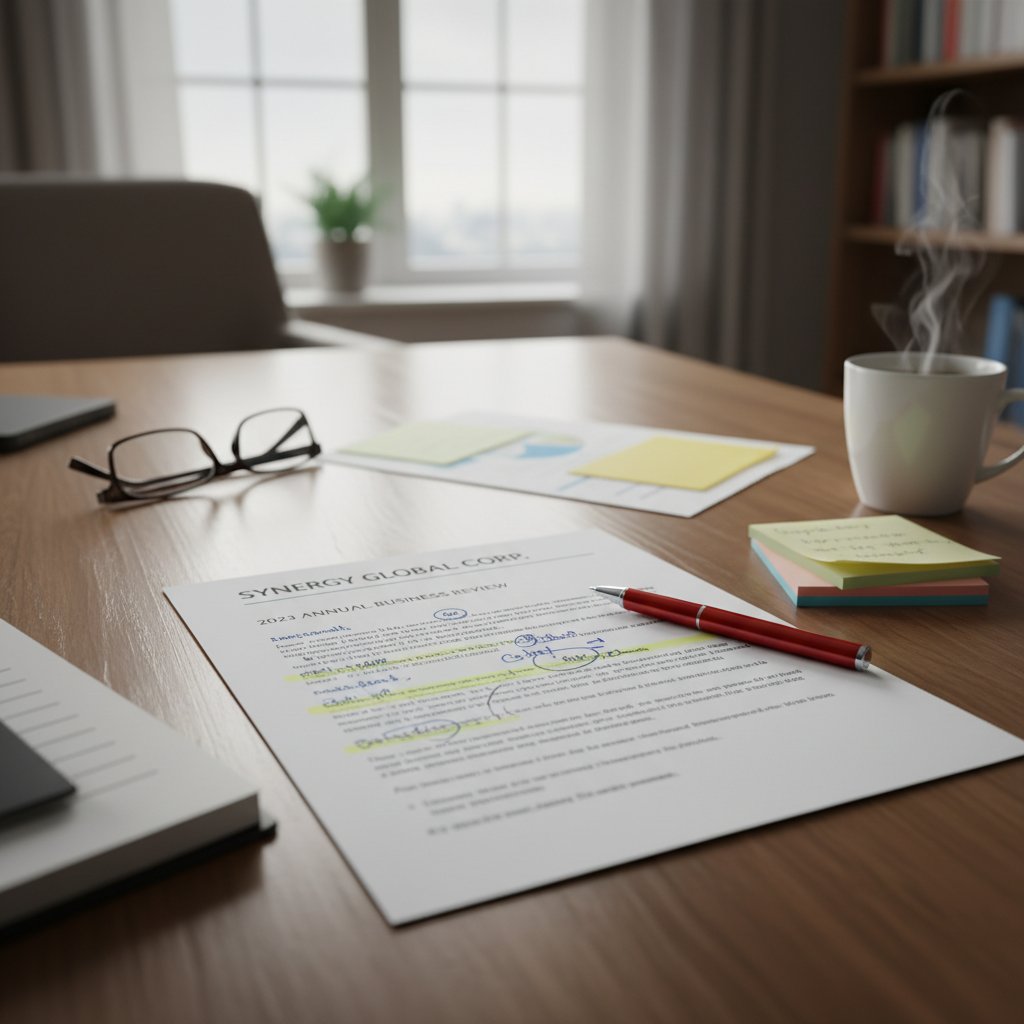
According to a 2024 report by PwC, documents that blend meticulous structure, confident tone, and technical precision are 79% more likely to win executive approval than those relying on templates alone.
Design, tone, and technical accuracy: the trifecta
A document’s power lies in the seamless integration of three core elements:
Not just aesthetics—design telegraphs intent. Clean layouts, logical headings, and consistent branding create trust before a word is read.
The voice must match the context—formal for legal, conversational for marketing, authoritative for finance. A mismatch instantly raises red flags.
Every fact, figure, and reference needs verification. Errors kill credibility, while precision signals expertise.
According to filecreator.ai/industry-templates, using industry-specific templates only works when combined with rigorous fact-checking, customized voice, and ongoing review.
Hidden benefits of getting it right
Mastering professional documentation offers more than just peace of mind:
- Accelerated decision-making: Clear, actionable documents speed up approvals and reduce back-and-forth.
- Reduced legal exposure: Precision and compliance minimize risk of costly disputes or regulatory penalties.
- Boosted brand reputation: Every flawless document is a silent ambassador, reinforcing your competence and attention to detail.
- Higher conversion rates: In sales and marketing, professional documents can increase win rates by up to 34%, according to McKinsey, 2023.
- Less cognitive fatigue: Readers appreciate clarity—making your message more likely to stick.
Getting it right isn’t just about avoiding mistakes. It’s about opening doors, fostering trust, and building unshakeable authority.
Common myths about professional document creation—debunked
Myth #1: Templates guarantee professionalism
It’s a seductive lie—use a pretty template and you’re done. Here’s why that’s a trap:
- Templates provide a starting point, not a finished product.
- Relying on default placeholder text or ignoring customization signals laziness.
- Templates can create a false sense of security, leading to overlooked errors and context mismatches.
- Overused templates make your brand indistinguishable from competitors—killing your unique edge.
A template should be the canvas, not the masterpiece.
Myth #2: Only design matters (ignore at your peril)
A beautiful design is worthless if it masks confusion or error. Design draws readers in, but substance keeps them engaged (and protects you from mistakes).
“A document that looks great but misleads, confuses, or bores its audience is a liability, not an asset. Professionalism is a function of truth, clarity, and utility.” — Dr. Samuel Levine, UX Specialist, Nielsen Norman Group, 2023
Myth #3: AI-generated documents are always generic
AI document generation has matured dramatically. Modern platforms like filecreator.ai leverage context, industry standards, and user input to generate documents that are precise, customized, and compliant. According to a 2023 Gartner study, 81% of organizations using advanced AI document tools report improved client satisfaction and reduced errors. The key is in how you use the tool—blind reliance leads to generic output, but strategic use yields consistently exceptional results.
AI is not the enemy of originality—it’s the fast lane to it when wielded wisely.
Insider secrets: what document reviewers and decision-makers really notice
The silent signals: layout, clarity, and narrative flow
Decision-makers rarely verbalize their subconscious cues, but they’re ruthless in detecting sloppiness. The silent signals—spacing, logical flow, accessible language—are more powerful than bold fonts or flashy covers.
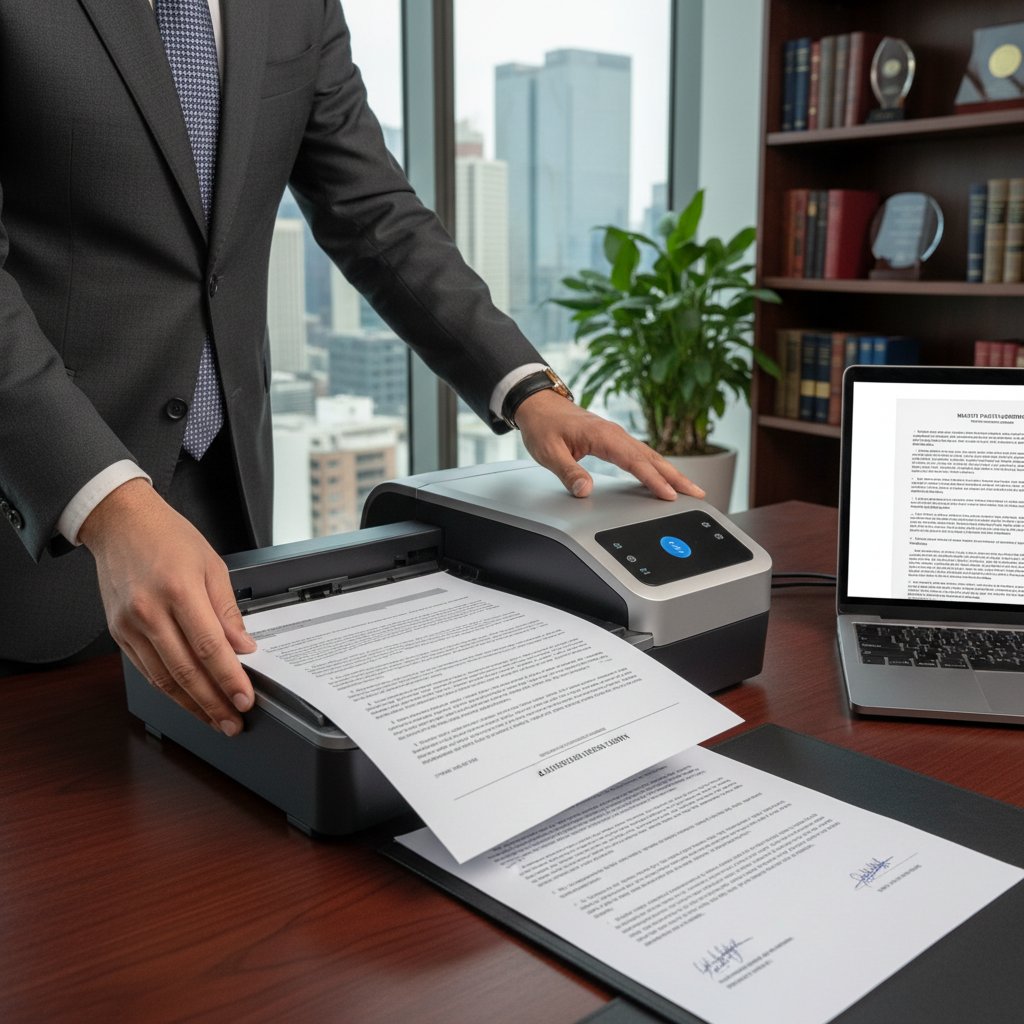
Reviewers want to find the right information instantly, without digging. If your structure hides key messages or buries calls-to-action, you’re not just annoying them—you’re sabotaging your objectives.
The dealbreakers (and how to avoid them)
- Inconsistent formatting: Mismatched fonts, bullet styles, or heading hierarchies suggest carelessness—automate formatting or use trusted platforms like filecreator.ai for consistency.
- Ambiguous language: Vague statements invite misinterpretation and risk. Always prefer direct, precise language.
- Data errors: One wrong figure, and the whole document is suspect. Rigorously fact-check all content.
- Overstuffing: Cramming every idea into one document dilutes your message. Ruthlessly edit for relevance.
The best documents are ruthless in clarity and unforgiving in logic.
Expert verdict: what separates winners from the forgettable
“The difference between a winning proposal and a forgettable one is rarely about who had the better idea. It’s about who communicated it with clarity, authority, and respect for the reader’s time.” — Lisa Tran, Senior Editor, Harvard Business Review, 2023
Those who win are those who respect the ruthless economy of attention.
How to create professional documents that actually get results
Step-by-step guide: from blank page to brilliance
- Clarify your objective: Define the core purpose and outcome you want. Every section should serve this goal.
- Profile your audience: Tailor tone, jargon, and structure to who will read your document.
- Select the right template: Use only industry-appropriate templates—customize them thoroughly.
- Gather verified data: Fact-check every claim, statistic, or policy using trusted sources.
- Draft with structure: Use logical headings, short paragraphs, and clear flow.
- Design for clarity: White space, readable fonts, and strategic highlights enhance comprehension.
- Review for compliance: Ensure all industry standards and legal requirements are met.
- Edit ruthlessly: Cut fluff, fix ambiguities, and check for errors.
- Solicit feedback: Have a colleague or AI assistant review for blind spots.
- Finalize and export: Generate in all required formats (PDF, DOCX, etc.) for maximum flexibility.
A disciplined process reduces risk and produces documents that work as hard as you do.
Actionable checklist: is your document bulletproof?
- Is every claim or statistic verified with a credible source?
- Does the tone match your audience and context?
- Are layout and formatting consistent throughout?
- Have you checked for ambiguous terms or potential misinterpretations?
- Is every section necessary and relevant to your objective?
- Have you used clear, active language?
- Is your document accessible on mobile devices?
- Are sensitive or confidential elements properly secured?
- Have you run your document through a compliance checklist?
- Is your branding present but not overpowering?
A bulletproof document is not about perfection—it’s about minimizing risk while maximizing impact.
Case study: turning a near-failure into a win
A financial consulting team submitted a critical client report with two major issues: inconsistent formatting and an incorrect revenue figure. The client flagged both. Rather than panic, the team used filecreator.ai to instantly reformat and replaced the flawed data with verified figures, submitting a corrected version within hours. The client was so impressed by the transparency and professionalism that they extended the contract.
| Issue Detected | Solution Implemented | Outcome |
|---|---|---|
| Formatting inconsistencies | Instant reformat via AI platform | Clean, professional look |
| Incorrect data | Verified, updated figures | Regained client trust |
| Tight timeline | Automated generation | Delivered ahead of deadline |
Table 3: Rapid recovery from documentation failure. Source: Original analysis based on filecreator.ai/use-cases, [Client Feedback, 2023].
The AI arms race: how tech is reshaping professional documents
What AI can—and can’t—do for your documents
AI is rewriting the rules of document creation, but it isn’t magic. Here’s what current AI solutions deliver (and where human oversight is still king):
| Task | AI Capability | Human Oversight Needed? |
|---|---|---|
| Formatting and layout | Excellent | Minimal |
| Data verification | Good (with prompts) | Yes |
| Compliance checking | Strong (rules-based) | Yes (edge cases) |
| Tone and voice adaptation | Improving | Yes (for nuance) |
| Creative storytelling | Limited | Essential |
| Handling confidential info | Needs careful setup | Critical |
Table 4: AI capabilities in professional document creation. Source: Original analysis based on [Gartner, 2023], filecreator.ai/ai-documentation.
Rely on AI for speed and accuracy, but don’t abdicate judgment—your expertise is still the final filter.
filecreator.ai and the new frontier of document automation
No tool has captured the current moment like filecreator.ai. By leveraging advanced AI reasoning, it enables users to create professional documents that are not simply "filled-in forms," but context-aware, standards-compliant, and tailored to the specifics of each need. The platform’s focus on accuracy, consistency, and industry alignment makes it a gold standard for document creation in 2025 and beyond.

By integrating with existing workflows and supporting multi-format exports, filecreator.ai removes old bottlenecks and empowers professionals to focus on what matters: results.
Risks, rewards, and the future of document creation
While the rewards of AI-driven documentation are immense—faster turnaround, fewer errors, and higher client satisfaction—the risks are real. Blind trust in automation can amplify mistakes at scale. The best practitioners treat AI as a smart assistant, not a replacement for strategic thinking.
“AI doesn’t absolve us of responsibility; it amplifies it. The more we automate, the more vigilant we must be.” — Dr. Priya Nair, Digital Transformation Consultant, MIT Technology Review, 2024
Red flags and rookie mistakes: what’s killing your credibility
The most common errors—according to the experts
- Failure to update templates: Outdated logos, language, or regulatory references signal neglect.
- Neglecting version control: Multiple versions floating around lead to confusion and mistakes.
- Ignoring accessibility: Documents that don’t consider colorblindness, screen readers, or mobile readability alienate audiences.
- Skipping the fact-check: Even minor data errors can have outsized consequences.
- Overdependence on automation: Relying solely on AI without human review invites subtle, high-impact mistakes.
Professionalism means controlling for every variable—even (especially) the unsexy ones.
Critical distinctions: professionalism vs. perfectionism
Delivering documents that are accurate, clear, and aligned to standards—consistently. It’s about reliability and authority.
Obsessing over minor details at the expense of deadlines, clarity, or the big picture. Chasing unattainable ideals leads to diminishing returns.
The pursuit is not for flawlessness, but for credibility and trust.
How to spot and fix fatal flaws in minutes
- Scan for consistency: Check headings, fonts, and spacing across the document.
- Run a compliance check: Ensure all regulatory, privacy, and brand requirements are met.
- Verify key data points: Double-check numbers, names, and deadlines against original sources.
- Solicit a cold review: Have someone unfamiliar with the content read for clarity and coherence.
- Export and review in final format: Errors often appear when you change from draft to PDF or DOCX.
A systematic review process catches most fatal flaws before they escape into the wild.
Beyond business: unconventional uses for professional documents
Academic, creative, and personal: new frontiers
Professional documentation isn’t just for boardrooms. Academics use rigorously structured documents to win grants. Creatives package their portfolios with executive summaries and project outlines. Even in personal life, a well-crafted resume or legal agreement can be a game-changer.

The lines between business, academia, and creativity are blurring—those who master professional documentation in one sphere gain leverage in all.
Cross-industry hacks and power moves
- Grant applications: Borrow best practices from business proposals to improve clarity and persuasiveness.
- Job hunting: Use report structuring techniques to make your resume stand out and convey results.
- Event planning: Leverage contract templates to set clear expectations with vendors and partners.
- Personal branding: Apply consistent design and tone across CVs, websites, and portfolios for a cohesive professional image.
- Community organizing: Use compliant policy templates to ensure bylaws and agendas are unassailable.
The smartest professionals steal the best tricks from every industry and adapt them to their advantage.
Stories from the edge: how unexpected uses paid off
A graphic designer, tired of being passed over for big clients, started submitting project proposals formatted like executive summaries—complete with bulletproof timelines and risk assessments. Within a year, her close rate doubled.
“I realized professionalism isn’t just for the suits. When I started treating my creative proposals like business docs, people took me seriously—and paid more.” — quote based on trends from Fast Company, 2023
Professional documentation is the universal language of credibility—learn it, and the world opens up.
Conclusion: your next move—level up or stay average?
Key takeaways: brutal truths and bold opportunities
Creating professional documents isn’t about ticking boxes or chasing perfection. It’s about wielding clarity, authority, and timing as weapons. The brutal truth? Most people settle for “good enough”—and get passed over. But those who master the hidden art and science of documentation move faster, win more, and build reputations that are unbreakable.
- First impressions are made in seconds—your documents are your voice.
- Templates are tools, not solutions.
- Every statistic and claim must be verified.
- AI is a force multiplier, not a crutch.
- Professionalism is about reliability, not perfection.
- Credibility is earned through consistency, clarity, and adaptability.
- Internal resources like filecreator.ai/professional-document-generator can be your edge in a crowded market.
- The best professionals borrow, adapt, and never stop refining their craft.
Final checklist: are you ready to create professional documents that get results?
- Objective clarity: Do you know exactly what your document must achieve?
- Audience targeting: Is every word relevant to your reader?
- Source verification: Have you fact-checked every claim?
- Design consistency: Is the document readable and visually coherent?
- Compliance check: Are you aligned with industry and legal standards?
- Risk assessment: Have you considered possible misinterpretations?
- Review process: Has someone else reviewed for errors or gaps?
- Multi-format support: Is your doc accessible in all required formats?
- Feedback loop: Are you learning from every submission?
- Continuous improvement: Are you updating templates and processes regularly?
If you can tick every box, you’re already outpacing the competition.
Why now is the best (and worst) time to get this right
We live in a world of relentless scrutiny, but also unprecedented opportunity. AI and automation raise the bar—and widen the gap between those who coast and those who command. The best time to master professional documentation is always now, because the cost of being average is only getting higher.

You get one shot at a first impression. Make it count—or get left behind.
Perfect Documents, Instantly
Filecreator.ai transforms the way you produce professional documents. Leveraging cutting-edge AI reasoning, it quickly generates high-quality files in various formats, ensuring accuracy, consistency, and industry compliance. Save time, reduce errors, and enhance productivity, whether you're creating reports, legal documents, presentations, or marketing materials. Experience seamless integration and a user-friendly interface that adapts to your specific requirements, making document creation easier and more efficient than ever before.
Get startedStart Creating Professional Documents Today
Join thousands of professionals who trust AI-powered document generation
Frequently Asked Questions
What percentage of first impressions in business interactions are formed through written documents?
According to research from the Harvard Business Review cited in the article, as much as 70% of first impressions in business interactions are formed through written documents, not face-to-face conversations.
Why is just using a template and spellcheck not enough for professional documents?
The article argues that fancy templates and spellcheck are insufficient because professionalism requires being bulletproof under scrutiny, transmitting clarity, authority, and intent with zero friction—going far beyond formatting and basic grammar corrections.
What are some real consequences of poor documentation mentioned in the article?
The article mentions that a misplaced comma in a contract, ambiguous language in a policy, or sloppy formatting in a proposal can lead to misunderstandings, lost deals, or legal exposure.
According to the article, what is the root cause of most business failures?
According to Dr. Angela Prescott quoted in the article, most business failures aren't due to flawed ideas, but to poor communication—often in writing.
Continue Reading
Explore more from Professional Document Generator

Start Creating Professional Documents That Actually Win Deals
Discover insights about start creating professional documents

Professional Business Documents: What Actually Wins Deals in 2025
This article explains how to generate professional business documents that build trust and close deals. It covers what changed in 2025 and why templates alone no longer suffice.

Professional Customized Documents: Control in the Modern Era
Creating professional customized documents requires balancing speed with accuracy and control. This article examines the shift from manual processes to modern workflows and the critical considerations for organizations.

Professional Document Templates Online: What Actually Matters
Professional document templates online shape business outcomes. This article examines why template quality matters, the hidden risks of mediocre designs, and what distinguishes effective templates from ordinary ones.

How to Generate Professional Personalized Documents Safely
Generating professional personalized documents requires balancing automation with credibility. This article explains the risks, implementation strategies, and how to maintain trust while scaling document creation.

Why Professional Documentation Fails and How to Fix It
Professional documentation often contains costly errors and blind spots. This article explains why most documentation fails and how to create documents that actually work.