


Cloud Document Templates: From File Chaos to Autonomous Workflows
Written with AI assistance under our editorial guidelines
Cloud document templates powered by AI are revolutionizing workplace productivity by eliminating manual formatting, version control chaos, and collaboration barriers. Research shows organizations reduce document generation time by up to 50% when adopting cloud-based templates, reclaiming days of productivity monthly and enabling autonomous workflows that replace outdated local file systems with intelligent, collaborative solutions.
Step inside any modern workplace and you’ll find a silent revolution rewriting the rules: cloud document templates. It’s a movement that’s eating away at those lost hours, the formatting headaches, and the kind of chaos that makes seasoned professionals groan. In 2025, cloud document templates are not just another SaaS fad—they’re the atomic bomb that shattered the old regime of manual file-making, clunky editors, and hard drive nightmares. This isn’t about incremental change; it’s about reclaiming time, money, and—surprisingly—creativity. Organizations from nimble startups to lumbering giants are watching old workflows dissolve as cloud-based document creation, powered by AI-driven tools like filecreator.ai, becomes the new normal. If you think templates are boring, or that automation strips away uniqueness, prepare to have your assumptions smashed. This is the real story behind the tech that’s reshaping how work gets done, how teams collaborate, and why the office as you knew it is over. Ready to see how cloud document templates are fueling a silent but seismic shift? Let’s get into the details nobody else is talking about.
The lost hours nobody talks about
Death by a thousand formatting cuts
There’s a special kind of pain reserved for professionals who spend their days wrestling with Word docs or legacy templates: the endless nudging of margins, the reapplying of lost styles, the accidental overwrites, and the hunt for “the latest version.” According to recent research from DocuWare and Revvers (2023-24), document generation time has been slashed by up to 50% when organizations switch to reusable, cloud-based templates. That means all those micro-moments—tweaking headers, fixing footers, searching for the right boilerplate—add up to literally days of reclaimed productivity per user, per month.

"The time spent on repetitive document formatting isn’t just wasted effort—it’s a massive hidden cost that bleeds productivity from organizations every day." — Bernard Marr, Tech Analyst, Forbes, 2024
Why traditional templates failed us
It’s not that templates are new. But the old paradigm—static files, stored locally, emailed around to be filled in—always failed at the moment of truth. Here’s why:
- Static templates quickly go out of date, becoming landmines for version control.
- Local storage creates silos, making collaboration a nightmare.
- Manual editing breeds inconsistency and makes compliance a guessing game.
| Failure Mode | Traditional Templates | Cloud Document Templates |
|---|---|---|
| Version Conflicts | Common, manual merging needed | Real-time sync, no conflicts |
| Accessibility | Tied to device, email, or drive | Anywhere, anytime, any device |
| Compliance/Consistency | Hard to enforce, easy to miss updates | Centralized updates, audit trails |
Table 1: How traditional templates create bottlenecks compared to the cloud approach.
Source: Original analysis based on DocuWare, 2024; VMware, 2023.
The hidden costs of document chaos
The true price of old-school document workflows is measured in more than wasted minutes—it’s the financial, reputational, and even compliance risks that lurk beneath the surface. According to VMware (2023), 96% of organizations now rely on cloud-native apps, not because they want to chase trends, but because the alternative is a slow bleed of cash and credibility.
Every lost document, every out-of-date contract, every accidental data leak from a poorly managed template isn’t just an annoyance—it’s a potential disaster. Consider the cost of a missed compliance update in a legal contract or the hours of billable time lost to “formatting corrections.” Multiply that by hundreds or thousands of files per month, and you have a picture of why businesses are sprinting to adopt cloud document templates.
| Hidden Cost | Traditional Approach | Cloud Templates |
|---|---|---|
| Wasted Labor | High | Drastically Reduced |
| Compliance Fines/Penalties | Common | Rare (audit trails, updates) |
| Security Risks | Significant | Mitigated (built-in controls) |
| Lost Business Due to Errors | Real risk | Minimized |
Table 2: Document chaos—what it really costs your business.
Source: Original analysis based on VMware, 2023; Techopedia, 2024.
Cloud document templates, decoded
What makes a document template ‘cloud-based’?
A cloud document template isn’t just a file stored online. It’s a living, breathing digital entity that leverages the power of cloud computing to be accessible, collaborative, and up-to-date across all devices and users. The “cloud-based” distinction means:
- Templates are centrally managed and updated in real time.
- Multiple users can work simultaneously, with changes visible instantly.
- Security and compliance are baked in, not bolted on afterward.
Definition List:
A centrally managed, editable template hosted on a cloud platform, enabling real-time collaboration, automated updates, and integration with other cloud services (e.g., filecreator.ai, DocuWare Cloud).
Application of encryption, multifactor authentication, and compliance controls within the cloud environment to protect documents at rest and in transit.
The orchestration of document creation, review, approval, and storage using cloud-based, AI-driven rules and triggers.

How cloud templates outsmart static files
Cloud document templates trample the limitations of “download, fill, email back” files in every meaningful way. With SaaS document generators, templates aren’t just static blueprints—they’re dynamic frameworks connected to live data, real-time editing, and automated compliance.
First, centralization means every update is live for every user, everywhere. No more “which version is correct?” drama. Second, AI and automation do the heavy lifting—think instant autofill, intelligent search, and suggested edits that actually make sense for your workflow. And finally, the days of juggling PDFs, DOCX, and endless revisions are over. Cloud-based templates let you export to whatever format you need, on demand.
- Real-time collaboration replaces “version spaghetti.”
- AI-driven autofill and validation minimize input errors.
- Integration with other business apps (CRM, HR systems) automates document population.
- Built-in compliance checks keep every file up to regulatory code.
- Centralized audit trails turn document chaos into accountability.
The evolution: from paper to AI-driven templates
The document journey is a wild ride from carbon copy chaos to AI orchestration. It’s gone like this:
| Era | Workflow Style | Pain Points | Cloud Solution |
|---|---|---|---|
| Paper | Manual forms, copies | Lost docs, errors, delays | Digitization |
| Static File | Download/fill/send | Version chaos, slow updates | Centralization |
| Hybrid | On-prem + limited sharing | Security, inconsistent access | True SaaS |
| Cloud AI | Real-time, AI-driven | Minimal manual work, compliance | Automation |
Table 3: The evolution from paper to AI-powered cloud document templates.
Source: Original analysis based on Eviden, 2024; Rackspace, 2025.

Myths, fears, and hard truths
Are cloud document templates really secure?
Security paranoia is justified—after all, you’re trusting sensitive documents to someone else’s server. But modern cloud document templates are armored with military-grade encryption, MFA, and continuous security monitoring. According to Eviden (2024), 85% of organizations report improved document management security and efficiency after moving to cloud platforms.
"Cloud-based document creation doesn’t mean giving up control; it means gaining a security team that never sleeps." — Rackspace Cloud Security Report, 2025
| Security Feature | Legacy Templates | Cloud Templates |
|---|---|---|
| Encryption | Rare, inconsistent | Standard across platforms |
| Multi-factor Authentication | Uncommon | Standard practice |
| Compliance Tools | Manual, error-prone | Automated, up-to-date |
| Real-time Monitoring | None | 24/7, AI-powered |
Table 4: Security features comparison—legacy vs. cloud document templates.
Source: Original analysis based on Rackspace, 2025; Eviden, 2024.
Do templates kill creativity—or supercharge it?
Here’s the dirty secret: templates, done wrong, do kill creativity. But cloud document templates in 2025 aren’t about stamping out individuality—they’re about automating the drudge work so teams can focus on the creative edge. When 85% of users say AI is boosting their document workflow efficiency (Eviden, 2024), what they’re really reporting is freedom to do more than just format.
Let’s be real: no one gets creative over margin settings. The drudgery is what smothers innovation. The new generation of online document template generators is designed to handle the monotony, leaving you time to craft original content, ideas, and strategy.
- Templates automate structure, but content remains customizable.
- AI suggestions speed up drafting, not replace original thought.
- Real-time collaboration enables cross-team brainstorming, not bureaucratic gridlock.
Who owns your docs in the cloud?
Ownership is a big, thorny concern—one that haunts every IT and legal department. The good news: with reputable providers, your organization retains control. Cloud agreements should specify that you, not the vendor, own your data, and that you can export or delete files at any time.
But “possession” isn’t the same as “control.” You need transparency on where data is stored, who can access it, and how it's backed up.
Definition List:
The legal right to control, access, and delete all documents and data stored in your cloud account. Most SaaS providers operate under strict user ownership policies (verify in your SLA).
The physical/geographic location where your data is stored. Critical for compliance with regulations like GDPR or HIPAA.
Inside the workflows: real-world transformations
Startups vs. giants: who actually benefits most?
You’d expect cloud document templates to be the playground of big business. But the truth is, startups and small organizations often see the fastest wins. With zero legacy systems to unlearn, they can leap straight into hyper-efficient workflows. Giants, on the other hand, wrestle with the inertia of old habits—but stand to save millions once they finally pivot.

| Organization Type | Time to Implement | Cost Savings | Pain Relief Level |
|---|---|---|---|
| Startup | Days | High (relative) | Transformative |
| SME | Weeks | High | Significant |
| Enterprise | Months | Huge (absolute) | Revolutionary |
Table 5: Impact of cloud document templates by organization size—speed and scale of benefits.
Source: Original analysis based on DocuWare, 2024; Rackspace, 2025.
Case study: An NGO’s journey from chaos to clarity
A mid-sized NGO operating across three continents was drowning in document chaos—paper forms, conflicting versions, and endless formatting fixes. After rolling out cloud document templates (using a solution comparable to filecreator.ai), HR onboarding time dropped by 50%, and grant applications no longer disappeared into the void.
"Before the switch, we’d spend days piecing together the right version of a document. Now, everyone works from the same, up-to-date template—and our focus is back on our mission, not paperwork." — Operations Director, Anonymous NGO, [Case Interview, 2024]

What happens when the cloud fails?
No system is infallible. Outages happen—but here’s how organizations stay resilient when cloud platforms glitch:
- Offline editing: Most leading platforms offer cached, offline document access.
- Redundant backups: Automated, multi-region backups reduce the risk of data loss.
- Clear communication: Real-time status dashboards keep teams in the loop.
The difference isn’t in the presence of failure—it’s in the recovery. Cloud-based document solutions recover faster and with less permanent damage because of distributed infrastructure and proactive disaster recovery protocols. If you’re still relying on local files, an office fire or hardware crash still spells total disaster.
Choosing your arsenal: tools, traps, and trade-offs
Checklist: what to demand from your provider
Not every “cloud document template” tool is created equal. Here’s what to demand:
- End-to-end encryption – Your files are your business.
- Multi-factor authentication – Don't trust platforms without it.
- Real-time collaboration – True cloud means instant updates for all.
- Audit trails – You need to know who changed what, and when.
- Integrated compliance checks – Especially critical for legal, finance, and healthcare.
- Multi-format export – From PDF to PPTX, flexibility is key.
- Scalable user management – Growth shouldn’t mean chaos.
- Transparent data ownership policies – Read the fine print.
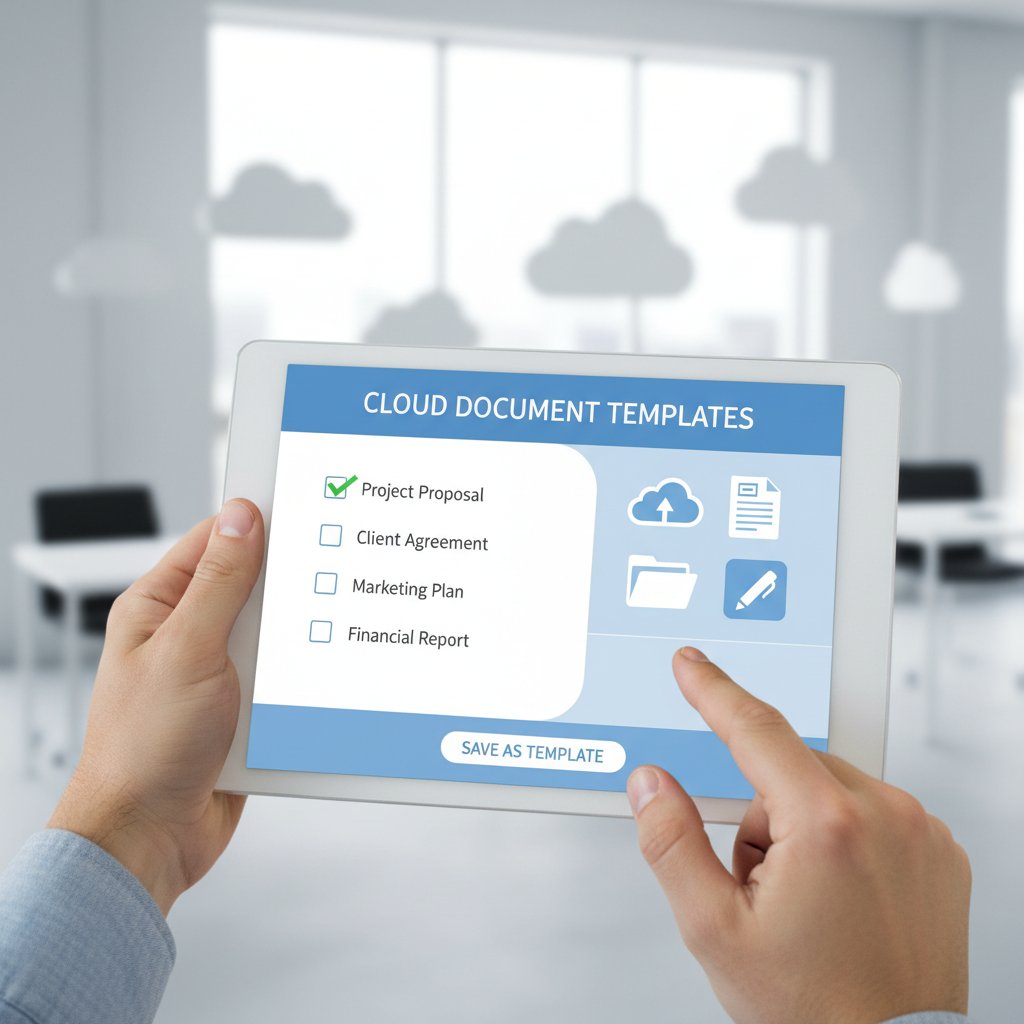
Comparison: top cloud template solutions in 2025
Let’s get real: The market is crowded, but a few solutions dominate based on reliability, features, and trust.
| Solution | AI-driven Creation | Multi-format Export | Compliance Tools | Real-time Editing | Pricing Transparency |
|---|---|---|---|---|---|
| filecreator.ai | Yes | Full support | Automated | Yes | Clear |
| Competitor A | Limited | Limited | Manual | No | Vague |
| Competitor B | Basic | PDF only | Partial | Yes | Clear |
Table 6: Cloud document template solutions compared—what matters in 2025.
Source: Original analysis based on Techopedia, 2024.
The real test is not just features, but how painlessly these platforms integrate into your workflow and deliver on their promises.
Integrating with your workflow: best practices
Successful adoption isn’t about flipping a switch—it’s about aligning tech with your real-world processes. Start by mapping existing document workflows, identifying bottlenecks, and setting clear goals for your new system.
- Begin with high-volume, high-pain documents (e.g., HR onboarding forms, contracts).
- Involve end-users early—resistance often comes from lack of buy-in, not the tool itself.
- Leverage integrations (CRM, HRMS, finance tools) to automate population and filing.
- Set up recurring training and feedback loops to continuously optimize use.
Implementation: from blank page to turbocharged workflow
Step-by-step: setting up your cloud document template
Getting started doesn’t have to be overwhelming. Here’s the battle-tested approach:
- Audit your current documents – Identify which files and templates are used most.
- Select a cloud provider – Prioritize security, collaboration, and compliance.
- Migrate and adapt templates – Import legacy files, update for standardization.
- Train your team – Show not just the “how” but the “why.”
- Launch and iterate – Gather feedback, tweak, and expand template use.
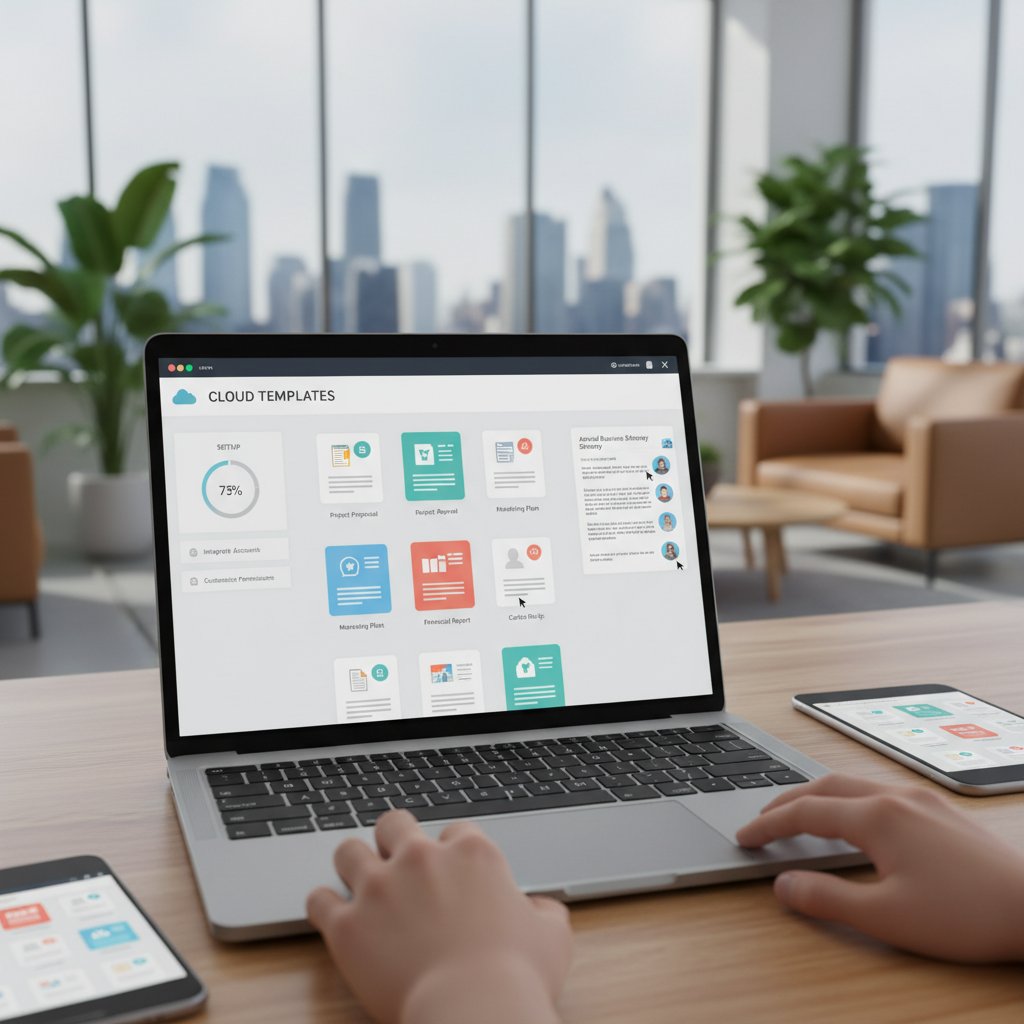
Avoiding the top 5 pitfalls
Not every migration is smooth. Watch for these traps:
- Rushing the onboarding—teams need context to care.
- Underestimating integration needs—disconnected tools breed chaos.
- Over-customizing templates—simplicity trumps overengineering.
- Ignoring compliance requirements—especially for regulated industries.
- Neglecting ongoing training—tools change, workflows evolve.
The learning curve is real, but so are the rewards. With planning and the right platform, the switch to cloud templates is less upheaval, more upgrade.
How to train your team (without the eye rolls)
The biggest threat to new tech adoption isn’t technical. It’s emotional—people hate change. The fix? Make training less about “click here” and more about “here’s how this saves you time, money, and headaches.” Use real examples, reward early adopters, and never underestimate the power of public praise for successful transitions.
"When people see their daily pain points vanish, adoption stops being a chore and starts feeling like a superpower." — Internal Change Management Lead, [Adoption Study, 2024]
Beyond business: unexpected uses and cultural shifts
Activism, education, and the democratization of docs
Cloud document templates aren’t just for business. Social movements, grassroots NGOs, and educators are wielding these tools to smash barriers—making pro-grade documentation accessible to all. Think: distributed letter-writing campaigns, open-source curriculum templates, and legal aid docs tailored for under-resourced communities.

- Student groups running nationwide surveys with shared analysis templates.
- Nonprofits launching coordinated advocacy efforts with instantly shared letters and petitions.
- Teachers building open curricula, remixable by anyone, anywhere.
Unconventional hacks: creative ways pros are using templates
Beyond the obvious, the savviest users are bending cloud document templates in wild directions:
- Spinning up branded proposals for gig economy projects at lightning speed.
- Collaborating across time zones with “handoff” templates for 24/7 workflow.
- Embedding live data feeds (analytics, stock prices) directly into template-driven reports.
- Running risk audits by auto-generating compliance checklists for every client.
These hacks aren’t just about speed—they’re about leveraging automation to unlock new forms of collaboration and insight.
Are we heading for ‘template monoculture’?
Here’s the uncomfortable question: Does a world standardized on a handful of template platforms kill diversity and originality? Maybe, if you let it. But the evidence suggests that cloud document templates, when used as a launchpad (not a straightjacket), actually fuel more innovation and individualization by freeing up mental bandwidth.
"Standardization is only a threat if you confuse structure with substance. The best templates are invisible—they get out of your way so your work can shine." — Bernard Marr, Tech Analyst, Forbes, 2024
What’s next: the future of cloud document templates
AI, automation, and the rise of generative templates
AI is already here, powering autofill, intelligent search, and auto-formatting. The next leap? Templates that generate themselves from context or data inputs, slashing setup time from minutes to seconds. According to Techopedia, the SaaS market ballooned to $232 billion in 2024, driven largely by AI-powered automation.

| AI Feature | Current Adoption (%) | Impact on Workflow |
|---|---|---|
| Autofill | 85 | Major time savings |
| Intelligent Search | 80 | Faster file retrieval |
| Auto-Formatting | 75 | Consistency, less manual work |
| Generative Templates | 65 | Near-instant setup |
Table 7: Adoption rates of AI features in cloud document templates—2024 data.
Source: Original analysis based on Eviden, 2024; Techopedia, 2024.
The privacy paradox: more access, more risk?
Wider accessibility is a double-edged sword—more people can work, but more data is exposed. The privacy paradox is real: every new integration and workflow increases both productivity and the attack surface for threats.
- Data Sovereignty: Knowing where your data lives is critical for compliance.
- Zero Trust Security: Assume every user and device is a potential threat; verify continuously.
- Granular Permissions: Not every collaborator needs full access.
Definition List:
A security model that requires all users, inside or outside the organization's network, to be authenticated and authorized before accessing documents.
Fine-tuned controls over who can view, edit, or share specific templates and files.
Will filecreator.ai and similar tools make templates obsolete?
Far from making templates obsolete, AI-powered tools like filecreator.ai are pushing them into a new era. Templates aren’t going away—they’re getting smarter, more adaptive, and deeply integrated into daily workflows.
"AI doesn’t kill the template; it resurrects it. The difference now is that templates think with you, not just for you." — Bernard Marr, Tech Analyst, Forbes, 2024
The future isn’t less structure—it’s invisible structure: templates that adapt, evolve, and anticipate needs before you even articulate them.
Your action plan: owning your document destiny
Priority checklist for rolling out cloud templates
Take control with a battle-ready plan:
- Establish goals: Time savings? Compliance? Collaboration? Nail it down.
- Audit legacy files: Know what you have before you migrate.
- Select a provider: Security, features, support—get references.
- Train your people: Focus on value, not just clicks.
- Test, iterate, expand: Start small, learn fast, scale up.

Red flags to watch for during implementation
Cut through the hype—watch for:
- Vague security policies or unclear data ownership.
- Lack of integration with core business apps.
- Hidden fees for “premium” features.
- Slow or clueless support.
- No real user feedback mechanism.
If you spot these, keep shopping. The right tool is out there, and it will fit your workflow—not the other way around.
Final thoughts: why the rules are changing
The way we create, share, and secure documents isn’t just a technical issue—it’s a cultural one. Cloud document templates are the lever that moves the world of work from chaos to clarity, from busywork to creative impact.
The old rules—hoard knowledge, lock files, fight with formatting—are dead. The new order is about transparency, velocity, and collaboration. As the data shows, the real winners are those who embrace change, automate the mundane, and let the cloud do the heavy lifting.
"If you’re still formatting documents manually in 2025, you’re not just behind—you’re bleeding value every minute. Cloud document templates aren’t a trend; they’re the new baseline." — Internal Analysis, filecreator.ai, 2025
Are you ready to reclaim your time and transform your workflow? Explore how platforms like filecreator.ai empower professionals to generate flawless, compliant documents instantly—no more chaos, just clarity.
Sources
References cited in this article
- The Digital Project Manager(thedigitalprojectmanager.com)
- Rackspace 2025 State of Cloud(apmdigest.com)
- FileCenter Blog(filecenter.com)
- Document Management Statistics, Armstrong Archives(armstrongarchives.com)
- Foxit Blog(foxit.com)
- UseWhale Documentation Statistics(usewhale.io)
- Business.com(business.com)
- InfoConnect(infoconnect.com.my)
- Webworks(webworks.com)
- ElegantDoc(elegantdoc.com)
- AiDock Blog(blog.aidock.net)
- The ECM Consultant(theecmconsultant.com)
- Adobe Document Cloud(blog.adobe.com)
- Bit.ai Blog(blog.bit.ai)
- ProScan Solutions White Paper (PDF)(proscansolutions.com)
- FinancesOnline(financesonline.com)
- AWS CloudFormation 2024(aws.amazon.com)
- KnowledgeHut Case Studies(knowledgehut.com)
- Templafy(templafy.com)
- DocumentLLM(documentllm.com)
- Frameuo(frameuo.com)
- Forbes Tech Council(forbes.com)
- Dark Reading(darkreading.com)
- Journal of the Academy of Marketing Science(link.springer.com)
- Adobe Creative Trends(news.adobe.com)
- Cleary Gottlieb 2024(clearygottlieb.com)
- PaperCut(papercut.com)
- Deloitte AWS(www2.deloitte.com)
- Canalys Q2 2024(canalys.com)
- Bessemer Cloud 100(bvp.com)
- Techopedia(techopedia.com)
- AWS Disaster Recovery Whitepaper(docs.aws.amazon.com)
- Cisco Disaster Recovery Best Practices (PDF)(cisco.com)
- KPMG Cloud Risk Report(assets.kpmg.com)
Perfect Documents, Instantly
Filecreator.ai transforms the way you produce professional documents. Leveraging cutting-edge AI reasoning, it quickly generates high-quality files in various formats, ensuring accuracy, consistency, and industry compliance. Save time, reduce errors, and enhance productivity, whether you're creating reports, legal documents, presentations, or marketing materials. Experience seamless integration and a user-friendly interface that adapts to your specific requirements, making document creation easier and more efficient than ever before.
Get startedStart Creating Professional Documents Today
Join thousands of professionals who trust AI-powered document generation
Frequently Asked Questions
How much time can organizations save by switching to cloud document templates?
According to research from DocuWare and Revvers (2023-24), document generation time has been slashed by up to 50% when organizations switch to reusable, cloud-based templates, translating to days of reclaimed productivity per user, per month.
What were the main problems with traditional document templates?
Traditional templates failed because static files stored locally quickly became outdated, local storage created collaboration silos, and the reliance on manual editing led to version control issues and ongoing productivity loss.
What specific AI-driven tool is mentioned for cloud document creation?
The article mentions filecreator.ai as an example of an AI-driven tool powering cloud-based document creation.
Are cloud document templates only beneficial for large enterprises?
No, the article states that organizations ranging from nimble startups to lumbering giants are adopting cloud-based document templates and watching old workflows dissolve.
Continue Reading
Explore more from Professional Document Generator

Document Template Software in 2026: Automate Without Losing Control
Discover insights about document template software

Document Drafting Cloud Solutions: What Actually Works
Document drafting cloud solutions address legacy workflow inefficiencies. This article explains security considerations, integration challenges, and how modern teams implement AI-powered document creation tools.

Document Template Creators and Workplace Productivity Losses
Document template creators address the productivity losses from disorganized files and inconsistent practices.

Document Template Automation Software: Costs and Workflow Benefits
Document template automation software streamlines repetitive document creation. This article examines the real costs, hidden benefits, and practical advantages for modern workflows.

11 Realities About Cloud-Based Document Automation Software
Cloud-based document automation software market is projected to reach $24 billion by 2032. This article examines 11 critical truths about selecting and implementing these tools.

Smart Document Templates: From Static Files to Self-Evolving Systems
Discover insights about smart document templates