


Problems with Manual Document Drafting: the Hidden Costs and Risks
Written with AI assistance under our editorial guidelines
Manual document drafting in 2026 costs organizations significantly through lost productivity, compliance risks, and missed deadlines. Nearly half of workers struggle to locate documents quickly, and outdated systems create inefficiencies. AI-powered alternatives offer smarter workflows, yet organizational inertia and attachment to traditional practices keep many teams stuck with costly manual processes.
Let’s cut the polite preamble: the problems with manual document drafting are eating you alive—and you probably don’t even realize just how much damage is happening behind the scenes. You’re not alone if you wince at the mounting stacks of paper, the red-pen corrections, or that gut-sinking moment when you discover you’ve been working on the wrong version for days. In 2025, the dirty secret is that manual drafting is less a badge of craft and more a liability factory. Industry research shows that nearly half of workers can’t quickly find the documents they need, and almost as many find their company’s “system” an impenetrable tangle. This isn’t just an inconvenience—it’s a fast track to lost money, blown deadlines, legal landmines, and burned-out teams. If you think your organization is the exception, buckle up. We’re about to pull back the curtain and confront the brutal, often-overlooked truths about manual document drafting, showing exactly why so many teams are ditching tradition for smarter, AI-powered workflows. Don’t look away: the cost of ignorance is only going up.
Why manual document drafting refuses to die in 2025
The historical baggage nobody talks about
Manual document drafting is not just a process—it’s a legacy. Its roots twist deep into the DNA of business, law, and government, where paper was king, and the sight of overflowing file cabinets signaled “serious work.” Decades of tradition have built an aura around hand-edited drafts, personal notations, and signature-laden pages. Even as digital tools have stormed the workplace, the ghost of manual drafting lingers. The rituals of redlining, late-night retyping, and “walking the doc down the hall” persist, not always out of necessity, but habit. According to analysts, organizational inertia is a powerful force; comfort with the familiar outmuscles awareness of new tools, especially when accountability is rooted in “the way it’s always been done.” This attachment to tradition often survives even when clear evidence of inefficiency and risk piles up.

Ironically, the very trust in these timeworn practices blinds many organizations to how much they lose with every manually drafted document—lost time, lost money, and lost opportunities. As technology advances, the discrepancy between what’s possible and what’s practiced grows. Yet, legacy workflows persist, telling us more about organizational psychology than process efficiency.
The myth of personal touch vs. reality
There’s an enduring myth: that manually drafted documents, with their “personal touch,” are inherently higher quality or less prone to error. People cling to the belief that a human eye catches nuances and ensures bespoke results. But the ugly reality? Data tears this myth to shreds. According to recent studies by Litera (2023) and FileCenter (2024), human-driven drafting is the leading cause of costly legal and operational mistakes.
"People think a human touch means fewer mistakes, but the data says otherwise." — Sophie, Legal Ops
This “bespoke” mentality overlooks how fatigue, distraction, and sheer repetition bake in mistakes. Rather than guaranteeing quality, overconfidence in personal editing can mask deep inconsistencies and expose organizations to compliance gaps. In truth, the “personal touch” often means personal error—something AI-driven tools are specifically designed to minimize. When quality and precision matter, it’s time to ask if the romance of hand-crafted documents is worth the steep price in mistakes and missed deadlines.
Where manual drafting still makes sense (or does it?)
Let’s be honest: there are still edge cases where manual drafting hangs on. Sometimes, regulatory frameworks mandate a wet signature or a handwritten note. In high-stakes negotiations, experienced drafters claim their expert tweaks can’t be replicated by a template. But peel back the surface, and you’ll find that many “must be manual” arguments are less about necessity and more about habit or fear. In any case, the shrinking list of valid manual use-cases should make you question whether you’re holding on to a process that’s past its prime.
Surprising situations where manual drafting might (briefly) make sense:
- Regulatory filings requiring original signatures or notarization.
- Drafting one-of-a-kind agreements with no precedent or template.
- Emergency situations where digital tools are unavailable due to technical failures.
- Highly confidential negotiations where digital tracking is a liability.
- Annotating physical documents for evidentiary purposes in court.
Yet, even these scenarios are rapidly disappearing as industries adapt. The real risk isn’t over-automating—it’s sleepwalking into disaster by refusing to challenge outdated habits. Let’s dig into the hidden costs of sticking with manual drafting.
The hidden costs nobody budgets for
Time: The silent killer of productivity
Manual document drafting is a black hole for time. According to Adobe Acrobat’s 2023 study, 48% of workers waste significant portions of their day looking for documents, and 47% are baffled by their organization’s filing systems. Multiply that by hundreds of employees, and you’re staring at thousands of lost hours per year. The opportunity cost is staggering: while your team hunts for the right file or wrestles with formatting, competitors are closing deals and launching campaigns.
| Industry | Avg. Hours Lost/Year | Estimated Cost ($) |
|---|---|---|
| Legal | 520 | 78,000 |
| Finance | 410 | 62,000 |
| Healthcare | 350 | 56,000 |
| Marketing | 300 | 48,000 |
| Government | 470 | 70,500 |
Table: Average hours and cost lost annually to manual document drafting by industry
Source: Original analysis based on Adobe Acrobat, 2023 and FileCenter, 2024
What’s not captured in these numbers is the psychological toll of wasted time: frustration, demotivation, and the insidious erosion of productivity that leaves your smartest people drained and disengaged. Every hour spent chasing paper is an hour not spent on innovation, strategy, or real work.
Money: When small mistakes become big expenses
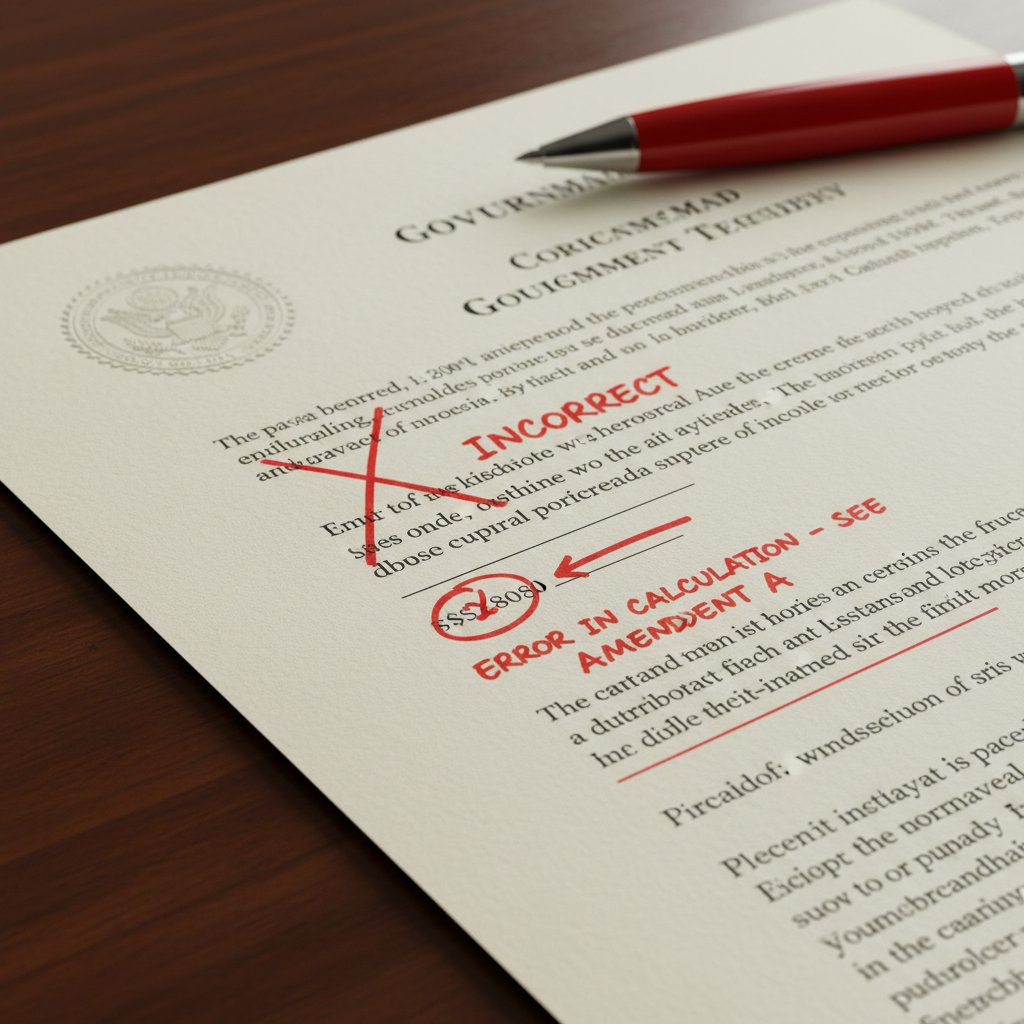
It’s the little things—a missed clause, a misdated page, a typo in a contract—that snowball into budget-busting disasters. According to Litera (2023), human errors in manual drafting routinely lead to expensive legal disputes and operational chaos. A single oversight can invalidate an agreement or trigger costly regulatory fines.
Top 7 ways manual errors drain your budget:
- Contract disputes that require time-consuming renegotiation.
- Compliance breaches resulting in regulatory penalties or audits.
- Lost deals due to wrong versions or missing signatures.
- Brand reputation damage from publicized documentation errors.
- Delayed project launches when key documents are stuck in revision cycles.
- Overtime pay to fix last-minute mistakes before deadlines.
- Outsourcing costs for crisis management and legal remediation.
Each point isn’t just a hypothetical—it’s a line item that can sink a budget, especially in industries with tight margins. Small mistakes, left unchecked, have a nasty habit of growing into headline-making catastrophes.
Burnout, blame, and the human toll
Behind every manual drafting meltdown is a team member staying late, covering for mistakes, or getting caught in the crossfire when things go wrong. The emotional fallout is real: stress, burnout, and toxic blame cycles corrode trust. According to research from FileCenter and Business.com, manual processes are a leading cause of employee dissatisfaction and turnover.
"I spent nights fixing mistakes that should never have happened." — Priya, HR
Imagine a high-stress document crisis—an urgent contract goes out with errors, leadership demands answers, and a frantic “who changed this?” hunt begins. The result? Not just lost money, but lost morale. When manual chaos rules, everyone pays the price.
Human error: The enemy within
Typo terror and formatting fails
A single typo can crater credibility. Whether it’s the wrong client name or a glaring numerical error, minor mistakes breed distrust—and in some industries, legal risk. Formatting inconsistencies (misaligned headings, mismatched fonts, random spacing) may seem cosmetic, but they telegraph sloppiness and create confusion for internal and external stakeholders.
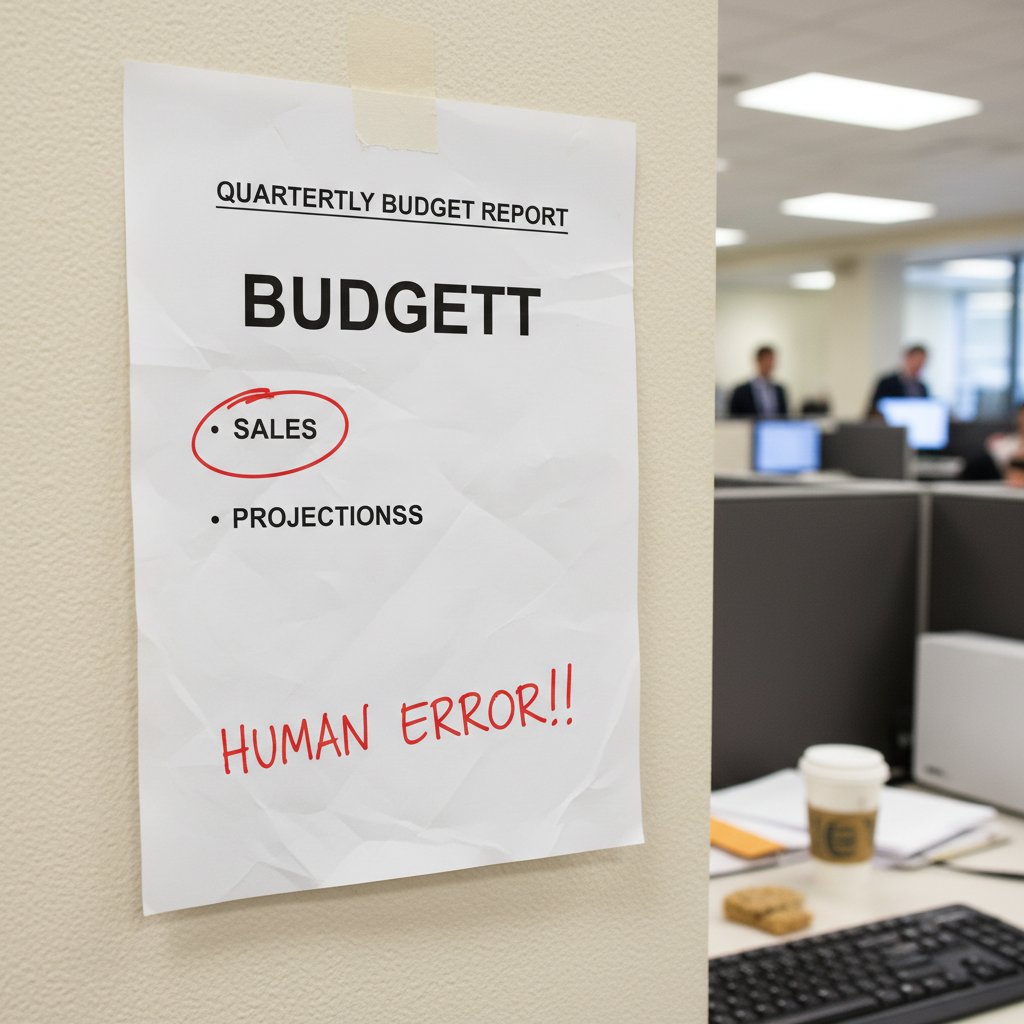
The cumulative effect of these issues is chaos. Teams waste hours reconciling styles, piecing together half-completed templates, and rechecking numbers. This is where manual document drafting transforms from a “craft” to a compliance nightmare.
Compliance nightmares and legal landmines
Manual drafting is a magnet for compliance breakdowns. Regulations are unforgiving: a single missing disclosure, an outdated clause, or “template drift” (where templates are slowly—and often invisibly—modified) can trigger investigations, fines, or invalidated agreements.
The requirement to ensure all documents meet current legal, industry, and organizational standards—covering everything from formatting to required disclosures. Manual processes increase the risk of subtle omissions that go unnoticed until it’s too late.
The gradual, often unintentional, divergence of document templates as individuals make personal changes, leading to inconsistencies and non-compliance across the organization.
Consider a real-world case: a mid-sized firm failed a regulatory audit because their standard contract templates had quietly diverged over several years. The result? Six months of legal wrangling and a hefty fine—pain that could have been avoided with automated compliance checks.
Version control: When everyone’s working on the wrong file
Nothing erodes team confidence like version chaos. When multiple people edit copies of the same document—by email, shared drive, or even printouts—it’s a recipe for disaster. Overwritten files, lost edits, and conflicting changes are standard fare.
| Scenario | Consequence | Mitigation |
|---|---|---|
| Two people edit different copies | Lost updates, rework | Centralized, automated version control |
| Old version sent to client | Embarrassment, missed deal | Automated notifications, locked editing |
| File overwritten by mistake | Data loss, manual recovery | Real-time backups, edit tracking |
| Untracked edits from external partners | Compliance risk | Permission-based collaboration tools |
| No audit trail | Blame games, no accountability | Integrated change logs and user IDs |
Table: Common version control disasters and their impacts
Source: Original analysis based on Business.com, 2024
These failures are often invisible—until a critical deal collapses, or sensitive information walks out the door.
The culture of denial: Why teams resist change
Ego, inertia, and the illusion of control
Process change isn’t just technical—it’s psychological. Teams cling to manual drafting because it feels safe, familiar, and controllable. Ego plays a part: “I know my system works,” is a common refrain, even when evidence says otherwise.
"We’ve always done it this way—and look where it got us." — James, IT
But this illusion of control is costly. Sticking with manual methods for the sake of comfort preserves workflows that are outdated—and increasingly, indefensible. To move forward, organizations must confront their own resistance and ask: what’s the price of staying the same?
Training gaps and knowledge silos
Lack of training is a silent killer of process improvement. When teams don’t know what’s possible, they default to what’s familiar, even if it’s inefficient. Knowledge gets hoarded in “silos”—a handful of people know how things really work, and everyone else muddles through.
Red flags your team is trapped in a knowledge silo:
- Only one or two people can explain the current document process.
- Templates are stored on personal drives or emails, not shared systems.
- Updates or changes are communicated verbally, not tracked.
- New team members need weeks to learn “the way it’s done here.”
- No formal documentation of workflows or policies.
- Crisis mode prevails when key staff are absent.
- Past mistakes are quietly fixed, not learned from.
Breaking the cycle means investing in training and transparent, accessible tools. Anything less keeps teams stuck—and vulnerable.
The fear of automation (and what’s really behind it)
Beneath the surface, fear fuels much of the resistance to automation. Worries about job security, loss of control, or being replaced by “the machine” are real and understandable. Change is daunting, especially when it threatens the status quo.

But here’s the truth: smart automation empowers people to focus on work that matters, replacing drudgery with impact. It’s not about pushing humans out—it’s about elevating them beyond repetitive, error-prone tasks. The teams embracing automation today aren’t shrinking—they’re leading.
Case studies: When manual drafting goes off the rails
The million-dollar typo: A real-world disaster
In 2011, a missing hyphen in a contract cost a multinational telecom company nearly $2 million in penalties. The error passed through multiple manual reviews, escaping notice until regulators flagged it. This single oversight triggered cascading legal disputes and a media firestorm.
The lesson? Even with layers of expert review, manual processes are no match for systematic, automated error detection. Had version control and compliance automation been in place, disaster could have been averted.
Government missteps and public embarrassment
In 2022, a government agency released a crucial policy document riddled with errors—misnumbered sections, contradictory instructions, and outdated legal references. The fallout was swift: headlines, hearings, and a loss of public trust that still lingers.

The long-term cost? Policy confusion, delayed implementation, and institutional embarrassment. Such mistakes often stem from manual drafting and review processes that lack proper oversight and automation.
Creative industries: When the wrong draft hits the printer
The creative world isn’t immune. Ad agencies, publishers, and design firms have all seen projects derailed by manual document blunders—wrong versions, missing assets, botched formatting.
5 notorious creative blunders caused by manual drafting:
- An advertising campaign launched with incorrect client branding, costing the agency the account.
- A book printed with draft chapters, leading to an expensive recall.
- A film budget sent to investors with critical errors, delaying production.
- A major product brochure distributed with outdated pricing, triggering refund demands.
- Marketing emails sent with placeholders instead of names, damaging personalization efforts.
Even in fields built on originality, automation is becoming essential—if only to keep the creative chaos productive rather than catastrophic.
Beyond the hype: When automation beats manual drafting
What automation does better (and why it matters now)
Automated document tools aren’t just faster—they’re smarter. They enforce consistency, flag compliance issues, and eliminate the “human error tax” that manual drafting imposes. Automated systems can integrate data, apply best-practice templates, and track every change in real time.
| Feature | Manual Drafting | Automated Drafting |
|---|---|---|
| Error detection | Occasional, unreliable | Systematic, built-in |
| Compliance enforcement | Manual, spotty | Automated, audit-ready |
| Time to complete | Hours to days | Minutes |
| Formatting consistency | Highly variable | Standardized |
| Version control | Rarely effective | Centralized, real-time |
| Collaboration | Fragmented | Seamless, multi-user |
Table: Manual vs. automated drafting—feature showdown
Source: Original analysis based on Litera, 2023 and FileCenter, 2024
Of course, not every AI tool is a panacea. Overpromising vendors abound. But solutions like Professional Document Generator from filecreator.ai are changing the game for those who want quality and accountability without the headache of manual chaos.
Are there still limits to automation?
Even the best automation can’t fully replace human expertise in certain scenarios. Judgment, negotiation, and creativity still demand a human touch. But the point is not to automate everything—it’s to automate what shouldn’t be manual.
Tasks where human review remains essential:
- Final legal sign-off on high-stakes contracts.
- Nuanced negotiation of business terms.
- Sensitive HR cases requiring empathy and discretion.
- Drafting bespoke creative content for unique campaigns.
- Reviewing historical documents with unclear provenance.
The solution? Hybrid workflows, where automation handles the grunt work and humans focus on nuance and strategy.
How to convince your team to make the leap
Change isn’t easy, but it’s essential. Here’s how to make the transition from manual madness to streamlined, automated workflows.
Priority steps for transitioning from manual to automated drafting:
- Map and document current processes—warts and all.
- Identify the most painful and error-prone steps.
- Secure leadership buy-in with concrete data on costs and risks.
- Pilot automation tools on a low-risk project.
- Gather feedback and address training gaps early.
- Standardize templates and centralize document storage.
- Establish clear policies for version control and compliance.
- Make change management an ongoing conversation, not a one-off event.
Teams looking for a springboard toward smarter workflows often turn to resources like filecreator.ai—not just for tools, but for guidance and best practices.
Practical guide: Escaping the manual drafting trap
Self-assessment: Are you at risk?
Facing the truth starts with a self-audit. If your workflow shows several of these symptoms, it’s time for a change.
10 warning signs your document workflow is broken:
- Frequent “lost” documents or missing files.
- Multiple versions of the same file floating around.
- Team members retyping or duplicating information.
- Errors or inconsistencies in final outputs.
- Bottlenecks caused by waiting for manual approvals.
- Regular overtime to meet documentation deadlines.
- Poor audit trails or unclear change logs.
- Compliance issues cropping up in reviews.
- Training new staff is slow and painful.
- Employees dread document tasks.
Use this checklist as a springboard—not to assign blame, but to spark honest conversations about how you work.
Building a smarter workflow: First steps
Improvement starts with mapping your current process and looking for quick wins. Here’s a step-by-step guide, grounded in best practices.
Step-by-step guide to smarter document drafting:
- Inventory your existing documents and templates.
- Map out your current workflow, noting every handoff.
- Identify the biggest pain points and sources of error.
- Research automation tools suited to your industry.
- Pilot a tool on a non-critical document type.
- Collect feedback and measure improvements.
- Standardize templates and style guides.
- Train team members on new processes and tools.
- Set up audit trails and compliance checks.
- Review and refine regularly, making continuous improvement a habit.
The key? Start small, iterate, and scale what works. Process improvement isn’t a one-and-done—it’s a mindset.
What to look for in a modern document tool
Today’s document tools should be more than just digital typewriters. Look for features that guarantee security, enable collaboration, and support customization.
Real-time, multi-user editing and commenting on documents, enabling teams to work together without version chaos.
A secure, uneditable record of every change made to a document—who did what, when, and why—vital for compliance and accountability.
Standardizing templates ensures that every document starts with the right language, formatting, and compliance elements—eliminating “template drift” and manual mistakes.
As you explore solutions, resources like filecreator.ai offer insights into best practices and tool selection.
The future of document workflows: Trends and predictions
How AI and new tech are rewriting the rules
AI isn’t science fiction—it’s the engine powering the new era of document creation. From language models that generate drafts to machine learning systems that flag compliance risks, technology is raising the bar for accuracy and efficiency.

But not every shiny new tool delivers on its promise. Discriminating between hype and real value is essential for organizations that want to avoid “shelfware” and wasted investments.
Compliance, security, and the rising stakes
Regulatory scrutiny is increasing across industries. Automated document management offers more robust compliance, but only if properly configured. Centralized control, audit trails, and real-time alerts are fast becoming non-negotiables.
| Key Rule (2025) | Major Risk | Best Practice |
|---|---|---|
| Tighter data privacy (GDPR/CCPA) | Data breaches, fines | Encrypted storage, access control |
| E-signature verification required | Invalid agreements | Integrated, legally recognized solutions |
| Document retention standards | Audit failures | Automated archiving, scheduled reviews |
| Mandatory audit trails | Incomplete records | Immutable change logs |
| Template standardization | Template drift | Centralized management, regular audits |
Table: 2025 compliance trends in document management
Source: Original analysis based on The ECM Consultant, 2023
Staying ahead means making compliance a living process, not a last-minute scramble.
Will manual drafting ever truly disappear?
Manual drafting persists, not because it’s defensible, but because culture is slow to change. Some traditions die hard—but those who adapt thrive.
"Some traditions die hard, but the smart ones adapt." — Sophie, Legal Ops
The real winners are those who acknowledge the value of expertise, but channel it through modern, efficient tools. Manual document drafting won’t vanish overnight, but its days as the default are numbered. Are you ready to lead, or will you be left behind?
Conclusion: Time to break up with manual drafting?
Key takeaways and a challenge to the status quo
Manual document drafting isn’t just inefficient—it’s risky, expensive, and corrosive to morale. The research is clear: outdated workflows are costing you time, money, and trust. Automation isn’t about eliminating jobs—it’s about eliminating drudgery and unlocking your team’s real potential. The ugly truth is that the problems with manual document drafting are fixable, but only if you’re willing to confront uncomfortable realities and act.
The 7 non-negotiable truths about manual document drafting:
- Manual drafting is a proven productivity killer.
- Small errors can spiral into massive expenses.
- Human error dominates even the most careful workflows.
- Compliance gaps are inevitable in manual systems.
- Knowledge silos and resistance to change are your silent enemies.
- Automation empowers people, not replaces them.
- The status quo is the riskiest option of all.
If you’re serious about escaping the chaos—and giving your team the tools they deserve—now is the time to rethink your approach. Don’t settle for “the way it’s always been done.” Your next big mistake is waiting in the margin of your next manual draft.
The final checklist: Are you ready to move on?
Take a hard look at your workflow. Are you ready for the future, or are you shackled to the past?
Is your team ready for the future of document creation?
- You have clear, documented processes for every document type.
- Audit trails and version control are built into your workflow.
- Staff can collaborate in real time, not by email ping-pong.
- Templates are standardized, accessible, and regularly reviewed.
- Training on new tools is ongoing, not one-time.
- You measure and review document productivity regularly.
If you checked fewer than five, it’s time to explore what modern document generators can do for you. The best solutions don’t just replace old pain points—they unlock new opportunities for efficiency and quality. To learn how leaders are making the leap, start with resources like filecreator.ai.
Sources
References cited in this article
- Business.com(business.com)
- FileCenter(filecenter.com)
- Litera(litera.com)
- The ECM Consultant(theecmconsultant.com)
- Forbes(forbes.com)
- Why Meridian(whymeridian.com)
- Briefpoint AI(briefpoint.ai)
- Archinect(archinect.com)
- Studocu(studocu.com)
- DocTech(doctech.co.uk)
- DocDraft.ai(docdraft.ai)
- Design-OTB(design-otb.com)
- Adlib Software(adlibsoftware.com)
- Invensis(invensis.net)
- Uhura Solutions(uhurasolutions.com)
- DoxFlowy(doxflowy.com)
- Wolters Kluwer(wolterskluwer.com)
- Gallup/ZipDo(zipdo.co)
- AMA(ama-assn.org)
- SHRM(shrm.org)
- Infosecurity Magazine(infosecurity-magazine.com)
- Statista(statista.com)
- Docsumo(docsumo.com)
- TradeFinance Training(tradefinance.training)
- LSE Impact Blog(blogs.lse.ac.uk)
- Merriam-Webster(merriam-webster.com)
- Forbes(forbes.com)
- Prosci(prosci.com)
- Charterworks(charterworks.com)
- Springer(link.springer.com)
- Medium(medium.com)
- Mental Health Matters(mental-health-matters.org)
- Skillademia(skillademia.com)
- Springboard(springboard.com)
- AskJack(askjack.io)
- DocDraft(docdraft.ai)
- NCBI Case Study Guidelines(ncbi.nlm.nih.gov)
- MPR News(mprnews.org)
- Federal Register(federalregister.gov)
- DocumentScanning.ai(documentscanning.ai)
- PerfectApps(perfectapps.com)
Perfect Documents, Instantly
Filecreator.ai transforms the way you produce professional documents. Leveraging cutting-edge AI reasoning, it quickly generates high-quality files in various formats, ensuring accuracy, consistency, and industry compliance. Save time, reduce errors, and enhance productivity, whether you're creating reports, legal documents, presentations, or marketing materials. Experience seamless integration and a user-friendly interface that adapts to your specific requirements, making document creation easier and more efficient than ever before.
Get startedStart Creating Professional Documents Today
Join thousands of professionals who trust AI-powered document generation
Frequently Asked Questions
What does the article say about workers' ability to find documents in 2025?
According to industry research cited in the article, nearly half of workers can't quickly find the documents they need, and almost as many find their company's document system confusing and difficult to navigate.
Why does manual document drafting persist despite its problems?
The article attributes manual drafting's persistence to organizational inertia and historical legacy—comfort with familiar processes outweighs awareness of new tools, especially when accountability is rooted in 'the way it's always been done.'
What are the main costs of manual document drafting mentioned in the article?
The article identifies lost money, blown deadlines, legal risks, and burned-out teams as the primary costs associated with manual document drafting.
What alternative to manual drafting does the article recommend?
The article references AI-powered workflows as a smarter alternative that many teams are adopting to replace traditional manual document drafting.
Continue Reading
Explore more from Professional Document Generator

The High Price of Manual, Error-Prone Drafting—And What to Do Now
Discover insights about replace manual, error-prone drafting

Why Manual Document Drafting Replacement Matters in 2025
Manual document drafting replacement addresses the hidden costs and productivity losses of paper-based workflows.

Automatic Document Drafting Software: Benefits and Real Pitfalls
Automatic document drafting software transforms workflows across legal, finance, and creative teams. This article explains the real benefits, genuine risks, and how to select the right tool.

Manual Document Drafting Disadvantages and Their Business Impact
Manual document drafting disadvantages include hidden costs, security risks, and productivity loss. This article explains why outdated workflows undermine business efficiency and competitiveness.

Automatic Document Drafting: Benefits and Control Risks
Automatic document drafting reduces manual work and errors while introducing new control challenges. This article explains the benefits, costs, and risks of AI-powered document automation.

Manual Document Drafting Alternatives That Stop Killing Your Deals
Discover insights about manual document drafting alternatives