


Presentation Templates Online That Actually Win Deals (not Just Look Good)
Written with AI assistance under our editorial guidelines
Effective presentation templates online are engineered for persuasion, not just aesthetics. They trigger credibility judgments within seconds through strategic design choices like minimalist layouts and nature-inspired palettes. Well-designed templates function as silent storytellers, guiding audience attention through structure and color while reinforcing brand authority, ultimately influencing deal outcomes before you speak a word.
Slide decks used to be a necessary evil—required, uninspired, and, let’s admit it, mostly forgettable. But in the digital jungle of 2025, presentation templates online have exploded into a high-stakes battleground. Whether you’re hustling for investment, pitching game-changing ideas, or wrangling students’ attention, your template isn’t just a background—it’s the main event. The difference between closing a deal and crashing out could hinge on the color of your title slide or the rhythm of your typography. Today’s best online presentation templates aren’t just pretty—they’re engineered for persuasion, powered by AI, and embedded with the psychological hooks marketers and educators drool over. But here’s the kicker: most of what you think you know about presentation templates online is dead wrong. Ready to drop the beige and join the next evolution? Here are 11 truths nobody in the industry wants you to know.
Why your online presentation template matters more than you think
The psychology of first impressions
You have about three seconds to make an impact—maybe less. According to a recent study from the Stanford Persuasive Technology Lab, viewers form judgments about credibility and competence within seconds of seeing your deck’s first slide. It’s not just about looking “professional”; it’s about triggering an emotional response that says, “Pay attention—this matters.” A clean, minimalist layout with a nature-inspired palette, as reported in the 24Slides 2024 trends, can set you apart instantly, while tired, overused slides telegraph mediocrity.

"If your deck looks like everyone else’s, you’ve lost before you start." — Alex, designer
Templates as silent storytellers
A template isn’t just a visual wrapper—it’s a stealthy narrator. The structure, color choices, and even whitespace guide the audience’s attention and subtly shape the message’s credibility. Well-designed online presentation templates build a narrative arc before you speak a word. As highlighted by Envato Elements, layouts that prioritize logical flow and data storytelling over dense charts help audiences connect the dots effortlessly.
Hidden benefits of presentation templates online experts won't tell you:
- They reinforce your brand’s authority in every pixel, creating unconscious recognition even for first-time viewers.
- Consistent, structured layouts reduce cognitive load, allowing focus on your core message instead of deciphering chaotic slides.
- Subtle animations and real-time data widgets, now standard in top marketplaces, nudge engagement and retention metrics upward.
- Templates optimized for accessibility expand your reach to diverse audiences, reflecting modern best practices in inclusivity.
- Integrated collaboration features in leading platforms streamline teamwork, letting multiple contributors stay on-message.
The hidden cost of 'free' templates
Let’s get honest: “free” online presentation templates almost always come with strings attached. Many platforms lure users with zero-dollar price tags but trade off your data, offer limited originality, or expose you to copyright headaches. According to a 2024 analysis by SlideTeam, over 60% of the most downloaded free templates were found across multiple sites—raising red flags for brand dilution and legal ambiguity.
| Platform Type | Features Included | Risks (2024) | Originality |
|---|---|---|---|
| Free (Open) | Basic layouts, few fonts | Data privacy, copycat | Low |
| Free (Registration) | Extra assets, analytics | Data harvesting | Medium-Low |
| Paid (Single Purchase) | Custom graphics, support | Upfront cost | High |
| Paid (Subscription) | AI updates, exclusive sets | Subscription fatigue | High |
Table 1: Comparing free vs paid online presentation template platforms for features, risks, and originality.
Source: Original analysis based on SlideTeam, 2024, Envato Elements, 2024
The wild world of template marketplaces: oversaturated or opportunity?
The template déjà vu epidemic
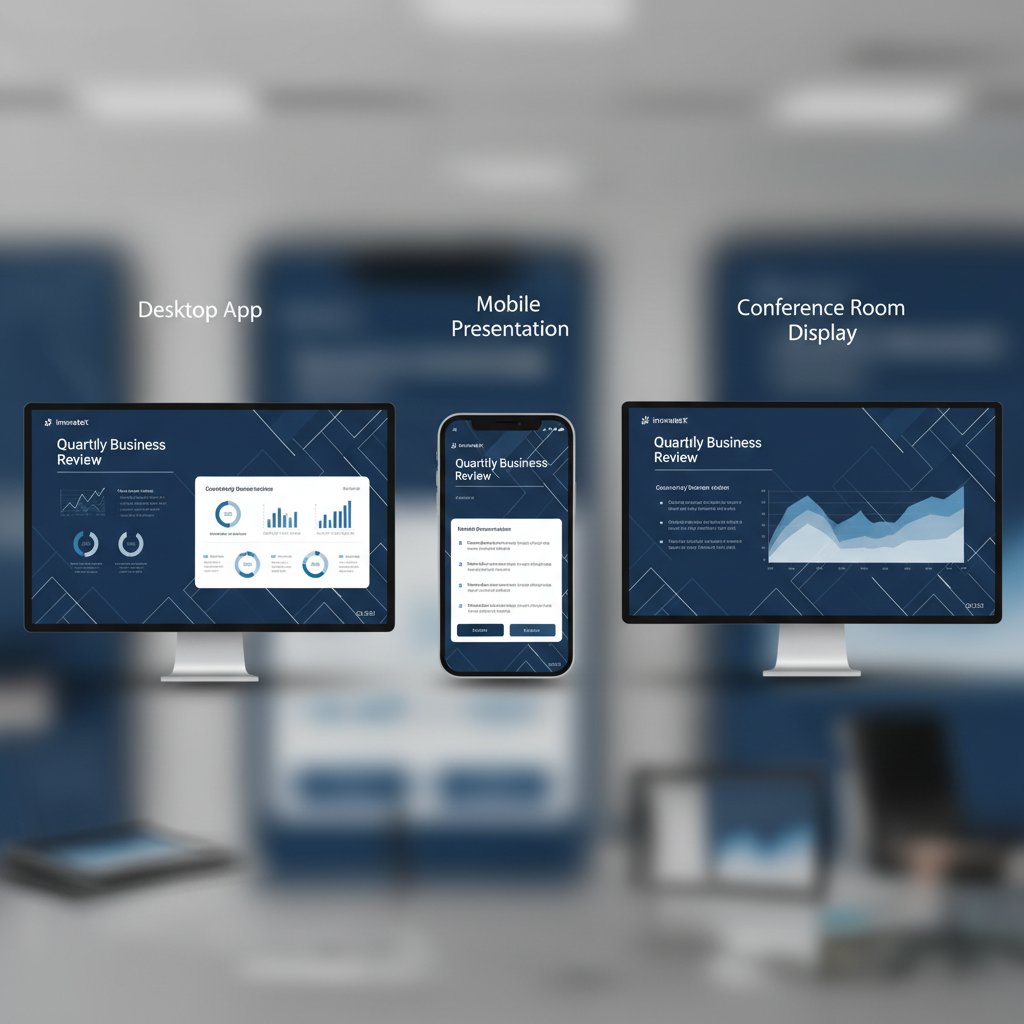
Scroll through any online template marketplace, and you’ll notice something eerie: a parade of slides sporting the same recycled layouts, gradients, and stock icons. This sameness isn’t just a design faux pas—it’s a credibility killer. A 2024 Envato study found that nearly 72% of users could identify “copycat” decks across different platforms within three clicks, undermining the very purpose of standing out.
Copyright, plagiarism, and ethical gray zones
The dirty secret of online presentation templates? Many “free” or “community” designs are one derivative away from outright plagiarism. Copyright infringement can tank your reputation—or worse, trigger legal action. As outlined by Medium’s Slide Marvels, the best template providers now invest in exclusive artist collaborations to guarantee originality, but not all platforms are as scrupulous. Always read the license, and don’t assume that “download” means “safe to use everywhere.”
Common terms in template licensing:
- Royalty-free: Use without paying ongoing fees, but may restrict resale or redistribution.
- Exclusive: Only you or a limited group can use the template, usually at a premium.
- Commercial use: Permits usage in business contexts, but not always for resale or mass distribution.
- Attribution required: You must credit the creator, often with a link or byline.
- Personal use only: For non-commercial, private projects—using such templates in a business pitch could void your rights.
How to spot truly original templates
Standing out requires more than a new color scheme. Here’s how to separate the original from the derivative when browsing presentation templates online:
- Investigate the creator: Look for named designers or studios with a portfolio—faceless uploads are a red flag.
- Check for exclusive elements: Authentic templates use custom illustrations, unique font pairings, and hand-crafted icons—not just repackaged stock assets.
- Reverse image search: Use search engines to check if “unique” graphics appear elsewhere.
- Read the reviews: Authenticity is often reflected in user feedback—watch for repeated complaints about similarity.
- License clarity: Trust platforms with transparent, detailed licensing terms; ambiguity often hides shortcuts.
The AI revolution: how smart tools are changing the template game
Inside the engine: AI-powered template generators
The days of sifting through hundreds of template thumbnails are numbered. Platforms like filecreator.ai and others have unleashed AI-powered engines that analyze your content, recommend layouts, and assemble slides that flex to your needs in real time. According to 24Slides’ 2024 trend report, AI-driven design tools not only streamline the creation process but also inject fresh visual ideas that even seasoned designers borrow.

"AI is the new secret weapon for non-designers." — Maya, marketer
Personalization at scale: the end of one-size-fits-all decks
One-size-fits-all is out. Modern AI-powered template tools let you tweak everything—from fonts that match your brand’s voice to layouts that prioritize your unique data flows. Platforms like filecreator.ai, Canva, and Google Slides have built-in engines that learn your preferences, speeding up future projects and keeping every deck hyper-relevant.
| Tool | Customization | Speed | Integration |
|---|---|---|---|
| filecreator.ai | High | Fast | Wide (PDF, PPTX) |
| Canva | Medium | Fast | Moderate |
| Google Slides | Low | Fast | High (G Suite) |
| PowerPoint Online | Medium | Medium | High (Office 365) |
Table 2: Feature matrix of top AI-powered online presentation template tools.
Source: Original analysis based on 24Slides, 2024, Envato Elements, 2024
The dark side: template fatigue and choice overload
Paradoxically, more choice can mean less progress. Decision paralysis is real—according to research published in the Journal of Behavioral Decision Making, users with “endless” template options spend up to 35% longer finalizing their decks, often feeling less satisfied with the results. The trick? Use smart filters, collaborate with your team, and trust platforms like filecreator.ai to surface the best matches based on your goals.

From boardroom to classroom: cross-industry hacks for presentation templates
Surprising places templates are making an impact
Presentation templates online are no longer the preserve of corporate boardrooms. Their influence now ripples across education, activism, entertainment, and even politics. According to a report in Edutopia, teachers using dynamic, collaborative templates saw up to 60% higher student engagement. Meanwhile, activists and content creators are hacking templates to power viral campaigns and interactive livestreams.
Unconventional uses for presentation templates online:
- Building interactive lesson plans for remote learning platforms
- Crafting digital portfolios for job seekers and freelancers
- Powering virtual town halls and community organizing meetings
- Designing multimedia press kits for entertainment launches
- Creating campaign decks for grassroots political movements
Repurposing templates for maximum ROI
Templates aren’t a one-and-done deal. With a little creative adaptation, that killer sales deck can morph into a training module or an engaging webinar outline.
- Audit your assets: Identify slides that can be reused or adapted for different audiences (e.g., case studies, data visualizations).
- Rebrand for context: Swap out logos, color schemes, and imagery to align with the new use case.
- Convert across formats: Use tools like filecreator.ai to export slides as PDFs, infographics, or social cards.
- Embed multimedia: Add video, audio, or interactive polls to breathe new life into static slides.
- Track performance: Use analytics (where available) to see which adaptations land best with each audience.
Case study: The viral classroom deck
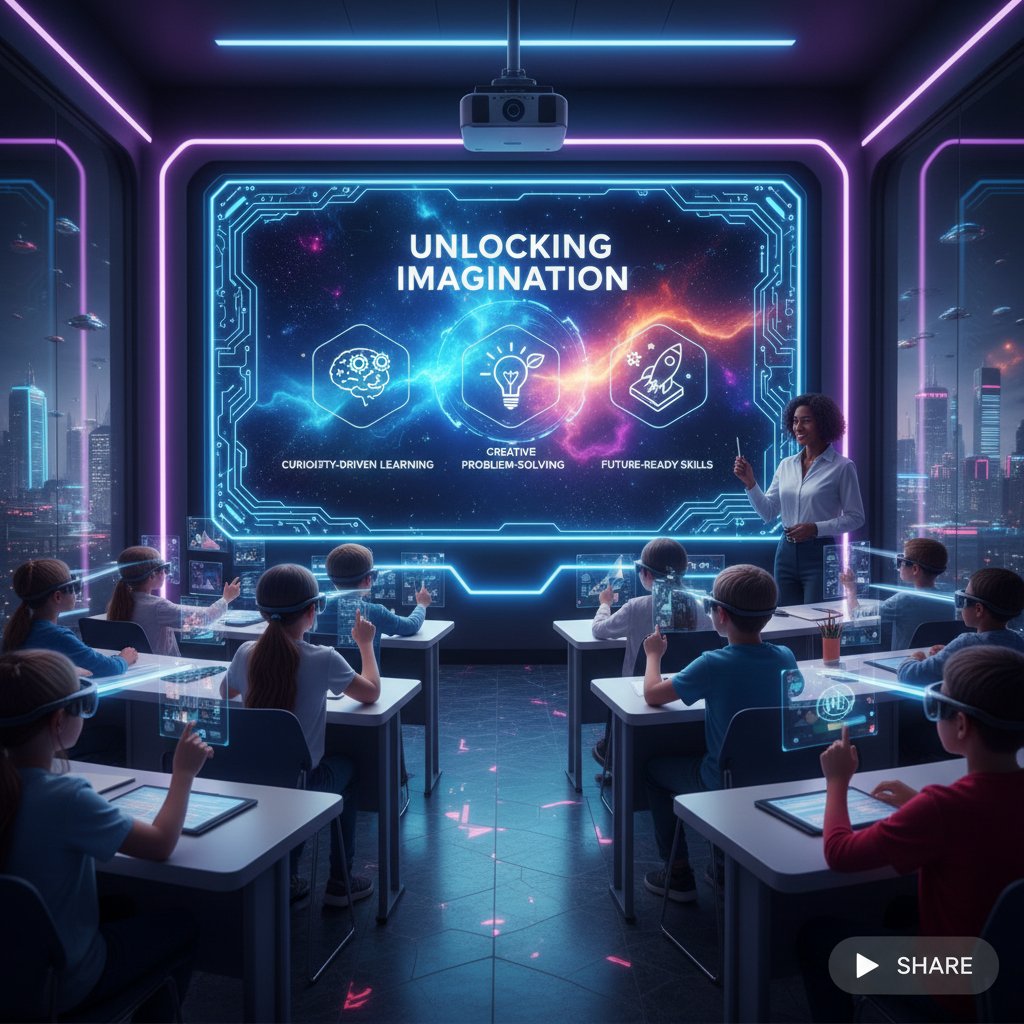
In late 2024, a Chicago high school teacher’s history lesson deck exploded on social media. What set it apart? She ditched the default school slides in favor of a psychedelic, AI-enhanced template. Real-time quizzes, bold visuals, and organic layouts made the material irresistible—students shared screenshots that quickly amassed thousands of views. According to Edutopia, this case underscores how innovative templates can transform even “boring” subjects into cultural touchstones.
Template myths debunked: what the industry won’t tell you
Myth #1: Free templates are always low quality
Not all free online presentation templates are cut from the same uninspired cloth. According to Medium’s Slide Marvels, some open-source designers are pushing boundaries with expressive typography and unconventional layouts—offering more creativity than many paid options.
"Don’t confuse price with originality." — Jamie, entrepreneur
Myth #2: Customization is always a headache
Gone are the days of wrestling with clunky PowerPoint masters. Modern template engines, especially those leveraging AI like filecreator.ai, make adapting color schemes, layouts, and fonts nearly frictionless. Intuitive drag-and-drop interfaces, real-time previews, and brand asset integration mean you can create a signature look in minutes, not hours. In fact, as noted in Envato Elements’ trend report, over 70% of users cite “ease of customization” as the main reason for sticking with a platform.
Key features that make customization painless now include:
- Pre-set color and font palettes aligned with your logo or style guide
- One-click content swapping for images and text
- Responsive layouts that auto-adjust for different devices and screen sizes
- Collaborative editing so teams can tweak and approve slides in real-time
Myth #3: Templates kill creativity
Here’s the twist: the best templates serve as a launchpad for innovation. They provide a structure so you can focus on storytelling, not formatting minutiae. Templates are the scaffolding; your ideas are the architecture.
Ways to inject personality into any template:
- Use original photography or AI-generated images instead of predictable stock art.
- Integrate custom fonts that reflect your brand’s voice or the mood of your message.
- Animate transitions or elements to direct attention—but use restraint to maintain professionalism.
- Pair expressive icons with concise messaging for maximum punch.
- Vary slide types (e.g., mix data storytelling with interactive elements like polls or Q&A).
How to choose the right presentation template online: a battle-tested framework
Matching template style to your audience and goal
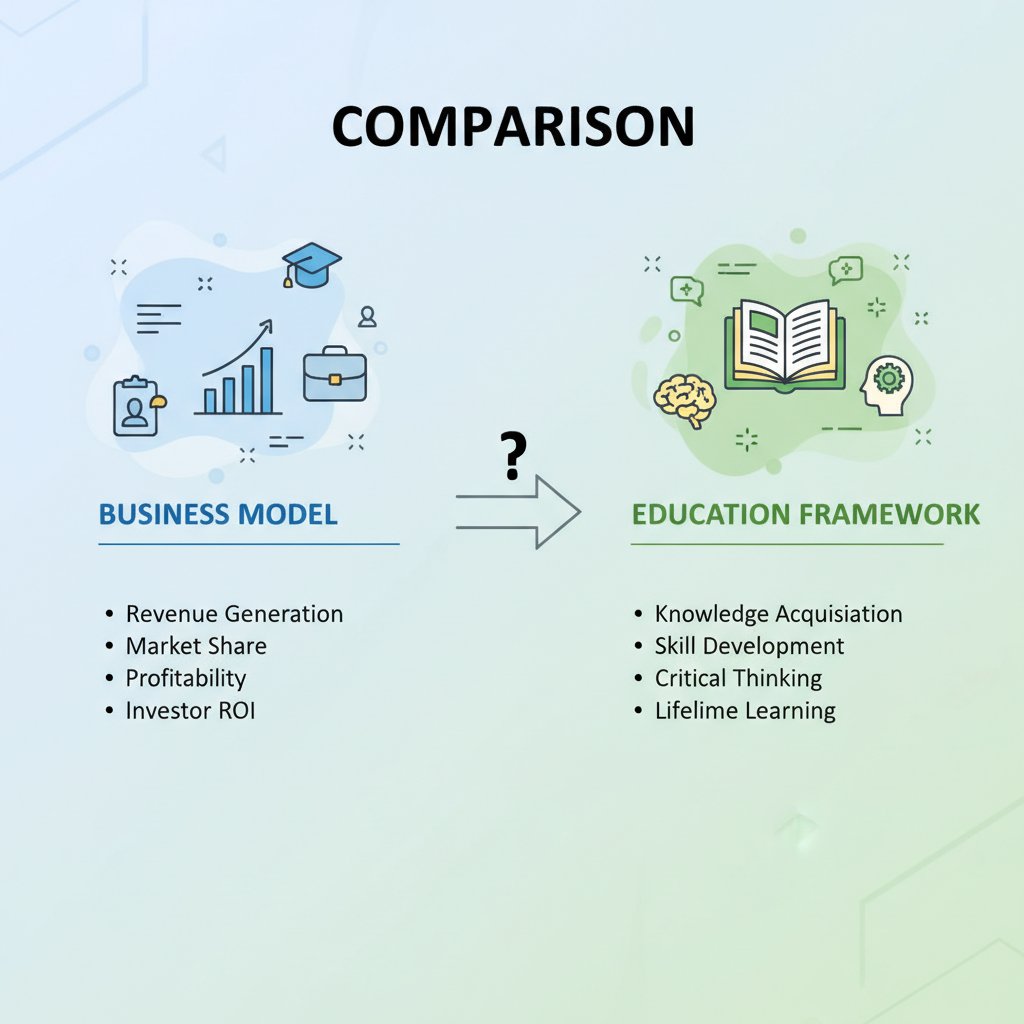
Choosing the right template is part science, part instinct. A pitch to seasoned investors demands a radically different vibe than a classroom lesson or a nonprofit appeal. According to a 2024 report from the Nielsen Norman Group, aligning visual tone with audience expectations can boost retention and engagement by up to 50%.
Checklist: Are you sabotaging your presentation with your template?
- Does it reinforce your brand or message, or distract from it?
- Is the font readable at a distance, across all devices?
- Are interactive elements enhancing understanding or causing confusion?
- Is the flow logical, or does it force the audience to work to keep up?
- Are all assets (images, icons) licensed for your intended use?
- Have you tested your deck for accessibility (contrast, alt text, etc.)?
- Does your template look unique, or is it instantly recognizable as a clone?
- Are charts/data visualizations clear and modern, or dated and busy?
Feature showdown: What really matters in a template
Responsiveness, accessibility, and editability are non-negotiable in 2025. Templates that ignore these features risk alienating diverse audiences and amplifying errors during collaboration.
| Feature | Why It Matters | Must-Have? |
|---|---|---|
| Responsive Design | Looks good on desktops, tablets, phones | Yes |
| Accessibility | Reaches visual, auditory, and cognitive needs | Yes |
| Editability | Easy to swap content, styles, and layouts | Yes |
| Integration | Plays nicely with your file formats/platforms | Yes |
| Analytics | Tracks engagement, slide performance | Nice-to-have |
| Animation Controls | Subtle, purposeful motion aids retention | Nice-to-have |
Table 3: Decision matrix for must-have features in online presentation templates in 2025.
Source: Original analysis based on Nielsen Norman Group, 2024
The future of online presentation templates: trends, threats, and next-level strategies
The rise of micro-customization and dynamic content
Templates are no longer static canvases—they’re morphing into living, interactive experiences. Today’s leaders use real-time data feeds, embedded videos, and dynamic storytelling to keep audiences glued. According to 24Slides, organic shapes and nature-inspired color palettes are surging, as they signal authenticity and calm in a chaotic digital world.

Template security: protecting your brand and data
With the rise in online collaboration and cloud-based presentation tools, new threats have emerged—malware-laden templates, data scraping, and even brand impersonation. Smart teams now prioritize platforms with robust security protocols. According to TechRepublic, standard measures include encrypted asset storage, two-factor authentication, and continuous vulnerability assessments.
Security features to look for in online template providers:
- Encrypted uploads: All images and files stored securely.
- Two-factor authentication: Additional login step to prevent unauthorized access.
- Regular audits: Ongoing checks for vulnerabilities and compliance.
- Watermarking: Protects your brand assets from unauthorized reuse.
- Compliance certifications: Look for ISO/IEC 27001 or SOC 2 badges.
Why originality (not just aesthetics) will be king
In an ocean of sameness, only those who dare to be original get remembered. Unique templates don’t just look good—they signal thought leadership, attention to detail, and strategic confidence. As noted by Envato Elements, curated, custom visuals are associated with higher engagement rates and brand loyalty.
Actionable tips for fostering template originality:
- Collaborate with designers or use AI tools to create bespoke visual assets.
- Avoid “default” icons and swap in culturally relevant or story-driven imagery.
- Regularly review your template library to retire overused designs.
- Solicit honest feedback from outside your immediate team—fresh eyes spot clichés.
Real-world wins and fails: stories from the presentation frontlines
The pitch that bombed: when bad templates destroy credibility
A fintech startup learned the hard way in early 2024: after months of preparation, their investor pitch fell flat—not because the idea lacked merit, but because their slides screamed “amateur hour” with mismatched fonts and pixelated graphics. According to a postmortem on LinkedIn, several VCs cited the “unprofessional presentation” as a deal-breaker.

The deck that closed the deal: design as a secret weapon
Contrast that with a consultancy that won a Fortune 500 client after unveiling a deck powered by a bold, custom AI-generated template. Their slides told a story, harnessed real-time data, and—crucially—reflected the client’s brand DNA down to the smallest color detail.
"The template did half the talking for us." — Chris, consultant
What we can learn from big wins and epic fails
Every template is a calculated risk—either it supports your message, or it sabotages it. The difference usually comes down to research, attention to detail, and a willingness to break out of the status quo.
Red flags to watch out for when choosing online templates:
- Unlicensed or unclear image sources—these can lead to DMCA takedowns.
- Overused layout patterns that scream “seen it before.”
- Poor contrast or hard-to-read text, especially for accessibility.
- Lack of responsive design, making mobile viewing a nightmare.
- Excessive animations or transitions that distract more than engage.
Actionable next steps: mastering presentation templates online in 2025
Step-by-step guide to leveling up your template game
- Define your core message and audience: The best template for a quarterly review won’t fly in a creative pitch meeting.
- Audit your current templates: Identify which assets are working—and which are tired, generic, or off-brand.
- Choose a trusted, secure platform: Prioritize providers with clear licensing, modern design trends, and AI-powered customization (see filecreator.ai as an example).
- Customize decisively: Tweak colors, fonts, images, and interactivity to own your message completely.
- Test your deck: Present to a practice audience and gather honest feedback, especially on clarity and visual appeal.
- Stay updated: Regularly review trends and update your template arsenal to avoid “template fatigue.”
- Protect your assets: Store decks securely and check for potential copyright or access issues before sharing.
Quick reference: best resources for online templates
For those seeking the best in online presentation templates, start with established platforms like filecreator.ai, Canva, and Envato Elements. These sites combine AI-enhanced design, robust customization, and transparent licensing. Always check that the site is up-to-date with current trends and security features—stale or unverified templates can do more harm than good.
Staying sharp means keeping an eye on industry blogs, annual trend reports, and user communities. The presentation landscape evolves quickly; rely on resources that demonstrate a commitment to innovation and user feedback.
Your edge: how to future-proof your presentations
In a world where sameness is the default, only the brave (and the prepared) shine. By leveraging research-backed design, AI-powered customization, and a relentless focus on originality, you turn every presentation into a strategic advantage. Resources like filecreator.ai aren’t just tools—they’re your creative co-pilot, ensuring your decks break through the noise, earn attention, and drive results.

As the dust settles on your next pitch, lesson, or launch, remember: the right presentation template online isn’t just a convenience—it’s your story’s armor, amplifier, and secret weapon. Don’t settle for ordinary. Stand out, own your message, and let your slides do the talking.
Sources
References cited in this article
- 24Slides: Top 24 Presentation Design Trends for 2024(24slides.com)
- Envato Elements: 25 Impressive Trends(elements.envato.com)
- SlideTeam: 2023 vs 2024 Templates(slideteam.net)
- Medium: Slide Marvels(slidemarvels.medium.com)
- INK PPT: Top Presentation Insights & Statistics 2024(inkppt.com)
- DesignHill: Importance of Presentation Templates(designhill.com)
- Orai: Guide to Presentation Templates(orai.com)
- PsyPost: Attractiveness Halo Effect Study(psypost.org)
- Durham University: Online First Impressions(durham.ac.uk)
- Forbes: Mastering First Impressions(forbes.com)
- SlideModel: The Power of Storytelling in Presentations(slidemodel.com)
- PoweredTemplate: Visual Storytelling(blog.poweredtemplate.com)
- SlideModel: Security Templates(slidemodel.com)
- SlideEgg: Free Security Templates(slideegg.com)
- SlideGeeks: Security Risk Templates(slidegeeks.com)
- Moving Traffic Media: Marketplace Trends 2024(movingtrafficmedia.com)
- Shipturtle: Marketplace Trends(shipturtle.com)
- Battery Ventures: State of Marketplaces 2024(battery.com)
- Visual Sculptors: Top 35 Trends(visualsculptors.com)
- Adobe Express: Graphic Design Trends(adobe.com)
- Beautiful.ai: AI-Powered Templates(beautiful.ai)
- Boston Institute of Analytics: Top AI Presentation Makers(bostoninstituteofanalytics.org)
- Forbes: Best AI Presentation Tools(forbes.com)
- Venngage: AI Template Generator(venngage.com)
- GetApp: Best AI Software with Templates(getapp.com)
- SpeedyBrand: AI Template Generators(speedybrand.io)
- Raw.Studio: Psychological Principles in UX(raw.studio)
- 1stWebDesigner: Minimizing Decision Fatigue(1stwebdesigner.com)
- Medium: UX Law of Choice Overload(medium.com)
- SlideLizard: PowerPoint Hacks(slidelizard.com)
- AmberStudent: Google Slides Hacks(amberstudent.com)
- PresenterMedia: Best Templates 2023-2024(presentermedia.com)
- SlideTeam: Marketing Deck Templates(slideteam.net)
- Beautiful.ai: Strategy Templates(beautiful.ai)
- Kaltura: AI Content Repurposing(corp.kaltura.com)
- AI PPT: Design Trends 2024(learn.aippt.com)
- Inc.com: Presentation Myths(inc.com)
- SlideTeam: Pros and Cons Free Templates(slideteam.net)
- SharpTackMedia: Free Web Templates(sharptackmedia.com)
- Smartsheet: Free Competitive Analysis Templates(smartsheet.com)
- Showeet: 2024 Calendar Template(showeet.com)
- SlideTeam: Customizable Templates(slideteam.net)
- Decktopus: Best Templates 2025(decktopus.com)
Perfect Documents, Instantly
Filecreator.ai transforms the way you produce professional documents. Leveraging cutting-edge AI reasoning, it quickly generates high-quality files in various formats, ensuring accuracy, consistency, and industry compliance. Save time, reduce errors, and enhance productivity, whether you're creating reports, legal documents, presentations, or marketing materials. Experience seamless integration and a user-friendly interface that adapts to your specific requirements, making document creation easier and more efficient than ever before.
Get startedStart Creating Professional Documents Today
Join thousands of professionals who trust AI-powered document generation
Frequently Asked Questions
How much time do you have to make an impression with your presentation template?
You have about three seconds or less to make an impact. According to the Stanford Persuasive Technology Lab, viewers form judgments about your credibility and competence within seconds of seeing your deck's first slide.
What makes an online presentation template persuasive beyond just looking good?
Effective templates are engineered for persuasion and work as silent storytellers—the structure, color choices, and whitespace guide audience attention and shape the message's credibility. Well-designed templates build a narrative arc before you speak and reinforce your brand's authority in every pixel.
What presentation design trends are recommended for standing out in 2024?
According to 24Slides 2024 trends, a clean, minimalist layout with a nature-inspired palette can set you apart instantly, while tired, overused slides telegraph mediocrity. Layouts that prioritize logical flow and data storytelling over dense charts also help audiences connect the dots more effectively.
What happens if your presentation template looks like everyone else's?
If your deck looks like everyone else's, you've lost before you start, as it fails to trigger the emotional response needed to convey that your message matters.
Continue Reading
Explore more from Professional Document Generator

Design Presentations Online That Actually Win Deals and Attention
Discover insights about design presentations online

Free Presentation Templates Online: Hidden Costs and Real Value
Presentation templates free online come with hidden risks and benefits. This article examines the tradeoffs, identifies reliable sources, and explains what separates effective templates from generic ones.

Professional Slide Creator Online Vs. Real Expertise in 2026
Discover insights about professional slide creator online

Visual Presentation Creator Vs. Boring Slides: What Actually Works
Discover insights about visual presentation creator

Best Online Presentation Software for Audience Engagement
This article examines why most presentations fail and how to choose platforms that engage audiences effectively.

Presentation Builder Software: Separating Hype From Results
Presentation builder software is now critical for professionals. This article examines why choice matters, debunks common myths, and explains what separates effective tools from overhyped alternatives.