
Manual Drafting Vs Automated Drafting: What Your Budget Gets Wrong
Written with AI assistance under our editorial guidelines
Manual drafting relies on tactile artistry and intuition but takes significantly longer, while automated drafting accelerates production through digital tools. However, both carry hidden costs—manual work demands skilled labor and time investment, while automation requires substantial software expenses, training, and potential loss of nuanced design judgment that traditional methods preserve.
The drafting battlefield is littered with pencil shavings, digital blueprints, and the egos of professionals who thought they had it all figured out. "Manual drafting vs automated drafting" isn’t just another dusty debate—it’s a war for the soul of design itself. In a world where efficiency is worshipped and speed is currency, the choice between hand-drawn artistry and pixel-perfect automation can make or break your next project. But beneath the surface of marketing hype and nostalgia lies a set of brutal truths, hidden costs, and unspoken realities that most pros gloss over. Are you clinging to tradition out of fear, or racing toward automation without understanding the risks? This article slices through the myths, crunches real numbers, and digs up the insider secrets that separate the legends from the casualties. Read on—because your drafting workflow might never look the same.
The origins: how did we get here?
From ink-stained hands to digital precision
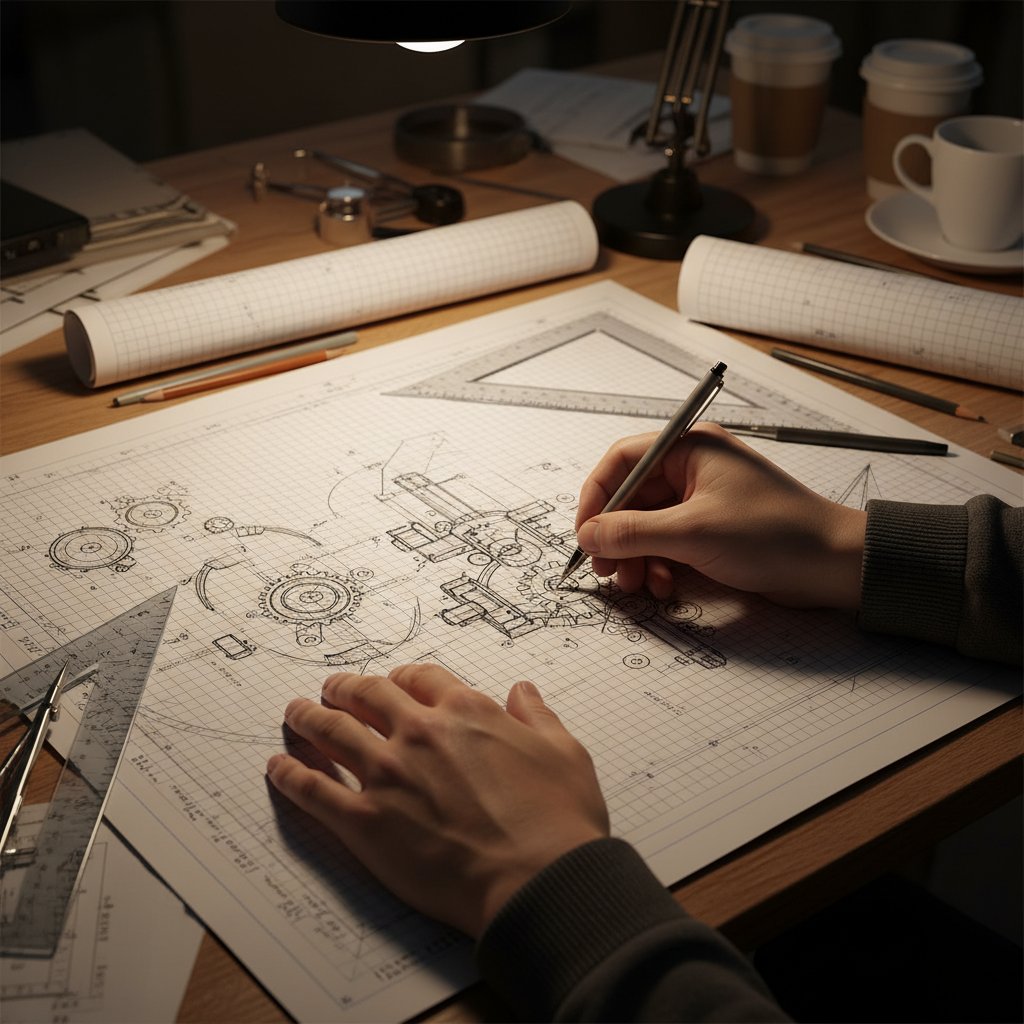
Before screens flickered and mice clicked, drafting was a tactile, immersive act—a ritual as much as a discipline. Imagine the late-night architect hunched over a massive wooden desk, hands smeared with graphite, the gentle scratch of a 5H pencil echoing in a silent studio. Manual drafting was—and for some, still is—a dance of geometry and intuition, where every line had to mean something and every erasure left a story.

But as the 20th century pressed on, the romance of manual drafting collided head-on with the relentless march of technology. The first tremor hit in 1963, when Ivan Sutherland’s Sketchpad introduced the world to interactive computer-aided design (CAD). By 1982, Autodesk’s AutoCAD had kicked open the floodgates, and the drafting room would never be the same. According to historical records and industry retrospectives, the path from quills and compasses to complex algorithms is a story of both loss and liberation—a transition that reshaped careers, companies, and creative cultures.
| Year | Innovation | Impact |
|---|---|---|
| Pre-1300 AD | Cave paintings, geometry | Early spatial representation; foundations of drafting |
| 16th Century | Mathematical formulae | Standardized geometric figures in art/engineering |
| Early 1900s | Drafting machines, templates | Increased speed, consistency in manual workflows |
| 1963 | Sketchpad (Sutherland) | First interactive CAD; digital disruption begins |
| 1971 | ADAM (Hanratty) | Early CAD/CAM; birth of digital manufacturing |
| 1982 | AutoCAD | Commercial CAD explosion; mass adoption |
| 2023–2024 | AI-automated drafting | Automation, machine learning, hybrid workflows |
Table 1: Timeline of drafting evolution. Source: Original analysis based on Developers.Dev, 2024, EPLAN Blog, 2024.
What we lost—and what we gained
With every leap in automation, something subtle evaporated from the profession. Seasoned pros talk about the muscle memory of a French curve, the way a line drawn by hand can communicate intent that no spline ever could. The digital shift brought a whiplash of consequences: certain skills faded, workflows compressed, and the learning curve twisted in new directions. According to expert commentary from Developers.Dev, 2024, the artistry of drafting—those tiny flourishes and instinctual corrections—isn’t just nostalgia; it’s a lost language.
Yet, the gains from automation are undeniable. CAD and AI-driven drafting systems now crunch through complex assignments in hours instead of days, and they catch the errors that used to slip through even the steadiest hands. According to a 2024 industry analysis, CAD software increased drafting efficiency by up to 60% and reduced error rates by 80% in large-scale projects (see Beyond Market Insights, 2024). The power to iterate, revise, and standardize at scale changed the game forever.
"There’s a tactile satisfaction in the drag of pencil on vellum you just can’t replicate." — Alex, Drafting Veteran
For all our digital bravado, the tension between craft and code remains unresolved. The real question isn’t which side wins, but how each approach reveals the possibilities—and limitations—of the other.
Breaking down the basics: what actually sets them apart?
Manual drafting: more than nostalgia
Let’s shatter the stereotype: manual drafting isn’t a relic kept alive by stubborn old-timers terrified of change. In fact, many rising designers and architects are rediscovering hand techniques as a way to stand out in a sea of sanitized, digital sameness. According to a recent Developers.Dev, 2024 report, manual sketching is still fundamental in early conceptual phases and in environments where technology is limited.
7 hidden benefits of manual drafting pros rarely discuss:
- Embodied cognition: The act of drawing by hand activates different cognitive pathways, often leading to more creative problem-solving.
- Immediate feedback: Mistakes are visible, not concealed by software layers, making you confront your work head-on.
- Unique signature: Every hand-drawn line is yours—clients can see the personal touch.
- No tech barriers: No need for updates, licenses, or electricity; just tools and talent.
- Enhanced spatial awareness: Manual drafting hones a deep understanding of scale, proportion, and perspective.
- Low startup cost: Entry requires basic tools, making it accessible for education and early conceptualization.
- Improved retention: The physical act of sketching has been shown to boost memory for design details, according to studies in cognitive science.
Contemporary manual drafting workflows often blend analog with digital—using hand-drawn sketches as the “ideation engine” before translating concepts into digital form. This is especially common in architecture studios and industrial design workshops aiming for originality.
Automated drafting: the seductive promise of perfection
Automated drafting systems, from legacy CAD to bleeding-edge AI, promise a kind of perfection manual methods can’t touch. They standardize output, enable auditable changes, and allow for real-time collaboration across continents. According to EPLAN Blog, 2024, automated drafting can reduce project timelines by over 40% for complex industrial designs.
9 steps to transition from manual to automated drafting:
- Audit your current workflows: Identify bottlenecks and places where manual errors creep in.
- Map design requirements: Define what you need from an automated system—industry standards differ.
- Select your platform: Pick a CAD or AI tool that matches your team’s skill set and project scope.
- Invest in training: Allocate time for serious upskilling—software is useless if nobody knows how to wield it.
- Digitize existing archives: Scan and convert old hand-drawn plans for integration.
- Standardize templates and layers: Build reusable assets to ensure consistency across projects.
- Pilot and iterate: Run a test project to catch friction points before full rollout.
- Implement quality control: Establish review protocols—automation accelerates both good and bad outcomes.
- Gather feedback and refine: Continuous improvement is key; the first rollout is never perfect.
But here’s the dirty secret: automation is not immune to error. According to Beyond Market Insights, 2024, while automated tools reduce human error, they can introduce systemic mistakes—especially when templates are poorly configured or data input is flawed.
| Feature | Manual Drafting | Automated Drafting |
|---|---|---|
| Speed | Slow, especially for revisions | Fast, changes propagate instantly |
| Accuracy | Prone to human error | High precision, standardized output |
| Flexibility | High in conceptual phase | High for iterations, less for organic forms |
| Learning Curve | Steep for geometry, tools | Steep for software mastery |
| Costs | Low upfront, high labor | High upfront, low per project |
Table 2: Feature comparison. Source: Original analysis based on Developers.Dev, 2024, EPLAN Blog, 2024.
Hidden costs and dirty secrets: what no one tells you
The true cost of switching
Transitioning to automated drafting isn’t just about buying fancy software and calling it a day. The overlooked costs are where budgets and morale go to die. According to a 2024 survey by Beyond Market Insights, companies reported an average 22% overspend on initial automation due to underestimating training and process re-engineering.
| Cost Category | Manual Drafting (Avg. Per Year) | Automated Drafting (Year 1) | Automated Drafting (Annual, After Year 1) |
|---|---|---|---|
| Tools & Supplies | $2,000 | $3,500 (hardware/software) | $750 (updates/licenses) |
| Training | $250 | $2,000 | $250 |
| Labor | $30,000 | $22,000 | $18,000 |
| Workflow Redesign | $0 | $3,000 | $500 |
| Total | $32,250 | $30,500 | $19,500 |
Table 3: Statistical summary of real-world cost data. Source: Original analysis based on Beyond Market Insights, 2024.
And let’s not ignore the emotional costs: the frustration of new UIs, the creeping fear of skill atrophy, and the loss of that meditative satisfaction only manual work provides.
When automation fails—spectacularly
It’s the stuff of office horror stories—a high-stakes project, a deadline looming, and then a catastrophic software glitch. In 2023, a major engineering firm suffered a seven-figure loss when its automated drafting tool misinterpreted design constraints, resulting in an entire suite of faulty blueprints. The fallout included lawsuits, lost clients, and a team crisis.
"We relied on the software. It let us down in the worst way." — Jamie, Senior Engineer
The most effective risk mitigation strategies involve redundant manual checks, cross-team audits, and, increasingly, intelligent platforms like filecreator.ai that flag discrepancies before disaster strikes. As automation becomes more powerful, human oversight isn’t optional—it’s existential.
Creativity vs efficiency: is there always a trade-off?
Does automation kill creativity?
There’s a persistent claim that digital tools stifle originality, reducing drafting to mouse clicks and menu selections. Critics argue that the “feel” of design is lost when everything is filtered through a screen. Cognitive research backs this up: hand movement and tactile feedback are linked to divergent thinking, a cornerstone of creative breakthroughs.

But here’s the flip side: automation can liberate creativity by eliminating grunt work and opening new avenues for experimentation. Platforms like filecreator.ai enable designers to prototype, adapt, and refine documents with speed that would be impossible by hand—turning iteration into a playground, not a punishment.
6 unconventional uses for automated drafting tools
- Generative design: Let AI propose dozens of wild alternatives based on constraints.
- Reverse engineering: Quickly digitize and refine old hand-drawn plans.
- Rapid prototyping: Instantly test different layouts, materials, or dimensions.
- Collaborative sketching: Real-time teamwork—across cities and time zones.
- Parametric modeling: Tweak a single variable, watch the whole design update—great for adaptive architecture.
- Automated compliance checks: Instantly scan for code and regulation violations.
Manual mastery: the case for analog thinking
Slow design isn’t just romantic fluff; it’s a countercultural stance in a world obsessed with speed. Manual drafting forces you to confront every curve and angle, embracing mistakes as stepping stones to brilliance.
"My best ideas come from the smudges and missteps." — Jordan, Architect
Many firms are now blending analog and digital processes, using hand sketches for brainstorming and automated tools for production. The result: workflows that are both rigorous and inspired—a true edge in a market where sameness is the enemy.
Case studies: real-world wins and disasters
When hand-drawn plans saved the day
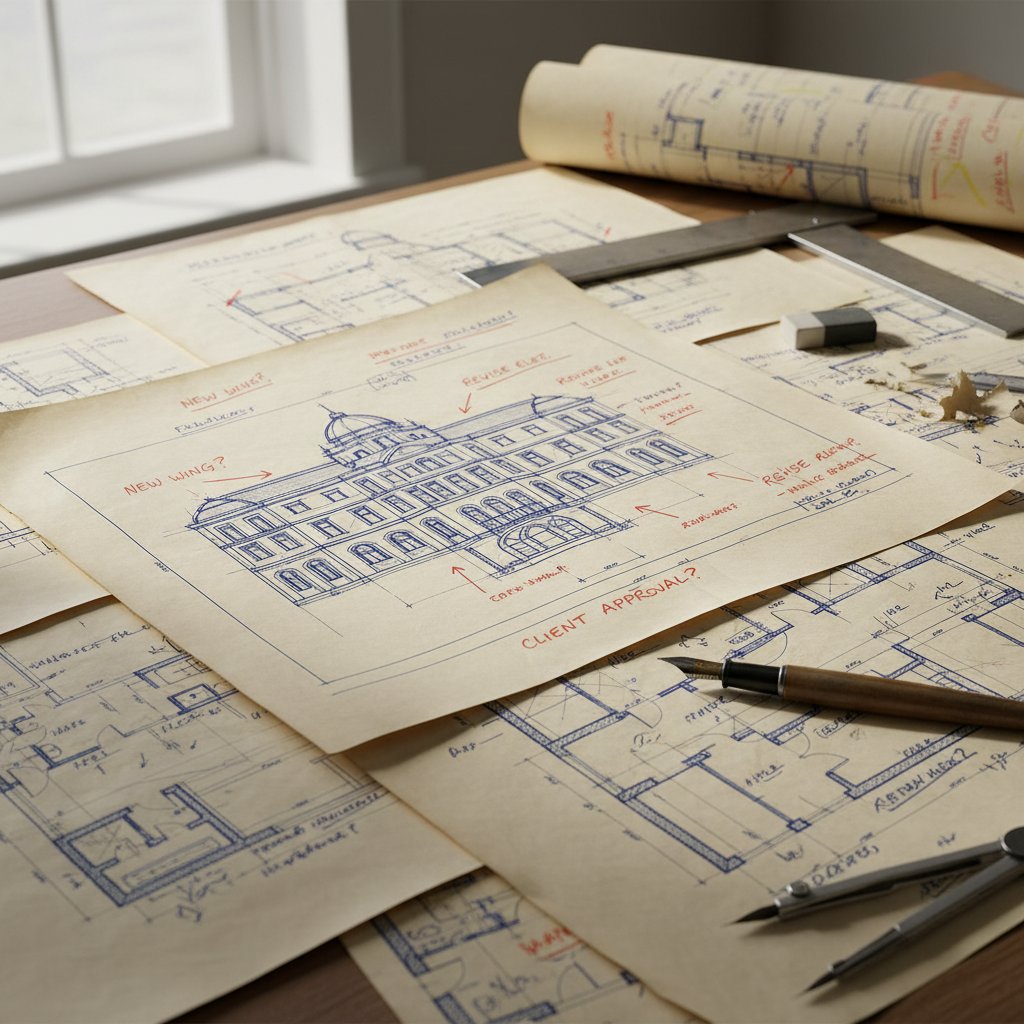
In 2023, a boutique architecture studio in Berlin was racing to submit plans for a landmark restoration. When the power went out, their digital files were inaccessible—but a hand-drawn backup, full of quick annotations and bold corrections, saved the project from disaster. The client was won over not only by the resilience but by the raw clarity of the hand-rendered plans.
Lessons learned? Always maintain an analog backup, value iterative sketching, and recognize that sometimes, the old ways are the only ways that work under pressure.
The project that automation almost ruined
A high-profile residential development nearly collapsed when a bug in the automated drafting software duplicated load-bearing walls on every floor, violating structural codes. The error slipped through multiple digital reviews but was finally caught by a junior architect doing a manual markup.
- Cross-verify digital output with manual redlining
- Establish a protocol for periodic human review
- Document all changes with timestamps
- Segment complex plans for targeted QA
- Maintain up-to-date software and plugins
- Encourage team-wide error reporting, no matter how minor
- Keep a backup of all manual sketches
- Train staff to recognize common failure modes of automation
By following these steps, the firm avoided public embarrassment and financial ruin—a stark reminder that human oversight isn’t just a formality, it’s a failsafe.
Debunking myths: what everyone gets wrong
Manual is always slower—really?
The “manual equals slow” narrative is simplistic at best. For certain tasks—quick conceptual layouts, site sketches, and initial brainstorming—manual drafting can outpace even the fastest CAD jockey. A 2024 comparative study found that hand sketches beat automated tools for small-scale, high-creativity assignments, while automation dominated on complex, repetitive tasks.
| Task Type | Manual Drafting (Avg. Time) | Automated Drafting (Avg. Time) |
|---|---|---|
| Conceptual sketch | 20 min | 25 min |
| Detailed floor plan | 2 hours | 45 min |
| Revision of small detail | 10 min | 30 min |
| Code compliance check | 30 min (manual) | 5 min (auto) |
Table 4: Real-world speed comparison for drafting tasks. Source: Original analysis based on EPLAN Blog, 2024.
Experts urge: match the tool to the job, and don’t be seduced by speed alone; a fast mistake is still a mistake.
Automation is mistake-proof—think again
Automation may promise error-free drafting, but reality bites. From template misconfigurations to software bugs and data input errors, even the shiniest tools can spawn disasters. According to Beyond Market Insights, 2024, 17% of firms reported at least one “material error” introduced by automated systems in the previous year.
Key error types in manual vs automated drafting
- Smudges, scale errors, misalignments from fatigue
- Illegible handwriting, accidental omissions
- Software glitches, misapplied templates
- Data entry errors, invisible until late in workflow
The lesson? Human oversight—through regular audits, cross-team reviews, and a culture of vigilance—remains the ultimate failsafe.
The hybrid future: where the best ideas collide
Blending analog and digital workflows
Top design and engineering firms aren’t choosing sides—they’re breaking down the walls. Hybrid workflows, where sketches and digital drafts live side by side, are redefining best practices. According to a 2024 survey, 63% of firms now integrate manual sketching into digital processes for ideation and quality control.
5 reasons hybrid drafting is gaining traction
- Best of both worlds: Marry inspiration and efficiency.
- Redundancy: Analog backups hedge against tech failures.
- Creative cross-pollination: Manual mistakes can spark new digital solutions.
- Team learning: Junior staff learn fundamentals before automating.
- Resilience: Workflow isn’t vulnerable to a single point of failure.
One professional who’s built a career on this hybrid model is Samira, a structural engineer whose analog sketches are legendary for surfacing design flaws invisible on a monitor. Her method? “Sketch every major change by hand—then digitize. You catch things no software ever will.”
AI in the drafting room: hype or revolution?
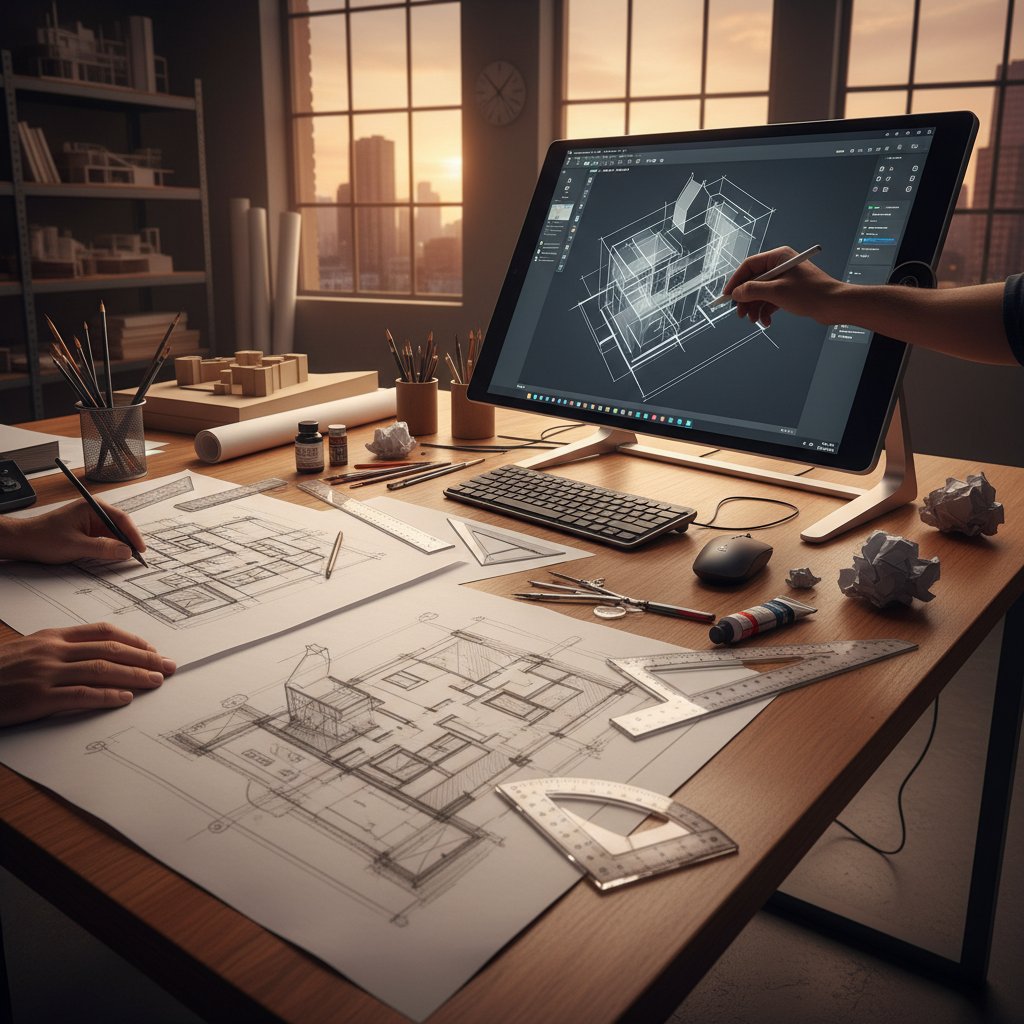
The latest disruption? AI-powered drafting tools promising everything from automated revisions to self-diagnosing blueprints. Initial results are electric—firms report 30-50% reductions in repetitive design work and faster compliance checking. But, as with the rise of CAD, skepticism remains fierce among veterans: will AI understand the subtleties of design intent, or will it just amplify existing errors?
| Drafting Method | Adoption Rate (2023/24) | Market Size ($USD, 2024) | 5-Year CAGR |
|---|---|---|---|
| Manual (Analog) | 30% | N/A | -4% (declining) |
| Automated (CAD, digital) | 82% | $18.5B | 6.4% growth |
| AI-Powered Automation | 15% | $17.5M | 13.1% growth |
Table 5: Market analysis of drafting methods. Source: Original analysis based on Beyond Market Insights, 2024.
Platforms like filecreator.ai are at the forefront, offering document automation that bridges creativity and compliance—the sweet spot for modern drafting.
Making the call: how to choose what’s right for you
Self-assessment: which workflow fits your project?
Choosing between manual and automated drafting isn’t about allegiance—it’s about fit. Ask yourself:
- How complex is your project?
- What’s your deadline, really?
- Are creativity and aesthetic nuance key, or is standardization king?
- What skills does your team actually have?
- How much risk can you stomach—financial and reputational?
- Is your infrastructure up to the demands of heavy automation?
- Will your client value hand-drawn artistry?
- How much revision and collaboration will be needed?
- Do you have robust backup protocols?
- Are you prepared to audit automated outputs?
10-point checklist for deciding between manual and automated drafting
- Define your project goals (efficiency, creativity, compliance?)
- Analyze available skills in your team
- Evaluate hardware/software access
- Estimate project complexity and revision frequency
- Assess client expectations
- Consider regulatory/compliance requirements
- Factor in budget for training and tools
- Test hybrid approaches on a pilot segment
- Set QA/audit procedures from day one
- Be ready to pivot if the chosen workflow fails
If your team is split, experiment with hybrid adoption—start small, measure results, and iterate rapidly.
Transitioning without regrets
No matter which camp you start in, transitioning is a minefield. Best practices include rolling out software in phases, documenting every workflow change, and supporting staff through the inevitable frustration. Avoid common pitfalls: skipping training, ignoring early warning signs, or letting a single “super user” become a bottleneck.

Above all, treat your workflow as a living system—one that can adapt, mutate, and improve. The only real mistake is stubbornness masquerading as tradition or progress.
The future of drafting: where are we headed?
From craft to code: the next five years
The drafting landscape is being rewritten in real time, with AI, generative design, and digital twins moving from buzzwords to boardroom agendas. According to Beyond Market Insights, 2024, the fastest-growing segment is AI-powered drafting, expanding at over 13% annually.
Emerging terms in drafting
Algorithms that automatically generate design alternatives based on constraints and rules.
A dynamic, virtual model of a real-world object or system, allowing real-time monitoring and simulation.
A method where design parameters are interrelated—change one, and the model updates everywhere.
AI systems trained to spot errors, suggest optimizations, or even predict compliance issues.
The role of AI-centric platforms like filecreator.ai is only expanding—accelerating workflows while demanding ever-higher standards of oversight and creativity.
What really matters: skills, tools, or mindset?
In the end, the sharpest pencil—or the slickest AI—won’t save you if your thinking is stuck. Adaptability trumps all: those who thrive in this new landscape are relentlessly curious, quick to learn, and humble enough to know when to double-check their work.
"It’s not about the pencil or the pixel—it’s about how you think." — Taylor, Lead Designer
The real pros aren’t loyal to tools—they’re loyal to outcomes. Stay restless, keep experimenting, and remember: the best drafts are the ones that get built.
Summary
The battle of manual drafting vs automated drafting is far from settled—and that’s good news for anyone who cares about pushing the limits of design. Whether you’re drawn to the tactile feedback of graphite on paper or addicted to the unblinking precision of AI-powered tools, the only wrong move is clinging to a single approach out of habit. As research and real-world disaster stories reveal, each method carries hidden costs, overlooked risks, and surprising advantages. The most successful teams blend analog resilience with digital speed, never confusing convenience with quality. Platforms like filecreator.ai exemplify this fusion—enabling you to generate, verify, and iterate professional documents with both efficiency and creative control. So, before you pick up that pencil or click “export,” ask yourself: are you choosing your tools, or are they choosing for you? The future belongs to those who can master both.
Sources
References cited in this article
- Developers.Dev(developers.dev)
- EPLAN Blog(blog.eplan.co.uk)
- Beyond Market Insights(beyondmarketinsights.com)
- Wikipedia: History of CAD(en.wikipedia.org)
- IndiaCADWorks(indiacadworks.com)
- Shapr3D Blog(shapr3d.com)
- Developers.Dev(developers.dev)
- GloberDesign(globerdesign.com)
- QECAD(qecad.com)
- ARUSI(arusi.net)
- DraftSight Review(worquick.com)
- arXiv: Failure Analysis in AI Systems(arxiv.org)
- Forbes Automation Challenges(forbes.com)
- Forbes(forbes.com)
- Draftter.com(draftter.com)
- LBBOnline(lbbonline.com)
- DesignBaddie(designbaddie.com)
- Reddit CAD Discussions 2023(reddit.com)
- ParametricMonkey(parametricmonkey.com)
- ArchDaily(archdaily.com)
- Richmond Journal of Law and Technology(jolt.richmond.edu)
- Domino Printing(domino-printing.com)
- The Manufacturer(themanufacturer.com)
- Consstruct.com(consstruct.com)
- PrecisionDrafters.com(precisiondrafters.com)
- Pew Research Center(pewresearch.org)
- Akooda.co(akooda.co)
- Jiyushe.com(jiyushe.com)
- JBTSinc.com(jbtsinc.com)
Perfect Documents, Instantly
Filecreator.ai transforms the way you produce professional documents. Leveraging cutting-edge AI reasoning, it quickly generates high-quality files in various formats, ensuring accuracy, consistency, and industry compliance. Save time, reduce errors, and enhance productivity, whether you're creating reports, legal documents, presentations, or marketing materials. Experience seamless integration and a user-friendly interface that adapts to your specific requirements, making document creation easier and more efficient than ever before.
Get startedStart Creating Professional Documents Today
Join thousands of professionals who trust AI-powered document generation
Frequently Asked Questions
When did automated drafting first emerge as a technology?
Automated drafting emerged with Ivan Sutherland's Sketchpad in 1963, which introduced the world to interactive computer-aided design (CAD). The technology became widespread after 1982 when Autodesk's AutoCAD was released, fundamentally transforming the drafting industry.
What was manual drafting like before digital tools existed?
Manual drafting was a tactile, immersive ritual performed by architects and designers working at wooden desks with pencils, compasses, and other hand tools, creating hand-drawn blueprints. It required precision and intuition, with every line and erasure carrying intentional meaning.
What does the article claim about budget considerations in manual vs automated drafting?
According to the article title, there are hidden costs and unspoken realities in the manual vs automated drafting debate that most professionals overlook, and conventional budget thinking about this choice is incorrect.
Does the article suggest one method is objectively better than the other?
No—the article presents the choice as complex, with both tradition and automation carrying unrealized risks and benefits that go beyond the surface-level marketing hype and nostalgia surrounding each approach.
Continue Reading
Explore more from Professional Document Generator

Automatic Document Drafting Software: Benefits and Real Pitfalls
Automatic document drafting software transforms workflows across legal, finance, and creative teams. This article explains the real benefits, genuine risks, and how to select the right tool.

Automatic Document Drafting: Benefits and Control Risks
Automatic document drafting reduces manual work and errors while introducing new control challenges. This article explains the benefits, costs, and risks of AI-powered document automation.

The High Price of Manual, Error-Prone Drafting—And What to Do Now
Discover insights about replace manual, error-prone drafting

Manual Document Drafting: Productivity and Compliance Costs
Problems with manual document drafting create inefficiency and compliance risk. This article details the productivity losses, version control failures, and business impact organizations face.

Document Drafting Automation Software: Benefits and Hidden Costs
Document drafting automation software transforms how professionals create contracts and reports. This article examines the real benefits, hidden costs, and workplace shifts automation brings.

Automated Document Drafting Software: Benefits and Limitations
Automated document drafting software transforms how professionals create documents. This article examines its benefits, limitations, and when traditional methods remain preferable.