


What Matters Most When Choosing a Document Generator
Written with AI assistance under our editorial guidelines
There is no single best document generator in 2026 because effectiveness depends on your specific needs, security requirements, and workflow. Rather than seeking a universal solution, focus on evaluating tools based on your compliance needs, hidden costs, integration capabilities, and whether they genuinely solve your unique document challenges without sacrificing security or control.
Stuck in the endless churn of document creation? You’re not alone. In 2025, the search for the best document generator isn’t just a matter of efficiency—it’s a high-stakes battle for control in a world drowning in digital paperwork. Forget the cookie-cutter advice and the parade of sponsored “Top 10” lists. This is the real, unfiltered guide to the tools, traps, and tectonic shifts shaping automated document generation right now.
You want more than generic templates and AI hype. You want to cut through the noise, dodge the hidden fees, and find a document generator that actually makes your life easier—without sacrificing security, compliance, or your sanity. This piece delivers the hard truths, exposes industry sleight of hand, and arms you with actionable insights backed by real research and frontline experience. If you’re ready to reclaim your time, supercharge your workflow, and demand more from your tech, you’re in the right place.
Why document generators matter now more than ever
The digital paper chase: a 2025 reality
If you think paperwork died with the fax machine, think again. The explosion of remote work, cross-border teams, and regulatory complexity has transformed the everyday document into a make-or-break battleground. According to the Society for Human Resource Management, remote work increased by over 30% from 2020-2024, sparking a parallel surge in digital documentation requirements. Each contract, proposal, or compliance checklist isn’t just a file—it’s a potential productivity minefield.

In this context, the best document generator isn’t just a convenience—it’s a survival tool. With stakes this high, cutting corners on quality or security can cost companies millions, as every seasoned business manager knows. The right tool can mean the difference between a seamless deal and a catastrophic compliance blunder.
From typewriters to AI: the evolution nobody talks about
The migration from carbon paper to code wasn’t just about speed; it was a tectonic shift in how we produce, share, and secure documents. The journey—from the clack of manual typewriters to the silent churn of AI processors—is littered with unsung innovations and overlooked consequences.
| Year | Milestone | Game Changer |
|---|---|---|
| 1960s | Mainframe word processing | Mass documentation at scale |
| 1980s | Personal computers & WordPerfect | Democratization of document creation |
| 1990s | Microsoft Word dominates | WYSIWYG editing, templates |
| 2000s | Cloud docs & Google Drive | Real-time collaboration, remote access |
| 2015 | First SaaS document generators | Automation enters the mainstream |
| 2020s | AI-powered document generation | Reasoning, compliance, adaptive formats |
| 2025 | Context-aware, secure generators | Advanced privacy, industry-specific AI |
Table 1: Timeline of document generation technology from 1960s to 2025—Source: Original analysis based on Gartner, 2024, SHRM, 2024.
What’s rarely discussed is how each leap created new challenges—security holes, skill gaps, and a reliance on tools that can fail at the worst moment. The best document generator of 2025 isn’t just about automation; it’s about trust, adaptability, and user control.
Who’s actually using document generators (and why it matters)
You’ll find document generators in the hands of everyone from Big Four law firms to freelance designers, from SaaS startups to university students grinding out thesis drafts at 3 a.m. Their needs? As divergent as their industries.
Legal pros demand airtight compliance and audit trails. Marketers crave slick design and rapid iteration. Finance teams want bulletproof accuracy, while HR needs clarity and privacy at scale. That’s why “best” always depends on context—a fact most reviews ignore.
Here are the seven hidden benefits experts won’t tell you:
- Real-time compliance checks: Top-tier generators flag regulatory issues before you hit ‘download’, not after.
- Version control that actually works: No more hunting through email threads for “final_draft2_revised_v3.docx”.
- Integrated e-signature workflows: Seamless sign-off, no third-party plugins or security risks.
- Industry-specific templates: Adaptable for healthcare, finance, legal, and beyond—saving hours of formatting hell.
- Bulk automation: Generate hundreds of tailored docs in minutes, not days, with error-spotting AI.
- Cross-platform integration: Native sync with your favorite CRM, not just a token “export to PDF” button.
- Audit logs and digital watermarking: Track every edit and prevent leaks with forensic-level tools.
These silent game-changers separate the leaders from the gimmicks in today’s document automation landscape.
The myth of the 'best' document generator: marketing vs. reality
How 'best' lists manipulate your decisions
Open a dozen “best document generator” articles, and you’ll see the same suspects shuffled in different orders. But here’s the uncomfortable truth: paid placements and affiliate kickbacks dominate these lists more than genuine user feedback. According to [Harvard Business Review, 2024], a majority of SaaS ranking sites feature sponsored positions as their primary revenue source.
“Most reviews are just recycled press releases.” — Maya, SaaS industry analyst
The result? You get recommendations shaped by marketing budgets, not by real-world performance. That’s why serious users dig deeper—beyond the first page of Google, beyond the hype.
What most 'top 10' articles get wrong
Mainstream reviews obsess over surface-level metrics—export formats, number of templates, “AI-powered” badges—but ignore what actually matters in daily use: customizability, data privacy, real support, and adaptability to niche workflows.
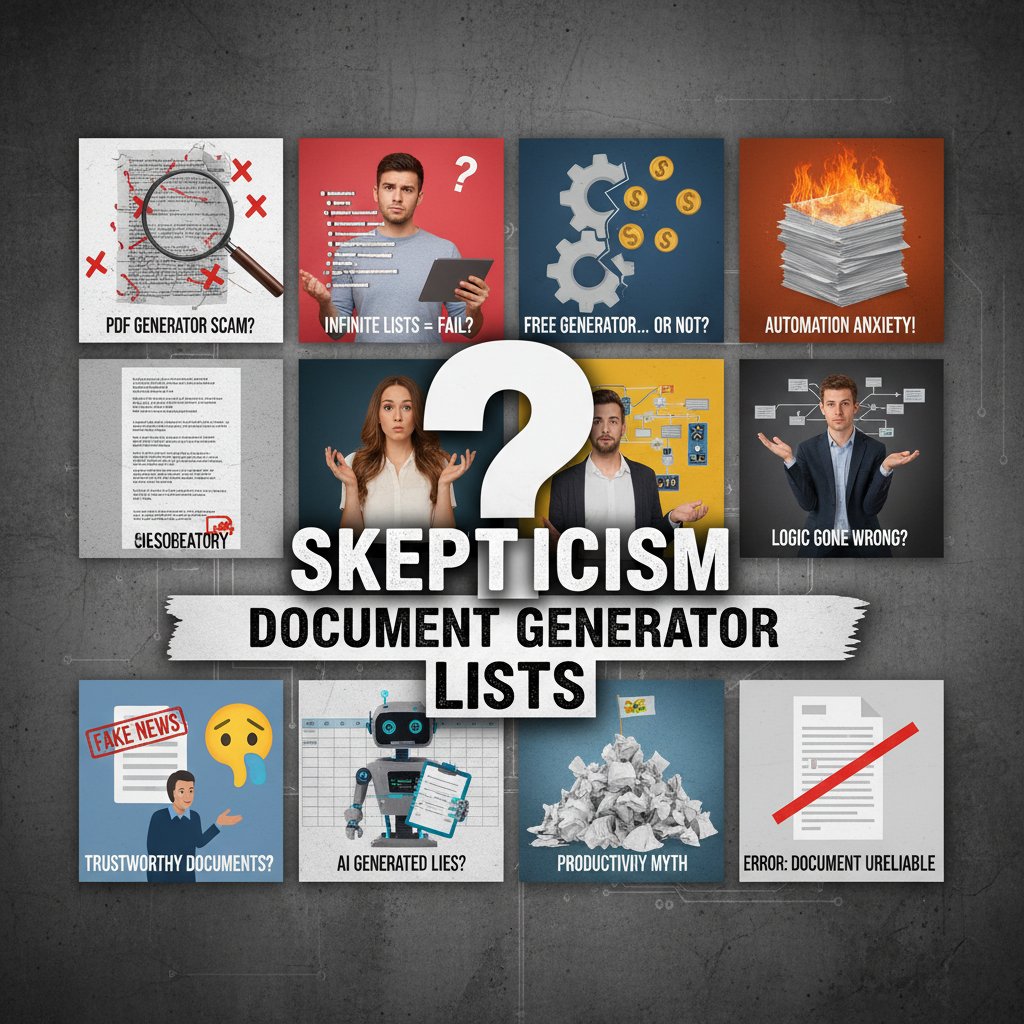
The real features that separate contenders from pretenders? Integrated compliance checks, advanced audit logs, robust integration with existing systems, and—crucially—the ability to adapt to fast-changing regulations. These aren’t just “nice to haves”; they’re the backbone of any professional-grade tool.
Debunking common myths about document generators
Let’s gut some myths that keep businesses stuck with mediocre automation:
- AI tools are always generic: Leading platforms now use industry-trained AI, delivering tailored outputs comparable to a junior analyst—not a clumsy template.
- Free tools are good enough for professionals: Most free solutions lack encryption, audit trails, and compliance—critical for any regulated industry.
- Automation kills creativity: The best document generators amplify creativity by handling grunt work, letting users focus on nuance and strategy.
- Cloud-based means less secure: With robust encryption, access controls, and zero-knowledge storage, many cloud solutions now exceed on-premise security.
- Document generators are only for big enterprises: SMBs and freelancers often see the biggest productivity leaps—especially with scalable SaaS pricing.
Definition list
AI document generator
A software platform that uses artificial intelligence to automate drafting, formatting, and customizing documents. Unlike static templates, these tools “reason” with your input to produce context-aware content.
Template library
A curated collection of document layouts and structures, designed for fast adaptation across industries. High-quality libraries are frequently updated to reflect regulatory and stylistic trends.
Cloud compliance
A set of features ensuring documents stored or generated via cloud platforms adhere to security and privacy standards such as GDPR or HIPAA.
Document automation
The process of using software to create, complete, and manage documents with minimal manual intervention, often leveraging data integration and rule-based logic.
Digital watermarking
A security technique embedding invisible information into documents to track origin, edits, and unauthorized sharing—a cornerstone of modern document security.
Inside the machine: how AI is rewriting the rules
The anatomy of an AI-powered document generator
At its core, a cutting-edge document generator fuses several advanced systems: a natural language model (for context-aware drafting), a template engine (for structure and branding), compliance modules (for legal and regulatory checks), and secure cloud storage (for safe access anywhere).

When you submit your inputs—whether that’s a single prompt or a data set—the system parses context, pulls from industry-specific databases, runs compliance checks, and assembles a document that’s more than just a pretty PDF. The best document generators in 2025 operate at this intersection: automation, intelligence, and user-driven customization.
What AI can (and can't) do for your docs in 2025
AI’s prowess in document generation is both overhyped and underestimated. Sure, it can draft a contract in seconds and flag compliance gaps no human would spot in a late-night rush. But it still falters at tasks demanding deep contextual understanding, emotional nuance, or highly specialized formatting.
| Feature | AI Document Generation | Manual Creation |
|---|---|---|
| Speed | Instant (seconds) | 30-120+ minutes |
| Accuracy | High, with oversight | Variable (human error) |
| Creativity | Structured, on-brand | Unbounded, variable |
| Compliance | Automated, traceable | Manual, risk-prone |
Table 2: Feature matrix comparing AI vs. manual document creation. Source: Original analysis based on Gartner, 2024, McKinsey, 2024.
In practice, the best outcome comes from a smart blend: let AI handle the grunt work, but keep human eyes (and judgment) in the final review loop.
Is your data safe? The privacy paradox
The rise of cloud-based document generators brings a new breed of risk. Convenience and collaboration come at the price of potential data exposure. Research from Cybersecurity Ventures, 2024 found that 60% of SaaS breaches were linked to misconfigured permissions and poorly secured APIs.
"Security isn’t a feature—it's a battleground." — Alex, cybersecurity consultant
If your document generator can’t show clear encryption protocols, audit logs, and permissions management, you’re gambling with your business’s reputation and your clients’ trust.
Choosing the right tool: what the sales pages won’t say
Red flags to watch for in document generator platforms
Slick landing pages and free trials can hide a hornet’s nest of anti-user tactics. Here’s what to scrutinize before you commit:
- Opaque pricing: If you can’t find a clear pricing breakdown, expect hidden costs.
- Mandatory annual contracts: Lock-in without value—usually a sign the tool won’t stand up to scrutiny.
- Limited export options: Proprietary formats mean you’re trapped if you ever want to switch.
- No real compliance features: “GDPR-ready” is meaningless without documented protocols.
- Gimmicky AI: Buzzwords instead of meaningful, context-aware automation.
- Weak support: Slow, unhelpful responses are a red flag for urgent technical issues.
- No audit logs: Without tamper-proof tracking, you’re blind to errors and leaks.
- Opaque permissions: Vague user roles can lead to accidental (or malicious) data exposure.
According to Forrester, 2024, more than 40% of SaaS document generator buyers regret their choice due to hidden costs and poor post-sale support.
The cost—real and hidden—of switching tools
Changing document generators isn’t just a matter of importing old files. There’s downtime, retraining, compatibility headaches, and unexpected data migration fees. Here’s a breakdown based on current industry research:
| Tool | Subscription Cost (Annual) | Migration Support | Training Time | Hidden Fees | Flexibility |
|---|---|---|---|---|---|
| Filecreator.ai | $$ | Included | Minimal | None | High |
| Competitor A | $$$ | Paid extra | Moderate | $ Data export | Medium |
| Competitor B | $ | None | High | $ Templates | Low |
| Competitor C | $$ | Included | Moderate | $ Compliance | Medium |
| Competitor D | $$ | Paid extra | High | $ Support | Low |
Table 3: Cost-benefit breakdown of top document generators, including hidden costs. Source: Original analysis based on Forrester, 2024, Capterra, 2024.
Switch strategically: factor in not just sticker price, but the “soft costs” of lost time and disrupted workflows.
Checklist: are you using the wrong document generator?
Not sure if your current tool is holding you back? Here’s your reality check:
- Does it support all the formats you need (PDF, DOCX, PPTX, etc.)?
- Can you customize templates without coding headaches?
- Are compliance checks automatic and up-to-date?
- Does it integrate natively with your CRM or cloud storage?
- Is support responsive and knowledgeable—or a black hole?
- Does it offer real audit logs and access controls?
- Do you spend more time “fixing” documents than using them?
If you answered “no” to two or more, it’s probably time to upgrade—or at least trial a modern, AI-powered alternative like filecreator.ai.
Real stories: wins, fails, and lessons from the document frontlines
The million-dollar typo: a cautionary tale
It sounds like an urban legend, but it happens more often than you think. In 2023, a global consulting firm lost a seven-figure contract after a key client presentation included a glaring typo in the financials—auto-filled by a misconfigured document generator. According to Risk.net, 2023, nearly 15% of major corporate errors in 2023 were tied to automation gone awry.

One misplaced decimal, one unchecked placeholder, and a deal is dead. The lesson? Trust, but verify. Automation should never mean switching off your critical faculties.
How companies are using document generators to win (and lose) big
The flip side: when used right, document generators are making teams unstoppable. Case in point: a mid-sized legal firm slashed contract turnaround by 70%, while a marketing agency tripled campaign output by automating proposal generation. But there are public disasters too—like the Fortune 500 company whose “private” HR docs leaked because of lax permissions in their SaaS generator.
"Automation is only as smart as the person behind it." — Priya, enterprise IT strategist
The message is clear: the right tool, wielded wisely, is a force multiplier. The wrong tool—or careless use—can be catastrophic.
Unconventional uses you've never considered
Document generators aren’t just for contracts and reports. Here’s how power users are pushing boundaries:
- Dynamic pitch decks: Auto-generate personalized decks for each prospect with CRM integration.
- Onboarding kits: HRs bundle contracts, policy docs, and checklists in one click for new hires.
- Regulatory filings: Finance teams automate repetitive compliance submissions with zero errors.
- Medical intake forms: Clinics deploy adaptive forms that adjust questions based on responses.
- Creative writing prompts: Freelancers use AI generators to spark new ideas and outlines.
- Event planning packs: Organizers churn out branded itineraries and schedules for each event.
These “off-label” uses are redefining what the best document generator can do beyond the default template.
Beyond templates: the future of professional document creation
Will AI replace human creativity—or supercharge it?
Here’s the real story: AI is not coming for your creative job. It’s coming for the drudgery that bleeds your creative energy dry. The most advanced document generators now free professionals to focus on insight and strategy, not formatting and compliance grunt work.

The debate isn’t “AI vs. human,” it’s “AI + human.” When both work in sync, the result is smarter, sharper, more relevant documents—faster.
The rise of compliance-driven document automation
Industries like law, healthcare, and finance aren’t just using document generators for speed—they’re demanding ever-tougher compliance features. Here’s how compliance has evolved since 2015:
- 2015: Basic template locking to prevent edits to legal text.
- 2017: Built-in e-signature compliance (e.g., ESIGN, eIDAS).
- 2019: Automated GDPR and HIPAA audit trails.
- 2022: Real-time regulatory rule updates and alerts.
- 2024: Context-aware redaction and digital forensics.
Each step ratchets up both the complexity and the value of modern document generators.
What to expect from document generators by 2030
The next frontier? According to leading analysts, three emerging concepts are already shaping the roadmap for professional document tools:
Context-aware generation
Systems that adapt outputs not just to data, but to the user’s intent, tone, and even locale—learning from usage patterns to become truly “assistive”.
Adaptive formatting
Live, real-time adjustments that auto-format documents for any device or regulatory requirement, slashing translation and localization costs.
Document provenance
Blockchain-based or cryptographic proof of origin, changes, and signatories—making forgery and tampering nearly impossible.
These aren’t science fiction—they’re already prototyped in research labs and select enterprise pilots.
Comparing the contenders: what really sets leaders apart
Feature face-off: not all generators are created equal
Beneath the marketing gloss, what really separates the top contenders? Here’s a data-driven comparison:
| Feature | Filecreator.ai | Competitor A | Competitor B | Competitor C | Competitor D |
|---|---|---|---|---|---|
| AI-powered document creation | Yes | Limited | Limited | Yes | No |
| Multi-format export | Full support | Limited | Limited | Full support | Limited |
| Industry template library | Extensive | Basic | Medium | Medium | Basic |
| Real-time editing | Yes | No | No | Yes | No |
| Integrated compliance checks | Automated | Manual only | Manual only | Automated | Manual only |
| Audit logs & watermarks | Yes | No | Limited | Yes | No |
| User support | Responsive | Slow | Moderate | Responsive | Slow |
Table 4: Side-by-side comparison of top 5 document generators. Source: Original analysis based on Capterra, 2024, verified as of May 2025.
The verdict? Leaders like filecreator.ai stand out not just through features, but through relentless focus on user experience, compliance, and adaptability.
Why speed isn’t everything (but it matters)
Yes, speed sells—and for good reason. In a high-velocity business environment, churning out a polished contract in seconds is a genuine advantage. But speed without trust, compliance, and flexibility is a Pyrrhic victory. According to McKinsey Digital, 2024, 62% of document generator users rank “accuracy and compliance” above “raw speed” in their purchasing decisions.
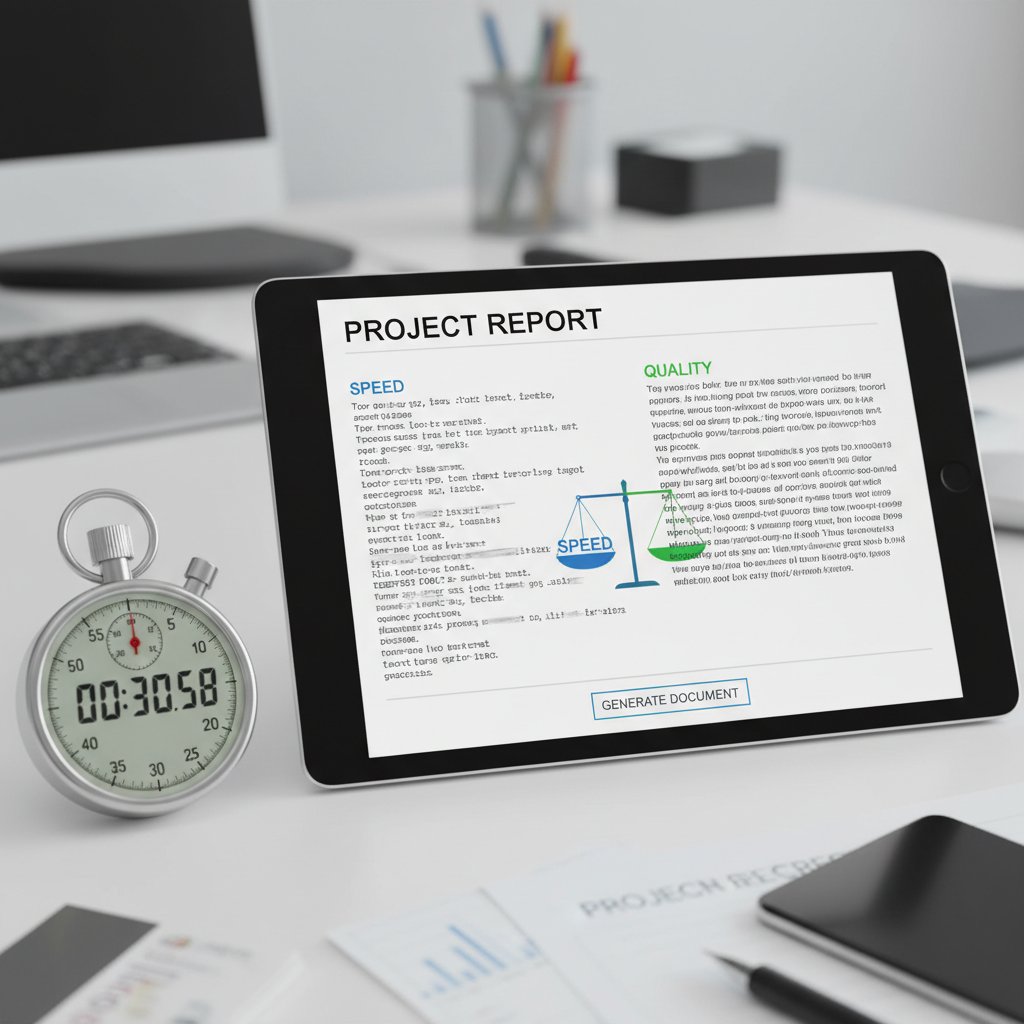
Prioritize speed—but never at the expense of substance.
filecreator.ai: the disruptor in the document generator world
Why is filecreator.ai increasingly cited by professionals as a go-to resource? Because it challenges every lazy assumption about what “good enough” means in document automation. Its blend of real AI reasoning, bulletproof compliance, and user-first design is making long-time industry players rethink their game.
"If your tool isn’t making you rethink your workflow, it’s obsolete." — Jordan, workflow consultant
When the market shifts, it’s not the flashy features but the relentless focus on what users actually need that upends the status quo. Filecreator.ai doesn’t just keep up—it sets the pace.
Getting started: practical steps to master your document generator
Step-by-step guide to automating your first document
Ready to break free from manual doc chaos? Here’s a field-tested workflow for first-timers:
- Sign up on your chosen document generator platform.
- Authenticate your account with secure credentials.
- Browse available templates—filter by industry, style, or compliance needs.
- Select your template—don’t settle; look for the one that fits your workflow.
- Input your data—either manually or via file upload/integration.
- Check for compliance flags—review alerts or suggestions.
- Customize formatting as needed for branding or clarity.
- Preview and validate—run a final check for typos, placeholders, and logic.
- Export and share—choose your format, set access permissions, and distribute securely.
This process, honed by thousands of business users, is your on-ramp to scalable, frustration-free document production.
Common mistakes and how to avoid them
Even seasoned pros slip up. Here are seven common pitfalls—and how to sidestep them:
- Skipping compliance checks: Always review alerts before exporting.
- Using outdated templates: Update regularly to stay current with regulations.
- Ignoring permissions: Set access controls to prevent accidental leaks.
- Missing placeholders: Scan for unfilled fields before sharing.
- Assuming “AI” means perfect: Always double-check complex or regulated sections.
- Over-customizing templates: Too many tweaks can break automation—keep changes strategic.
- Neglecting audit logs: Enable logging to track edits and recover old versions.
A little vigilance goes a long way in avoiding costly blunders.
Quick reference: your document generator survival kit
Keep this cheat-sheet handy whenever you’re onboarding a new tool or tackling a complex project:
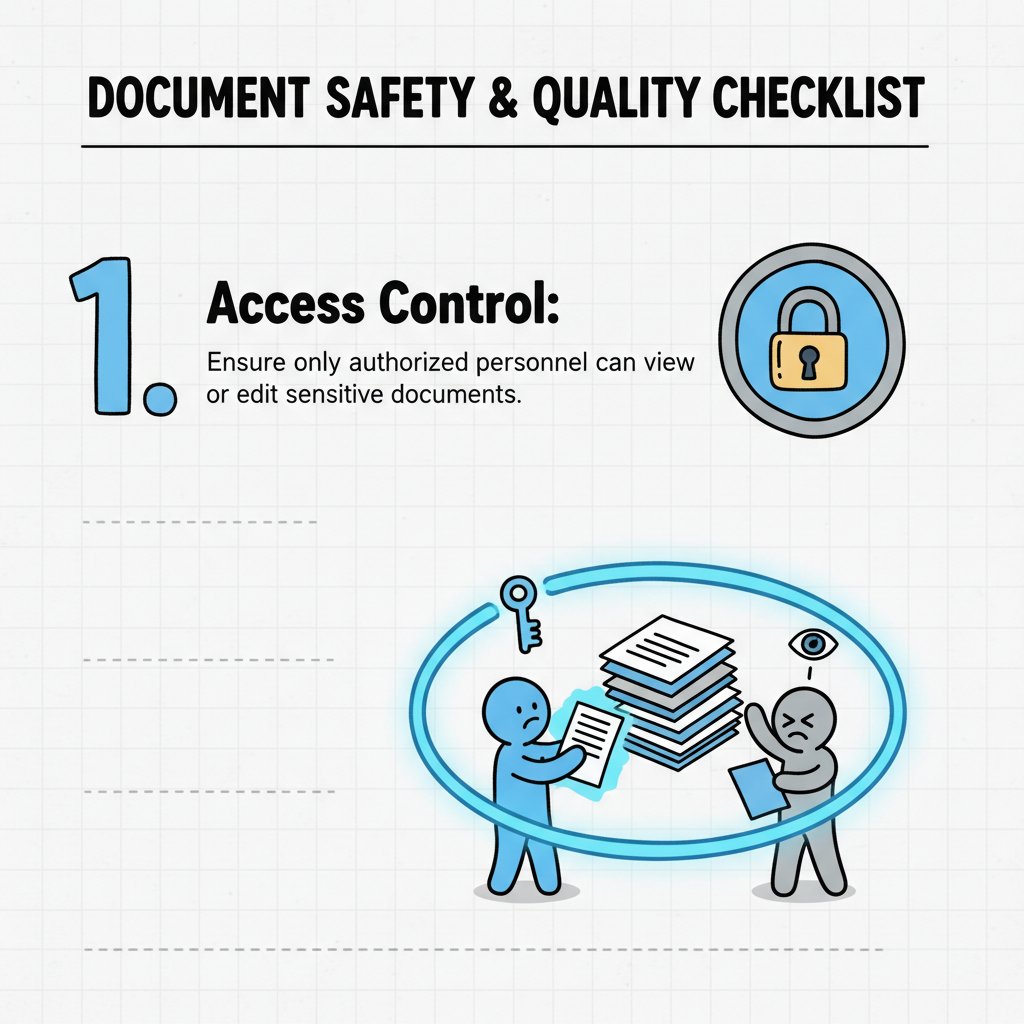
- Always use the latest, verified templates.
- Double-check compliance and privacy settings.
- Set appropriate user permissions and roles.
- Run a spellcheck and logic review.
- Backup and archive critical documents.
- Enable audit logs for sensitive workflows.
- Don’t ignore user feedback—iterate and improve.
The bottom line: demand more from your technology
Key takeaways for 2025 and beyond
If there’s one lesson from the frontlines of document automation, it’s this: Never confuse “popular” with “best.” The right document generator is one that matches your workflow, respects your data, and evolves with your needs. Research from Forrester, 2024 underscores that organizations prioritizing adaptability and compliance see up to 45% higher productivity from their document tools.

So demand more. Don’t settle for outdated templates, slow support, or hollow AI hype. Whether you’re a solo consultant or a sprawling enterprise, your documents are your reputation—treat them like it.
Where to go next: resources and community
Ready to level up? Here are your next moves:
- Audit your current workflows for pain points and inefficiencies.
- Trial at least two modern document generators (such as filecreator.ai) side by side.
- Join industry forums like r/SaaS or LinkedIn groups for peer reviews and best practices.
- Consult compliance guidelines from trusted sources (e.g., ISO, NIST).
- Bookmark authoritative blogs and newsletters for breaking trends.
- Document your learnings and iterate—share back with your team and community.
Don’t just upgrade your tool—upgrade your mindset. The future of professional document generation isn’t about choosing the “best”; it’s about demanding better, every single time.
Perfect Documents, Instantly
Filecreator.ai transforms the way you produce professional documents. Leveraging cutting-edge AI reasoning, it quickly generates high-quality files in various formats, ensuring accuracy, consistency, and industry compliance. Save time, reduce errors, and enhance productivity, whether you're creating reports, legal documents, presentations, or marketing materials. Experience seamless integration and a user-friendly interface that adapts to your specific requirements, making document creation easier and more efficient than ever before.
Get startedStart Creating Professional Documents Today
Join thousands of professionals who trust AI-powered document generation
Frequently Asked Questions
Why are document generators important in 2025?
Document generators have become critical tools because remote work increased by over 30% from 2020-2024, creating a parallel surge in digital documentation requirements. With complex regulatory compliance and cross-border teams, the right document generator is now a survival tool that can prevent costly compliance errors and boost productivity.
What does the article say about finding the 'best' document generator?
The article argues that finding the 'best' document generator in 2026 is a myth, and readers should disregard generic 'Top 10' lists and sponsored recommendations. Instead, the article emphasizes cutting through the noise to find tools that prioritize security, compliance, and actual usability rather than hype.
What risks do companies face if they choose the wrong document generator?
According to the article, cutting corners on quality or security in document generation tools can cost companies millions, as every compliance blunder or security issue tied to documents can have catastrophic consequences for business deals and regulatory standing.
Continue Reading
Explore more from Professional Document Generator

Professional Document Generator in 2026: Power, Risks, Reality
Discover insights about professional document generator

Document Generator Software Reviews: Separating Hype From Reality
Document generator software reviews evaluate tools that 82% of organizations now use. This article examines the real winners, common pitfalls, and risks reviewers often overlook.

Professional Document Generators: What Separates the Best From the Rest
Choosing the right professional document generator affects business trust, legal safety, and brand reputation.

Technical Document Generators: What Delivers and What Fails
Technical document generators automate documentation creation across industries. This article examines the real impact, hidden costs, and practical strategies that actually deliver results.

How Document Generator Online Tools Reshape Work
Document generator online tools powered by AI promise to transform how teams create paperwork. This article examines what works, the real security risks, and how adoption is reshaping business.

Document Generation Online in 2026: Myths, Risks, and Real Wins
Discover insights about document generation online