


Automatic Proposal Templates: the Hidden Risk to Your Win Rate
Written with AI assistance under our editorial guidelines
While automatic proposal templates offer valuable speed and consistency benefits, using the wrong template can actually decrease your win rate. Effectiveness depends on balancing efficiency with personalization—generic automation without customization to client needs risks losing deals to competitors who tailor their approach.
If you think you’ve mastered business proposals, think again. The world of automatic proposal templates in 2025 is a battleground—where efficiency, personalization, and ruthless competition collide. Those still clinging to manual processes are relics of a bygone era, as automation upends the game for sales, agencies, consultancies, and anyone pitching for deals. But here’s the kicker: not all automation is created equal, and the wrong template can tank your close rate just as fast as the right one can ignite it. This isn’t another bland how-to. We’re ripping the lid off industry secrets, exposing the pitfalls, and arming you with researched, actionable strategies to dominate your dealflow. Whether you’re a hardened sales pro or a SaaS upstart, automatic proposal templates aren’t a “nice to have”—they’re a survival strategy. Ready for the unvarnished truth? Let’s tear down the old rules and build something that actually wins.
The rise of automatic proposal templates: why your old process is dead
From typewriters to AI: a rebellious history
Rewind a few decades and proposals were a manual slog. Picture the slow grind of typewriters, correction fluid, and endless photocopies—each document a labor of love and pain. Fast forward, and desktops made things a touch less masochistic, but the real revolution didn’t arrive until cloud software and AI crashed the party. Proposal creation left the back office, entered the digital stratosphere, and started to move at the speed of business itself. This seismic shift didn’t just speed things up—it changed the power dynamic. Suddenly, the people with the best tools were the ones landing the deals. As Alex, a seasoned sales strategist, bluntly puts it:
“If you’re still doing proposals by hand, you’re not just behind—you’re extinct.”
— Alex, sales strategist

The journey from analog drudgery to AI-powered precision is captured in this timeline:
| Year | Method | Key Features | Pain Points |
|---|---|---|---|
| 1980 | Manual/typewriter | Custom text, physical delivery | Slow, error-prone, hard to edit |
| 1995 | Word processors | Easier edits, basic templates | Still manual, limited collaboration |
| 2010 | Cloud docs & email | Real-time edits, templates | Version chaos, weak automation |
| 2020 | Early automation | Merge fields, e-signatures | Generic, robotic, limited data use |
| 2025 | AI-powered templates | CRM integration, smart content | Risk of over-automation, security |
Table 1: The evolution of business proposal templates from manual to AI-driven. Source: Original analysis based on ClickUp, 2025, PandaDoc, 2025, Envato Tuts+, 2025
The data: how slow proposals are killing your win rate
Current research exposes a brutal reality: slow, manual proposals are silent deal killers. According to PandaDoc’s 2025 benchmark report, organizations using manual processes lose up to 50% more deals simply because they can’t respond fast enough. As of early 2025, sales teams leveraging automated proposal tools cut their proposal creation time by more than 65% compared to manual workflows. In industries like tech and SaaS, that’s the difference between crushing your quarter or missing quota.
| Workflow Type | Avg. Time to Proposal (hours) | Avg. Deal Closure Rate (%) |
|---|---|---|
| Manual | 12.4 | 27 |
| Semi-Automated | 5.2 | 40 |
| Fully Automated (AI) | 2.8 | 51 |
Table 2: Time to proposal and deal closure rates by workflow type. Source: PandaDoc, 2025
The carnage is industry-agnostic. In consulting and agency work, deadline slip-ups mean lost credibility. In finance, a sluggish response equates to lost revenue. Automation isn’t a luxury—it’s a necessity for survival.
filecreator.ai and the new wave of document generation
Enter the new breed of professional document generators: platforms like filecreator.ai are rewriting the rules. These tools fuse AI with deep industry compliance, letting you spin up bulletproof proposals in formats from PDF to PPTX at the click of a button. But be warned—not every platform is built to the same standard. The difference between a generic template and a truly adaptive, data-driven one can spell either success or disaster.
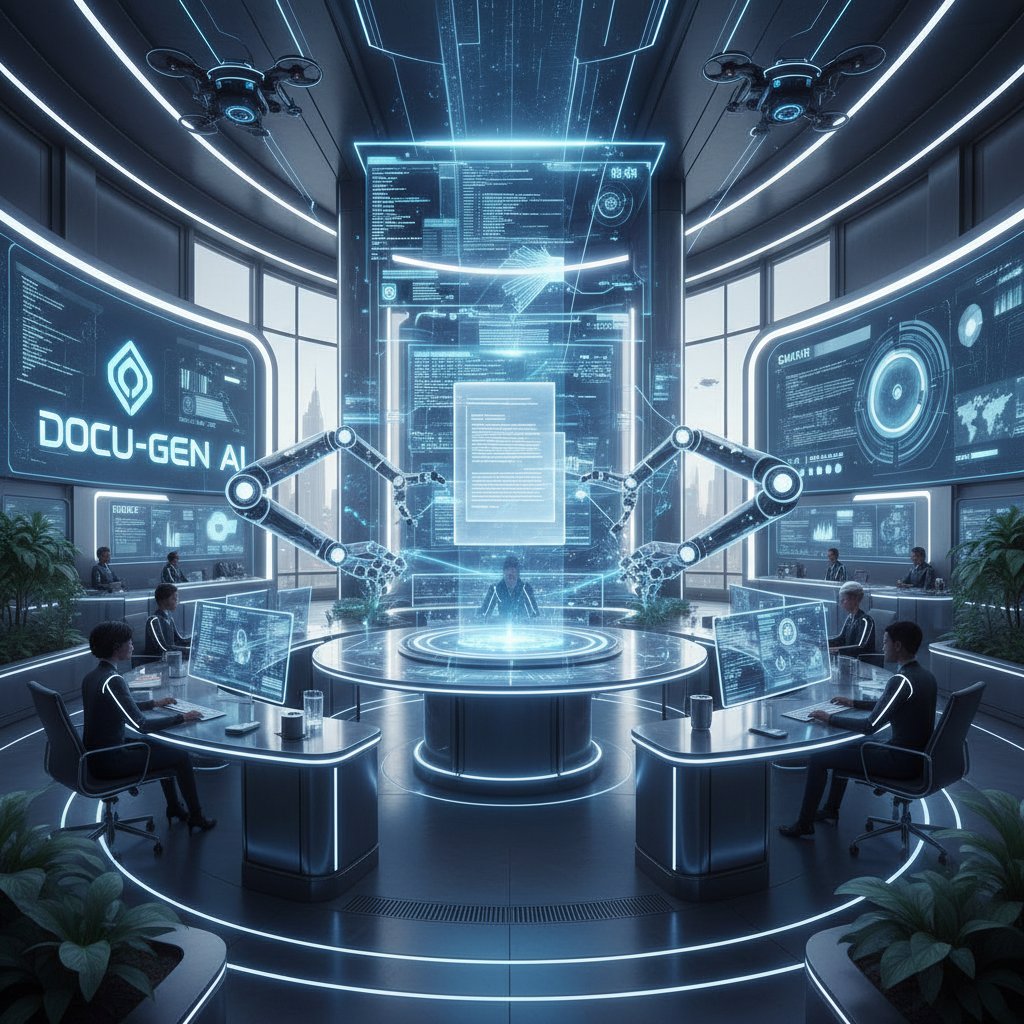
The best platforms don’t just automate—they empower you to create proposals that sing with personalization, compliance, and visual punch. Stay sharp: templated doesn’t mean soulless, and true automation is as much about control as it is about speed.
What is an automatic proposal template—really?
Beyond the buzzwords: breaking down the tech
“Automatic proposal template” is more than a buzzword—if you scratch beneath the surface. In practice, automation means leveraging software that dynamically assembles proposals using pre-built content blocks, client data, real-time metrics, and tailored visuals. This isn’t just a mail merge on steroids; it’s workflow orchestration, CRM integration, and process intelligence rolled into one. The power of these systems lies in their ability to pull in data from sources like Salesforce, HubSpot, or even custom APIs, ensuring your proposal is always contextually relevant—never stale.
Key technical terms (with context):
- Merge Fields: Smart placeholders that auto-populate client info, pricing, and scope details.
- Conditional Logic: Rules that adjust content based on deal type, industry, or client responses.
- Data Integration: Syncing of proposal content with real-time CRM, analytics, or inventory data.
- E-signatures: Legally binding digital signatures that seal the deal instantly.
- Version Control: Automated tracking of edits and approvals to avoid version chaos.
Modern proposal automation doesn’t operate in a vacuum. Seamless integration across workflows is vital. A killer template must play nice with your CRM, document management tools, and internal review processes, or you’re just automating chaos.
The anatomy of a killer template
An effective automatic proposal template is a finely-tuned machine—every piece engineered to drive action. Forget those clunky, one-size-fits-nobody PDFs. The anatomy of a killer template includes:
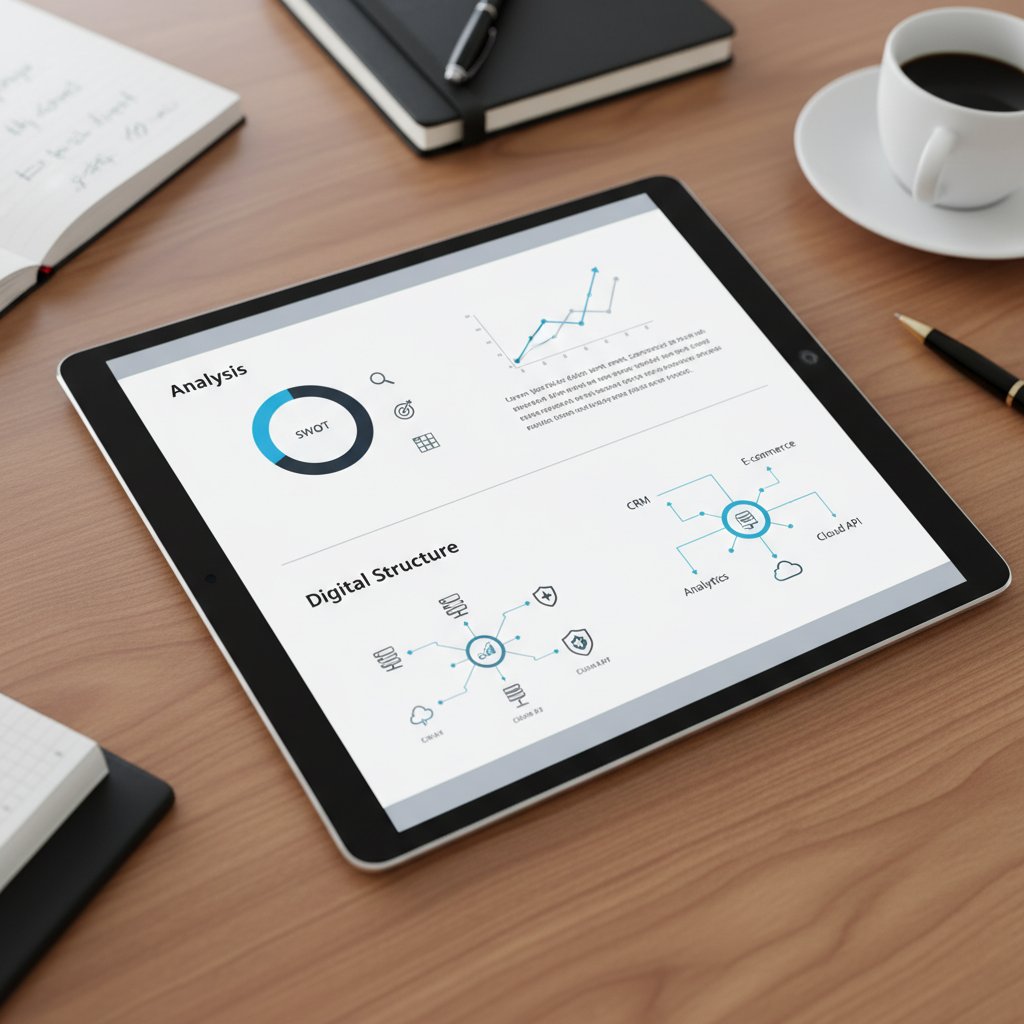
- Personalized Cover: Instantly hooks the reader with their name, logo, and context.
- Executive Summary: Sharp, jargon-free, and tailored to the client’s pain points.
- Scope and Timeline: Dynamically generated based on project type and requirements.
- Pricing Table: Auto-calculated, visually clear, and fully customizable.
- Social Proof Section: Snaps in relevant case studies, testimonials, or stats.
- Terms & Conditions: Industry-compliant, updated in real time.
- Visual Elements: Brand-consistent images, icons, and mobile-optimized layouts.
- Collaboration Tools: Comments, approvals, and version tracking baked in.
- Analytics: Real-time alerts when a proposal is viewed, forwarded, or signed.
Hidden features that separate great templates from the rest:
- Adaptive content blocks that switch messaging for different buyer personas.
- In-line compliance checks for regulated industries.
- Secure links for proposal sharing with custom expiration.
- Accessibility features for universal client engagement.
- One-click localization for global pitches.
Common misconceptions debunked
The myth that “all templates are generic” is dangerously outdated. Today’s leading platforms offer deep customization—down to image swaps, content variations, and custom logic based on deal size or sector. The right automation doesn’t erase your brand voice; it amplifies it, making every proposal feel like it was crafted one-on-one. As Morgan, a veteran proposal consultant, says:
“Automation doesn’t mean losing your voice—it means amplifying it.”
— Morgan, proposal consultant
Customization options span from dynamic pricing formulas to modular content libraries and deep CRM data pulls. The real threat isn’t sameness, but laziness: true pros use automation to sharpen their edge, not dull it.
The real-world impact: who wins and who loses with automation
Winners: industries crushing it with automation
Certain sectors have weaponized automatic proposal templates to devastating effect. Tech companies, SaaS providers, and digital agencies are at the forefront, using automation to scale deal volume, personalize at speed, and outpace slower competitors. But it doesn’t stop there—industries like construction, healthcare, and education are waking up to the competitive edge automation delivers. Even unexpected verticals like non-profits and event planning are benefiting from quick-turn, visually compelling proposals.

It’s not just about size—small startups are taking on enterprise Goliaths by leveraging nimble, AI-powered templates, while larger firms are finally breaking free of bureaucratic bottlenecks. The playing field is more level—and more brutal—than ever.
Losers: when automation backfires
Over-automation isn’t just a risk—it’s a recipe for disaster. When proposals become robotic, impersonal, or error-ridden, clients notice. Deals are lost, reputations scarred, and trust eroded. Here are seven real-world horror stories:
- A SaaS firm’s proposal included a competitor’s name due to a botched data merge.
- A legal consultancy sent a document with outdated compliance terms—client walked.
- An agency’s “custom” proposal had obviously generic testimonials.
- Pricing fields failed to update, slashing projected margins.
- Client data leaked due to insecure sharing links.
- A proposal was unreadable on mobile, killing a critical deal with a remote exec.
- A consulting firm’s proposal referenced last year’s goals, signaling zero attention.
Backfires often stem from poor template design, lack of oversight, or blind faith in automation. Prevention? Active review, continuous template updates, and always—always—testing on real users.
Case study: a startup’s make-or-break moment
Consider the story of an anonymized fintech startup. With RFP deadlines looming and team burnout setting in, they gambled on an off-the-shelf automation tool. First, productivity soared. But a critical oversight—failure to update the template’s compliance terms—nearly cost them their biggest client when regulators flagged outdated language. The team rallied, investing in tailored, regularly-updated templates and implementing a pre-send review protocol.

Key takeaway: automation can be a lifesaver, but it’s worthless without vigilance, expertise, and a culture of continuous improvement.
How to choose the right automatic proposal template (without getting burned)
Red flags: what experts won’t tell you
Choosing a template isn’t just about slick features. Too many vendors gloss over the pitfalls:
- Hidden costs for “premium” features like analytics or compliance.
- Templates that lock you into a single format (PDF only, no DOCX or PPTX).
- Lack of mobile optimization—still surprisingly common.
- Weak data integration, forcing manual copy-paste from your CRM.
- No version control, risking a “which file is final?” disaster.
- Security holes: public sharing links with no expiration or access controls.
- Outdated visuals or content blocks that don’t reflect your brand.
- Vendor support that disappears when you need it most.
Vendor transparency and post-sale support are non-negotiable. If a provider can’t answer technical, security, or compliance questions in plain English—run.
Step-by-step: vetting and implementing templates
Here’s a researched, battle-tested process for rolling out a new automatic proposal template:
- Map your workflow: Analyze your current proposal process and pain points.
- Define must-haves: List essential features, compliance needs, and integrations.
- Audit vendor security: Check for certifications and data protection measures.
- Request a live demo: Test the tool with your real data and scenarios.
- Check compatibility: Ensure seamless integration with your CRM and file systems.
- Review template library: Look for industry-specific, customizable designs.
- Assess mobile experience: Test proposals on multiple devices.
- Pilot with a small team: Gather feedback and uncover edge cases.
- Train users: Deliver hands-on training, not just PDFs.
- Monitor and iterate: Track results, tweak templates, and repeat the process.

Every step is crucial—skip one, and you risk a costly misfire.
Checklist: are you ready for automation?
Before you leap, take a hard look at your workflow readiness:
- Is your team overloaded with manual proposal creation?
- Do you have standardized branding and messaging assets?
- Is your CRM data clean and structured for integration?
- Can your current review process handle digital collaboration?
- Are you prepared to update templates regularly?
- Is your IT team equipped for new security protocols?
- Will users embrace change, or resist it?
Adapting team habits is just as critical as choosing the right tech. Automation is a culture shift, not just a software install.
Automation vs. authenticity: does speed kill creativity?
The creativity myth: automation and originality
Let’s smash a tired cliché: that automation kills creativity. The truth? Automation frees up brainspace for the work that actually matters. By offloading repetitive gruntwork, you have more time to obsess over the storytelling, the pitch, the design. As Jordan, a creative director, puts it:
“True creativity is knowing what to automate—and what to obsess over.”
— Jordan, creative director
Real-world examples abound. Agencies are using automatic templates to generate stunning, fully-branded proposals—with custom video intros, dynamic portfolios, and tailored messaging that lands. The secret isn’t ditching creativity; it’s channeling it where it counts.
When to break the mold (and when not to)
Despite the hype, there are times when automation should take a backseat. Here are six situations where custom, manual proposals win:
- High-stakes, multi-million-dollar deals demanding bespoke touch.
- Proposals for legacy clients expecting white-glove treatment.
- Complex projects requiring nuanced, non-standard terms.
- Regulated industries with constantly shifting compliance rules.
- Emerging markets where local nuance trumps speed.
- Situations demanding hyper-creative storytelling or design.
The balance? Automate the 80%—but give your best deals the 20% that only human ingenuity can provide.
AI-generated proposals: can you trust them?
AI is rewriting how proposals are built, but trust is earned, not given. Current platforms are great at assembling content, inserting data, and even suggesting language. But they’re not infallible. Errors creep in—wrong names, outdated terms, odd phrasing. Always, always review automated output before hitting send.

Tips for reviewing AI-generated proposals:
- Double-check all client data and custom fields.
- Review for tone, clarity, and brand alignment.
- Test on mobile and across browsers.
- Validate compliance sections for accuracy.
Human oversight turns AI from a risk into a superpower.
The future is now: trends and predictions for 2025
What’s next: smart templates and hyper-personalization
The era of static templates is over. Today’s cutting-edge solutions use AI to craft hyper-personalized proposals, adapting content in real time based on recipient behavior and deal context. Here’s how legacy stacks up against 2025’s reality:
| Feature | Legacy Templates | Modern (2025) Solutions |
|---|---|---|
| Personalization | Manual, limited | Automated, dynamic |
| Data Integration | Weak or siloed | Real-time CRM/API sync |
| Visual Design | Static, generic | Adaptive, brand-matched |
| Collaboration | Email chains | Real-time, cloud-based |
| Compliance Updates | Manual edits | Automated, live updates |
| Analytics | Absent | Engagement tracking |
Table 3: Feature comparison of legacy vs. modern proposal solutions. Source: Original analysis based on ClickUp, 2025, PandaDoc, 2025
If you want to win, you need to be where your competitors aren’t—hyper-personalized, data-driven, and ruthlessly efficient.
The privacy paradox: automation and data security
As automation platforms hoover up more client data, privacy and security are non-negotiable. Recent research underscores that over 68% of businesses cite data security as their top concern in document automation. Unsecured links, weak access controls, and outdated compliance language are dealbreakers.
Best practices:
- Use encrypted document delivery and secure access controls.
- Regularly update terms and privacy policies.
- Audit all data flows from CRM to proposal.
Security terms explained:
- Encryption: Scrambles data so only authorized users can read it.
- Access Control: Restricts who can view, edit, or share proposals.
- Audit Trail: Records every action for compliance and accountability.
- GDPR/CCPA Compliance: Adheres to strict privacy laws for client data.
The tools you choose must be as secure as they are smart.
Will the human touch disappear?
As automation tightens its grip, some ask: does the human element vanish? The truth is, automation doesn’t erase empathy—it elevates it. The best tools let you focus more on client relationships, not less.

Preserving personalization and empathy is about using automation to offload drudgery—so you can double down on the moments that matter.
From chaos to control: actionable strategies for dominating your proposal workflow
Streamline, don’t straitjacket: workflow hacks
Automation shines brightest not when it locks you in, but when it liberates your process. Here are seven hacks most teams overlook:
- Standardize your asset library for logos, bios, and testimonials.
- Set up approval chains inside your automation tool—no more email ping-pong.
- Use engagement analytics to prioritize hot leads for follow-up.
- Automate reminders for internal reviews, not just for deal deadlines.
- Create modular content blocks for mix-and-match flexibility.
- Leverage template versioning to A/B test what actually closes deals.
- Integrate your platform with tools like filecreator.ai for seamless, cross-format document generation.
Integrating these hacks turns automation from a blunt instrument into a precision tool.
Measuring the ROI of automation
Proving the value of automation requires hard metrics. Key benchmarks include:
| Metric | Manual Proposals | Automated Proposals |
|---|---|---|
| Avg. Time to Generate | 9.5 hours | 2.7 hours |
| Avg. Close Rate | 25% | 43% |
| Error Rate | 12% | 3% |
| Annual Savings | - | $22,500 per team |
Table 4: Cost-benefit analysis of automation vs. manual proposals. Source: Original analysis based on PandaDoc, 2025
Sample calculation: A team of five cutting proposal time from 10 to 3 hours saves 35 hours/week, freeing up nearly 1,800 hours per year for revenue-generating work. That’s not just efficiency—it’s a competitive weapon.
Your first 30 days: a playbook
Here’s a 12-step plan for implementing automatic proposal templates, minus the rookie mistakes:
- Audit your existing proposal workflow.
- Identify bottlenecks and automation opportunities.
- List must-have features for your team and clients.
- Shortlist vendors based on security, flexibility, and support.
- Run live demos using real-world proposals.
- Check integration with CRM and file management systems.
- Pilot with a small team and gather feedback.
- Customize templates for your top 3 deal types.
- Train your team with hands-on workshops and guides.
- Monitor early results and adjust templates as needed.
- Address user resistance with clear communication and incentives.
- Review and iterate based on actual deal outcomes.
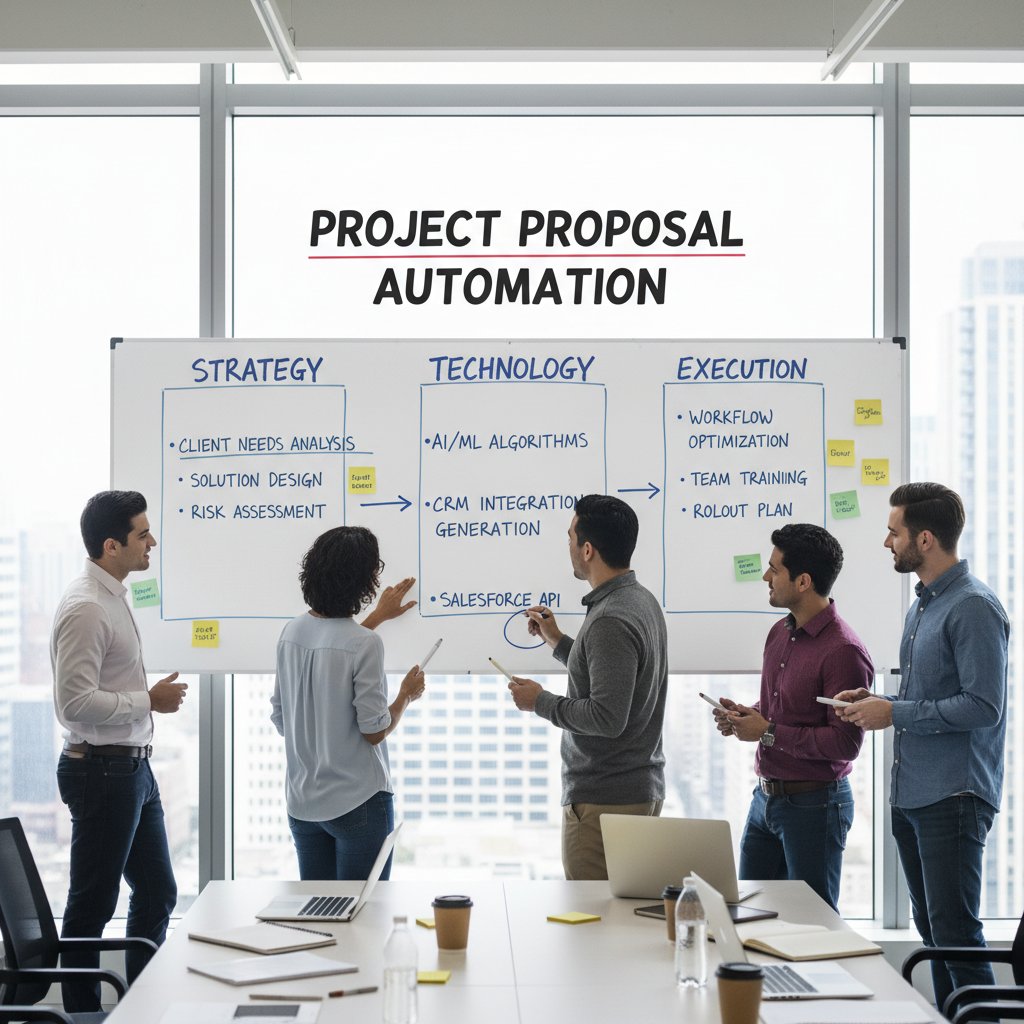
Common pitfall: neglecting user training—don’t assume your team “gets it” out of the box.
Expert voices: what the insiders are saying
Contrarian takes: when templates go too far
Not every pro is a true believer in automation’s gospel. Some warn against overreliance:
“Sometimes, a little friction sparks the best ideas.”
— Taylor, enterprise sales
Healthy skepticism keeps automation from becoming a crutch. The savviest teams use friction to challenge assumptions and sharpen their pitch.
User stories: real wins and fails
Here’s what the field is really seeing:
- Success #1: A SaaS startup slashed proposal time by 80% and grew close rates by 30% using adaptive, branded templates.
- Success #2: A law firm eliminated compliance errors and won larger contracts by automating review workflows.
- Fail #1: An agency lost a major account after a client received a proposal with another company’s logo—automation gone wrong.
- Fail #2: A construction company’s proposals kept bouncing due to large attachments—until they moved to secure, cloud-based sharing.
- Mixed: A marketing firm loved automation’s speed, but found their signature “voice” missing—until they invested in deeper template customization.
The patterns? Wins come from balance and vigilance; fails from neglect or blind trust.
Questions everyone’s afraid to ask
Let’s surface the taboos:
- What if your automation tool fails at the worst possible moment?
- Are you sacrificing quality for speed by overusing templates?
- Can you really trust AI with sensitive client data?
- How do you prove your proposals aren’t just generic spam?
- Is your team losing essential skills by outsourcing creativity to machines?
- When does automation cross the line from helpful to harmful?
If you’re not wrestling with these, you’re flying blind. Discuss, debate, and adapt.
Ready to disrupt? Your next move
Key takeaways: the new rules of proposal automation
Let’s distill the brutal truths:
- Personalization is non-negotiable—generic proposals are dead on arrival.
- Automation without oversight is a fast lane to disaster.
- Data integration and real-time metrics are now table stakes.
- Visual appeal isn’t optional—ugly proposals get ignored.
- Security and compliance are your reputation at stake.
- Internal collaboration is as essential as external impact.
- Templates require continual evolution—complacency kills.
Experiment, iterate, and never settle. The best stack is the one you actively shape.
Resources and next steps
Staying ahead demands relentless learning. Start here:
- ClickUp: 10 Best Business Proposal Templates 2025
- PandaDoc: 167+ Free Business Proposal Templates - 2025
- Envato Tuts+: 35 Professional Business Project Proposal Templates 2025
- filecreator.ai — for advanced, AI-powered document generation
- G2 Proposal Software Reviews — compare the latest platforms
Don’t wait for your competitors to automate—by then, you’re just fighting for scraps.
Final thought: adapt or get left behind
The clock is ticking. In this new reality, automatic proposal templates aren’t just tech upgrades—they’re existential weapons in the war for clients and contracts. Those who adapt, thrive. Those who lag, disappear into irrelevance.

You’ve seen the data, heard the warnings, and know the hacks. The next move is yours. Automate with intent, lead with insight, and never let your workflow settle into complacency. In this space, only the bold win—and the rest, as always, are left wondering what happened.
Sources
References cited in this article
- ClickUp: 10 Best Business Proposal Templates 2025(clickup.com)
- PandaDoc: 167+ Free Business Proposal Templates - 2025(pandadoc.com)
- Envato Tuts+: 35 Professional Business Project Proposal Templates 2025(business.tutsplus.com)
- Templafy: Proposal automation software(templafy.com)
- Responsive.io: Why proposal teams are adopting automation software(responsive.io)
- Qwilr: Proposal Automation Software(qwilr.com)
- Templafy: AI in document creation(templafy.com)
- DAU: The Evolution of Typing(dau.edu)
- TechForbes: From Typewriters to AI(techforbes.com)
- Loopio: RFP Statistics on Win Rates 2023-2024(loopio.com)
- OpenAsset: 60 RFP Statistics(openasset.com)
- Creati.ai: AI Document Maker(creati.ai)
- Templafy: What is document generation?(templafy.com)
- SurveySparrow: Proposal Automation Tools for Sales(surveysparrow.com)
- Qwilr: Digital Marketing Proposal Template(qwilr.com)
- LegittAI: Automated Proposal Generation(legittai.com)
- DealHub: What is Proposal Automation?(dealhub.io)
- Loopio: Proposal Automation Explained(loopio.com)
- PandaDoc: How to Write a Killer Freelance Proposal(pandadoc.com)
- Qwilr: SaaS Proposal Template(qwilr.com)
- Asana: How to Write a Project Proposal(asana.com)
- Expedience Software: Proposal software blog(expediencesoftware.com)
- GetAccept: How does proposal software work(getaccept.com)
- QorusDocs: RFP and Pitch Volume Grow in 2023(qorusdocs.com)
- Turingon: Boosting Proposal Success Rates(turingon.ai)
- IJCRT: Generative AI For B2B Proposal Creation(ijcrt.org)
- Enterra Solutions: Trends 2023 - Automation(enterrasolutions.com)
- LinkedIn: Intelligent Automation Trends in 2023(linkedin.com)
- IFR: Global Automation in 2023 and beyond(ifr.org)
- ClickUp: Business Plan Project Proposal Template(clickup.com)
- BetterProposals: Marketing Automation Proposal Template(betterproposals.io)
- HubSpot: How to Write a Business Proposal(blog.hubspot.com)
- Vocal Media: How to Write a Winning Architecture Proposal 2025 Guide(vocal.media)
- Bonsai: Free Simple Proposal Template(hellobonsai.com)
- GetAccept: Best proposal software for sales teams in 2025(getaccept.com)
- Cflow: Best Proposal Automation Software of 2025(cflowapps.com)
- Search Engine Journal(searchenginejournal.com)
- Forbes(forbes.com)
- Latenode: Content Automation Guide 2025(latenode.com)
- FastWordCount: Using AI for Creative Writing(fastwordcount.com)
Perfect Documents, Instantly
Filecreator.ai transforms the way you produce professional documents. Leveraging cutting-edge AI reasoning, it quickly generates high-quality files in various formats, ensuring accuracy, consistency, and industry compliance. Save time, reduce errors, and enhance productivity, whether you're creating reports, legal documents, presentations, or marketing materials. Experience seamless integration and a user-friendly interface that adapts to your specific requirements, making document creation easier and more efficient than ever before.
Get startedStart Creating Professional Documents Today
Join thousands of professionals who trust AI-powered document generation
Frequently Asked Questions
What is the main risk of using automatic proposal templates?
The wrong automatic proposal template can decrease your close rate as significantly as the right one can increase it, making template selection critical to your win rate.
Why have automatic proposal templates become essential for sales professionals in 2025?
Automatic proposal templates represent a survival strategy in a competitive landscape where those with the best tools are the ones landing deals, and manual processes are considered obsolete.
How have proposal creation methods evolved over time?
Proposals evolved from manual typewriters and photocopies in the 1980s to word processors in the 1990s, then to cloud-based documents and templates in 2010, and finally to early automation with merge fields and e-signatures by 2020.
Who benefits most from automatic proposal templates?
Sales professionals, SaaS startups, agencies, consultancies, and anyone pitching for deals benefit from automatic proposal templates as a critical business tool.
Continue Reading
Explore more from Professional Document Generator

Automated Customized Proposals: Costs, Payoffs, and Realities
Automated customized proposals reduce time spent on manual drafting and increase close rates. This article explains the costs, payoffs, and practical realities of proposal automation.

Automatic Proposal Drafting: the New Line Between Winning and Losing
Discover insights about automatic proposal drafting

How Automatic Business Proposal Software Reshapes Deal Strategy
Automatic business proposal software automates proposal creation and reduces manual errors. This article explains how automation changes deal-winning, the real risks involved, and what separates effective tools from hype.

How Automatic Proposal Drafting Software Reduces Manual Work
Automatic proposal drafting software reduces manual labor in business proposals. This article examines how the technology cuts busywork and the real challenges teams face implementing it.

How Automatic Proposal Builders Reclaim Team Hours
Automatic proposal builder software helps sales teams and agencies reclaim time lost to manual proposal creation.

Automatic Proposal Generators: Efficiency Versus Authentic Client Engagement
Automatic proposal generators speed up proposal creation but risk losing authenticity. This article examines the trade-offs between efficiency and meaningful client engagement.


