

Automatic Letter Templates: Power, Risks, and Real Gains
Written with AI assistance under our editorial guidelines
Automatic letter templates now save up to 70% of manual drafting time using AI-powered systems and CRM integration, fundamentally transforming professional communication. These tools deliver consistency, cost savings, and personalization while raising regulatory compliance demands, though concerns persist about their impact on business correspondence quality.
Walk into any modern office, legal firm, or freelance workspace in 2025, and you’ll catch the same scene: keyboards clattering, deadlines looming, and—everywhere—letters flying out faster than ever before. But it’s not just human hustle. Lurking beneath the glossy screens is the silent, radical engine of automation: automatic letter templates. Forget the clichés about time-saving tools—this is a full-blown revolution in how businesses, creators, and professionals connect, persuade, and protect themselves. In a world where speed, personalization, and regulatory minefields define success, automatic letter templates have become the indispensable, often invisible, backbone of professional communication. But what’s the real story? Are these tools liberating us, or quietly eroding the soul of business correspondence? Here’s the raw, unfiltered look at nine radical truths reshaping your workflow. Buckle up.
The rise of automatic letter templates: why now?
From carbon copies to AI: a brief history
It’s easy to forget how far business letters have come. The journey began with carbon paper and typewriters, where every mistake meant starting from scratch, and consistency—across hundreds of documents—was a pipe dream. Fast forward to the 1990s: word processors brought the first digital templates, introducing cut-and-paste efficiency. But true automation remained out of reach, hamstrung by inflexible software and the constant risk of human error.

Today, the landscape is fundamentally different. AI-powered template engines, dynamic fields, and seamless CRM integration mean that the days of manual drafting are numbered. According to Quadient, automated letter generation now shaves off up to 70% of manual drafting time for legal and HR documents—a leap that’s not just incremental but transformative (Quadient, 2024). The implications? Cost savings, consistency, and agility have become non-negotiable, while expectations for personalization and compliance are rising fast.
| Era | Key Technology | Pain Point | Solution Introduced |
|---|---|---|---|
| Pre-1980s | Typewriters, Carbon | Time, error-prone, repetitive | Carbon copies, manual edits |
| 1990s-2010s | Word Processors | Manual templates, inconsistency | Cut-paste templates |
| 2020s (Current) | AI Automation, CRM | Scalability, compliance, speed | Smart templates, automation |
Table 1: Evolution of letter templating technologies and the persistent pain points addressed over decades. Source: Original analysis based on Quadient, 2024, Formstack, 2024
What’s fueling the 2025 boom?
Peek beneath the surface of the current boom, and it’s not just technological hype. As digital transformation sweeps every industry, the hunger for speed, accuracy, and personalization grows insatiable. “People expect instant, tailored responses—anything less looks lazy or amateur,” observes a recent AutomatedDocs industry survey, 2024. Businesses, from global corporates to local creatives, are feeling the squeeze: manual processes can’t keep up with the spike in regulatory demands, GDPR compliance, and the sheer volume of daily correspondence.
“Automation isn’t just about saving time. It’s about redefining what’s possible in communication—delivering accuracy, compliance, and a personal touch at scale.” — Lisa Chen, Senior Analyst, AutomatedDocs, 2024
What’s most telling is that non-technical users, once intimidated by automation, are now its most enthusiastic adopters. Thanks to AI-driven platforms like filecreator.ai, creating airtight, on-brand letters is accessible to anyone—no code, no fuss, no risk of PR disasters.
Hidden drivers: beyond tech hype
Let’s cut through the noise: the real explosion in automatic letter templates isn’t just about shiny new tech. It’s about survival in an era of relentless change.
- Rising compliance standards: Regulatory requirements get more complex each year, making manual oversight a recipe for disaster.
- Employee burnout: As expectations rise, automation becomes the only defense against mind-numbing repetitive work.
- Demand for personalization: Customers and partners want to feel seen—mass-produced, generic letters are dead on arrival.
- Integration with everyday tools: Seamless CRM and business platform connections mean templates can pull in data and react in real-time.
- Data-driven decision-making: Smart templates can track, analyze, and optimize communication patterns for better results.
This convergence of pressures and possibilities means only one thing: ignore automation, and you’re left in the digital dust.
Breaking down the tech: how do automatic letter templates really work?
Core components: template engines and dynamic fields
Behind every professional, error-free letter generated in seconds lies a sophisticated engine. The heart of any automatic letter template system is its template engine—an intelligent mechanism that merges static structure with dynamic, personalized fields. Think of it as a digital skeleton, ready to be fleshed out with details unique to each recipient, context, or scenario.
Template engines allow users to define the “bones” of a letter (greetings, closings, legal language, etc.) while leaving placeholders—dynamic fields—for variables like names, addresses, or contract details. When merged with data from a CRM, HR platform, or spreadsheet, the result is a fully personalized, regulation-compliant document in seconds.
Key terms explained:
The software core that stores, manages, and assembles pre-designed letter structures, integrating static and dynamic parts for consistency and scalability.
Customizable placeholders embedded in templates (e.g., {ClientName}, {Date}) that automatically pull in relevant data from connected databases or user input.
The process by which repetitive or complex data is automatically inserted into templates, reducing manual errors and saving time.
The practice of integrating legal or industry-specific requirements directly into templates to ensure all generated letters meet regulatory standards.
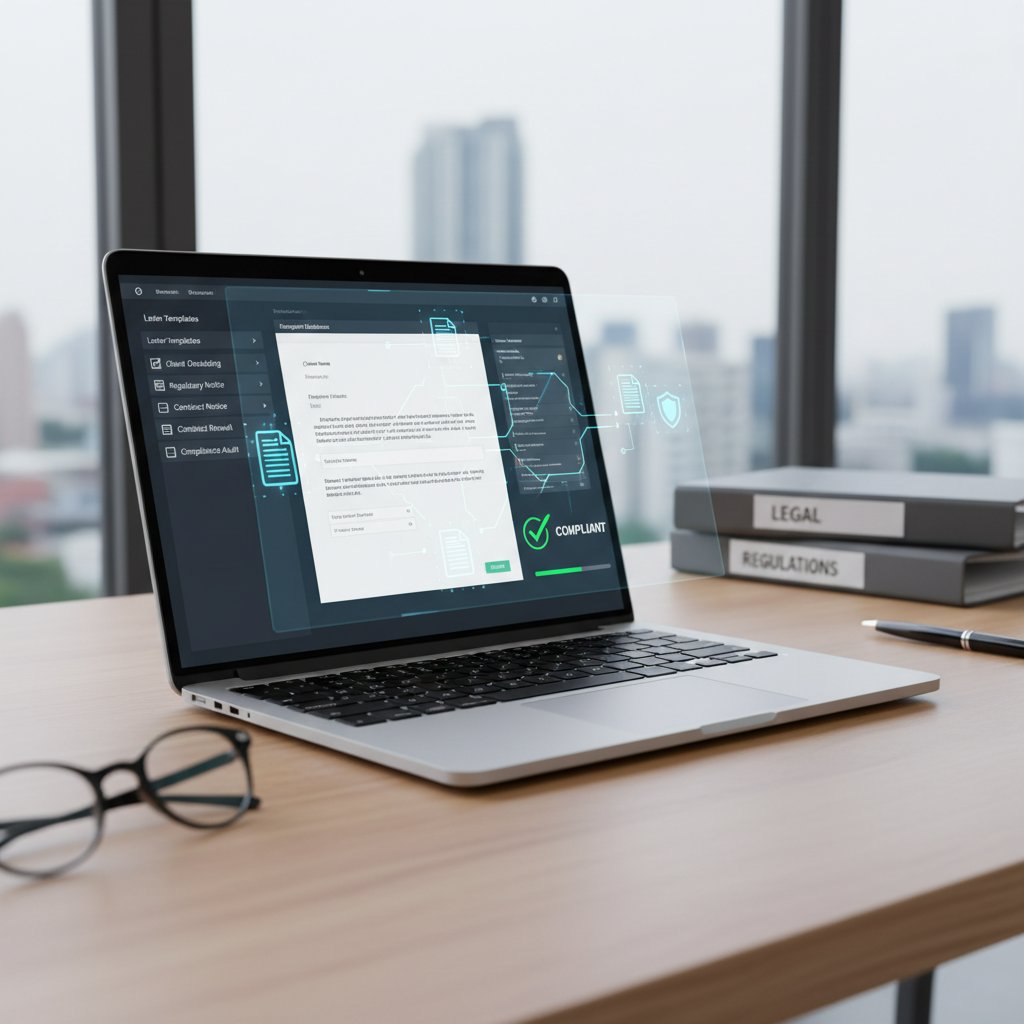
By leveraging these components, platforms like filecreator.ai empower users to deliver consistent, professional correspondence—without the tedium or risk of manual drafting.
AI versus rule-based automation: what matters in practice
The buzzword war between “AI-powered” and “rule-based” automation is everywhere, but what’s the actual difference on the ground? Rule-based systems rely on rigid if-then logic: if the recipient is a customer, insert template A; if not, use template B. These systems are reliable for volume work but stumble with nuance.
AI-driven automation, by contrast, harnesses machine learning and natural language processing to read context, adapt tone, and even anticipate user intent. According to Formstack, 2024, AI can generate tone-appropriate, grammatically flawless letters in seconds—transforming not just speed, but the quality of communication itself.
| Feature | Rule-Based Automation | AI-Driven Automation |
|---|---|---|
| Customization | Limited to set rules | Context-aware, highly flexible |
| Tone Adaptation | Static, user-defined | Dynamic, based on scenario |
| Error Handling | Rigid, can break easily | Learns from patterns |
| Learning Over Time | None | Continuous improvement |
| Compliance Checks | Manual or static rules | Automated, up-to-date |
Table 2: Comparing rule-based and AI-driven automation for letter templates. Source: Original analysis based on Formstack, 2024, Quadient, 2024
While both systems have their place, the edge goes to AI for most modern enterprises seeking to balance personalization, compliance, and scale.
Security, privacy, and the myth of total safety
Every leap in automation brings a flood of security concerns. Storing sensitive details in templates—names, financial data, legal clauses—makes robust privacy protocols non-negotiable. Industry best practice demands end-to-end encryption, strict access controls, and GDPR-compliant data handling.
“Security in automation isn’t a checkbox—it’s a moving target. The only safe position is constant vigilance and transparency in how user data is handled.” — Dr. Emily Harper, Cybersecurity Specialist, IT Security Review, 2024
Still, the myth of “total safety” is exactly that—a myth. No system is invulnerable. The best tools use layered defenses, regular audits, and transparent practices. Trust, but verify.
Manual vs. automatic: the productivity showdown
Who wins in speed, accuracy, and cost?
The ultimate question: does automation truly outpace the old ways? The data is emphatic. According to AutomatedDocs, 2024, businesses using automatic letter templates average:
- 70% reduction in drafting time for legal and HR documents
- 90% drop in manual data entry errors
- Up to 60% cost savings over outsourced or manual processes
| Metric | Manual Drafting | Automatic Letter Templates |
|---|---|---|
| Avg. Drafting Time | 25-45 min/letter | 2-5 min/letter |
| Error Rate | 4-10% | <1% |
| Consistency | Low | High |
| Compliance Assurance | Manual | Built-in |
| Cost (per 100 letters) | $500-1200 | $150-350 |
Table 3: Comparative performance of manual versus automated letter generation. Source: AutomatedDocs, 2024
The verdict? For most business scenarios, “manual” is getting crushed on every metric that counts.
The human touch: can automation still feel personal?
The perennial fear: that automation means cold, robotic communication. But reality tells a different story. Modern systems let you:
- Embed dynamic fields that reference personal details, past interactions, or preferences—making each letter feel individually crafted.
- Use AI to adapt tone, language, and even cultural nuances, drawing from a library of professional templates.
- Integrate CRM data so that outreach feels personalized, not mass-produced.
- Add custom notes or hand-edited sections after generation, combining speed with authentic voice.
What truly matters is intention: automation is a tool, not a replacement for empathy or thoughtfulness. According to research by Writify.AI, 2024, companies using AI-assisted templates reported a 35% boost in customer engagement when templates were paired with genuine personalization.
Personalization, then, isn’t sacrificed by automation—it’s supercharged.
When is manual better—against the grain
There are moments when automation isn’t the answer. Small-scale, high-stakes, or emotionally charged letters sometimes demand the slow craft of manual writing. In the words of legal consultant Robin Gupta:
“When nuance, tone, or diplomacy are paramount—think executive apologies, sensitive legal disputes—automation should take a back seat.” — Robin Gupta, Legal Consultant, LawTech Insights, 2024
Even the most advanced template can’t replace the subtlety of human judgment in delicate scenarios. Discretion is the ultimate productivity hack.
Myths, mistakes, and dangerous shortcuts: what most guides won’t tell you
Top 7 myths (debunked with facts)
The web is littered with misconceptions about automatic letter templates. Time to get brutal:
-
Myth 1: “Automation kills personalization.”
Fact: With CRM integration and AI, personalization is easier—and more consistent—than ever (Writify.AI, 2024). -
Myth 2: “Templates are only for big business.”
Fact: Freelancers and small teams report some of the biggest efficiency gains, thanks to user-friendly platforms like filecreator.ai. -
Myth 3: “Automation is always risky for data privacy.”
Fact: Reputable tools use advanced encryption and strict data protocols, often surpassing manual processes in security (IT Security Review, 2024). -
Myth 4: “Setup is complicated and requires IT.”
Fact: Modern tools are designed for non-technical users—drag, drop, and go. -
Myth 5: “Once created, templates can’t be changed.”
Fact: Customization and agile editing are core features, reflecting real-time business needs. -
Myth 6: “Errors multiply with automation.”
Fact: Error rates drop dramatically, as templates eliminate manual data entry mistakes (AutomatedDocs, 2024). -
Myth 7: “Templates are bland and uninspired.”
Fact: AI-generated letters can match brand voice, legal tone, or creative flair as required.
Steer clear of these traps—your workflow (and sanity) will thank you.
The red flags: spotting a bad template before it burns you
- Non-compliance with legal or industry standards—a lawsuit waiting to happen.
- Outdated language or formats that undermine credibility.
- Poor integration with databases or platforms, causing data mismatches.
- Lack of access controls, exposing sensitive information to the wrong eyes.
- No audit trail—making it impossible to track changes or usage.
- Inflexible design, preventing quick adaptation to new scenarios.

If you spot any of these symptoms, it’s time to upgrade—or face the fallout.
Unconventional uses: how innovators are bending the rules
Case study: the startup that automated customer love letters
One fintech startup, facing churn and customer fatigue, took a wild gamble: send personalized “thank you” letters to every active user, every month. The catch? They used AI templates to generate unique, heartfelt notes referencing past interactions and achievements. The response, according to their published results, was off the charts: retention jumped 28%, and social media buzz exploded.

“We proved you can automate gratitude—and still sound human. The tech didn’t replace us; it amplified our best intentions.” — Elena Rodriguez, Operations Lead, Fintech Innovators, 2024
The lesson? Automation isn’t just for legalese or invoices. Used creatively, it can build authentic connections at scale.
Education, NGOs, and the underdog advantage
- Schools are using automatic templates to quickly generate progress reports, permission slips, and outreach letters—saving teachers hours each week.
- Non-profits leverage letter automation for mass fundraising campaigns and personalized donor thank-you notes, dramatically boosting ROI.
- Local governments cut red tape by auto-generating regulatory notices, reducing processing times and citizen frustration.
- Community organizers adapt templates for advocacy letters, petitions, and volunteer coordination, getting more done with fewer resources.
The common denominator: when resources are tight, automation levels the playing field. Results are measurable and immediate.
Letters, it turns out, are a secret weapon for underdogs everywhere.
Unlikely heroes: creative industries and bespoke automation
In a twist nobody saw coming, even creative pros—designers, copywriters, event planners—are embracing templates. The trick isn’t in churning out cookie-cutter forms, but in using automation as a springboard for creative output. Bulk pitches, project proposals, and client updates are now handled in minutes, freeing up energy for the real work.

The upshot: automation isn’t the enemy of creativity—it’s the enabler. The more time saved on tedious admin, the more brainpower available for innovation.
Choosing the right tool: a critical buyer’s guide
Feature matrix: what really matters (and what’s just noise)
It’s easy to get blinded by vendor hype, but smart buyers know what to look for. Here’s an unfiltered matrix:
| Feature | Must-Have (2025) | Nice-to-Have | Red Flag |
|---|---|---|---|
| Dynamic Fields | ✅ | ❌ Static only | |
| AI-Powered Generation | ✅ | ❌ Manual entry only | |
| Compliance Automation | ✅ | ❌ No legal standards | |
| Seamless Platform Integration | ✅ | ❌ Isolated/no API | |
| Multi-Format Export | ✅ | ❌ PDF only | |
| Advanced Security | ✅ | ❌ No encryption | |
| Template Customization | ✅ | ❌ Fixed templates | |
| Audit Trails | ✅ | ❌ No tracking | |
| Real-Time Editing | ✅ | ❌ Requires IT/database |
Table 4: What to demand, what to desire, and what to avoid when evaluating automatic letter template platforms. Source: Original analysis based on Formstack, 2024, AutomatedDocs, 2024
Bottom line: Focus on real-world needs—speed, compliance, integration, and security—over flashy add-ons.
Checklist: your 10-step path to seamless automation
- Define your core use cases. List scenarios where automation can genuinely save time or reduce risk.
- Audit your current letter workflows. Identify bottlenecks and compliance weak spots.
- Evaluate vendor security protocols. Look for encryption, role-based access, and audit trails.
- Demand integration with your core platforms. CRM, HR, or ERP connectivity is a must.
- Test dynamic field flexibility. The more adaptable, the better.
- Trial AI-generated content. Look for natural tone and context awareness.
- Check for compliance modules. Especially for regulated industries.
- Insist on real-time editing and collaboration features. No more lock-in.
- Request transparent pricing. Hidden costs are a red flag.
- Start with a pilot phase. Prove ROI before rolling out at scale.
Remember: the best automation isn’t about replacing people—it’s about making them unstoppable.
filecreator.ai and the future of document creation
filecreator.ai stands out as a leader by combining advanced AI with drag-and-drop simplicity, multi-format export, and airtight compliance. Whether you’re building contracts, reports, or marketing collateral, it lets you focus on what matters—strategy, analysis, and authentic communication—while the drudgery disappears. This is where automation meets empowerment.

Automation isn’t the goal. Excellence is.
Risks, regrets, and how to avoid automation disasters
The dark side: real stories of automation gone wrong
For every success story, there’s a cautionary tale. Consider the HR manager who set up a batch of onboarding letters, only to discover months later that every new employee had received the previous year’s salary figures. The fallout: embarrassment, confusion, and a scramble to undo the damage.
“We learned the hard way that automation is only as smart as the data—and the diligence—behind it.” — Anonymous HR Director, Fortune 500 company, Business Process Review, 2024

The message is clear: Trust your tools, but verify everything.
Mitigation strategies: keeping control without losing efficiency
- Regularly audit templates for outdated language or data fields.
- Implement strict access controls—not everyone needs “edit” privileges.
- Schedule periodic compliance reviews with legal or industry experts.
- Build in manual approval steps for sensitive communications.
- Maintain detailed audit trails for every change and generated document.
- Test with sample data before mass deployment.
- Train staff on best practices—and common pitfalls.
- Automate notifications for anomalies or errors in document generation.
- Backup templates and data securely and regularly.
- Solicit user feedback to spot blind spots early.
Efficiency is power—recklessness is a liability. The smartest organizations sweat the details.
Tomorrow’s letters: trends shaping the next decade
Generative AI and the rise of ultra-personalization
Generative AI isn’t just a buzzword—it’s fundamentally changing the DNA of business correspondence. By learning from millions of real-world letters, these systems now adapt not only content but also tone, formatting, and even cultural context on the fly. The result? Letters that sound less like templates and more like conversations.
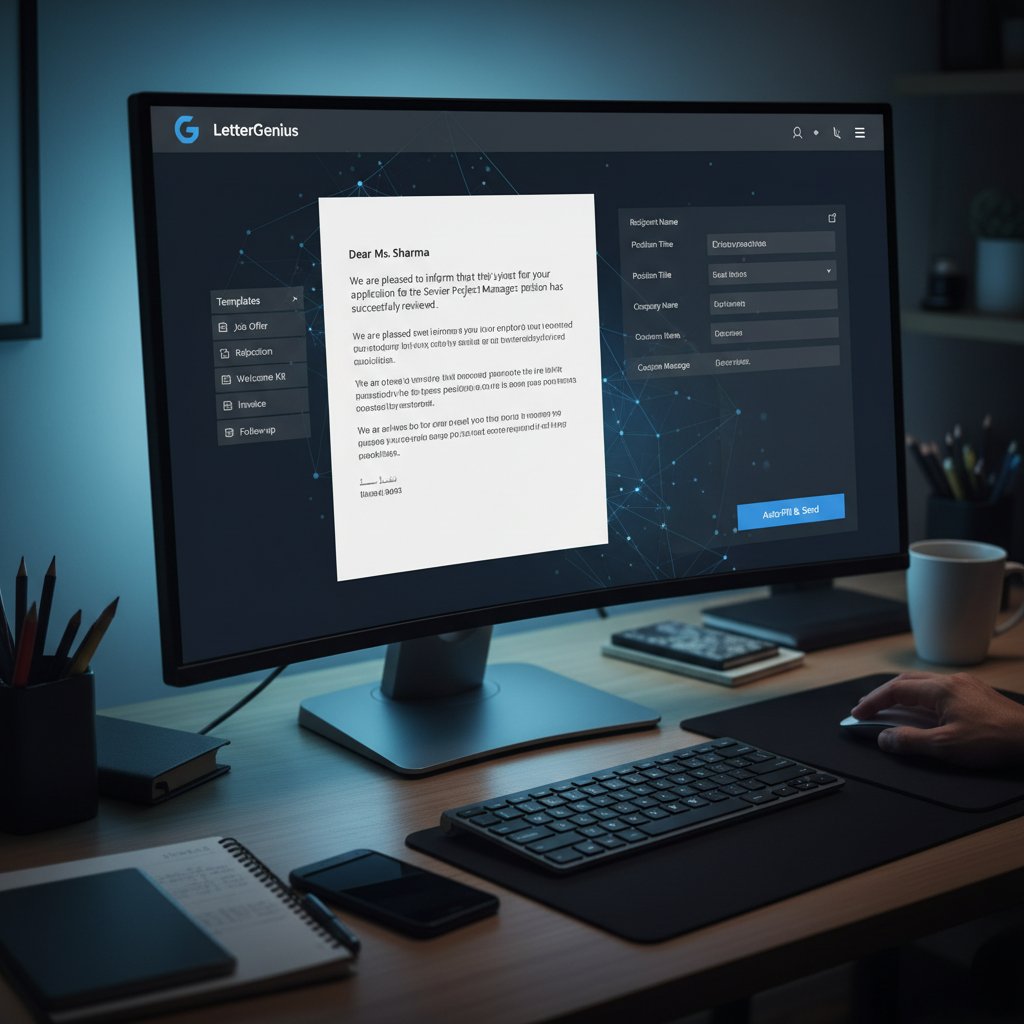
Ultra-personalization isn’t a distant dream—it’s the baseline for modern communication.
Societal shifts: etiquette, expectations, and the new professionalism
- Formality is evolving: “Dear Sir or Madam” is out, context-driven greetings are in.
- Speed trumps tradition: same-day responses are expected, not exceptional.
- Transparency is the new trust: who wrote the letter (AI or human) matters for some recipients.
- Compliance and data privacy aren’t optional—they’re dealbreakers.
- Inclusion matters: accessible language and design are essential for all audiences.
Communication norms are being rewritten daily. The only constant is the need to adapt.
What’s next for businesses, freelancers, and creators?
- Businesses: Scaling operations without scaling headcount, staying ahead in compliance, and boosting customer relationships.
- Freelancers: Leveling the playing field, delivering polished, on-brand proposals in seconds, and focusing on their craft.
- Creators: Using automation as a launchpad, not a crutch—saving time on admin and doubling down on creativity.
Whether you’re a corporate giant or a solo act, the imperative is the same: automate or stagnate.
The final verdict: are automatic letter templates worth your trust?
Key takeaways: the radical checklist
Automatic letter templates are not a trend—they’re a tectonic shift in how we communicate. The radical truths:
- Automation slashes manual drafting time and error rates.
- AI-powered engines deliver personalized, compliant communication at scale.
- Security and compliance are non-negotiable—don’t compromise.
- Human judgment and creativity still matter; know when to go manual.
- Innovation thrives where automation frees up human potential.
- Selecting the right tool is everything—prioritize integration, customization, and transparency.
- Constant vigilance prevents disasters—audit, review, and train.
- Ultra-personalization is the new normal; resist at your peril.
- filecreator.ai represents the cutting edge in empowering professionals to work smarter, not harder.
When wielded wisely, automatic letter templates don’t just save sanity—they redefine what’s possible.
Challenging the status quo: your move
The question isn’t whether you can afford to automate—it’s whether you can afford not to. The real challenge is to use these tools as amplifiers of your best work, not shortcuts for mediocrity. In the crowded, hyper-competitive landscape of 2025, those who master the art (and science) of effortless, intelligent communication will leave the rest behind.

Ready to disrupt your own workflow? The next letter you send could be your smartest move yet.
Sources
References cited in this article
- AutomatedDocs(automateddocs.com)
- Quadient(quadient.com)
- Formstack(formstack.com)
- Writify.AI(writify.ai)
- QuickCreator(quickcreator.io)
- Venngage(venngage.com)
- Resume.io(resume.io)
- MasterBundles(masterbundles.com)
- EmpowerSuite(empowersuite.com)
- CareerPlug/ADP(adpsupport.careerplug.com)
- PandaDoc(pandadoc.com)
- HOALife(help.hoalife.com)
- National Security Institute(nsi.org)
- Datagraphic(datagraphic.co.uk)
- Filevine(filevine.com)
- Reference.com(reference.com)
- Letter Guide(letterguide.org)
- TealHQ(tealhq.com)
- Novoresume(novoresume.com)
- LettrLabs(lettrlabs.com)
- Letters in English(lettersinenglish.com)
- Storydoc(storydoc.com)
- ReadWriteThink(readwritethink.org)
- PostGrid(postgrid.com)
- AdCreative.ai(adcreative.ai)
- AtOnce(atonce.com)
- Type.ai(blog.type.ai)
- AllAboutAI(allaboutai.com)
- Moxo(moxo.com)
- MHC Automation(mhcautomation.com)
Perfect Documents, Instantly
Filecreator.ai transforms the way you produce professional documents. Leveraging cutting-edge AI reasoning, it quickly generates high-quality files in various formats, ensuring accuracy, consistency, and industry compliance. Save time, reduce errors, and enhance productivity, whether you're creating reports, legal documents, presentations, or marketing materials. Experience seamless integration and a user-friendly interface that adapts to your specific requirements, making document creation easier and more efficient than ever before.
Get startedStart Creating Professional Documents Today
Join thousands of professionals who trust AI-powered document generation
Frequently Asked Questions
How much time can automatic letter templates save compared to manual drafting?
According to Quadient's 2024 data cited in the article, automated letter generation can shave off up to 70% of manual drafting time for legal and HR documents.
What technological evolution led to automatic letter templates becoming mainstream?
The evolution progressed from typewriters and carbon paper in the pre-1980s, to word processors in the 1990s-2010s, and finally to today's AI-powered template engines with dynamic fields and seamless CRM integration that enable true automation.
What are the main benefits of automatic letter templates mentioned in the article?
The article highlights three main gains: cost savings, consistency across documents, and increased agility, while also meeting rising expectations for personalization and compliance.
Does the article suggest automatic letter templates are purely beneficial?
No, the article poses the critical question: 'Are these tools liberating us, or quietly eroding the soul of business correspondence?' indicating there are potential risks alongside the gains.
Continue Reading
Explore more from Professional Document Generator

Automated Letter Templates in 2026: Speed, Risk and Real Impact
Discover insights about automated letter templates

Automatic Letter Writing in 2026: Efficiency Vs Human Touch
Discover insights about automatic letter writing

How Automated Letter Generators Are Reshaping Business Writing
Automated letter generators reshape business communication across hiring, sales, and legal work. This article examines how they work, the risks they pose, and what professional use requires.

What Automatic Business Letter Generators Actually Deliver
Automatic business letter generator tools offer speed and consistency but carry hidden risks. This article examines the real productivity gains, compliance pitfalls, and ROI implications.

Automated Letters Online: Costs, Benefits, and Pitfalls
Generate customized automated letters online in minutes. This article explains the hidden costs, genuine benefits, and how to avoid common pitfalls.

Automated Letters in 2025: Maintaining Voice and Trust
Generate customized automated letters in 2025 using AI while maintaining authenticity. This article explains the risks, benefits, and best practices for automated correspondence.