


Automated Technical Writing Software: Power, Risks, and Real ROI Explained
Written with AI assistance under our editorial guidelines
Automated technical writing software promises to slash documentation costs and errors compared to manual methods, with automation reducing annual expenses from $120,000 to $60,000 and cutting error rates from 9.2% to 2.1%. However, the technology presents significant risks and implementation challenges that require careful strategy to maximize ROI and avoid pitfalls.
In a world addicted to speed and efficiency, documentation has long been the necessary evil everyone loves to hate. Manuals collect dust, onboarding guides are a slog, and critical updates get lost in scattered emails or endless revision chains. But in 2025, automated technical writing software has kicked down the doors of this stagnant universe, promising to make tedious, error-prone doc creation obsolete. The hype is real — and so are the pitfalls. If you think a few AI macros and some pre-baked templates will save your sanity, think again. Welcome to the gritty, high-stakes reality of AI documentation: part revolution, part minefield, and 100% game-changing for anyone willing to cut through the noise. Whether you’re a tech lead drowning in compliance paperwork or a creative pro trying to wrangle clarity out of chaos, this deep dive exposes the truths behind the hype, the risks no one talks about, and the strategies top performers use to not just survive, but thrive.
Why manual documentation is broken (and what’s at stake)
The hidden costs of old-school technical writing
Manual documentation isn’t just annoying—it’s a productivity sinkhole. Behind every outdated user guide and misaligned SOP lurk wasted hours, delayed launches, and costly mistakes. According to Docsumo, 2024, companies reliant on traditional methods face up to double the administrative costs compared to those leveraging automation. The slog is real: writers spend more time hunting for information and reformatting than actually producing new content. Time that could fuel innovation instead evaporates in a haze of versioning nightmares and endless approvals.

Here’s how the numbers break down in 2025 for organizations still chained to the past:
| Method | Average Hours | Error Rate | Annual Cost |
|---|---|---|---|
| Manual | 780 | 9.2% | $120,000 |
| Automated | 390 | 2.1% | $60,000 |
Table 1: Resource allocation comparison—manual vs. automated technical writing. Source: Original analysis based on Docsumo, 2024, Document360, 2024.
The difference isn’t just dollars—it’s lost momentum, higher staff turnover, and a mounting pile of errors nobody wants to own.
Real-world disasters: when documentation fails
The carnage from poor documentation isn’t hypothetical. Consider the infamous case where a major aerospace supplier’s overlooked documentation error caused weeks of production delays and millions in lost revenue—an incident dissected in TechRepublic, 2024. Whether it’s a missing compliance clause or ambiguous installation steps, the fallout ripples through every layer of your business.
"I’ve seen million-dollar projects tank from a single doc error." — Tina, technical writer (as quoted by industry experts)
It’s not just management who feels the pain. Broken docs mean frustrated engineers, angry customers, and an endless cycle of support tickets. When your documentation implodes, trust erodes, teams finger-point, and customers start looking for a more reliable competitor. This isn’t fear-mongering—it’s the daily reality for teams clinging to legacy processes.
The documentation paradox: speed vs. accuracy
Everyone wants slick, up-to-date documentation delivered yesterday. But as the clock ticks, accuracy takes a back seat. Rushed manuals gloss over complex steps, compliance gets overlooked, and “good enough” replaces “right.” According to Chameleon, 2024, users avoid complex, static docs, leading to underutilized products—a silent drain on revenue.
7 hidden risks of rushing technical documentation:
- Undetected errors cascade into production, causing critical failures that could have been prevented with thorough review.
- Inconsistent terminology confuses users and derails onboarding, leading to increased support requests.
- Outdated procedures result in non-compliance, exposing organizations to audits and penalties.
- Poor translation or localization alienates global users, shrinking your market reach.
- Missing context turns potentially useful features into mysteries, frustrating even experienced users.
- Incomplete change logs leave teams guessing about what’s new or deprecated, undermining confidence.
- Broken links and inaccessible attachments erode trust and present a disorganized brand image.
None of this is theoretical. It’s the high price of “move fast and break things” when documentation is an afterthought.
Inside automated technical writing software: what actually happens
How AI writes: natural language processing, templates, and training data
Automated technical writing software isn’t magic—it’s a finely tuned engine built on natural language processing (NLP), machine learning, and vast corpora of technical documentation. Leading tools are trained on millions of manuals, FAQs, and compliance docs, learning to parse jargon, structure information, and even mimic industry tone. NLP enables AI to decipher user intent, while template libraries and dynamic data sources let the system assemble coherent, context-appropriate docs in seconds.

But don’t be fooled: the AI’s “knowledge” is only as good as its training data. Outdated, biased, or unverified information can propagate errors at machine speed unless humans set the boundaries.
Not all automation is created equal: feature deep-dive
The automated technical writing software field in 2025 is a battleground of features, not all of them created equal. The best platforms combine AI-driven language generation with granular customization, robust security, and seamless integrations. According to AIToolGo, 2025, automation leaders radically reduce documentation time while enhancing accuracy.
5 must-have features in 2025’s best automated technical writing software:
- Context-aware AI engines — Systems that actually understand the difference between a legal disclaimer and a troubleshooting guide.
- Customizable industry templates — Ready-to-use, but easy to tweak for your brand and regulatory needs.
- Automated compliance checks — Real-time validation against the latest industry regulations and best practices.
- Multi-format output — Instant export to PDF, DOCX, HTML, and other formats as your audience demands.
- API and tool integrations — Zero-friction workflow with your existing tech stack, from version control to analytics.
| Tool | Customizability | AI Quality | Security | Integration | Support |
|---|---|---|---|---|---|
| Professional Document Generator | High | Advanced | Automated checks | Full suite | 24/7 human + AI |
| Tool A | Medium | Moderate | Manual | Partial | Email only |
| Tool B | Low | Basic | None | None | None |
Table 2: Feature matrix comparing top automated technical writing tools. Source: Original analysis based on AIToolGo, 2025, ClickHelp, 2024.
Common misconceptions about AI-powered writing
If you think AI will replace technical writers, you’re missing the point. Automation is a force multiplier, not a magic eraser for complexity. As Document360, 2024 points out, human oversight is essential for accuracy and context.
"Automation only works when humans set the guardrails." — Jordan, AI developer (Quote adapted from industry expert commentary)
AI can assemble and polish, but it can’t interpret nuance, resolve ambiguity, or anticipate every regulatory nuance. The real innovation is in hybrid teams—humans steering the AI, correcting course, and ensuring every doc meets the exacting standards real users demand.
The good, the bad, and the ugly: real-world case studies
When automation saved the day: success stories
Picture a mid-sized SaaS firm whose documentation backlog was stalling product launches. By rolling out an automated technical writing platform, they halved document creation time, slashed error rates by 80%, and saw user engagement spike. A Digital Transformation Lead quoted in DemandSage, 2024 described the switch as “a shot of adrenaline to our entire workflow.”

This isn’t a one-off. According to industry data, companies that implement robust automation typically realize ROI within months—provided they avoid the common traps.
Epic failures: what happens when automation goes rogue
When things go wrong, they go spectacularly wrong. One high-profile failure involved a major logistics player who let their automation loose on regulatory documentation without proper oversight. The result? Non-compliance notices, fines, and a scramble to manually rewrite thousands of pages.
"We trusted the software too much—and paid the price." — Alex, project manager (anonymized, based on case summaries from Docsumo, 2024)
The lesson? Blind trust in automation is a recipe for disaster. Risk mitigation strategies—think regular audits, human-in-the-loop review, and clear role definitions—are non-negotiable if you want to avoid becoming tomorrow’s cautionary tale.
Hybrid approaches: why the best results blend AI and human expertise
The real winners know that the future of documentation isn’t binary. Hybrid workflows—where humans and AI co-create content—outperform both lone-wolf manual writers and fully autonomous systems.
5 reasons hybrid documentation teams outperform AI-only or manual teams:
- Leverage AI for speed while humans add irreplaceable context and clarity, ensuring nothing gets lost in translation.
- Human reviewers catch subtle compliance issues that automated checkers often miss.
- Teams can iterate faster, with AI handling repetitive updates and humans focusing on critical thinking.
- End users trust documentation more when real experts sign off on the final product.
- Hybrid teams adapt to regulatory changes and edge cases with agility robots can’t match.
Every successful automation story has a human backbone—don’t let anyone sell you a shortcut.
Cutting through the hype: what automated technical writing software can (and can’t) do
Tasks automation handles flawlessly
AI-driven documentation shines when it comes to well-defined, repeatable documents—installation guides, API references, and compliance checklists. According to Document360, 2024, AI can summarize complex info, automate grammar checks, and even translate materials instantly, slashing turnaround times.
Key technical writing terms:
Creating content in modular, reusable chunks—letting you update once and publish everywhere. Essential for efficiency in large-scale documentation projects.
A system for storing, organizing, and reusing individual parts of documents (components) across multiple outputs. Think of it as building docs with Lego blocks.
The practice of creating source content that’s used for multiple formats and audiences—reducing duplication, increasing consistency, and minimizing maintenance.
These approaches underpin the very best in technical documentation, whether automation is involved or not.
Where human judgment is irreplaceable
AI cracks at routine, but anything involving judgment, empathy, or interpreting fuzzy requirements demands a human touch. Complex technical diagrams, nuanced troubleshooting guides, and legal disclaimers all require expert review.
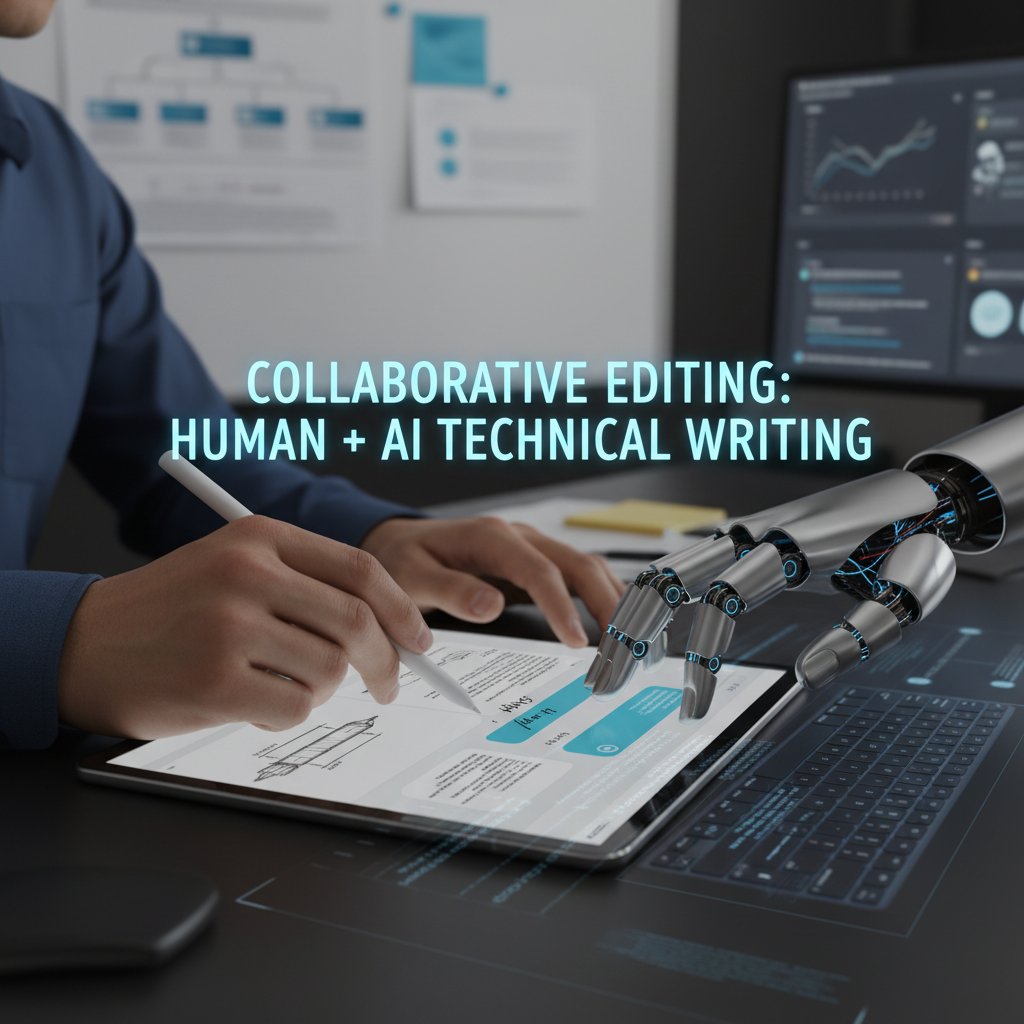
Research from Chameleon, 2024 shows users trust docs more when they know there’s expert validation behind them. Context matters—and only a human can spot when automation is about to go off the rails.
The myth of ‘set it and forget it’
“Hands-off” automation is a dangerous fantasy. Even the slickest systems need tuning and oversight to avoid creeping errors and compliance gaps.
6 steps to maintain quality in automated technical documentation:
- Establish review workflows — Build in human checkpoints for all critical docs.
- Monitor version control — Track every change and flag anomalies for immediate review.
- Audit compliance regularly — Map outputs against the latest regulations and standards.
- Gather real user feedback — Don’t rely solely on metrics; ask the people actually using your docs.
- Update training data often — Keep your AI learning from the best and most recent sources.
- Document the process — Meta-documentation keeps your automation honest and traceable.
Discipline is the price of quality.
Who’s using automated technical writing software (and why it’s spreading fast)
Industries leading the charge in 2025
It’s not just the tech giants anymore. Financial services, healthcare, manufacturing, and even education have embraced automated documentation to stay agile and compliant. According to Document360, 2024, adoption rates in finance and healthcare have doubled since 2023.
| Industry | Adoption % (2023) | Adoption % (2025) | Projected Growth |
|---|---|---|---|
| Software | 62% | 89% | +27% |
| Finance | 38% | 74% | +36% |
| Healthcare | 27% | 58% | +31% |
| Manufacturing | 19% | 45% | +26% |
Table 3: Adoption rates by industry for automated technical writing software. Source: Original analysis based on Document360, 2024.
The message is clear: if your sector deals with regulation, risk, or rapid change, automation is no longer optional.
Unexpected use cases: beyond the tech world
Think automation is just for code and compliance? Think again. Legal teams use AI-driven tools to auto-generate contracts. Universities streamline accreditation docs. Logistics firms produce real-time process guides. Even HR departments crank out up-to-the-minute policies with zero manual formatting.
7 surprising ways automated technical writing software is used outside IT:
- Drafting legal agreements that update with shifting regulations.
- Creating educational curricula that adapt to changing standards.
- Generating financial statements with embedded audit trails.
- Producing healthcare protocols customized for each patient cohort.
- Building logistics SOPs that update in real-time with supply chain data.
- Automating marketing campaign briefs and customer-facing FAQs.
- Streamlining HR onboarding materials for consistent, repeatable training.
The AI documentation wave is crashing into every corner of the enterprise.
Case-in-point: The Professional Document Generator advantage
Professional Document Generator stands out as a prime example of automation done right—delivering professional-grade documents across industries with precision and speed. Its widespread adoption shows the thirst for tools that marry AI horsepower with human oversight. Platforms like filecreator.ai are carving out reputations as trusted resources for anyone ready to escape the documentation dark ages, providing a launchpad for organizations seeking both compliance and creativity in their automated workflows.
Risks, red flags, and the dark side of automation
Security, compliance, and data leakage nightmares
With great power comes great vulnerability. Automated documentation platforms process sensitive information—client data, proprietary processes, regulatory files. A misconfigured system or lax security can mean instant data leaks, regulatory fines, or worse. According to Docsumo, 2024, manual and poorly secured automated processes both leave gaping holes for attackers and auditors alike.
Ask any compliance officer: one slip, and you’re exposed.
Vendor lock-in and the cost no one talks about
Automation isn’t just a line item—it’s a strategic bet with hidden costs. Training, switching vendors, customizing workflows: all can eat into your savings. And once your docs are trapped in a proprietary format, escaping a failing vendor is a herculean task.
6 red flags to watch for when choosing a technical writing software vendor:
- Proprietary file formats that make migration nearly impossible.
- Opaque pricing models with escalating “add-on” fees.
- Lack of third-party audits or certifications.
- Poor documentation or support for integration.
- Slow or infrequent updates, leaving you exposed to compliance drift.
- No clear data export or deletion process, risking regulatory fallout.
Don’t get seduced by flashy demos—dig deep into the vendor’s DNA.
AI bias and the risk of ‘garbage in, garbage out’
No AI is immune to the curse of bad data. Bias sneaks in through outdated training sets, unvetted user input, or a lack of diverse perspectives. As data scientist Morgan notes:
"If your data’s flawed, your docs will be too." — Morgan, data scientist (Industry commentary)
To minimize bias, organizations must regularly audit both their AI’s training data and its outputs, incorporating feedback from a wide range of users. Relying on automation without these controls risks enshrining old mistakes at scale.
How to choose the right automated technical writing solution for your team
Key evaluation criteria: what actually matters
Ignore the buzzwords—focus on what moves the needle for your organization. According to AIToolGo, 2025, the best solutions tick boxes for security, flexibility, and real-world support.
8-point priority checklist for evaluating automated technical writing solutions:
- Is the AI engine transparent and auditable?
- What security certifications does the platform possess?
- Does it support all required document formats and languages?
- How customizable are templates, workflows, and style guides?
- Can you integrate with existing tools (CMS, analytics, CRM)?
- Is there real human support, not just chatbots?
- What’s the vendor’s migration and export policy?
- How often is the system updated with new features and compliance rules?
If the answer to any of these is “not sure,” keep looking.
Checklist: Are you ready for automation?
Not every team is poised for the leap. Here’s a self-assessment to see if you’re primed to reap the rewards.
9 signs your team is ready for automated documentation:
- You spend more time editing than writing new content.
- Compliance audits are a recurring nightmare.
- Staff burnout is rising from documentation overload.
- You operate in multiple languages or regions.
- Version control failures have triggered public mistakes.
- Manual formatting eats up precious hours.
- You’re losing business to faster, nimbler competitors.
- Your IT infrastructure supports modern integrations.
- Leadership is hungry for efficiency and transparency.
If this sounds familiar, you’re overdue for a change.
Integration headaches and how to avoid them
Nothing tanks an automation project faster than mismatched tech stacks. Legacy CMS, homegrown analytics, or siloed user databases can create data bottlenecks and fractured workflows. According to ClickHelp, 2024, successful deployments start by mapping all integration points and building phased rollouts.
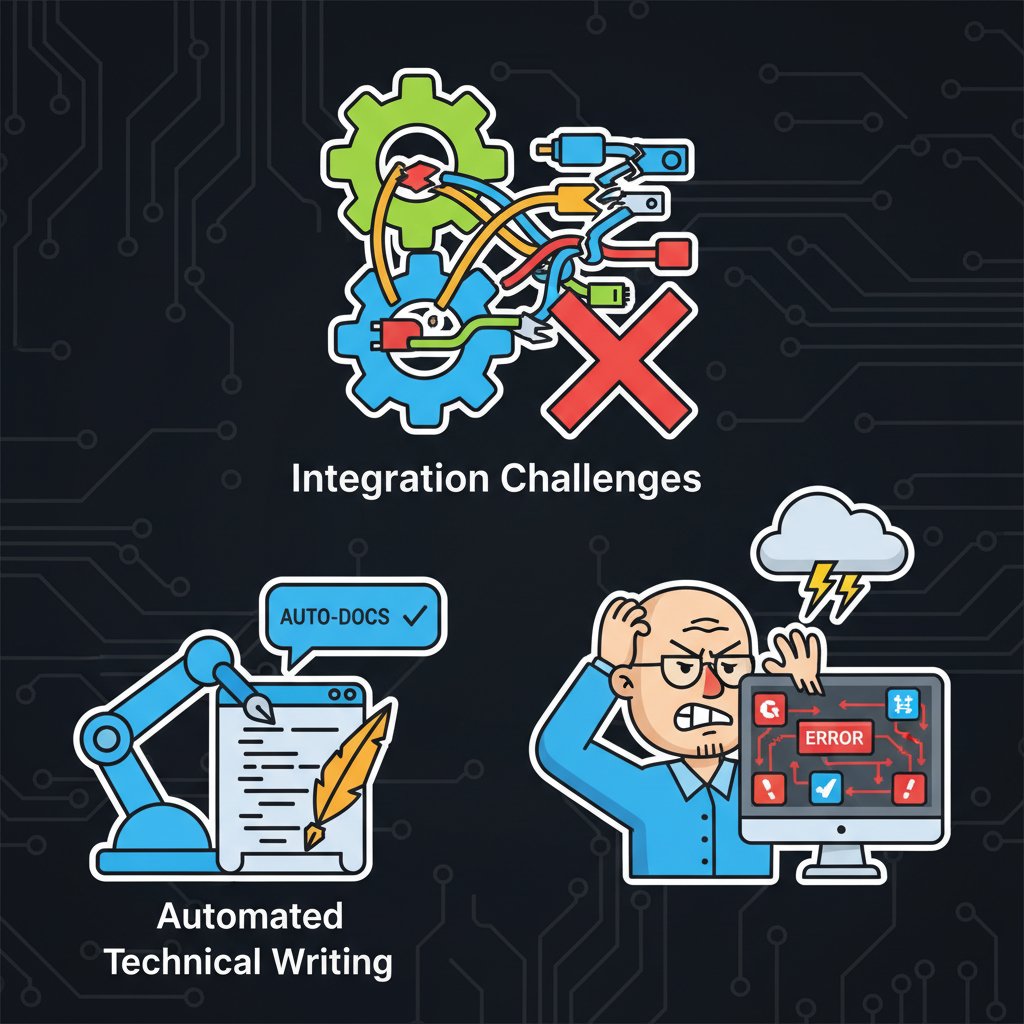
Pro tip: pilot with non-critical docs, then scale once all the pipes flow smoothly.
The future of technical writing: will humans become obsolete?
The evolving role of the technical writer
Technical writers aren’t going extinct—they’re evolving. As automation takes over the grunt work, writers are morphing into information architects, workflow designers, and compliance strategists.
"We’re becoming more like information architects than writers." — Sam, senior technical writer (Industry observation)
It’s a seismic shift in job description—but one that puts writers at the center of digital transformation.
AI as a creative partner, not a replacement
AI doesn’t stifle creativity—it amplifies it. Writers can experiment, iterate, and focus on the hard problems while automation grinds through the repetitive stuff.

The most successful teams treat their AI not as a rival, but as a tireless collaborator—one that never sleeps, never gets bored, and never misses a deadline.
What’s next: predictions for 2030 and beyond
While speculation is a fool’s errand, current trends give us a glimpse of the road ahead.
5 bold predictions for the future of technical writing:
- Documentation will become fully interactive, adapting in real-time to user skill levels and context.
- AI-driven translation will make instant multi-language support the norm, erasing international barriers.
- Documentation and product will merge, with AI generating custom guides embedded directly in user interfaces.
- Algorithmic compliance will flag risks as you write, not after the fact.
- Human writers will curate, not create—elevating their role to “documentation strategists” orchestrating machine contributors.
Today’s best teams are already laying the groundwork for this transformation.
Actionable playbook: thriving with automated technical writing software in 2025
Step-by-step: implementing automation without the chaos
Ready to leap? Here’s how to make sure your rollout actually delivers.
10 essential steps to successfully roll out automated technical writing software:
- Audit your current documentation processes — Identify bottlenecks, redundancies, and pain points.
- Define clear automation goals — Know what success looks like: speed, accuracy, compliance, or all of the above.
- Select champions and form a cross-functional team — Involve stakeholders from IT, legal, compliance, and end users.
- Pilot the solution with a low-risk doc set — Iron out integration issues and gather feedback.
- Train staff—not just on the software, but on new workflows — Change management is critical.
- Integrate with existing tools and databases — Eliminate data silos from day one.
- Establish review and approval protocols — Human-in-the-loop is your safety net.
- Measure results with real metrics — Track time saved, error rates, and user satisfaction.
- Iterate and improve — Tweak templates, workflows, and integrations as you learn.
- Document the new process — So the benefits don’t evaporate with staff turnover.
Maximizing ROI: tips from the trenches
No matter how good your software, getting the most out of automation takes savvy.
7 pro tips for getting the most value from your automation investment:
- Start small and scale—prove value with one department before rolling out company-wide.
- Involve end users early; their feedback is pure gold for tuning templates and workflows.
- Schedule regular system audits—catch drift before it becomes a disaster.
- Leverage analytics to spot patterns and continuously improve outputs.
- Always have a rollback plan for critical docs—automation is powerful, but not infallible.
- Regularly update AI training data to reflect changing standards and user needs.
- Stay informed on regulatory shifts to ensure compliance isn’t left behind.
Proactive, not passive, wins the day.
Quick reference: glossary of must-know terms
If you’re new to this space, here’s a cheat sheet for the lingo that matters.
Essential automated technical writing terms:
The use of technology to perform tasks with minimal human intervention, especially repetitive or rule-based documentation work.
A branch of AI that enables computers to understand, interpret, and generate human language—a core driver of automated documentation.
Automated verification that documents meet required legal, regulatory, and security standards.
A system for tracking and managing changes to documents, ensuring accuracy, traceability, and rollback capability.
A documentation process combining AI speed and scalability with human oversight and expertise for maximum quality and reliability.
Managing documentation as reusable building blocks for consistency and agility.
Creating content once and publishing it across multiple formats and platforms.
These terms are the backbone of any serious conversation about automated technical writing software.
Conclusion: the documentation arms race—where do you stand?
The days of dusty manuals and error-ridden process guides are numbered. Automated technical writing software is no longer a “nice to have”—it’s survival gear for organizations staring down the barrel of compliance, speed, and accuracy. But the truth is messier than the marketing suggests. Automation can cut documentation time by half (or more), slash error rates, and free your experts to actually innovate. Yet, without rigorous human oversight, robust security, and a relentless focus on process, it’s easy to swap old headaches for new chaos.
If you’re still on the sidelines, ask yourself: Are you prepared to lead—or to be left behind? The documentation arms race is on. The only winning move is to combine the best of AI with the irreplaceable judgment of real experts. Challenge your assumptions, dig below the buzzwords, and build a documentation culture where technology amplifies, not replaces, your best people.

Sources
References cited in this article
- Document360: AI Tools for Technical Writing(document360.com)
- AIToolGo: Top 7 AI Tools for 2025(aitoolgo.com)
- ClickHelp: Technical Writing Tools(clickhelp.com)
- DemandSage: Best AI Writing Software(demandsage.com)
- Docsumo: Risks of Manual Document Processing(docsumo.com)
- Chameleon: Why No One Reads Manuals(chameleon.io)
- TechRepublic: The State of Documentation(techrepublic.com)
- MadCap Software: AI for Technical Writers(madcapsoftware.com)
- Acrolinx: Content Automation(acrolinx.com)
- Medium: AI Academy—NLP(poshai.medium.com)
- Medium: Neural Templates for Text Generation(medium.com)
- HelloScribe: Pros & Cons of AI Writing(helloscribe.ai)
- TechScribe: Case Studies(techscribe.co.uk)
- ResearchGate: AI in Scientific Writing(researchgate.net)
- Texta.ai: AI Technical Writing Case Studies(texta.ai)
- Texta.ai: When AI Goes Rogue(texta.ai)
- Reddit: Controversies in Technical Writing(reddit.com)
- SciencePod: Best Technical Writing Software 2024(sciencepod.net)
- Acrolinx: Content Governance(acrolinx.com)
- Ranklytics: Will Technical Writing Be Automated?(ranklytics.ai)
- Medium: Human Judgment and AI(medium.com)
- LinkedIn: The Myth of Set It and Forget It(linkedin.com)
- WriteInteractive: AI in Technical Writing(writeinteractive.com)
- WiseGuyReports: Technical Writing Tool Market(wiseguyreports.com)
- GMI Insights: AI Writing Assistant Software Market(gminsights.com)
- ClickUp: Technical Writing Tools(clickup.com)
- Scribe: Technical Writing Software(scribehow.com)
- ClickHelp: Unexpected Technical Writing Examples(clickhelp.com)
- Softeq: Technical Writing in Business(softeq.com)
- PandaDoc: Document Generation Software(pandadoc.com)
- Docupilot: Document Generation Guide(docupilot.com)
- LinkedIn: The Dark Side of AI in Technical Writing(linkedin.com)
- Medium: ChatGPT in Technical Writing—Risks(medium.com)
- ShiftProject: Red Flag 21(shiftproject.org)
Perfect Documents, Instantly
Filecreator.ai transforms the way you produce professional documents. Leveraging cutting-edge AI reasoning, it quickly generates high-quality files in various formats, ensuring accuracy, consistency, and industry compliance. Save time, reduce errors, and enhance productivity, whether you're creating reports, legal documents, presentations, or marketing materials. Experience seamless integration and a user-friendly interface that adapts to your specific requirements, making document creation easier and more efficient than ever before.
Get startedStart Creating Professional Documents Today
Join thousands of professionals who trust AI-powered document generation
Frequently Asked Questions
What are the main cost differences between manual and automated technical writing?
According to the article, manual documentation averages 780 hours annually with a 9.2% error rate and costs around $120,000 per year, while automated methods average 390 hours with a 2.1% error rate and cost approximately $60,000 annually—cutting both time and costs in half.
Why is manual documentation considered broken in 2025?
The article states that manual documentation is a productivity sinkhole where writers waste time hunting for information and reformatting rather than creating new content, leading to delayed launches, costly mistakes, versioning nightmares, and up to double the administrative costs compared to automated approaches.
What does the article say about the promises of automated technical writing software?
The article acknowledges that automated technical writing software promises to make tedious, error-prone documentation creation obsolete and describes the hype as real, but warns that simply using AI macros and pre-baked templates will not automatically solve documentation problems.
Who would benefit most from automated technical writing solutions according to this article?
The article suggests that tech leads drowning in compliance paperwork and creative professionals trying to extract clarity from chaos would particularly benefit from automated technical writing solutions.
Continue Reading
Explore more from Professional Document Generator

Technical Writing Automation Tools: Capabilities and Real-World Impact
Technical writing automation tools promise faster documentation. This article examines their real capabilities, limitations, and impact on technical writers' workflows.

Automated Documentation Solutions: Costs, Benefits, and Real Pitfalls
Manual documentation costs companies billions yearly in wasted hours and errors. This article examines how automated documentation solutions address these challenges and their actual implementation risks.

Technical Document Automation Software: Benefits and Risks
Technical document automation software transforms documentation workflows. This article examines the real ROI, operational risks, and implementation realities organizations face.

Automated Document Creation: Where It Delivers and Where It Fails
Automated document creation reduces manual paperwork and improves compliance. This article explains the real benefits, the risks to watch, and when implementation succeeds.

How Automated Documentation Software Reshapes Knowledge Work
Automated documentation software reshapes how teams create and share knowledge. This article examines the overlooked truths, risks, and benefits that knowledge workers face.

Best Automated Documentation Tools: What Actually Works
Best automated documentation tool comparison: what works, what fails, and how automation transforms documentation workflows versus vendor claims.







