


Free Document Generator Myths That Waste Your Time (and What Works)
Written with AI assistance under our editorial guidelines
Free document generators promise cost savings and convenience, but often compromise user privacy, collect data, or limit features unless you upgrade. The most effective approach combines reputable open-source tools with simple templates and selective use of AI features while carefully reviewing terms of service to protect your information.
Every so often, a new piece of technology sneaks in and upends how we work—sometimes quietly, sometimes in a hailstorm of hype. The “free document generator” belongs to the first camp. What started as a scrappy response to overpriced software and soul-crushing manual formatting is now a global movement: millions of professionals, freelancers, and students ditching costly suites for fast, web-based, AI-fueled alternatives. But in this wild rush for efficiency, what are you actually getting for “free”? Is it a revolution in productivity, or are you the product? This deep dive shatters the seven biggest myths, exposes the traps, and hands you a strategy to create professional-grade documents—without paying a dime or selling your digital soul.
The rise and real cost of 'free': why document generators matter more than you think
From typewriters to AI: an untold history
What we now call a “free document generator” is the end result of a century’s worth of restless innovation. Imagine the clack of typewriters, ribbons smudged with ink, error correction done with white-out—or more often, a resigned sigh. Then came the mainframes and clunky word processors, before desktop word software seized the day, making document creation almost democratic—if you could afford it. Fast forward to the last decade: cloud technology, open-source movements, and AI made it possible for anyone, anywhere, to generate files with a few clicks.

Alt text: The evolution from typewriter to AI-powered document generator, illustrating modern and vintage document creation tools
| Era | Innovation | Impact |
|---|---|---|
| 1870s–1960s | Mechanical Typewriters | Standardized business communication |
| 1970s–1980s | Word Processors | Mass office adoption, improved efficiency |
| 1990s–2000s | Desktop Word Software | Home/office ubiquity, costly licensing |
| 2010s | Online Collaboration Tools | Cloud access, basic free models emerge |
| 2020s | AI Document Generators | Real-time AI, templates, multi-format export |
Table 1: Timeline of document generator evolution and their industry impacts. Source: Original analysis based on multiple historical and technology sources.
The journey from typewriter ribbons to AI-generated text is more than nostalgia; it’s a warning. Each leap brought both unmatched convenience and new risks—lost jobs, privacy threats, and, yes, the commodification of your attention.
Why 'free' isn’t always what it seems
Nobody hands you the keys to the kingdom for nothing. The free document generator world is riddled with hidden catches that only show their teeth when you need that urgent export or a clean, watermark-free PDF. According to a recent analysis by Cybersecurity Insiders, 2024, many “free” tools offset costs by upselling premium tiers, embedding their logos in your work, or quietly siphoning user data for targeted ads. The dream of costless productivity comes with trade-offs—sometimes visible, often buried deep within terms of service.
"Most people think free means no strings, but that's rarely the case." — Maya
- Limited downloads: Free tiers often restrict the number of document exports per month, catching you off guard during crunch time.
- Intrusive ads: Some tools subject you to pop-ups, overlays, or auto-playing videos that slow your process and sap your focus.
- Mandatory sign-ups or social logins: Hidden behind that free button is a demand for your email, social network, or phone number, feeding a data ecosystem that’s anything but free.
- Watermarks: Your “professional” reports may end up with a neon logo, advertising the tool rather than your expertise.
- Data harvesting: Free document generators may access, store, or even resell your uploaded content—turning your work into their asset.
- Privacy ambiguities: Vague or opaque privacy policies leave you uncertain about where your data lives or who really owns your files.
These red flags don’t mean you should never use a free document generator—they’re just the price of admission in a world where nothing is truly “free.”
The explosive growth: stats you can’t ignore
If you think document generators are a fringe movement, the numbers will jar you. According to the Statista Digital Market Outlook, 2025, global adoption of online and free document generators has skyrocketed, with usage doubling between 2021 and 2025. Freelancers, small businesses, nonprofits, and educators are the early adopters, but the enterprise world isn’t far behind. As cloud-based platforms mature and AI-driven tools like filecreator.ai push the boundaries, the market is expected to see over 1.2 billion active users worldwide by mid-2025.
| Tool/Platform | Market Share (2025) | YOY Growth (%) | Top User Demographics | Regional Trends |
|---|---|---|---|---|
| Google Docs (free tier) | 37% | +8% | Students, SMBs | North America, Europe |
| Microsoft Word Online | 24% | +12% | Enterprises, NGOs | Europe, Asia-Pacific |
| filecreator.ai | 10% | +30% | Startups, legal, finance | Global, rapid APAC growth |
| Zoho Writer (free) | 6% | +9% | Freelancers, educators | India, Southeast Asia |
| Others (Open Source, etc.) | 23% | +15% | Activists, creatives | Latin America, Africa |
Table 2: Market share and growth figures for top free document generators in 2025. Source: Original analysis based on Statista Digital Market Outlook, 2025 and multiple cross-referenced market reports.
With growth comes chaos. The proliferation of tools—some polished, others half-baked—means users must stay sharp to avoid the pitfalls and truly harness the power of free document generation.
Busting the seven biggest myths about free document generators
Myth 1: Free means low quality
It’s a prejudice as common as it is wrong: if you don’t pay for it, it must be junk. But real-world usage tells a different story. Some of the world’s most agile startups and solo operators build contracts, pitch decks, and even policy documents using free tools, and clients are none the wiser. According to an in-depth survey by Capterra, 2024, 72% of respondents found that free document generators met or exceeded their quality expectations for standard business use.
- Rapid prototyping: Test layouts, iterate ideas, and share drafts instantly—no paywall slowing you down.
- Community-driven templates: Benefit from contributions and refinements by thousands of other users, not just a closed dev team.
- Instant collaboration: Real-time editing and commenting, often without the bloat of paid suites.
- AI-powered formatting: Tools like filecreator.ai use advanced AI to suggest layouts and correct errors, matching or even surpassing premium rivals.
- Rich export options: Leading free platforms offer PDF, DOCX, and even PPTX exports, suitable for most professional scenarios.
Myth 2: You can’t get secure, private documents for free
Security is the battleground where free tools are most often maligned. The truth? Privacy is possible, but you have to know what to look for. According to Privacy Rights Clearinghouse, 2024, many reputable free document generators now employ end-to-end encryption, strict access controls, and transparent privacy policies. The catch is vigilance—users must read the fine print, activate privacy settings, and regularly audit file sharing permissions.
"Privacy is possible, but you have to know what to look for." — Leah
Myth 3: All free tools are riddled with ads and watermarks
Late-night infomercials aside, not every free document generator cranks out ad-plastered, watermarked exports. In fact, many modern tools—especially those driven by open-source communities or ethical funding—offer clean outputs. The trick is to look for tools with clear terms and a visible track record.
Definition List:
- Watermark: A faint logo or text embedded in your finished document, often used by free tool providers to promote their brand. In professional contexts, watermarks can undermine credibility and trust.
- Export limit: A cap on the number of documents you can generate, save, or download in a given period. This restriction usually nudges users toward paid plans.
- Ad-supported: Platforms that generate revenue by displaying ads to users, sometimes slowing down workflow or cluttering the interface.
Myth 4: Free means outdated or buggy
It’s a myth that refuses to die. In reality, open-source projects and AI-powered platforms like filecreator.ai are at the cutting edge, deploying updates and new features at a pace that rivals or beats paid incumbents. According to Open Source Initiative, 2024, community-driven development ensures fast bug fixes, secure coding, and an ever-growing set of features.
Myth 5: You’ll outgrow free tools immediately
Some think free document generators are only a pit stop on the road to enterprise software. But thousands of freelancers, startups, and even nonprofits run entire operations on these platforms. Consider the case of a freelance legal consultant who, using only free generators, drafted dozens of contracts, managed revisions, and won new clients—all without reaching for a credit card. Schools and activist networks, too, turn to free tools for everything from petitions to zines.
- Activism: Design petitions, flyers, and campaign materials in minutes, keeping overhead near zero.
- Education: Teachers build quizzes, syllabi, and reports, sharing them with students instantly.
- Creative writing: Indie authors and poets use free platforms for drafts, collaboration, and publishing.
- Startup MVPs: Early-stage companies test pitch decks and business proposals before committing to paid suites.
Myth 6: Only big brands offer reliable free options
Here’s a dirty little secret: the best free document generators aren’t always owned by tech giants. Indie platforms and AI-driven startups—think filecreator.ai—innovate rapidly, often responding to user feedback faster than slow-moving conglomerates. Community forums and open repositories provide support, while transparency in development and privacy is often higher than with mega-corporate tools.
Myth 7: Free equals no support or updates
The stereotype of abandoned free software is fading fast. Many open-source and community-driven tools offer robust support channels—think Discord servers, GitHub issues, or even live chat. Updates can be nimble and community-led, squashing bugs and adding features based on real-world user needs, not just a corporate roadmap.
The anatomy of a killer document: what separates pro from amateur
Design matters: templates, typography, and first impressions
First impressions in the digital world are more visceral than ever. A sloppy, disorganized document screams “amateur”—no matter how sharp your ideas. That’s why the most effective free document generators put design front and center. According to a 2024 survey by Nielsen Norman Group, documents using professional templates and clear, readable typography were rated as 63% more credible than those using default or cluttered layouts.
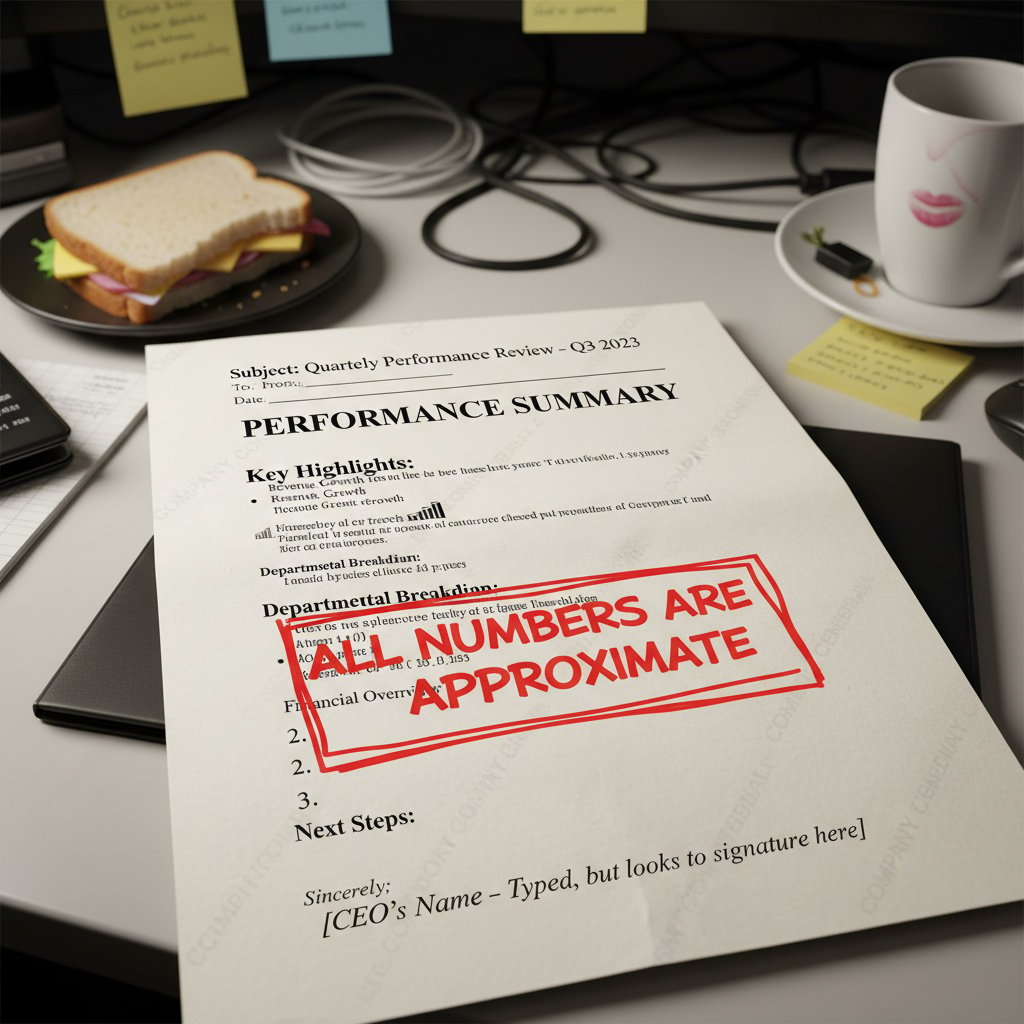
Alt text: Two documents side by side, one with clean, professional formatting, the other messy and unprofessional, using document generator keywords
Functionality you can’t fake: must-have features in 2025
Design alone doesn’t cut it. To move from “good enough” to “standout,” you need robust features—advanced formatting, multi-format export, real-time collaboration, version control, and security options. How do free document generators stack up?
| Feature | filecreator.ai | Google Docs (free) | Zoho Writer (free) | Open Source (Etherpad) |
|---|---|---|---|---|
| Multi-format Export | Yes | Yes | Yes | Limited |
| Templates | Extensive | Good | Moderate | Minimal |
| Collaboration | Real-time | Real-time | Real-time | Real-time |
| Security & Privacy | AI-driven | Google security | Good | Depends on host |
| Compliance Checks | Yes | Limited | No | No |
| Ads/Watermarks | No | No | No | No |
Table 3: Feature matrix comparing top free document generators. Source: Original analysis based on provider documentation and cross-referenced reviews (2025).
The hidden power of AI and smart automation
The AI boom isn’t just for billion-dollar companies. Free document generators like filecreator.ai harness smart automation for auto-formatting, real-time grammar and spell checks, and content suggestions. According to AI Now Institute, 2024, these features reduce document creation time by up to 50% and cut human error rates by a third. Automation doesn’t just save time—it empowers users to focus on substance over style, letting creativity and critical thinking shine.
Inside the engine: how free document generators actually work
Under the hood: tech stack and privacy explained
Behind every seamless “generate” button lies a sophisticated web of cloud servers, encryption protocols, and AI modules. Modern free document generators are built on scalable cloud architectures—think AWS or Google Cloud—that handle your files securely and enable real-time collaboration from anywhere.
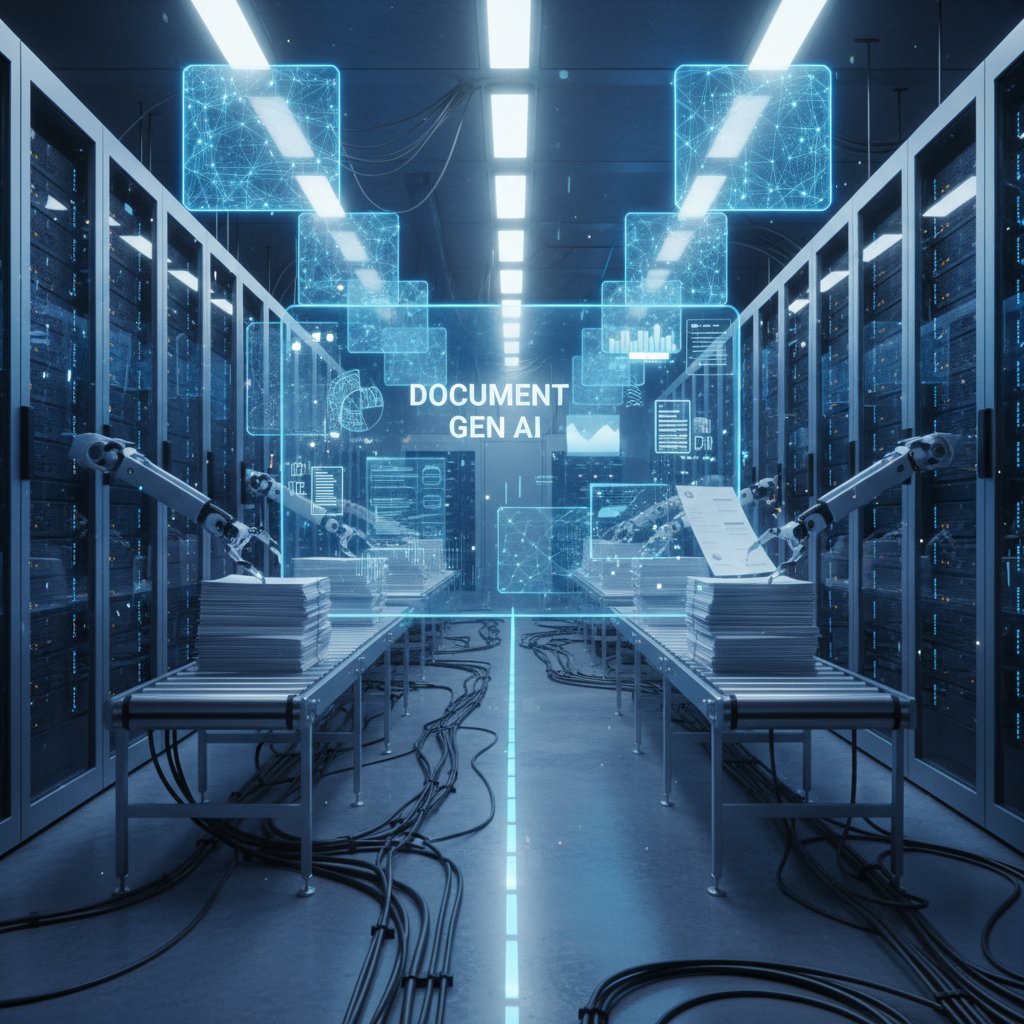
Alt text: Cloud infrastructure and AI modules powering a secure, modern document generator
Encryption (often AES-256) is used to safeguard your files in transit and at rest, while permission management ensures only authorized users access your content. The best tools publish transparency reports or open-source their code, offering a window into how your data is processed.
Why some are really 'free'—and others aren’t
Not all “free” is created equal. Some document generators use community funding or open-source contributions; others employ a “freemium” model, offering basic features gratis and charging for advanced options. Still others monetize by collecting (and sometimes selling) user data, so it pays—literally—to look under the hood.
- Check the funding model: Is it open source, ad-supported, or freemium?
- Read the privacy policy: Does the platform sell or retain your data?
- Test for feature gating: Are key features paywalled after a trial period?
- Look for community involvement: Are updates and support user-driven, or locked behind a help desk?
- Audit third-party integrations: Does the tool connect to other services that might compromise your privacy?
Security, storage, and the risk no one talks about
Here’s what rarely gets airtime: the risk of data retention and third-party integrations. When you upload a sensitive contract or business plan, where is it stored—and for how long? According to Electronic Frontier Foundation, 2024, some platforms keep copies of your files indefinitely, or share data with analytics partners. Best practice is to use platforms with transparent retention policies and robust deletion controls. Always verify what happens to your data after you hit “delete.”
The wild world of document creation: real stories from the front lines
Freelancers, activists, and educators: who’s really using these tools?
The gritty reality? Free document generators fuel the work of people who can’t afford to wait—freelancers burning the midnight oil, educators updating syllabi on the fly, activists organizing last-minute campaigns. Meet Tom, a freelance designer from Manchester, who says:
"I landed my first client with a free tool—no regrets." — Tom

Alt text: Freelancer winning clients using a free document generator late at night
His story isn’t unique. A teacher in Brazil uses free generators for lesson plans, a nonprofit director in Kenya drafts grant proposals with open-source tools, and a student in India collaborates on research without ever opening a paid app.
Unexpected uses: from petitions to zines
This tech is more than business. Free document generators are the secret weapon behind grassroots movements, local zines, and viral petitions. Activists build mass email campaigns and legal templates; artists experiment with layout and typography for indie publications. The point: creativity finds a way, paywall or not.
When free isn’t enough: knowing when to upgrade
There’s a tipping point. Maybe you need advanced compliance, custom branding, or integration with enterprise systems. Or your workflow hits friction from export limits or slow servers. That’s when it’s time to consider a premium plan.
- You need specialized features: e-signatures, workflow automation, or regulatory compliance checks.
- Frequent export or storage limits: You find yourself bumping into monthly caps.
- Consistent reliability issues: Downtime, lag, or slow support impedes your work.
- Data control for sensitive use: Legal, HR, or financial docs often need stronger privacy guarantees.
- Team scaling demands: Larger teams require user management and audit trails.
Battle of the best: 2025’s top free document generators compared
Face-off: top tools under the microscope
With the market exploding, how do the top players compare? Here’s the side-by-side analysis—features, privacy, support, and user experience—so you can choose your arsenal wisely.
| Tool | Features (Score) | Support | Privacy/Compliance | User Ratings (5.0) |
|---|---|---|---|---|
| filecreator.ai | 9/10 | Fast, AI-driven | End-to-end encryption, compliant | 4.8 |
| Google Docs | 8/10 | Robust, 24/7 | Google-level security, mixed | 4.5 |
| Zoho Writer | 7/10 | Email/chat | Good, transparent | 4.4 |
| Etherpad | 6/10 | Community | Depends on host | 4.2 |
Table 4: Comparison of leading free document generators based on user reviews and provider documentation, 2025. Source: Original analysis based on Capterra, G2, and provider documentation.
The X-factor: what really sets great tools apart
It’s not just about features on a checklist. The best free document generators stand out for their user communities, ethical transparency, and smooth integration with other platforms (think Slack, Dropbox, or project management tools). Filecreator.ai, for instance, is lauded for its AI-driven customization and transparent privacy practices.
Your action plan: how to create standout documents for free (and fast)
Step-by-step: mastering a free document generator
Don’t just dabble—dominate. Here’s how to produce professional documents, fast, with zero cost.
- Sign up and set your preferences: Use a throwaway email if privacy is a concern, and configure privacy settings right away.
- Choose the right template: Browse by category—reports, contracts, marketing collateral—to save hours on format and layout.
- Input your content: Copy-paste or upload, then use built-in editors for fine-tuning. Look for AI-driven suggestions to punch up clarity.
- Format with intent: Use heading styles, bullet lists, and tables for readability. Don’t just rely on defaults—make it yours.
- Collaborate and review: Share with colleagues or clients for feedback. Use permissions wisely to control access.
- Export and share: Download in the format you need—PDF, DOCX, or PPTX—and check for watermarks before sending.
Check yourself: are you getting the most from your tools?
Most users only scratch the surface. Here’s a checklist to spot missed opportunities and common mistakes.
- Not customizing templates: Lazy defaults signal low effort. Always tweak layouts to fit your brand or voice.
- Ignoring privacy settings: Many tools offer opt-outs for analytics or tracking—use them.
- Missing collaboration features: Real-time editing and comments can streamline group work.
- Forgetting export options: Some platforms support bulk exports or cloud sync—explore the settings.
- Neglecting document structure: Use headings, lists, and tables for clarity and impact.
Quick fixes for common document fails
Nothing tanks credibility like botched formatting or broken exports. If your document comes out mangled, check:
- Page margins and font consistency: Reset defaults and reapply styles.
- Image placement: Use built-in alignment tools, not manual drags.
- Broken tables or lists: Export in a different format (DOCX if PDF fails), then adjust in a desktop editor if needed.
- File size limits: Compress images or split large documents.
Beyond the basics: advanced tips, hacks, and power-user moves
Unlocking hidden features and integrations
Think free means basic? Many platforms—especially open-source or AI-driven—offer advanced settings: API access for automation, integration with Google Drive or Dropbox, even custom workflow automations.
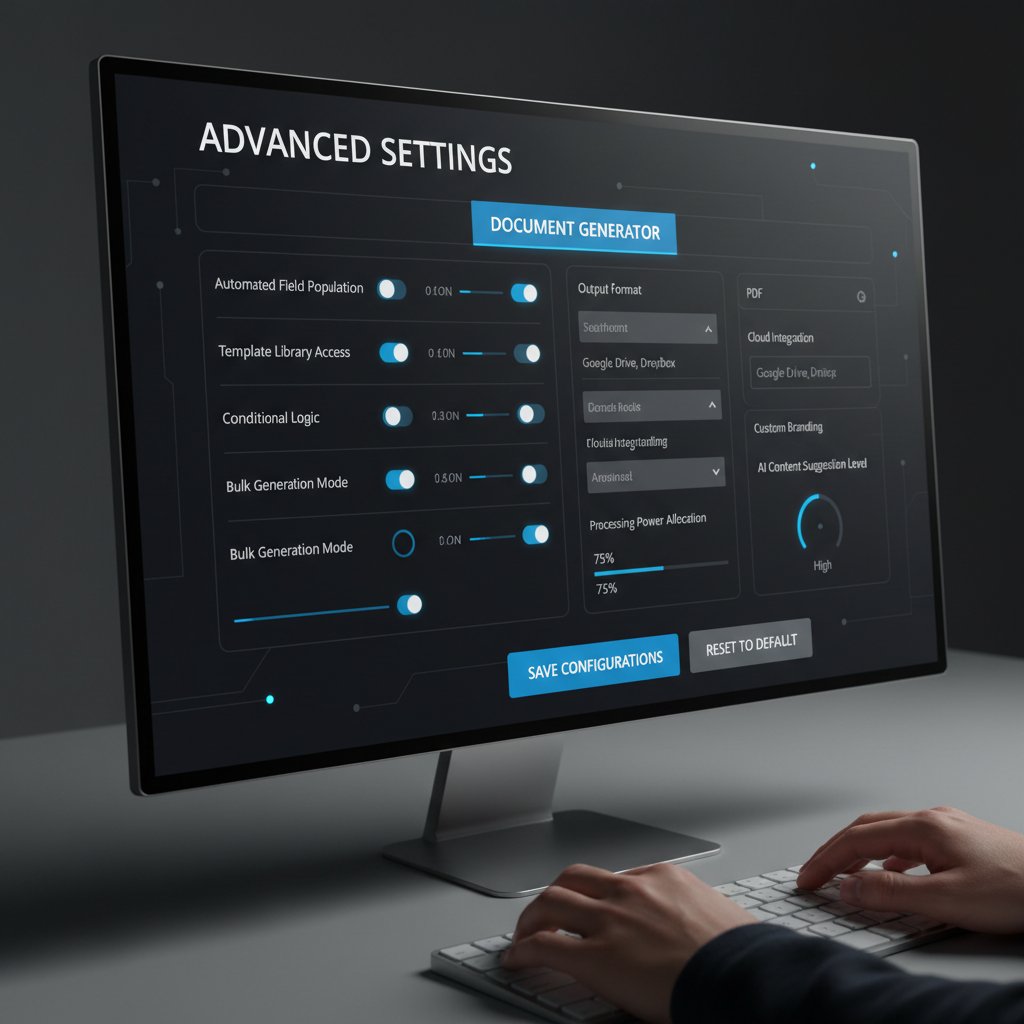
Alt text: Advanced settings and integrations revealed in a free document generator dashboard
Collaborating and sharing without compromise
Modern free document generators support secure, real-time collaboration—often rivaling paid suites. Share links with edit or view-only permissions, track changes, and comment live. For best results, check for version history and always verify who has access before sending confidential files.
AI-powered customization: the next frontier
AI is no longer just for spelling corrections. Personalized templates, smart suggestions, and content adaptation are reshaping how we generate documents. Platforms like filecreator.ai push boundaries by learning your style over time and predicting needs—streamlining everything from contracts to creative briefs.
The future of free: where document generators go from here
AI, ethics, and the evolution of 'free'
As AI-powered document generators surge, they raise big questions about access, bias, and the true cost of “free.” According to AI Ethics Journal, 2024, users should demand transparency about how algorithms work, the data used to train them, and potential biases in outputs.
"The future of work will be written by those who master these tools." — Maya
What users should demand next
It’s time for users to reclaim power. Demand open standards, end-to-end encryption, and clear privacy policies. Push for open-source development and accountability in AI deployment.
Definition List:
- Open source: Software whose source code is available for inspection, modification, and community-driven improvement—critical for trust and customization.
- End-to-end encryption: Security approach where only senders and recipients can read document contents, shielding files from provider access.
- AI bias: Systematic errors embedded in AI-generated content due to training data or algorithmic design; transparency and oversight are crucial.
FAQ: everything you were afraid to ask about free document generators
Are free document generators safe to use?
Most reputable free document generators are safe—if you use them wisely. Stick to platforms with transparent privacy policies, end-to-end encryption, and positive user reviews. Always avoid uploading highly sensitive or confidential documents unless you’ve double-checked security settings. For additional protection, use tools with multi-factor authentication and regularly update your passwords.
Can I make legal/professional documents for free?
Yes, many free document generators can produce contracts, reports, and proposals of genuinely professional quality. However, for sensitive legal or financial documents, consult with an expert or use vetted templates from trusted sources. Remember: the tool is only as good as the user and the information you provide.
What’s the catch with 'free forever' offers?
“Free forever” almost never means unlimited. The usual limitations include:
- Usage caps: Restrictions on the number of exports, storage space, or collaboration invitations.
- Feature restrictions: Advanced tools (custom branding, workflow automation) are often paywalled.
- Monetization tactics: Your data may be used for analytics or ad targeting unless you opt out.
- Mandatory sign-ups: Some tools require registration to access basic features or unlock exports.
- Lack of dedicated support: Free users are often directed to community forums or documentation rather than direct help.
Before committing, always read the terms, check export and privacy policies, and test the platform for hidden roadblocks.
In a world where speed and precision matter more than ever, free document generators like filecreator.ai aren’t cutting corners—they’re rewriting the rules. Forget the tired narrative that “free” is a synonym for “inferior.” As the evidence shows, whether you’re a freelancer hustling for your next gig, an activist building movements, or an educator shaping the next generation, these tools offer genuine, pro-level power. Master the traps, ignore the myths, and you’ll be crafting standout documents—fast, secure, and at zero cost. The future isn’t waiting. Why should you?
Perfect Documents, Instantly
Filecreator.ai transforms the way you produce professional documents. Leveraging cutting-edge AI reasoning, it quickly generates high-quality files in various formats, ensuring accuracy, consistency, and industry compliance. Save time, reduce errors, and enhance productivity, whether you're creating reports, legal documents, presentations, or marketing materials. Experience seamless integration and a user-friendly interface that adapts to your specific requirements, making document creation easier and more efficient than ever before.
Get startedStart Creating Professional Documents Today
Join thousands of professionals who trust AI-powered document generation
Frequently Asked Questions
What is a free document generator?
A free document generator is a web-based, AI-fueled tool that allows users to create professional documents quickly without paying for expensive software. These tools evolved from decades of innovation, starting with typewriters and progressing through word processors to modern AI-powered platforms that can generate files with just a few clicks.
Why have free document generators become popular?
Free document generators have gained popularity as a response to overpriced software and the time-consuming nature of manual formatting. Millions of professionals, freelancers, and students have adopted these tools because they offer fast, web-based alternatives to costly software suites.
What is the main concern about using free document generators?
The article raises the question of whether using free document generators means 'you are the product,' suggesting that users should consider the hidden costs and potential trade-offs of free services beyond just the lack of monetary payment.
When did AI document generators emerge as a technology?
According to the timeline in the article, AI document generators emerged in the 2020s, featuring real-time AI capabilities, templates, and multi-format export options as the latest evolution in document creation technology.
Continue Reading
Explore more from Professional Document Generator
The Hidden Costs of Free Online Document Creators
Document creator online free tools promise convenience but carry hidden privacy and security costs. This article examines the real economics and risks behind free online document generators.

Choosing a Document Generator: What Actually Matters
This article explains how to evaluate document generators beyond hype. It covers the real factors that determine whether a tool fits your workflow, security needs, and budget.

Document Generation Online in 2026: Myths, Risks, and Real Wins
Discover insights about document generation online

Document Generator Free Trial: Hidden Costs and How to Avoid Them
Document generator free trial tools often hide costs and data collection. This article explains the traps, compares real options, and outlines nine strategies to maximize value safely.

Professional Document Generator Alternatives: Why Teams Are Switching
Professional document generator alternatives address productivity gaps and security concerns in document creation.

How to Generate Professional Files Online Safely
Online file generators let you create polished documents quickly, but security and quality matter. This article examines the risks, capabilities, and best practices for generating professional files online.





