


Document Template Solutions That Prevent Costly Mistakes at Scale
Written with AI assistance under our editorial guidelines
Organizations without centralized document template management face significant hidden costs, including compliance fines ranging from fifty thousand to two hundred thousand dollars annually, lost deal pipeline value of ten to twenty percent, and up to four hundred hours yearly wasted on document-related tasks. Implementing centralized template solutions reduces these risks substantially.
The world runs on documents. Whether it’s a high-stakes legal contract, a meticulously crafted financial report, or a bold marketing pitch, the right document can unlock doors—or slam them shut. But lurking beneath this everyday reality is a secret most professionals don’t talk about: the subtle, often brutal impact of document templates on workflow, culture, and even company identity. Document template solutions promise efficiency, but they also carry hidden risks, overlooked costs, and the kind of transformative power that can either supercharge your team—or trap you in digital quicksand. This isn’t just another generic rundown of “how to save time.” This is a journey into the real mechanics, mistakes, and innovations shaping document automation today. If you’re ready to challenge your assumptions and discover the dark side—and the real potential—of document template solutions, read on.
Why document template solutions matter more than you think
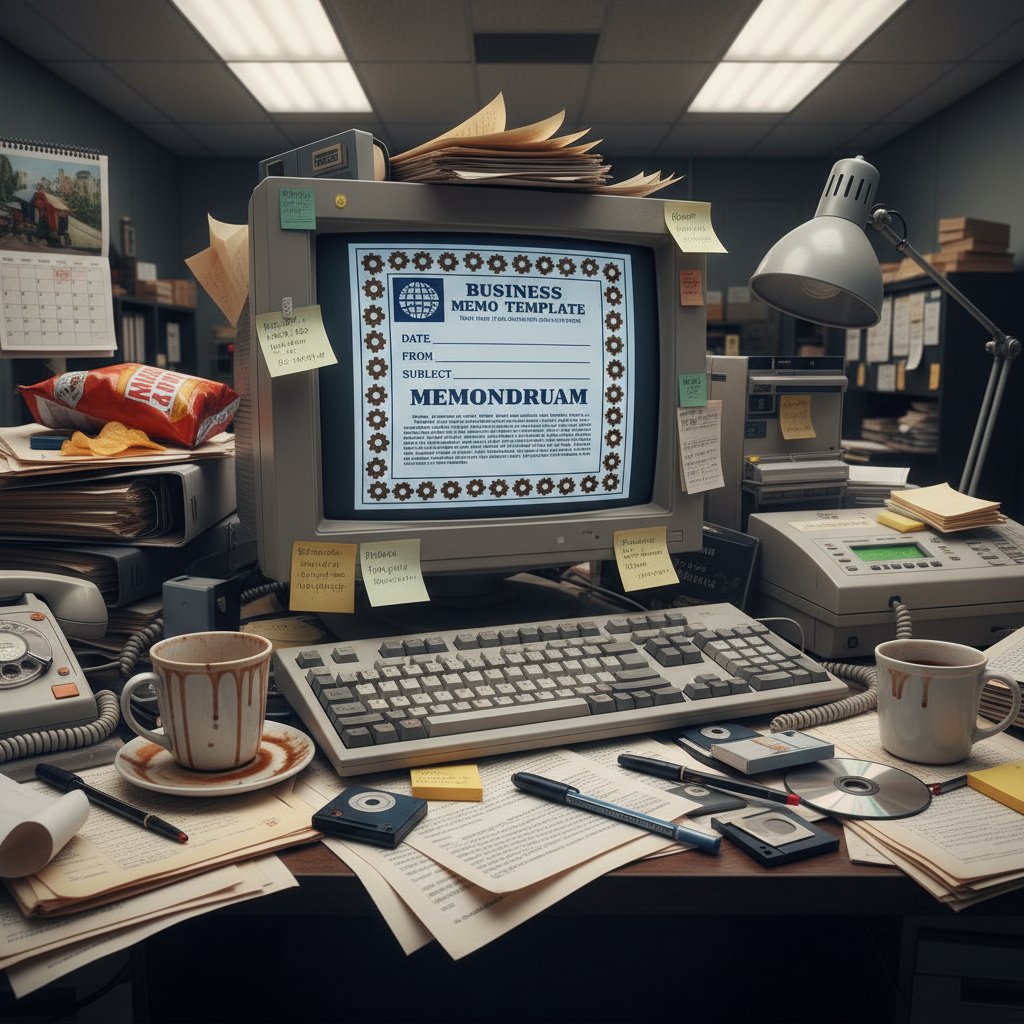
The hidden cost of bad templates
Think of the last time you had to hunt for a company-approved template. The minutes wasted add up, but the real price isn’t on your timesheet—it’s paid in costly errors, inconsistent branding, and compliance nightmares that can haunt your business for years. According to research from Templafy (2024), organizations without centralized template management report a 30% greater IT workload and frequently struggle with “version chaos,” where outdated or rogue templates propagate mistakes across teams[Templafy, 2024].

| Cost Type | Impacted Area | Average Annual Loss |
|---|---|---|
| Compliance Fines | Legal/Compliance | $50,000–$200,000 |
| Branding Inconsistencies | Marketing/Sales | Lost 10–20% in deal pipeline |
| Time Wasted | All departments | Up to 400+ hours per year |
Table 1: The hidden operational costs of poor document template solutions. Source: Original analysis based on Templafy (2024), Flowster, 2024
From chaos to control: the promise of template solutions
For businesses ready to escape the mess, advanced document template solutions offer more than just “prettier” files—they deliver order in a world spinning out. Centralizing template management with platforms like Templafy or integrating AI-powered approval flows, as seen in Flowster, has slashed IT headaches and reduced compliance risk. According to a Templafy case study, Coloplast cut their IT workload by 30% after rolling out centralized template management across their global teams[Templafy, 2024]. These aren’t just numbers—they’re evidence that template chaos is optional.
What sets the best document template solutions apart is not just automation, but the ability to embed brand consistency and regulatory compliance at the root of every new document. This is about control over chaos. And in an era where a single misaligned doc can cost millions or damage reputation, that control is priceless.
“A good template is not just a file—it’s a safeguard for your brand, your compliance, and your sanity.” — Extracted from Templafy, 2024
How your business culture is shaped by templates
Templates aren’t just technical tools—they’re silent culture carriers. Every lazy placeholder, every off-brand font choice, every missing section in a report is a symptom of deeper cultural drift. When organizations rely on ad-hoc or outdated templates, they send a message: shortcuts are okay, precision is optional, and the brand is whatever you say it is today. In contrast, robust document template solutions can reinforce high standards, promote accountability, and turn compliance into muscle memory.

Debunking the myths: what most ‘experts’ get wrong about document templates
Myth #1: Templates kill creativity
It’s a tired argument: templates are rigid, so they must stifle innovation. But the data suggests the opposite. When routines (like formatting and sectioning) are automated, creative professionals are free to focus on substance—ideas, storytelling, negotiation—rather than busywork. Research from ClickUp (2024) underscores this, showing that organizations using flexible, well-designed templates report higher output quality and more time spent on original thinking[ClickUp, 2024].
“Templates don’t kill creativity—they remove obstacles so real creativity can thrive.” — ClickUp, 2024
Myth #2: One-size-fits-all is best
The urge to standardize everything is powerful—but dangerous. Different teams, markets, and projects require nuanced approaches. Forcing universal templates often creates friction, bottlenecks, or—ironically—spawns shadow processes as people create their own workarounds.
- A legal team’s compliance needs differ sharply from marketing’s need for rapid iteration.
- Sales teams demand agility and personalization, while finance prioritizes structure and audit trails.
- Forcing rigid templates across the board can drive noncompliance and create underground “rogue” documents.
- Tailored templates, managed centrally, strike the balance between control and flexibility.
- Research from Roadmunk (2024) highlights the value of customizable workflow templates in clarifying project steps and aligning cross-functional teams[Roadmunk, 2024].
Myth #3: Any template is better than none
A bad template is worse than no template at all. It can lock in errors, propagate outdated processes, and give a false sense of security. As Flowster’s 2024 document workflow guide notes, the wrong template can create more rework and mistakes, not less. The illusion of safety is a trap—a template is only as strong as its content, logic, and governance.
In practice, businesses that rush template adoption without rigorous vetting end up with compliance failures and missed opportunities. Industry leaders recommend a deliberate, data-driven approach, where each template is validated before rollout.
Inside the engine: how modern document template solutions actually work
Template engines and automation logic explained
Modern document template solutions are more than glorified Word files. They rely on sophisticated engines that combine rules, logic, and integration hooks to automate and personalize document creation. At their core, these platforms leverage modular template structures, dynamic fields, and workflow automations to deliver tailored results at scale.
| Feature | What It Does | Business Value |
|---|---|---|
| Centralized Template Library | Stores approved templates in one place | Consistency, compliance, easy updates |
| Dynamic Fields | Auto-populate data (names, dates, etc.) | Reduces manual errors, speeds up work |
| Workflow Automation | Triggers approvals, sends reminders | Ensures process compliance, saves time |
| Integration APIs | Connects to CRM, ERP, or e-signature tools | End-to-end automation |
Table 2: Key components of modern document template solutions. Source: Original analysis based on Templafy, Flowster, and ClickUp documentation.
Dynamic fields, triggers, and workflow integration
These are placeholders within templates that automatically pull data from external sources (like CRM or HR systems). For instance, “{Client Name}” instantly becomes “Acme Corp” on generation.
Specific events—like document completion or signature—that initiate automated actions, such as email notifications or approval requests.
The ability to plug template solutions into wider business software ecosystems (think Salesforce, DocuSign, or Google Workspace) for seamless, automated document flows.
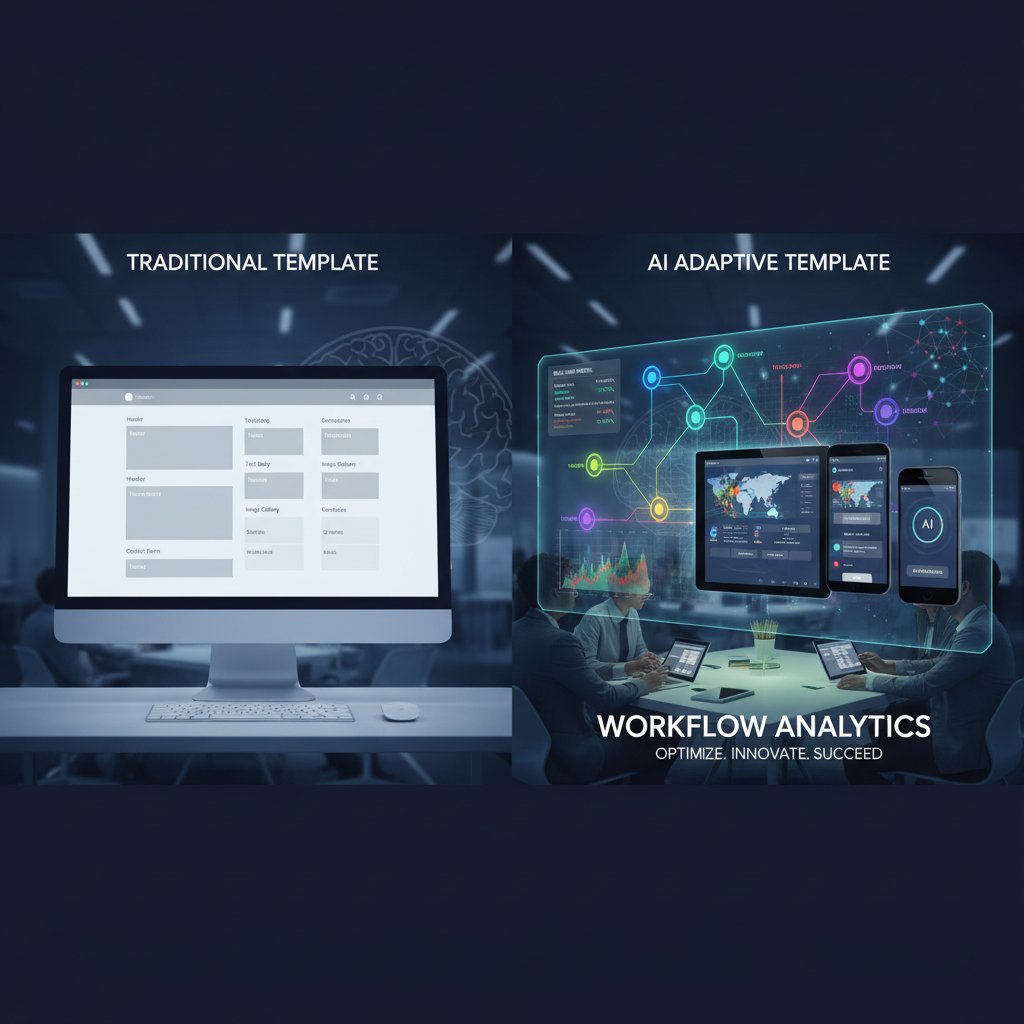
AI and the rise of adaptive templates
AI is quickly moving from buzzword to backbone in the world of document automation. Platforms like Flowster utilize machine learning to suggest template adjustments based on user behavior and historical data, while zenphi’s no-code automation for Google Workspace empowers teams to build drag-and-drop workflows that react in real time to business needs. According to Flowster (2024), AI-powered workflow management can drive productivity gains of up to 40%[Flowster, 2024].
The dark UX: pitfalls, lock-ins, and hidden costs of template platforms
When templates become traps: real-world horror stories
Not every document template solution is a silver bullet. In fact, many professionals have horror stories of platforms that promised “effortless automation” but delivered only frustration, vendor lock-in, and spiraling costs. One particularly grim example cited by industry analysts involves a global firm whose document workflow platform failed to support local compliance updates—resulting in costly fines and a year-long migration project to switch vendors.
“Once you’re locked in, every customized field becomes a chain. Unwinding is slow, expensive, and often humiliating for IT.” — Extracted from Flowster, 2024
Spotting red flags before you commit
- Opaque pricing models with hidden “seat” or “integration” fees.
- Limited export formats or lack of data portability—making migration nearly impossible.
- Weak API support; the platform doesn’t play well with your existing systems.
- Poor user experience—clunky interfaces, slow updates, or lack of responsive support.
- Vendor reluctance to provide clear SLAs or compliance documentation.
- Overly rigid templates that stifle collaboration or foster “shadow” document workarounds.
Hidden costs: what vendors don’t tell you
| Expense Category | Typical Scenario | Potential Cost per Year |
|---|---|---|
| Overages and Upsells | Exceeding user/usage quotas | $5,000–$50,000 |
| Data Migration | Switching platforms or exporting archives | $10,000–$100,000 |
| Customization Fees | Changing workflows or adding integrations | $2,000–$20,000 |
| Training and Support | Onboarding new users, troubleshooting | $1,000–$10,000 |
Table 3: Common hidden costs in template platform contracts. Source: Original analysis based on industry case studies and Flowster, 2024.
Case studies: how top industries master document template solutions
Healthcare: the battle for compliance and speed
Healthcare organizations face relentless demands: documentation must be fast, accurate, compliant, and confidential. According to a 2024 industry report, clinics adopting AI-powered document management have reduced administrative time by 50% and improved patient record accuracy[Flowster, 2024]. The ability to centralize templates and track every change—while enabling secure e-signatures—has become a lifeline.

Legal: balancing precision and pressure
Legal professionals live and die by the details. A single missed clause or formatting error can cost dearly. Document template solutions tailored to legal workflows enable lawyers to draft bulletproof contracts in a fraction of the time, while preserving compliance. As shown in a 2024 use case from filecreator.ai, law firms have slashed drafting time by up to 70%, reducing both compliance risk and burnout.
More than just speed, it’s about avoiding the deadly monotony that leads to mistakes. By automating the structure—while leaving content customization in the hands of experts—law firms achieve the best of both worlds: accuracy and adaptability.
Creative agencies: templates for chaos-tamers
The agency world thrives on unpredictability, but chaos is expensive. Smart agencies use document template solutions not to smother creativity, but to establish guardrails: brand guidelines, pitch structures, and legal disclaimers. This way, project teams can move fast without fear of sending the wrong message—or breaking the law.
“A good template is a launchpad, not a leash. It frees us to focus on the work that wins clients.” — Quoted from ClickUp, 2024
The new frontier: AI, automation, and the future of document templates
AI-powered template generation: hype or reality?
Forget the marketing spin—AI in document template solutions is real, but not magic. What matters is the data: According to Flowster (2024), companies using AI-powered workflow management report up to 40% productivity gains and 90% accuracy improvement in routine document tasks. The future belongs to platforms that learn from user input, adapt templates in real time, and automate approvals and compliance[Flowster, 2024].
But it’s not a utopia. AI can only do what it’s trained to do—without careful oversight, it can reinforce bad habits or institutional bias. That’s why the most innovative solutions, like those emerging from filecreator.ai, combine cutting-edge AI with human-in-the-loop controls, ensuring that automation serves your goals, not the other way around.

How filecreator.ai fits into the shift
In a landscape where most document generators are content with “good enough,” filecreator.ai positions itself as a thought leader—prioritizing accuracy, compliance, and adaptability. By leveraging advanced AI reasoning, filecreator.ai helps professionals generate high-quality files in multiple formats, tailored to specific industry needs. The focus isn’t just on automation for its own sake, but on raising the standard for what “professional” truly means in documentation.
What’s next? Adaptive workflows and self-healing documents
The edge of document automation is advancing—fast. Today’s leaders are already exploring:
- Context-aware templates that adapt to each department’s rules and branding requirements.
- Self-healing documents that automatically detect and repair compliance or formatting issues.
- Real-time analytics dashboards for monitoring workflow efficiency and bottleneck detection.
- Deep integrations with e-signature and archival tools for airtight, end-to-end processes.
- User-driven customization using no-code platforms, enabling teams to build what they need without waiting on IT.
How to choose the right document template solution for your team
The non-negotiables: what you really need
Choosing a document template solution is a high-stakes decision. Don’t be seduced by polished demos or empty buzzwords—focus on these essentials:
- Robust centralized management to guarantee consistent, up-to-date templates.
- User-friendly customization tools, including drag-and-drop workflow builders.
- Seamless integration with existing software (CRMs, ERPs, cloud storage, e-signature).
- Transparent pricing, with no hidden “gotchas.”
- Comprehensive support for compliance, version control, and approval processes.
- Detailed analytics and dashboards for ongoing optimization.
- Multi-format support (PDF, DOCX, PPTX, etc.) for real-world flexibility.
Step-by-step guide to implementation
- Audit your current templates and workflows. Identify bottlenecks, risks, and compliance gaps.
- Define your must-have features. Focus on integration, compliance, ease of customization, and analytics.
- Shortlist vendors and request live demos. Test real-world scenarios, not just canned presentations.
- Pilot with a small team. Gather feedback, iterate, and validate ROI before full rollout.
- Train your staff and set governance rules. Invest in onboarding and establish clear processes for template updates and approvals.
- Monitor performance and adapt. Use analytics to measure adoption, efficiency, and compliance.
Avoiding decision fatigue: quick reference checklist
- Does the solution enable centralized management and version control?
- Is template customization intuitive for non-technical users?
- Are integrations with your tech stack easy and reliable?
- What analytics and reporting are available?
- Is pricing transparent and free of hidden fees?
- How responsive is customer support and what SLAs are provided?
- Does the platform support your required formats and compliance needs?
Beyond efficiency: the cultural and societal impact of document templates
The sustainability factor: cutting digital waste
Every redundant document, every poorly managed template, is digital waste—clogging servers, burning energy, and wasting human potential. Effective document template solutions can drastically reduce this waste by automating redundancy checks and ensuring only current, compliant templates are used.
| Sustainability Factor | Template Solution Impact | Result |
|---|---|---|
| Paper Reduction | Digital-first templates | Less printing, less waste |
| Version Control | Auto-archive old files | Lower storage needs |
| Error Reduction | Fewer reprints/rewrites | Less energy consumption |
Table 4: Sustainability wins from smart document template solutions. Source: Original analysis based on Templafy, 2024, Flowster, 2024.
Document templates and workplace equity
On the surface, templates appear to be mere productivity tools. But in reality, standardized templates can be powerful levers for workplace equity. By removing ambiguity and ensuring everyone—regardless of seniority, location, or native language—has access to the same professional standards, templates can level the playing field. According to recent data, organizations with clear, accessible templates report higher rates of employee satisfaction and lower error rates in cross-functional teams[ClickUp, 2024].
The dark side? Over-standardization can sometimes erase personality or local nuance, so the best template solutions strike a balance: rigorous in compliance, flexible in personalization.
Are we losing something human?
The rise of automation always sparks existential questions: As we hand routine work to templates and AI, what’s left for human ingenuity? The answer isn’t simple. Templates can liberate us from drudge work—but only if we resist the urge to automate away all judgment and creativity.
“Templates are tools, not crutches. The goal is to free people to think, not to train them out of thinking.” — ClickUp, 2024
The ultimate glossary: document template lingo and what it really means
Key terms explained—for real people
The backend system that processes documents, applies logic, and merges data into templates. Not just a “fancy mail merge”—it’s the brains behind automation.
A placeholder in a document (like {Date} or {Client Name}) replaced by real data when the document is generated.
Linking templates to business processes so approvals, notifications, or e-signatures happen without manual intervention.
A tool that lets non-developers build, modify, or automate workflows using visual interfaces instead of coding.
Built-in support for collecting legally binding digital signatures across your documents.
An emerging concept—documents that can automatically detect and fix formatting or compliance issues.
Jargon busting: what actually matters
Don’t get lost in buzzwords. Here’s what really impacts your workflow:
- “Integration” means your templates talk to your real systems—if it can’t, it’s a dealbreaker.
- “Compliance-ready” isn’t a checkbox; it’s a living process—ask how updates are managed.
- “User-friendly” is subjective—test with your least technical team member.
- “AI-powered” should demonstrate real productivity gains, not just marketing spin.
- “Scalable” matters if you plan to grow—what works for 10 users may not for 1,000.
Conclusion
Document template solutions are far more than the corporate wallpaper most people take them for—they’re the invisible infrastructure of modern productivity, risk management, and brand identity. The right solution can transform chaos into clarity, slash inefficiency, and empower even the most overburdened teams. But the wrong choice can lock you in, drain your budget, and lay traps that only become visible when it’s too late.
As demonstrated by the latest data from Templafy, Flowster, and ClickUp, businesses embracing centralized, AI-powered template management stand to gain not just in productivity, but also in compliance, sustainability, and workplace equity. Remember: every document tells a story about your organization’s priorities and culture. Make sure yours is one of control, creativity, and resilience.
If you’re ready to experience the next level of automated, professional documentation, it’s time to rethink your approach—and discover what real document template solutions can do for you. Don’t just follow the workflow. Redesign it.
Sources
References cited in this article
- Templafy: Document Workflow Automation(templafy.com)
- Flowster: Document Workflow Guide(flowster.app)
- Roadmunk: Workflow Templates(roadmunk.com)
- ClickUp: Effective Document Templates(clickup.com)
- MSB Docs: Document Templates(msbdocs.com)
- American Medical Association: Note Templates Myths(ama-assn.org)
- Rossum.ai: IDP Myths(rossum.ai)
- Wolters Kluwer: Legal Automation Myths(wolterskluwer.com)
- Windward Studios: Document Automation Guide(windwardstudios.com)
- SmartDocuments: Template Management(smartdocuments.com)
- eLearning Solutions: Using Document Templates in Workflow(elearningsolutions.co.in)
- PowerGI: Power Automate Word Templates(powergi.net)
- Templafy: AI Document Creation(templafy.com)
- Profile Software: AI Document Processing(profilesw.com)
- Medium: Vendor Lock-In in Low-Code Platforms(planetcrust.medium.com)
- Keepit: SaaS Hidden Costs(keepit.com)
- Visme Healthcare Case Study(visme.co)
- HubSpot Case Studies(blog.hubspot.com)
- ClickUp Case Study Templates(clickup.com)
- Docsumo: Future of Document AI(docsumo.com)
- Formstack: AI-Powered Document Template Creation(formstack.com)
- Relevance AI: AI Tool Templates(relevanceai.com)
- Whisperit: Document Template Software(whisperit.ai)
- PandaDoc: Effective Templates(pandadoc.com)
- Business Docs: Societal Impact(business-docs.co.uk)
- Microsoft Create: Cultural Heritage Templates(create.microsoft.com)
- Medium: Sustainability with Digital Documents(medium.com)
- Recordsforce: Sustainability and Document Scanning(recordsforce.com)
Perfect Documents, Instantly
Filecreator.ai transforms the way you produce professional documents. Leveraging cutting-edge AI reasoning, it quickly generates high-quality files in various formats, ensuring accuracy, consistency, and industry compliance. Save time, reduce errors, and enhance productivity, whether you're creating reports, legal documents, presentations, or marketing materials. Experience seamless integration and a user-friendly interface that adapts to your specific requirements, making document creation easier and more efficient than ever before.
Get startedStart Creating Professional Documents Today
Join thousands of professionals who trust AI-powered document generation
Frequently Asked Questions
What are the main hidden costs of using poor document templates?
According to the article, hidden costs include compliance fines ($50,000–$200,000 annually), branding inconsistencies that can cause organizations to lose 10–20% in deal pipeline, and time wasted (up to 400+ hours per year across all departments). Organizations without centralized template management also report 30% greater IT workload due to version chaos and outdated templates propagating mistakes.
How does version chaos affect organizations?
Version chaos occurs when outdated or rogue templates propagate mistakes across teams. The article notes that organizations without centralized template management frequently struggle with this issue, contributing to the 30% greater IT workload and increased compliance risks.
What solution does the article suggest for managing documents at scale?
The article recommends using advanced document template solutions that centralize template management, with platforms like Templafy and AI-powered integrations mentioned as examples that can help organizations move from chaos to control.
Why do document templates impact company culture and identity?
While the article mentions that document templates carry the power to shape workflow, culture, and company identity, it does not provide specific details about the mechanisms of how they impact culture and identity beyond stating this as part of their 'transformative power.'
Continue Reading
Explore more from Professional Document Generator

Document Template Generation Software: Hidden Costs and Business Impact
Document template generation software automates document creation but introduces new risks. This article examines the hidden costs, compliance challenges, and real-world impacts on business workflows.

Document Template Automation Tools: Benefits and Real Trade-Offs
Document template automation tools reshape workflows by cutting manual work. This article examines efficiency gains, hidden risks, and selection criteria for organizations.

Document Template Library: How Templates Impact Business Operations
Document template library systems shape business workflows and reduce human error. This article explains the hidden risks and strategies that affect operational efficiency.

How Document Template Creation Tools Affect Business Workflow
Document template creation tools shape organizational success or failure. This article examines how template systems affect productivity, creativity, and business outcomes.

Document Template Management: Hidden Costs and Critical Risks
Document template management affects productivity across organizations. This article examines seven critical risks in template management and explains why uncontrolled templates cost businesses significantly.

Document Template Editing Software and Operational Efficiency
Document template editing software reduces manual errors and improves compliance. This article explains the operational costs of poor templates and how to choose software effectively.