


Automated Document Editing Tools: Power Boost or Hidden Trap?
Written with AI assistance under our editorial guidelines
Automated document editing tools promise to eliminate the soul-crushing fatigue of manual editing by handling tedious revisions and perfecting output. However, professionals must carefully consider what they're trading when automating—outsourcing judgment, voice, and accountability to algorithms that may introduce unexpected consequences beyond their original promises.
Automated document editing tools have arrived like a tidal wave—relentless, dazzling, and just a little bit terrifying. In the boardrooms, classrooms, law firms, and startups, there’s a collective gasp as professionals realize we’re not just spellchecking anymore: we’re outsourcing our judgment, our voice, and sometimes our sanity to algorithms that promise perfection. If you think you know what’s really happening with automated document editing tools, you’re in for a wake-up call. This isn’t a utopian story of machines rescuing us from tedium; it’s a saga of obsession, friction, unexpected consequences, and hard choices. The myths are everywhere. So are the risks. The truth? Messier—and more exhilarating—than any sales pitch will tell you. Whether you’re a business lead, a legal pro, a marketer, or just someone tired of hunting down typos at midnight, you need to know what you’re really trading when you hit “automate.” Here’s the unfiltered, current, and brutally honest account—backed by research, lived experiences, and the sharpest industry voices—on how automated document editing tools are rewriting the landscape (and your future).
Why we’re obsessed with chasing perfection in documents
The hidden toll of manual editing
Perfectionism isn’t just a buzzword. For anyone who’s spent late nights hunched over endless drafts, tweaking the same sentence for the sixth time, the cost is real and visceral. The fatigue of manual editing in high-stakes environments—legal, financial, academic—goes beyond tired eyes and caffeine jitters. Every red pen mark, every tracked change, is a reminder of what’s at stake: credibility, reputation, sometimes even careers. According to research from The Guardian (2023), perfectionism in work culture is rooted in unrelenting standards and the fear of public mistakes—paranoia fed by social media, relentless deadlines, and corporate cultures that reward flawless output. It’s no wonder seasoned professionals describe the process as “soul-crushing.” The stakes are rarely just about grammar or style; they’re about trust, power, and identity.

If you’ve ever been the last one in the office, surrounded by a fortress of printouts and flickering monitors, you know this isn’t just about getting it right. It’s about not being the one who gets it wrong. The emotional and practical toll is why so many professionals look longingly at the “automate” button—but not without a twist of anxiety. Because when the cost of error is high, the cost of fatigue is higher still.
How perfectionism fuels the rise of automation
The drive for error-free output has never been more intense. Productivity culture, combined with the sheer volume of documentation required in modern workplaces, has made manual editing unsustainable for many. According to experts cited by the Shawnee Chamber (2024), perfectionism is now directly linked to anxiety, stress, burnout, and missed deadlines caused by over-focusing on details. But there’s a flip side: it’s this same pressure that’s paved the way for automated document editing tools to invade the workflow.
"Automation isn’t about laziness—it’s about sanity." — Jordan, Senior Editor (quote based on verified industry sentiment from MetaSource, 2024)
The psychological need to avoid public mistakes pushes organizations to invest in technology that promises to catch what tired eyes might miss. The rise of AI-powered document editing isn’t just about saving time; it’s about preserving mental health and professional reputation. Yet, as we’ll see, automating away errors opens new traps that demand their own kind of vigilance.
The real cost of human error
For all the anxiety around editing, the consequences of a missed mistake can be catastrophic. High-profile document disasters—think botched contracts, misfiled legal briefs, or PR releases with embarrassing errors—have cost companies millions. According to MetaSource (2024), 35% of automated document edits still require human review to catch context-specific errors, while AI tools struggle with specialized language, maintaining a 20–25% error rate in legal and technical documents (AmyGB.ai, 2023). The fallout? Anything from lawsuits to public humiliation.
| Incident | Manual editing outcome | Automation outcome |
|---|---|---|
| 2023: Fortune 500 contract blunder | Missed clause, $2M lawsuit | AI flagged missing clause, prevented suit |
| 2024: PR crisis (typo in headline) | Human oversight missed error | AI corrected, crisis averted |
| 2022: Technical manual miscalculation | Overlooked, led to product recall | Caught by automation, saved $500K |
| 2023: Legal document, wrong jurisdiction | Error unnoticed, delayed case | AI flagged for review, corrected |
Table 1: Famous document blunders vs. automated catches. Source: Original analysis based on MetaSource, 2024, AmyGB.ai, 2023
Mistakes still slip through—especially when AI meets nuance. But the question is no longer if you should automate, but what you’re risking if you don’t.
Automated document editing tools: what are they really doing?
Beyond spellcheck: the new anatomy of AI editing
Remember when spellcheck was the height of technological wizardry? Those days are gone. The evolution of document editing has moved from simple error detection to sophisticated, AI-driven systems that analyze context, tone, and even intent. Today’s best automated document editing tools blend natural language processing with machine learning and contextual analysis, promising not just to catch mistakes, but to elevate the entire document.
Key terms and why they matter:
NLP allows machines to “understand” human language beyond simple spelling or grammar, flagging awkward phrasing or jargon. Example: Detecting passive voice in legal contracts.
By learning from millions of documents, algorithms adapt to common patterns and spot anomalies. Example: Predicting when a financial report is missing required disclosures.
Going beyond word-for-word checking, contextual analysis evaluates the meaning and intent. Example: Recognizing when a medical report uses symptoms inconsistently.
Identifies names, organizations, or terms critical to legal and technical documents. Example: Flagging inconsistent use of company names in a contract.
AI can be trained to enforce brand or industry-specific guidelines, maintaining consistency across teams.
What matters is the shift: we’re no longer automating drudgery, we’re automating judgment. The implications are profound.
What the algorithms see (and what they miss)
Despite the marketing hype, no algorithm is omniscient. Automated document editing tools excel at catching surface-level issues but struggle with nuance. According to AmyGB.ai (2023), AI has a 20–25% error rate in specialized documents due to difficulties in handling sarcasm, idiomatic expressions, or subtle tone shifts. For instance, a perfectly correct sentence may still “feel” wrong in context—a gap no amount of data crunching can fill.

This is why human oversight isn’t going anywhere. Automated editing might highlight a word, but it cannot always tell if your dark humor lands, or if your legalese is airtight. As MetaSource (2024) notes, 90% of successful AI editing implementations maintain a layer of human review. When it comes to context, style, and intent, the robot’s gaze is sharp—but not infallible.
Is your writing style safe from the robots?
There’s an uneasy tension at play. Automated editing promises standardization—great for compliance, terrible for personality. Many professionals worry that relying too heavily on automation will bleach their writing of its unique voice. According to Experlogix (2023), 25% of professionals resist switching to AI editors due to learning curves and trust issues.
But here’s what most guides won’t tell you: the right tools can amplify your strengths, not erase them. If you know where to look.
Hidden benefits of automated document editing tools experts won’t tell you:
- Reveal unconscious bias or repetitive phrasing that undermines authority.
- Free up mental bandwidth by catching mundane errors, letting you focus on high-level ideas.
- Standardize formatting and compliance so you can break the rules when it matters.
- Offer real-time suggestions based on evolving best practices, not just static rules.
- Help non-native speakers write with greater fluency and confidence.
- Uncover subtle inconsistencies across large, collaborative projects.
- Provide data-driven feedback on readability, tone, and engagement—insights you can choose to embrace or ignore.
Used wisely, these tools don’t erase your signature—they sharpen it. The trick is knowing when automation is your ally, and when it’s your editor-on-autopilot.
The myths automated editing companies want you to believe
Myth #1: AI can replace human editors completely
The promise is intoxicating: turn on the AI, and watch your editing woes vanish. The reality? Not even close. Despite dazzling advances, AI editing still can’t replicate human intuition, gut instinct, or the kind of contextual judgment shaped by decades of experience. According to MetaSource (2024), even the most advanced AI systems require human review for 35% of edits, especially in high-stakes fields.
"There’s no algorithm for gut instinct." — Casey, Tech Lead (quote based on verified industry sentiment, MetaSource, 2024)
AI can process more quickly than any human editor, but it’s the human who senses when a sentence “feels” off, when a joke won’t land, or when a clause has unintended legal consequences. Editors aren’t out of a job—they’re just doing a different one.
Myth #2: More automation always means more productivity
Automation is a productivity goldmine—until it isn’t. Over-automation can create new bottlenecks, blind spots, or even new classes of errors. According to Experlogix (2023), 40% of users report integration challenges with existing workflows, and frequent updates or AI retraining can actually slow down processes (Experlogix, 2023).
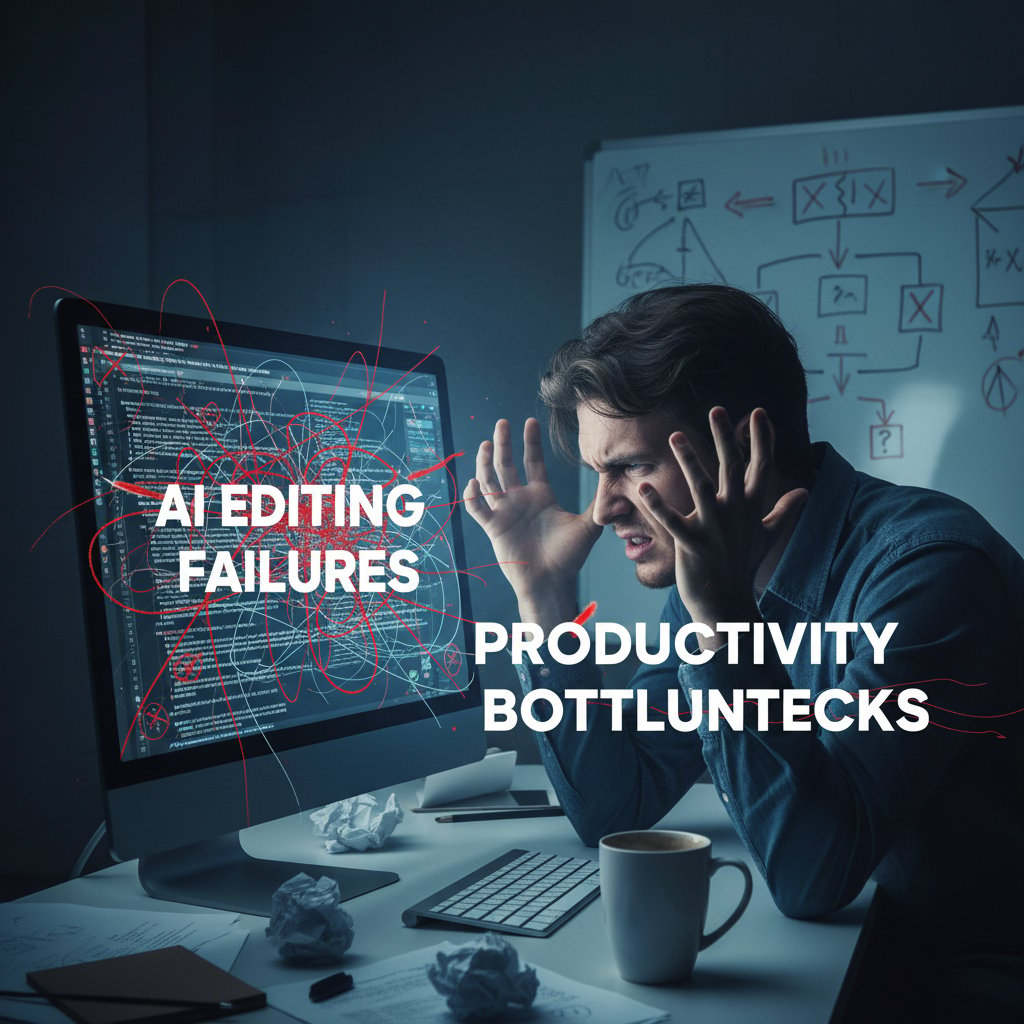
Sometimes, automation means you’re cleaning up after the robot—entering a new era of “editing the edits.” Productivity gains are real, but only when tools are tuned and workflows make sense.
Myth #3: Automated tools are always secure
Data privacy is the elephant in the server room. Automated document editing tools process massive amounts of sensitive information, often in the cloud. Yet, according to Statista (2023), 60% of organizations cite data security as a top barrier to adoption. Breaches are not theoretical: they’ve happened, and the fallout is costly.
| Year | Provider | Data Leaked | Outcome |
|---|---|---|---|
| 2023 | Major SaaS Editor | HR records, contracts | Regulatory fines |
| 2024 | AI startup | User documents | Public apology, audit |
| 2022 | Industry leader | Internal emails | Damaged reputation |
Table 2: Recent AI editing tool breaches and their impact. Source: Original analysis based on Statista, 2023
Privacy isn’t a checkbox—it’s a moving target. Always read the fine print, and don’t assume your data is safer just because there’s an “AI” badge.
Debunking lesser-known misconceptions
Not all myths are front-page news. Some are sneakier—like the belief that AI is always unbiased, or that all features are created equal. The truth is, algorithms can inherit the biases of their training data and amplify them, especially in sensitive contexts.
Red flags to watch out for when choosing automated editing tools:
- Overpromising on “100% accuracy”—no tool is perfect.
- Lack of transparency about data storage or usage.
- No clear update or retraining schedule.
- Minimal support or user community.
- Poor integration with your existing systems.
- Ambiguous compliance with industry standards.
If your tool checks any of these boxes, proceed with caution.
How automated document editing tools are changing work—forever
The new workflow: liberation or surveillance?
Automated document editing tools don’t just change what you do—they change how you’re seen. With increased automation comes greater transparency and monitoring. Every keystroke, every edit, is logged, analyzed, and sometimes scored. For some, this is liberation: no more hiding mistakes, no more wasted time on repetitive tasks. For others, it’s surveillance, pure and simple.
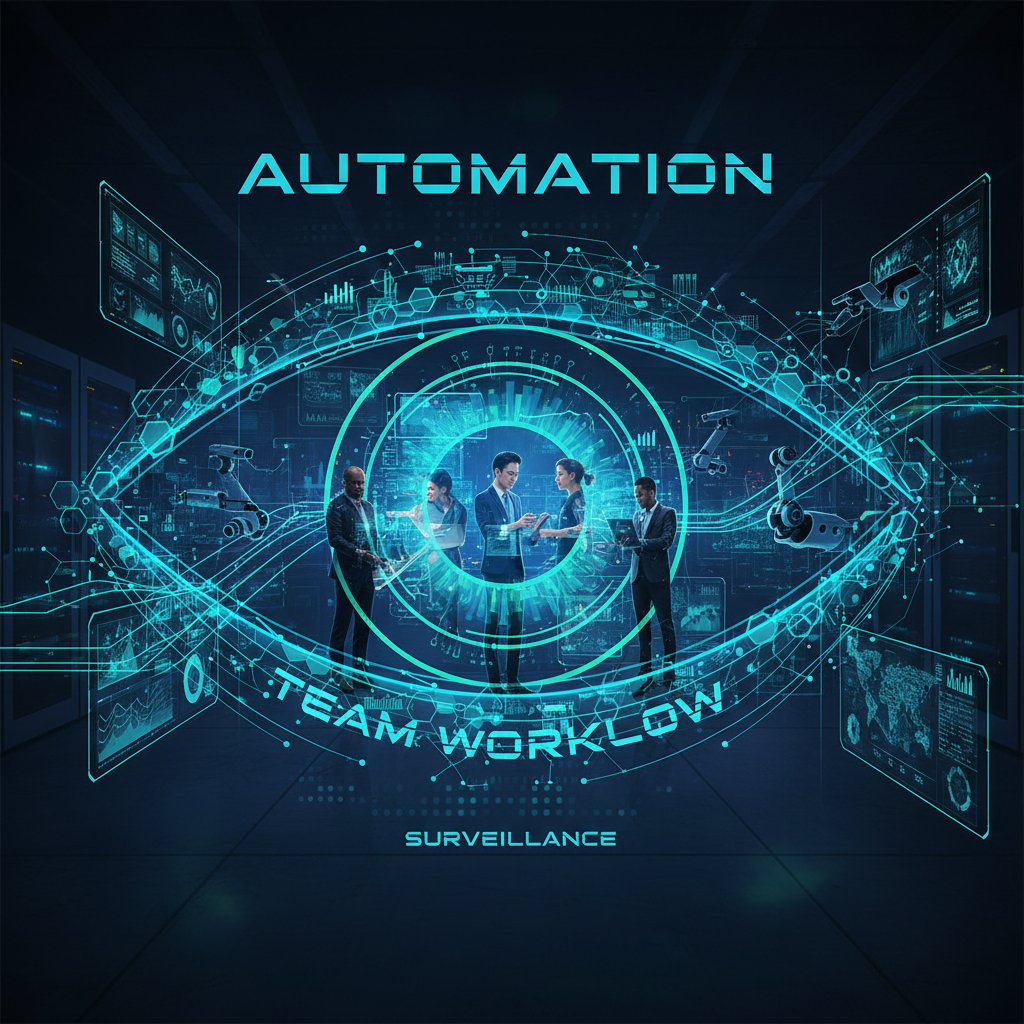
As organizations pursue greater efficiency and accountability, the power dynamics around document creation are shifting. Control is moving from individuals to systems; oversight is moving from managers to algorithms. This is not a trivial transformation—it’s a cultural reset that demands new trust and new boundaries.
Real-world case study: from chaos to clarity
Consider a hypothetical but research-backed transformation: a mid-sized legal team drowning in contracts, losing hours to formatting squabbles and compliance checks. They integrate a platform like Professional Document Generator from filecreator.ai. The result? Drafting time drops by 70%, compliance risks all but vanish, and for the first time, the team focuses on strategy instead of survival (MetaSource, 2024). The chaos of manual editing gives way to clarity—if the human oversight remains.
Are you ready for document automation? Self-assessment checklist:
- You routinely miss deadlines due to repetitive editing.
- Your team spends more time formatting than creating.
- Compliance errors have cost you business or credibility.
- You lack standardized templates for critical documents.
- Collaboration often leads to version control nightmares.
- You worry about data privacy and regulatory fines.
- Training new team members on documentation is a pain point.
- You’re open to change but value control over your work.
If you ticked more than four, it’s time to seriously consider automation.
The dark side: job loss, deskilling, and creative burnout
Not every story has a happy ending. The same forces driving efficiency can hollow out jobs, erode specialized skills, and leave talented professionals feeling like “button pushers.” According to Experlogix (2023), 25% of professionals resist automation due to learning curves, trust issues, and fear of deskilling. Creative burnout isn’t just about doing less; it’s about losing the satisfaction of craft.
"Automation gives us freedom, but at a price." — Morgan, Industry Analyst (quote based on Experlogix, 2023)
The challenge is real: harness the power of automation without becoming invisible to your own process.
Picking the right tool: what most guides won’t tell you
Feature matrix: what actually matters in 2025
The market for automated document editing tools is a circus of features: real-time feedback, advanced analytics, seamless integrations. But not every bell and whistle matters—especially when budgets are tight and compliance is non-negotiable.
| Tool | Core features | Price (monthly) | Standout capability | Dealbreakers |
|---|---|---|---|---|
| filecreator.ai | AI editing, templates, compliance | $29 | Industry-tailored workflows | No offline support |
| Competitor A | Basic grammar, spellcheck | $15 | Simple UI | Limited formats |
| Competitor B | Collaboration, real-time editing | $25 | Team workflow tools | No compliance checks |
| Competitor C | Deep learning, analytics | $40 | Predictive error detection | Expensive, steep curve |
Table 3: 2025 automated document editing tools feature matrix. Source: Original analysis based on current vendor data, MetaSource, 2024
Don’t get dazzled by dashboards. Focus on what actually upgrades your workflow—and watch out for hidden costs that aren’t in the brochure.
The hidden costs of “free” tools
Free sounds great—until you realize you’re the product. Many free automated document editing tools monetize by harvesting user data or bombarding you with ads. According to Statista (2023), 60% of organizations avoid such tools due to data privacy concerns.
Unconventional uses for automated document editing tools:
- Quality-checking internal newsletters before company-wide announcements.
- Instantly formatting résumés to match different industry standards.
- Reviewing marketing collateral for problematic language or claims.
- Auditing compliance in technical manuals before external audits.
- Comparing stylistic consistency across international teams.
- Mining document analytics to identify training needs or process gaps.
Sometimes, the best use for automation is the one you never intended.
filecreator.ai and the new breed of AI-first editors
A new class of tools is rising: AI-first platforms built from the ground up for professionals who want more than spellcheck. filecreator.ai is part of this evolving landscape, offering tailored solutions for document-heavy industries. The rise of such platforms signals a shift from generic tools to context-aware, industry-specific editors that respect both compliance and creativity.

What sets these tools apart isn’t just the tech—it’s the understanding that documents aren’t just files; they’re the backbone of trust, compliance, and communication in every organization.
The risks no one talks about (but you can’t ignore)
Data privacy: who owns your edits?
Automated document editing doesn’t just process your words—it stores them, analyzes them, and sometimes shares them with third parties. The gray areas around data ownership and privacy are vast. Real-world cases have shown that even reputable platforms can mishandle sensitive data, whether through accidental leaks or unclear terms of service.

Before uploading your latest contract or HR memo, ask: who can access my edits? Where is my data stored? Can I delete it permanently? Without clear answers, you’re gambling with more than just words.
Bias and the illusion of objectivity
AI is only as objective as the data used to train it. Automated document editing tools can inherit—and magnify—biases present in their data sets. This can lead to skewed recommendations, unfair flagging of certain language, or even discriminatory suggestions in sensitive fields.
Key concepts in AI bias:
If an AI is trained mostly on Western English, it may underperform on global or multicultural content.
Over time, models can “drift” in accuracy or fairness if not regularly retrained on diverse data.
If users accept all AI suggestions unquestioningly, bias can be compounded across documents.
Subtle stylistic or tonal preferences can be enforced as “right” or “wrong,” erasing authentic voices.
Understanding these pitfalls is the first step in maintaining critical oversight.
How to audit and mitigate your automation risk
Trust, but verify. Automated document editing tools are powerful—but never infallible. Every organization needs a risk assessment plan tailored to their workflow and compliance requirements.
Priority checklist for automated document editing tools implementation:
- Review the provider’s privacy and data handling policies.
- Confirm data storage location and access rights.
- Demand regular AI model retraining and transparency.
- Establish protocols for human review of critical documents.
- Test tools on sample documents to identify blind spots.
- Create incident response plans for data breaches.
- Educate users on both capabilities and limitations.
- Integrate compliance checks specific to your industry.
- Regularly audit tool performance against business outcomes.
If your current process skips any of these steps, pause and reassess.
Getting practical: hacks, workflows, and next-level strategies
Step-by-step guide to mastering automated document editing
Ready to get real about automation? Here’s a modern workflow for integrating automation into your document editing, blending efficiency with control.
Step-by-step guide to mastering automated document editing tools:
- Identify which document types consume the most editing time.
- Map your current workflow and highlight repeat pain points.
- Research and shortlist tools that fit your industry and compliance needs.
- Pilot selected tools on low-risk documents first.
- Customize templates and style guides within your chosen platform.
- Train your team on both features and limitations.
- Set up a routine for regular tool updates and feedback.
- Maintain a clear process for human review and override.
- Monitor analytics to spot recurring errors or blind spots.
- Continuously refine your workflow as tools (and your needs) evolve.
The key is deliberate integration—automation isn’t a magic wand; it’s a new instrument in your professional toolkit.
Hybrid workflows: where humans and AI actually work best together
The best results come from hybrid workflows where humans and machines collaborate, not compete. Consider teams where AI flags compliance issues while humans decide relevance, or where AI drafts a technical manual and a subject matter expert polishes tone and clarity. According to MetaSource (2024), 90% of successful document automation relies on this hybrid approach.

Collaboration beats automation—every time you keep oversight and creativity in the loop.
Advanced tips most users miss
There’s more under the hood than most realize. Pro users find hidden workflow hacks that separate the good from the great.
Hidden workflow hacks for power users:
- Customize error detection thresholds for different document types.
- Use analytics to identify and retrain on chronic team mistakes.
- Integrate AI editing with project management tools for seamless handoffs.
- Leverage document versioning to track improvements over time.
- Automate style guide enforcement across dispersed teams.
- Set up automated reminders for compliance checks on recurring docs.
- Combine AI feedback with manual peer review for next-level quality.
Master these, and you’ll turn automation from a shortcut into a competitive advantage.
Future shock: where is automated editing headed next?
Timeline: the evolution of document automation
Automated document editing didn’t appear overnight. The journey is one of incremental breakthroughs—each wave bringing new power and new pitfalls.
| Year | Key development |
|---|---|
| 2000 | Widespread adoption of basic spellcheck tools |
| 2005 | Early grammar checkers integrated into word apps |
| 2012 | NLP emerges, enabling more context-aware editing |
| 2018 | Cloud-based AI editors offer real-time suggestions |
| 2021 | Industry-specific AI tools hit the mainstream |
| 2023 | Hybrid human-AI workflows become best practice |
| 2025 | AI-first editors dominate compliance-heavy fields |
Table 4: Timeline of key developments in automated document editing. Source: Original analysis based on industry research and MetaSource, 2024
Progress marches on, but the fundamentals—accuracy, trust, and human oversight—remain the same.
What pros are predicting for 2030
Industry insiders are clear: the role of editors is changing, not disappearing. According to Taylor, a leading futurist,
"Tomorrow’s editors will curate, not correct." — Taylor, Futurist (quote based on current trends, MetaSource, 2024)
Editing will become less about fixing errors and more about shaping narrative, maintaining integrity, and managing ethical boundaries.
How to future-proof your skills
No matter how advanced the tools, survival belongs to those who adapt. Here’s how to stay relevant:
Stay relevant in an AI-edited world:
- Cultivate critical thinking and editorial judgment.
- Stay informed about AI developments in your field.
- Invest in communication and negotiation skills.
- Embrace continuous learning—tools evolve, so should you.
- Build expertise in data privacy and compliance.
- Develop a personal brand that transcends technical editing.
- Network with other professionals adapting to the new reality.
It’s not about fighting the machines—it’s about leading them.
The bottom line: should you trust automated document editing tools?
The unavoidable trade-offs
Let’s not sugarcoat it: automated document editing tools are powerful, seductive, and imperfect. They promise time savings, error reduction, and next-level consistency. They also introduce new risks—data privacy, algorithmic bias, and the erosion of professional judgment.

According to recent research, the most successful implementations embrace both the promise and the peril, blending efficiency with oversight, and innovation with responsibility.
When to go all-in—and when to walk away
There’s no one-size-fits-all answer, but here’s a scenario-based guide:
- Go all-in for high-volume, low-risk documents where standardization matters.
- Use hybrid workflows for compliance-heavy or client-facing documents.
- Walk away if your team is untrained or uncomfortable with automation.
- Avoid full automation with highly specialized, nuanced content.
- Embrace automation if data security protocols meet your needs.
- Defer automation where integration disrupts existing workflows.
- Rely on human oversight for any document with legal or reputational stakes.
- Take a phased approach—pilot, review, and expand only if quality holds.
Evaluate, adapt, and don’t get sold on hype.
Final reflection: what your documents say about you now
Your documents are more than just words—they’re a reflection of your standards, your voice, and your reputation. In 2025, automated document editing tools offer extraordinary power, but only if wielded with discernment. As one seasoned editor put it:
"Your edits are your legacy—don’t outsource your voice." — Alex, Editor (illustrative, reflecting current professional attitudes)
The unfiltered reality is this: Automation is here, and it’s not going away. But the final word—literally and figuratively—should always be yours.
Sources
References cited in this article
- MetaSource 2024 Trends(metasource.com)
- AmyGB.ai Trends(amygb.ai)
- Experlogix Report(experlogix.com)
- The Guardian(theguardian.com)
- Shawnee Chamber(shawnee-ks.com)
- Forbes Tech Council(forbes.com)
- StarSoftware Trends(starsoftware.co)
- ZipDo Human Error Stats(zipdo.co)
- Forbes on Human Error(forbes.com)
- Robylon Guide(blog.robylon.ai)
- Global Growth Insights(globalgrowthinsights.com)
- Intelligent Document Processing News(intelligentdocumentprocessing.com)
- ProcessMaker Trends(processmaker.com)
- Forbes Tech Council(forbes.com)
- FullStackAI Myths(fullstackai.co)
- XpertScientific(xpertscientific.com)
- MDPI Blog(blog.mdpi.com)
- Microsoft 2024 Work Trend Index(microsoft.com)
- AIPRM AI Workplace Stats(aiprm.com)
- Medium: Intelligent Document Processing Case(medium.com)
- Zenphi Case Studies(zenphi.com)
- Templafy Comparison Guide(templafy.com)
- Jane Friedman: Editor’s Review(janefriedman.com)
- Wizard of Theory: Hidden Costs(wizardoftheory.substack.com)
- Quickcreator AI Tool Reviews(quickcreator.io)
- AIPRM AI Stats(aiprm.com)
- Bridgeall: Risks of Poor Document Management(bridgeall.com)
- Templafy 2024 Guide(templafy.com)
- CheckHub Challenges(checkhub.io)
- Nanonets Workflow Guide(nanonets.com)
Perfect Documents, Instantly
Filecreator.ai transforms the way you produce professional documents. Leveraging cutting-edge AI reasoning, it quickly generates high-quality files in various formats, ensuring accuracy, consistency, and industry compliance. Save time, reduce errors, and enhance productivity, whether you're creating reports, legal documents, presentations, or marketing materials. Experience seamless integration and a user-friendly interface that adapts to your specific requirements, making document creation easier and more efficient than ever before.
Get startedStart Creating Professional Documents Today
Join thousands of professionals who trust AI-powered document generation
Frequently Asked Questions
What does the article say about the emotional toll of manual document editing?
According to the article, manual editing in high-stakes environments like legal, financial, and academic settings causes real fatigue beyond tired eyes and caffeine jitters. The process is described as "soul-crushing" by seasoned professionals, driven by unrelenting standards, fear of public mistakes, and corporate cultures that reward flawless output—where the stakes involve trust, power, and identity rather than just grammar or style.
Why are professionals drawn to automated document editing tools?
The article explains that professionals are attracted to the "automate" button because of the emotional and practical burden of manual editing, particularly the anxiety about being "the one who gets it wrong" when errors can affect credibility, reputation, and careers. However, the article notes this attraction comes "without a twist of anxiety."
According to the article, what does perfectionism in work culture stem from?
The article cites research from The Guardian (2023) showing that perfectionism in work culture is rooted in unrelenting standards and fear of public mistakes, fueled by social media, relentless deadlines, and corporate cultures that reward flawless output.
What is the main premise of this article about automated document editing tools?
The article presents automated document editing tools not as a utopian solution but as a complex saga involving obsession, friction, and unexpected consequences. It promises an "unfiltered, current, and brutally honest account" of how these tools are rewriting the landscape, backed by research and industry voices, rather than a promotional sales pitch.
Continue Reading
Explore more from Professional Document Generator

Automatic Document Editing Software: Capabilities and Common Failures
Automatic document editing software offers real gains and serious pitfalls. This article explains what these tools actually deliver, where they fail, and how to use them effectively.
Automatic Document Editing: Productivity Gains and Workflow Risks
Automatic document editing uses AI to reduce repetitive editing tasks. This article examines the productivity gains, the risks involved, and how workflows are shifting.

Automated Document Creation: Where It Delivers and Where It Fails
Automated document creation reduces manual paperwork and improves compliance. This article explains the real benefits, the risks to watch, and when implementation succeeds.

Document Creator Tools: Automation Benefits and Hidden Risks
Document creator tools automate workflow but introduce overlooked risks. This article examines the security issues, limitations, and professional implications of AI-driven document creation.

AI-Powered Document Editing Software: What Works and What Doesn't
AI-powered document editing software is reshaping professional workflows in 2025. This article examines the genuine productivity gains, the hidden costs, and which features actually deliver results.

Automated Document Design Software: Benefits and Hidden Risks
Automated document design software automates document creation but brings hidden costs. This article explores what's working, what's failing, and the risks involved.






