


Automatic Document Generation Software: Power, Traps and Payoff
Written with AI assistance under our editorial guidelines
Automatic document generation software is experiencing explosive growth, projected to expand from $7.8 billion in 2024 to over $24 billion by 2032, driven by machine learning and natural language processing advances. However, the technology presents hidden costs and risks alongside productivity gains, requiring careful evaluation of whether promised benefits truly materialize or represent unrealistic expectations about automating complex creative work.
Welcome to the war room. The world of work is changing—fast—and at the epicenter sits automatic document generation software. It’s not just a tool. It’s a seismic force, upending how everything from contracts to clinical reports to campaign materials is produced. Forget the polite market gloss: beneath the shiny dashboards and AI-powered promises lies a story of hidden costs, shattered expectations, and a quiet revolution in how we value human creativity. This is not a love letter to automation. It’s a wakeup call—a gritty autopsy of what happens when humanity hands the keys to its most critical workflows over to code.
The automatic document generation software market is exploding, with recent research showing a 15% compound annual growth rate and a global value poised to leap from $7.8 billion in 2024 to over $24 billion by 2032 (Source: Global Growth Insights, 2024). But in the trenches, what does this tidal wave of automation really mean for productivity, quality, and creative work? Are we chasing a utopia that doesn’t exist—or on the edge of something genuinely transformative? Buckle up: this is the side of document automation nobody else will tell you.
The rise (and hype) of document automation
From typewriters to AI: How we got here
Rewind a century: the clack of manual typewriters set the rhythm of every office. Each error meant a whited-out smudge or a page torn from the roller. Then came the electric typewriter, the first taste of velocity. By the 1980s, word processors and their blinking cursors promised a new kind of efficiency, but the bones of manual labor remained. Only recently did the arrival of machine learning and natural language processing (NLP) vault us into an era where documents could write themselves—and rewrite what it means to get work done.

Early attempts at automation were crude: mail merge, basic macros, and templated forms. They made tedious work slightly less tedious but failed at anything nuanced. It wasn’t until AI could actually “read” and “write” text, extracting meaning and patterns, that truly automatic document generation software began to threaten the old guard. This wasn’t just a technological leap—it was a philosophical one, shifting the locus of authority from the desk to the datacenter.
| Year/Decade | Breakthrough | Description |
|---|---|---|
| 1920s-1940s | Manual typewriter | Handcrafted, error-prone |
| 1960s | Electric typewriter | Faster, minimal automation |
| 1970s-1980s | Word processors | Formatting, limited macros |
| 1990s-2000s | Mail merge, templates | Rule-based, repetitive tasks |
| 2010s | Basic NLP, forms automation | Data extraction, keyword matching |
| 2020s | AI/NLP Document Generators | Context-aware, adaptable, scalable |
Table 1: Timeline of document automation breakthroughs—original analysis based on AmyGB.ai, 2024 and Ecopier Solutions, 2024
Why everyone suddenly wants automation
There’s blood in the water. The pace of business has become cutthroat, and the margin for error razor-thin. Leaders are desperate to move faster, produce more, and avoid costly slip-ups. According to MetaSource, 2024, manual data entry error rates can reach a brutal 40%. Automatic document generation software slashes this risk, automating everything from classification and indexing to full-scale document creation.
Remote work and global teams only add fuel to the fire. Cloud-based document automation isn’t just a trend—it’s a lifeline, letting distributed teams collaborate and produce at scale. But beneath the headlines, there’s a deeper, seldom-discussed hunger: the need to claw back time and creative bandwidth from administrative drudgery.
- Unspoken benefits of automatic document generation software:
- Mental bandwidth reclaimed: Automation frees up workers to actually think, strategize, and create rather than drown in paperwork.
- Audit trails by default: Every change, every version, logged—no more scrambling during compliance checks.
- Hidden scalability: When the workload spikes, automation doesn’t buckle. It scales silently, unlike human teams.
- Talent redeployment: Routine admin shrinks, letting companies shift people to higher-impact, more fulfilling roles.
- Data-driven insights: Integrated analytics reveal workflow bottlenecks and user behavior, informing smarter decisions.
The marketing myth vs. the gritty reality
Walk any expo floor and you’ll be buried under pitches promising perfection: “Zero errors! Instant compliance! AI magic!” But the reality is messier, grittier, and more human. According to a candid industry veteran:
"If a vendor promises perfection, run." — Alex, Enterprise IT Manager, 2024
The gap between sleek sales decks and on-the-ground outcomes is vast. Automation often solves one problem only to create another: technical debt, integration headaches, or new compliance nightmares. It’s not a silver bullet—it’s a tool, and like any tool, it’s only as good as the hands and brains wielding it.
Breaking down the technology: What’s really under the hood?
How AI document generators actually work
Most automatic document generation software today is powered by layers of artificial intelligence—specifically, NLP and machine learning models trained on oceans of documents. These models don’t just regurgitate text. They parse context, understand semantics, and can even mimic voice and tone. It’s the difference between a parrot and a ghostwriter.
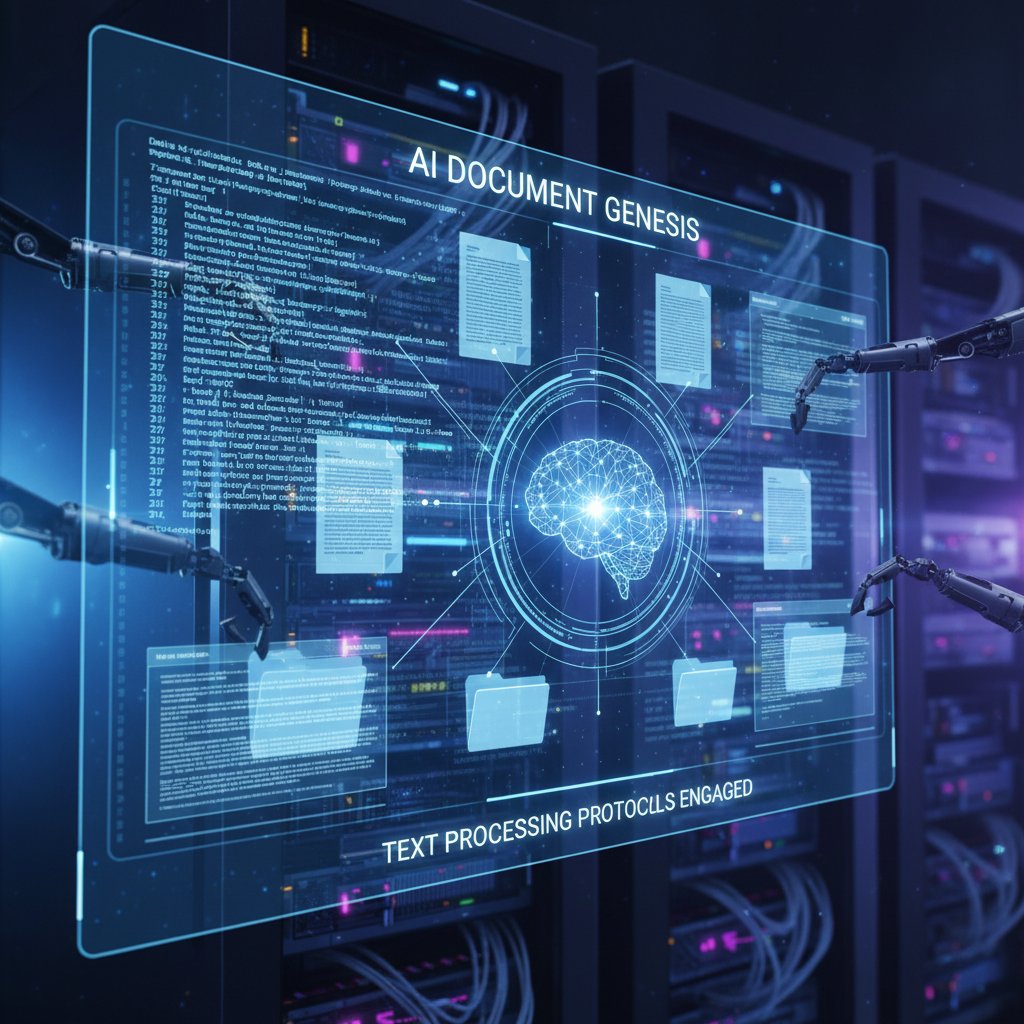
The magic lies in the data. These models are fed millions of examples: contracts, technical manuals, marketing collateral. The more diverse and high-quality the training data, the more adaptable and useful the outputs. Still, even the best AI document generator can stumble—especially when asked to interpret ambiguous input, handle unusual formatting, or generate content for highly regulated industries.
Template-based vs. true AI: What’s the difference?
Not all automation is created equal. Some platforms stick to rule-based templates: fill in the blanks, plug in the client name, and call it a day. Others unleash genuine AI, learning from context and making decisions on the fly. Hybrid solutions blend both, offering rules for structure and AI for content.
| Feature | Template-Based | AI-Powered | Hybrid |
|---|---|---|---|
| Customization | Limited | High | High |
| Adaptability | Low | High | Medium |
| Error Handling | Manual | Automated | Both |
| Compliance Checks | Manual | Automated (with caveats) | Both |
| Best Use Cases | Repetitive, legal docs | Creative, analytics-driven | Regulated industries |
Table 2: Feature matrix—original analysis based on Nanonets, 2024 and sector comparisons
Rule-based tools are fantastic for speed, but stumble if the input veers off script. AI shines when nuance is required, but can hallucinate data if not properly tuned or supervised. The ideal solution? Know thy use case—a rigid NDA is one thing, a marketing pitch deck another.
Integration headaches: Making automation actually work
Here’s the part most vendors gloss over: integration. Legacy systems and new automation tools rarely play nice. Old databases, proprietary software, and stubborn IT departments can quickly turn a promising rollout into a six-month slog. API complexity, data mapping, and security reviews all stand in the way.
- Map your current workflows. Don’t automate chaos; define clear processes first.
- Vet API compatibility. Ensure your automation tool plays well with existing systems.
- Secure buy-in from IT early. Technical support is non-negotiable for seamless integration.
- Test with real data. Pilot with messy, real-world documents—not sanitized samples.
- Monitor relentlessly post-launch. Ongoing tuning and support prevent small glitches from spiraling.
Integration isn’t just about technology; it’s about people, process, and persistence. Underestimate any of these at your peril.
The promise—and peril—of going fully automatic
What automation gets right (and spectacularly wrong)
Here’s the good: automatic document generation software can turn a week-long slog into a one-click process. Productivity soars, error rates plummet, and the administrative grind evaporates. According to MetaSource, 2024, automation can reduce document processing times by over 70%.
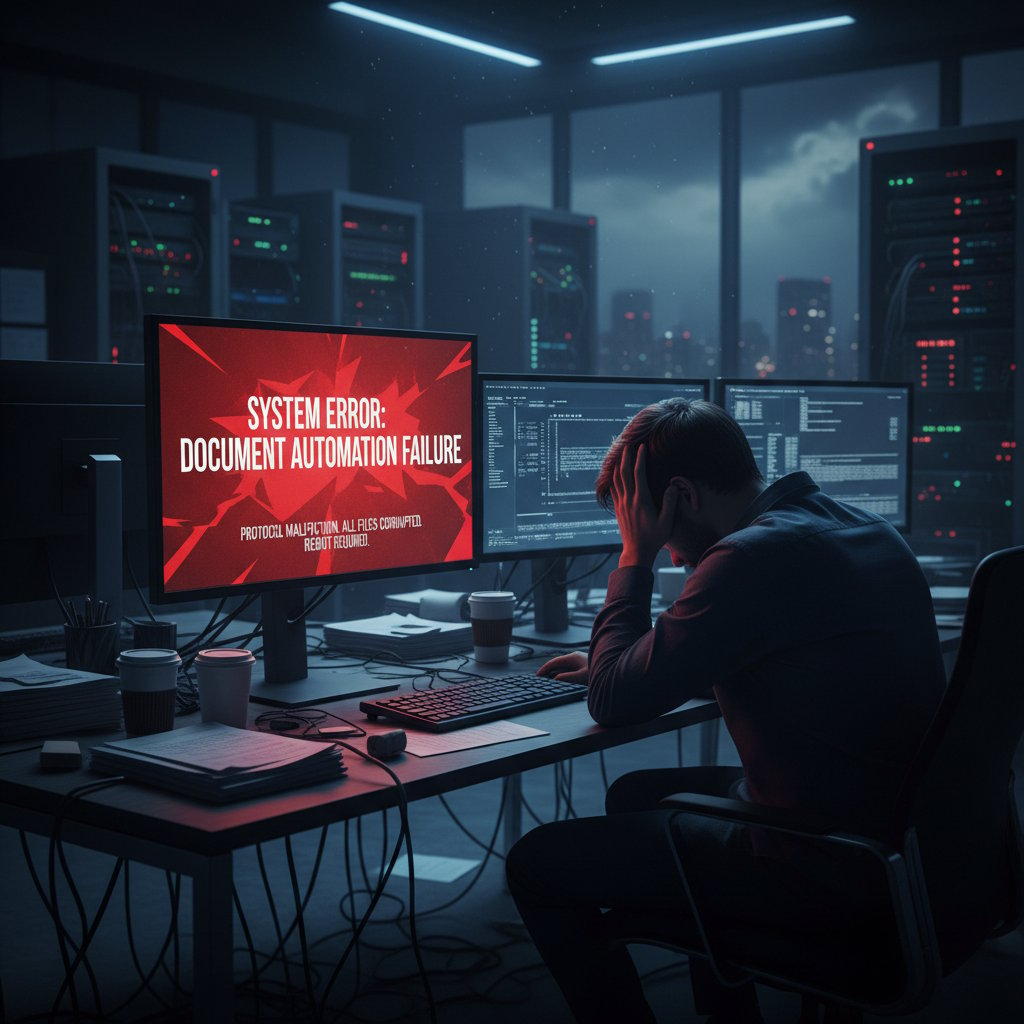
But when automation fails, it does so spectacularly. System errors, garbled outputs, or missing data can quietly cripple a workflow. Over-reliance breeds complacency: if nobody checks the AI’s “work,” mistakes slip through, sometimes with catastrophic (and costly) consequences.
Debunking the biggest document automation myths
Let’s shatter a few illusions.
-
Automation doesn’t eliminate all human error. It changes the nature of mistakes—swapping typos for configuration or data mapping errors.
-
'Set it and forget it' is dangerous thinking. Without oversight, systems drift out of spec and small glitches metastasize.
-
More AI isn’t always better. Complexity adds risk, especially in highly regulated sectors.
-
Red flags when evaluating document automation solutions:
- Vendor refuses to provide real-world case studies or references.
- No clear plan for integration with legacy systems.
- Promises of “one-size-fits-all” magic with zero customization required.
- Lack of transparent security or compliance documentation.
Security, privacy, and the ethics nobody talks about
When documents are generated at the speed of thought, so are security lapses. Who can access your templates? Where is sensitive data stored? Automation centralizes risk—one weak link, and the whole system is exposed.
"Automation is only as secure as its weakest link." — Priya, Cybersecurity Analyst, 2024
Ethical landmines abound: does the system reinforce biases present in its training data? Is it transparent about how documents are generated, or does it operate as a black box? Accountability, fairness, and transparency must be engineered in—not bolted on after a breach.
From boardroom to back office: Who’s really using these tools?
Surprising industries adopting document automation
You expect banks, law firms, and insurance giants to embrace automation. But the quiet revolution is happening elsewhere: NGOs automating grant applications, creative agencies generating project briefs, even activist groups using AI to draft campaign letters at scale.

Cross-industry adoption is blurring boundaries. According to Nanonets, 2024, marketing teams now use these tools to rapidly spin up campaign collateral, while healthcare organizations automate patient documentation to cut admin time by 50%.
Case study: When automation saved (or sank) a business
Take a mid-sized financial firm (“DeltaFin”). Pre-automation, their reporting process was a graveyard shift—manual data pulls, copy-paste errors, and last-minute scrambles. Post-automation, report accuracy jumped 90%, and time spent dropped by 60%. But a botched initial rollout in HR, with poorly mapped templates, led to a week of confidential data exposures and compliance headaches.
| Department | Pre-Automation Hours | Post-Automation Hours | Error Rate (Manual) | Error Rate (Auto) |
|---|---|---|---|---|
| Finance | 40 | 16 | 15% | 2% |
| HR | 30 | 12 | 18% | 8% (initial spike) |
Table 3: Cost and time savings before and after document automation—source: Original analysis based on [MetaSource, 2024] and sector case studies
Lessons? Automation is an amplifier: it magnifies both your best practices and your blind spots.
What real users wish they’d known sooner
User testimonials reveal a pattern: expectations soar, then crash against the rocks of reality. Training takes longer than promised, and not all staff warm to the new normal.
"No one warned me about the learning curve." — Jordan, Operations Lead, 2024
Actionable advice? Budget extra time for onboarding, invest in real support, and build a feedback loop. Automation isn’t a panacea—it’s a partnership.
Choosing the right automatic document generation software for you
Defining your needs: Beyond the buzzwords
Don’t get hypnotized by vendor jargon. Clarify your pain points: Is it speed? Compliance? Cross-team collaboration? The right tool solves your problem—not someone else’s.
Key terms decoded:
The “translator” that lets your automation software talk to other apps and databases. Critical for integration.
The AI branch that teaches machines to read, write, and understand human language. The reason modern document generators sound less robotic.
A pre-built form or structure for documents—great for standardization, risky if overused.
The system’s built-in watchdog. Ensures generated documents follow industry or legal standards.
The ability to tweak output to your unique needs—true value lies here, not in generic “out-of-the-box” claims.
Prioritize must-haves: error reduction, compliance, usable analytics. Nice-to-haves? Flashy dashboards and niche integrations you’ll never use.
Comparison: Top features that actually matter in 2025
What matters is not what’s promised, but what’s delivered.
| Feature Category | filecreator.ai | Other Leading Platforms | Industry Note |
|---|---|---|---|
| AI-driven Generation | Advanced | Basic to Advanced | Contextual outputs matter most |
| Compliance Automation | Yes | Mixed (manual checks common) | Must for regulated industries |
| Multi-format Export | Full | Often limited | Key for cross-department use |
| Customizable Templates | Extensive | Basic to Intermediate | Custom = real productivity |
| Real-time Collaboration | Robust | Rare or Limited | Essential for remote teams |
Table 4: Feature showdown—original analysis based on [Nanonets, 2024] and verified public documentation
Don’t be seduced by marketing hype. Demand demonstrations, trial periods, and real-world performance data.
Checklist: Are you ready for automation?
Before you dive in, assess your organizational readiness. Culture eats software for breakfast.
- Assess workflow maturity. Do you know your bottlenecks?
- Inventory data sources. Garbage in, garbage out.
- Evaluate team buy-in. Resistance is real—don’t underestimate it.
- Plan for training. Build time and resources into your project plan.
- Pilot, then scale. Start small, validate, then roll out.
For professionals seeking robust, future-proofed document generation, resources like filecreator.ai offer guidance and expertise to make the path less treacherous.
The hidden costs (and wild upsides) nobody admits
What vendors don’t tell you about pricing
Sticker shock is only the beginning. Many automatic document generation software packages come with add-on fees for integrations, user seats, or AI “credits.” Annual contracts can lock you in before you know what you’re paying for. According to sector watchdogs, the ROI equation often hinges on usage patterns and hidden labor costs.
The true payoff? When the stars align—high volume, high standardization, and minimal customization needed—automation pays for itself within months. But for edge cases and niche industries, break-even may be much further off.

Productivity booms—and bottlenecks
Automated workflows can supercharge productivity but also hit new plateaus. Research from Global Growth Insights, 2024 shows that while most organizations report initial productivity spikes, bottlenecks can emerge around template management or data quality.
- Unconventional uses for automatic document generation software:
- Generating personalized onboarding kits for new hires, instantly.
- Producing audit-ready logs for compliance teams.
- Spinning up last-minute pitch decks at 2 a.m. (yes, it happens).
- Auto-creating press release templates for crisis situations.
- Generating customer support scripts on the fly based on live data.
The human factor: Training, resistance, and culture shock
The most advanced tool falls flat without buy-in. Teams resist change—sometimes passively, sometimes aggressively. The cultural reorientation required is profound: shifting from “crafting” documents by hand to trusting an invisible process.
The learning curve is real and often underestimated. Training must go beyond button-pushing to include context, purpose, and ongoing support.
"The tech was easy—the people, not so much." — Alex, Transformation Lead, 2024
Culture eats strategy—and software—for breakfast. Successful automation is as much about change management as it is about coding.
The future of work: How automation is rewriting the rulebook
Generative AI and the next chapter in document creation
Generative AI isn’t just buzz. Right now, state-of-the-art models are creating not just text, but images, presentations, and even voice-activated documentation, all at a pace that’s leaving traditional workflows in the dust.

Workflows are morphing: roles like “document architect” or “automation strategist” are emerging, and traditional admin roles are evolving into curators and quality controllers.
Will automation kill creativity—or set it free?
The debate is alive: does automation stifle innovation, or does it liberate workers from drudgery, letting them focus on high-value, creative work? Case studies show both outcomes. NGOs using AI to draft grant proposals report more time available for strategy. Creative agencies, meanwhile, warn that templated outputs can dull originality if unchecked.
Creativity vs. automation—defining the new synergy:
The act of producing something novel and valuable—often enhanced when freed from repetitive tasks.
The use of technology to perform routine, repeatable tasks—best when paired with human oversight.
When automation handles the grunt work, creativity can flourish on a foundation of consistency and speed.
Staying ahead: Skills and mindsets for the automated age
To stay relevant, professionals need adaptive skills: data literacy, critical thinking, and the ability to “think in systems.” Automation is not the end of work; it’s the end of boring work for those who adapt.
Timeline of document generation evolution:
- Manual Era: Typewriters, carbon copies, human error everywhere.
- Electronic Era: Word processors, mail merge—speed, but still brittle.
- Early Automation: Templates, macros, limited AI.
- AI-Driven Automation: NLP, context-aware generation, analytics integration.
- Current State: Cloud-based, collaborative, multimodal (text, images, data).
Ongoing learning is not optional. It’s survival.
Your move: Actionable strategies for 2025 and beyond
Quick reference: Must-do’s for smart automation
The road to successful automation is paved with intentionality. Don’t be a cautionary tale.
- Common mistakes to avoid:
- Skipping the workflow audit—automating chaos creates bigger chaos.
- Underestimating change management—people need time and coaching.
- Neglecting security reviews—compliance is everyone’s problem.
- Over-customizing out of the gate—start simple, then refine.
- Ignoring feedback—listen to users, not just metrics.
For a strategic implementation, experts recommend checking resources like filecreator.ai for curated insights and support from professionals who’ve been through the trenches.
Checklist: Vetting providers and staying secure
Don’t trust, verify. A trustworthy vendor is transparent, responsive, and open about their technology.
- Request references and case studies.
- Test support responsiveness pre-sale.
- Demand transparency in data handling and storage.
- Confirm compliance certifications (GDPR, SOC2, etc.).
- Insist on a security review and audit path.
Stay vigilant after launch—threats and requirements are continually evolving.
The bottom line: Rethinking work in the age of automation
Are we saving ourselves time, or trading away our creative souls? The truth is, automatic document generation software is neither a villain nor a savior. It’s a mirror—showing us the strengths and weaknesses we already possess. The challenge is to wield it not as a crutch, but as a catalyst for smarter, higher-value work.

So take a hard look at your workflows, your culture, and your ambition. The tools are here, the power is real. The only question left: what will you automate—and what will you fight to keep human?
Sources
References cited in this article
- Ecopier Solutions (2024)(ecopiersolutions.com)
- Nanonets (2024)(nanonets.com)
- MetaSource (2024)(metasource.com)
- Global Growth Insights (2024)(globalgrowthinsights.com)
- AmyGB.ai (2024)(amygb.ai)
- DAU.edu(dau.edu)
- FasterCapital(fastercapital.com)
- V7Labs(v7labs.com)
- Templafy (2024)(templafy.com)
- ABBYY(abbyy.com)
- Verified Market Research(verifiedmarketresearch.com)
- Templafy(templafy.com)
- CheckHub (2024)(checkhub.io)
- StarSoftware (2024)(starsoftware.co)
- Forbes Tech Council (2024)(forbes.com)
- DOCUMENT Strategy Media (2024)(documentmedia.com)
- Docupilot(docupilot.app)
- Oneflow (2024)(oneflow.com)
- Gartner(gartner.com)
- Windward Studios (2024)(windwardstudios.com)
- Camunda (2024)(camunda.com)
- DSCI (2024)(dsci.in)
- MDPI (2023-2024)(mdpi.com)
- ISACA (2024)(isaca.org)
- Fundamental Business Insights(fundamentalbusinessinsights.com)
- Process Excellence Network(processexcellencenetwork.com)
- Windward Studios(windwardstudios.com)
- Docupilot(docupilot.com)
- PandaDoc(pandadoc.com)
- Experlogix(experlogix.com)
- DataHorizzonResearch(datahorizzonresearch.com)
- ServiceNow (2024)(servicenow.com)
- Kissflow (2024)(kissflow.com)
Perfect Documents, Instantly
Filecreator.ai transforms the way you produce professional documents. Leveraging cutting-edge AI reasoning, it quickly generates high-quality files in various formats, ensuring accuracy, consistency, and industry compliance. Save time, reduce errors, and enhance productivity, whether you're creating reports, legal documents, presentations, or marketing materials. Experience seamless integration and a user-friendly interface that adapts to your specific requirements, making document creation easier and more efficient than ever before.
Get startedStart Creating Professional Documents Today
Join thousands of professionals who trust AI-powered document generation
Frequently Asked Questions
What is the projected market size for automatic document generation software by 2032?
The global automatic document generation software market is projected to grow from $7.8 billion in 2024 to over $24 billion by 2032, representing a 15% compound annual growth rate.
What technological advances enabled modern automatic document generation software?
The arrival of machine learning and natural language processing (NLP) enabled documents to write themselves, moving beyond early crude attempts like mail merge and basic macros to software that can actually 'read' and 'write' text by extracting meaning and patterns.
What does the article suggest about the reality of document automation versus its marketing promises?
The article warns that beneath the shiny dashboards and AI-powered promises of document automation software lie hidden costs and shattered expectations, positioning it as a wakeup call rather than a universal solution.
How did document creation workflows evolve from the typewriter era to today?
Document creation evolved from manual typewriters in the early 1900s, to electric typewriters, then word processors in the 1980s, and finally to modern automatic document generation software powered by machine learning and NLP that can automate the writing process itself.
Continue Reading
Explore more from Professional Document Generator

Automatic Documentation Generators: What Actually Delivers ROI
Automatic documentation generators promise time savings and instant docs, but carry real security and quality risks. This article examines both the gains and the traps.

Automatic Document Makers: Productivity Gains Versus Control Costs
Automatic document makers promise speed but carry hidden trade-offs. This article examines the productivity gains, control costs, and overlooked hazards of AI document generators.

Automatic Employment Document Generators: Costs, Risks, and Benefits
Automatic employment document generators automate HR paperwork and onboarding. This article examines the real costs of manual processes, the risks of automation, and what effective teams actually do.

Automated Document Design Software: Benefits and Hidden Risks
Automated document design software automates document creation but brings hidden costs. This article explores what's working, what's failing, and the risks involved.

Automatic Document Creator Tools: How They Reshape Work
Automatic document creator tools use AI to automate document creation, fundamentally changing how teams work and compete.

Automated Document Creation: Where It Delivers and Where It Fails
Automated document creation reduces manual paperwork and improves compliance. This article explains the real benefits, the risks to watch, and when implementation succeeds.